
How to scan your website in OUTRANKER.ai
Fredbc11
Jul 12 2025
Explore how to effectively utilize OutRanker.
Go to outranker.ai
Introduction
Welcome to OUTRANKER.ai— your all-in-one LLM S E O platform. In this quick guide, you’ll learn exactly how to scan your website to see how AI systems like ChatGPT view your pages — and how you can boost your AI visibility.
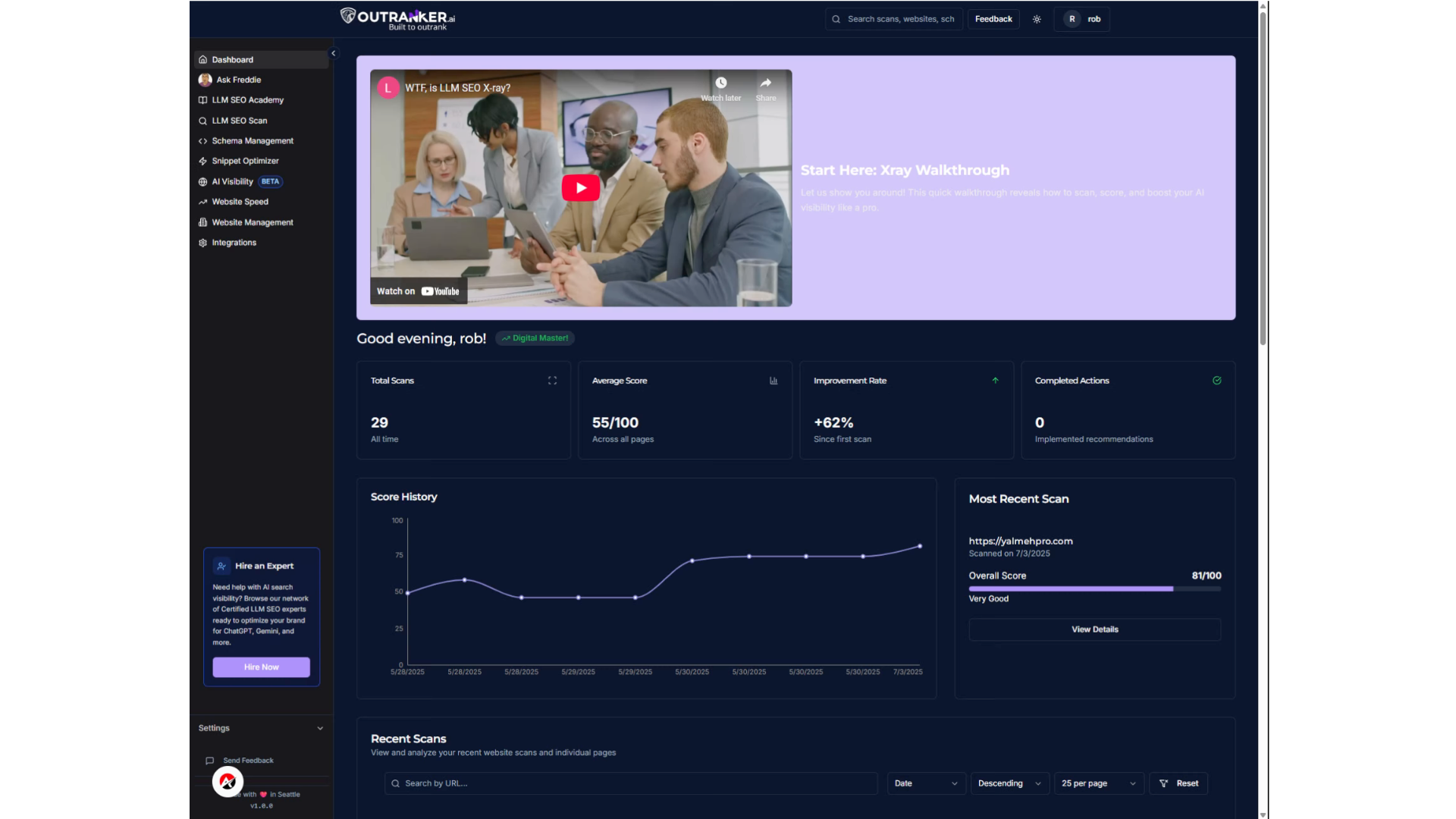
Step 1 — Go to LLM SEO Scan
Start by selecting LLM S E O Scan from your dashboard menu.
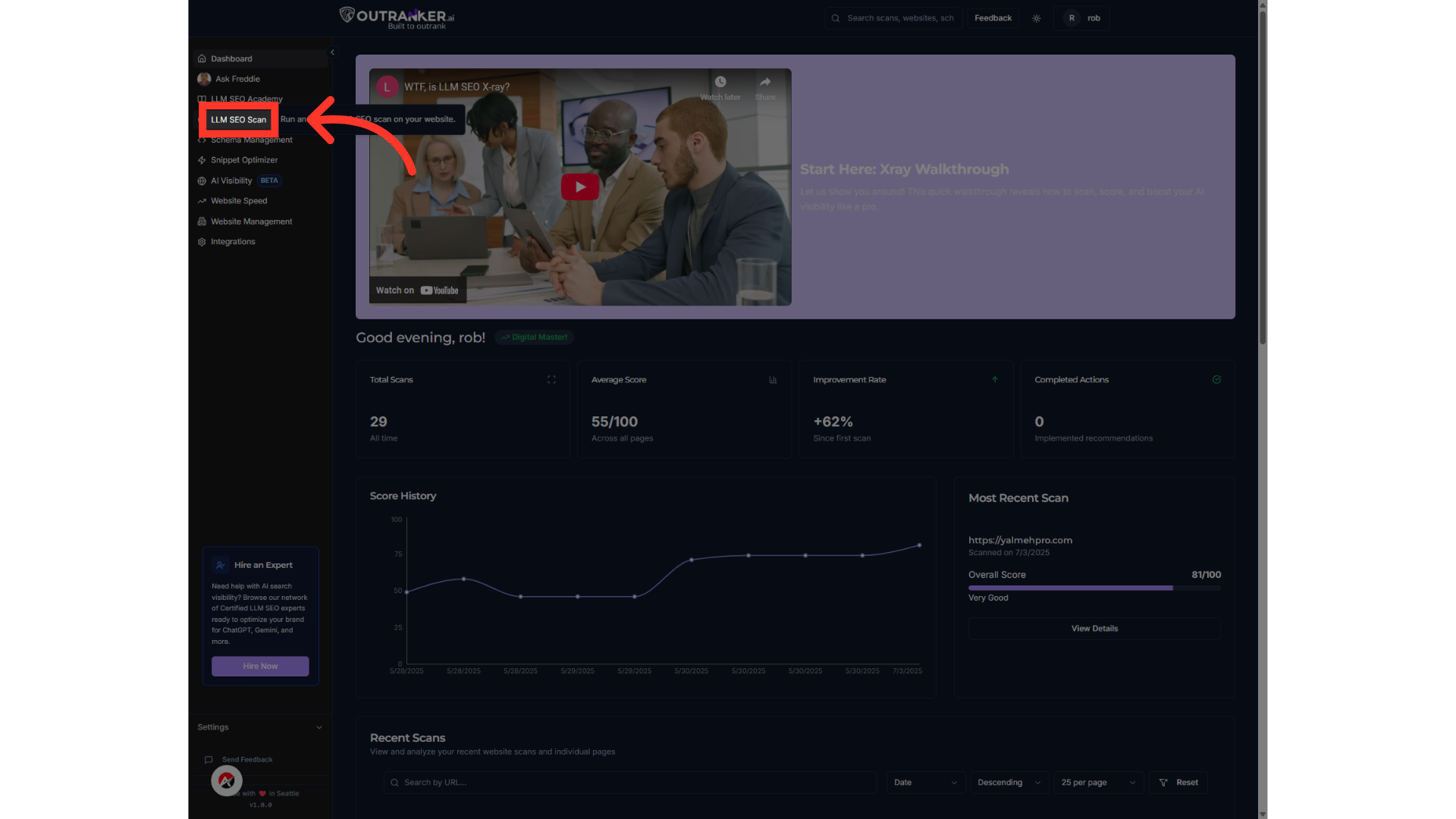
Step 2 — Choose Single or Multiple Pages
Next, choose whether you want to scan a single page or multiple pages at once.
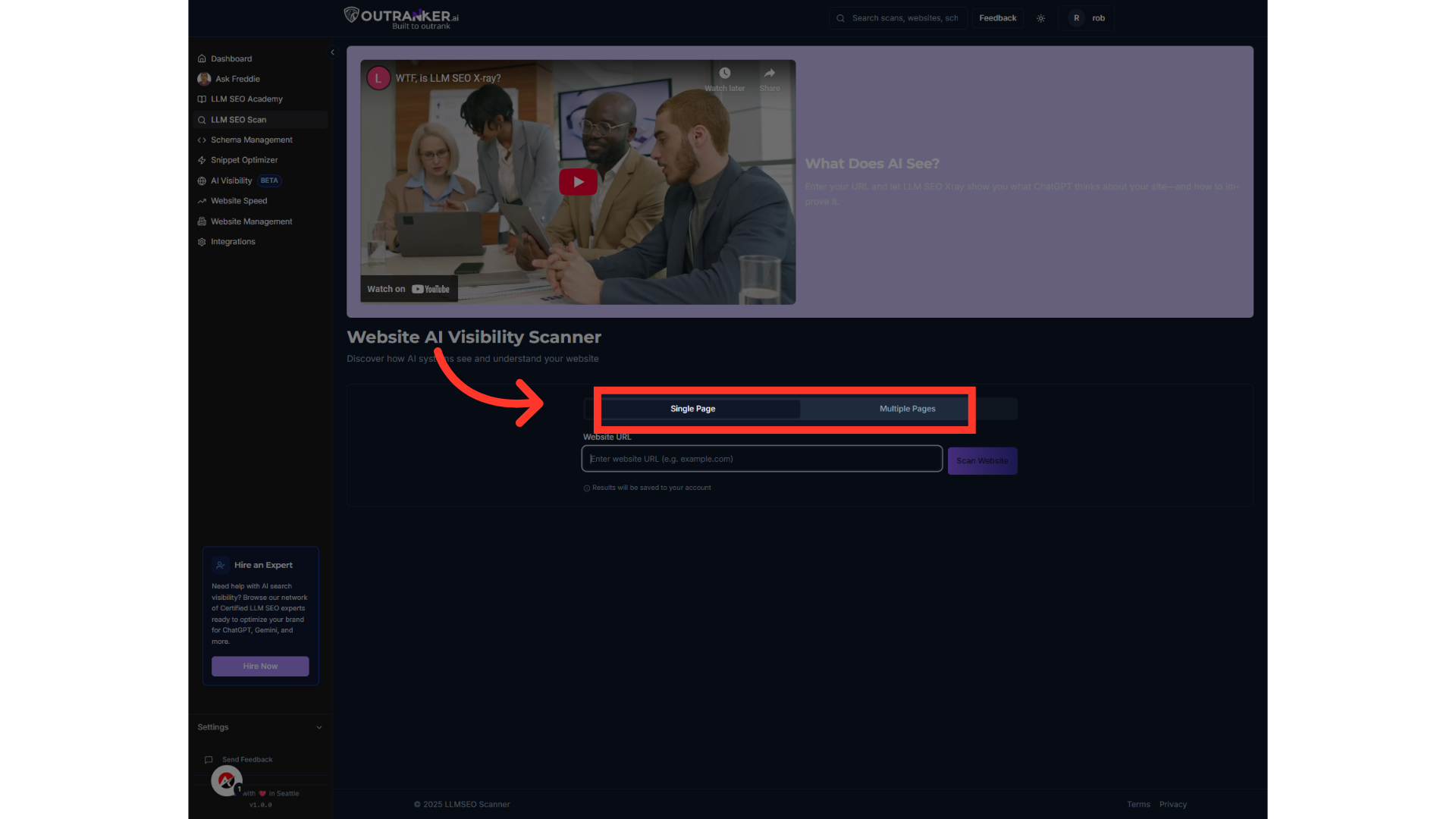
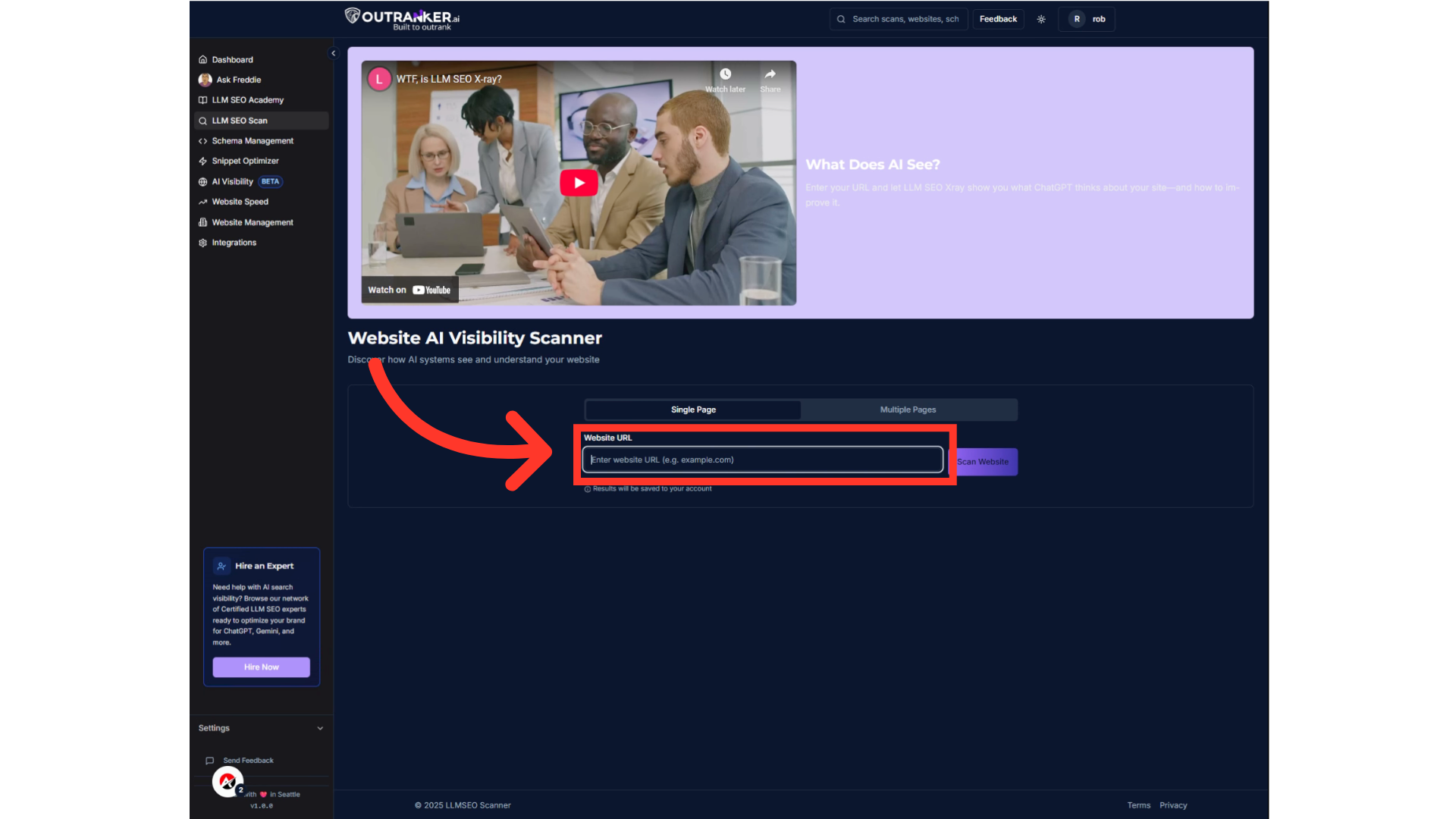
Step 3 — Enter Your Website URL
Enter the exact URL of the page or pages you’d like OutRanker.ai to scan.
Video content
Jump to this step in video
Step 4 — Click ‘Scan Website’
Click Scan Website. OutRanker.ai will analyze your page just like an AI system would — and generate your LLM S E O score.
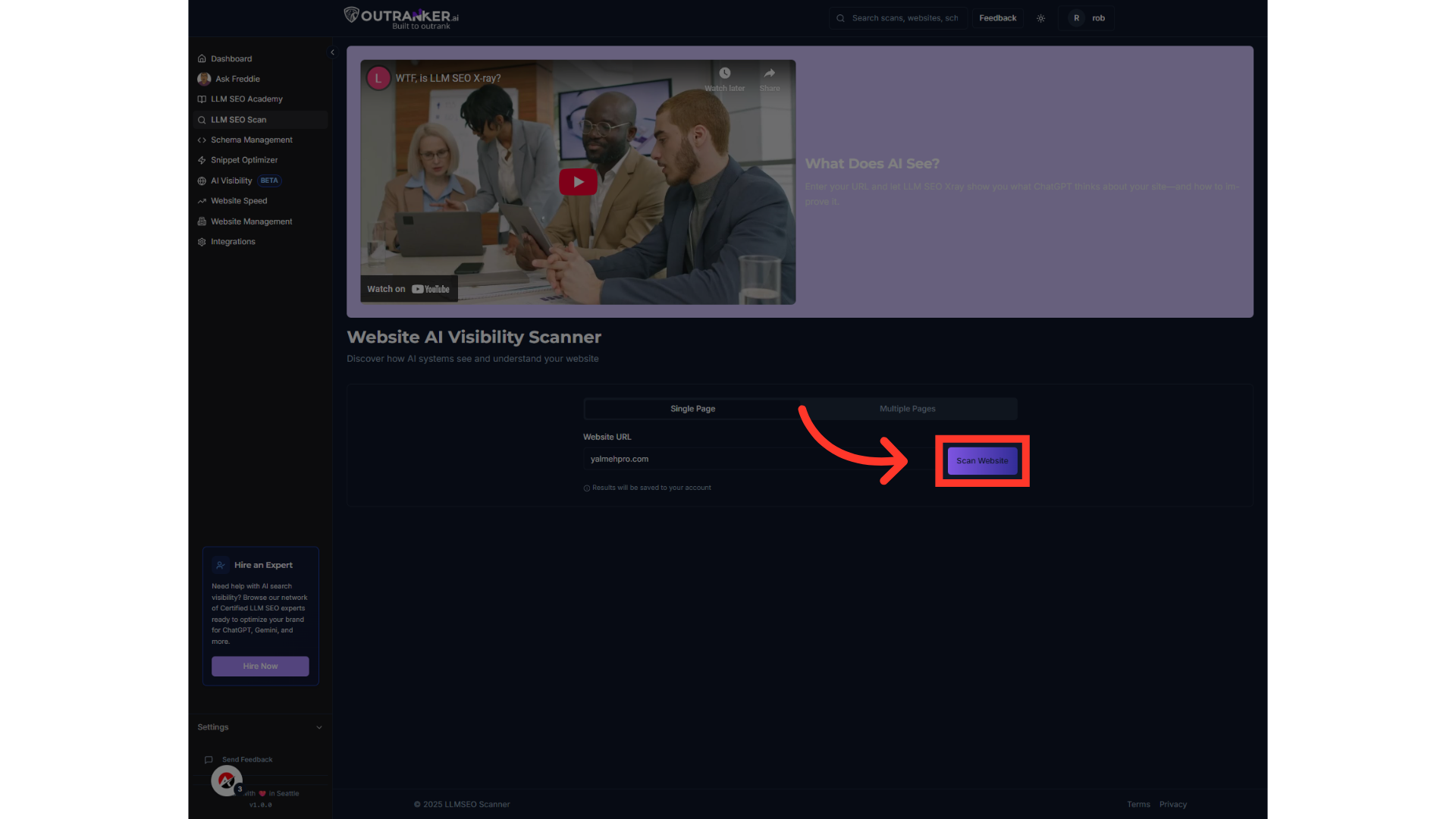
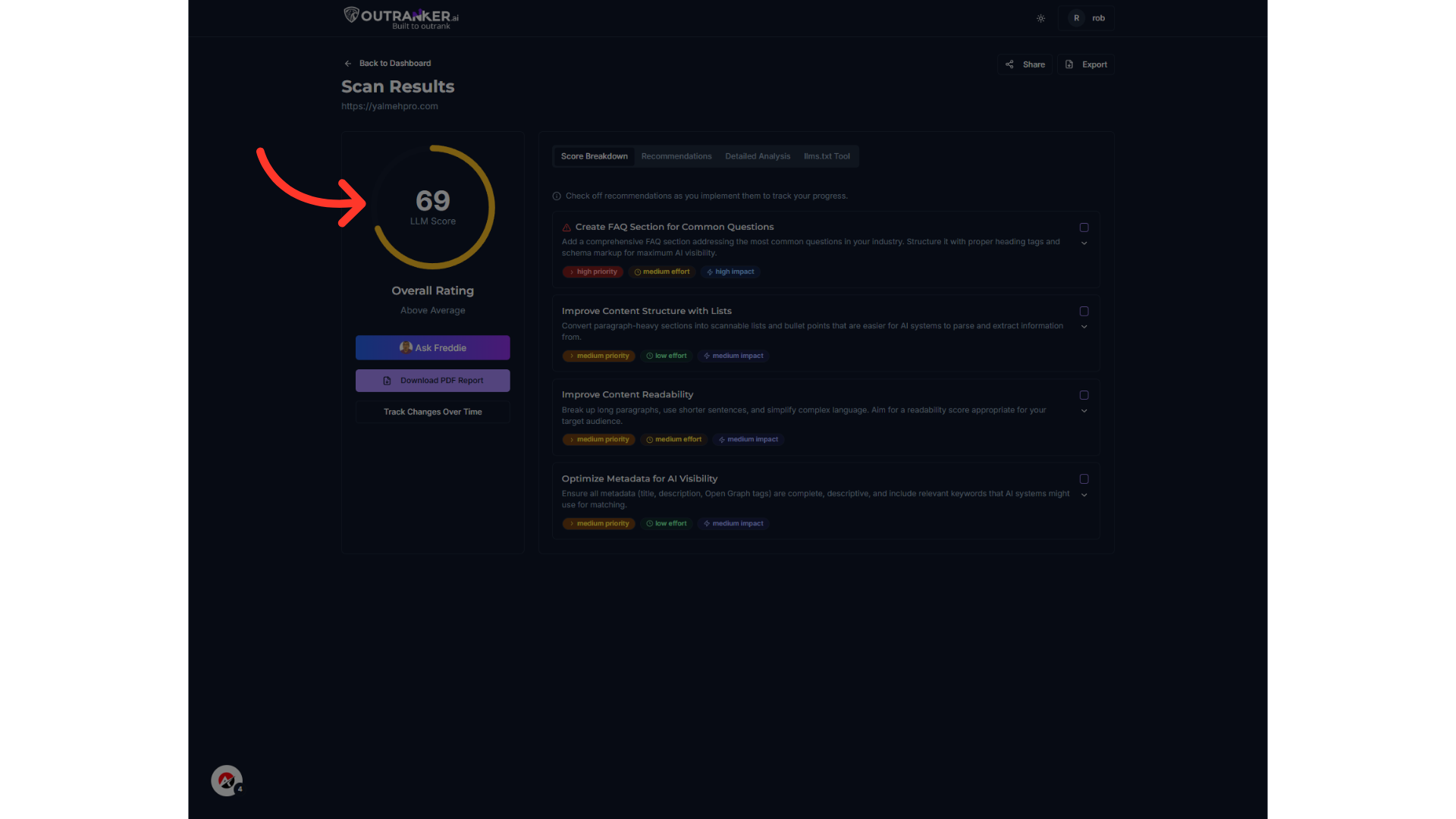
Step 5 — View Your Scan Results
When your scan is ready, you’ll see your AI visibility score, a detailed breakdown of what’s working, and prioritized recommendations on what to fix.
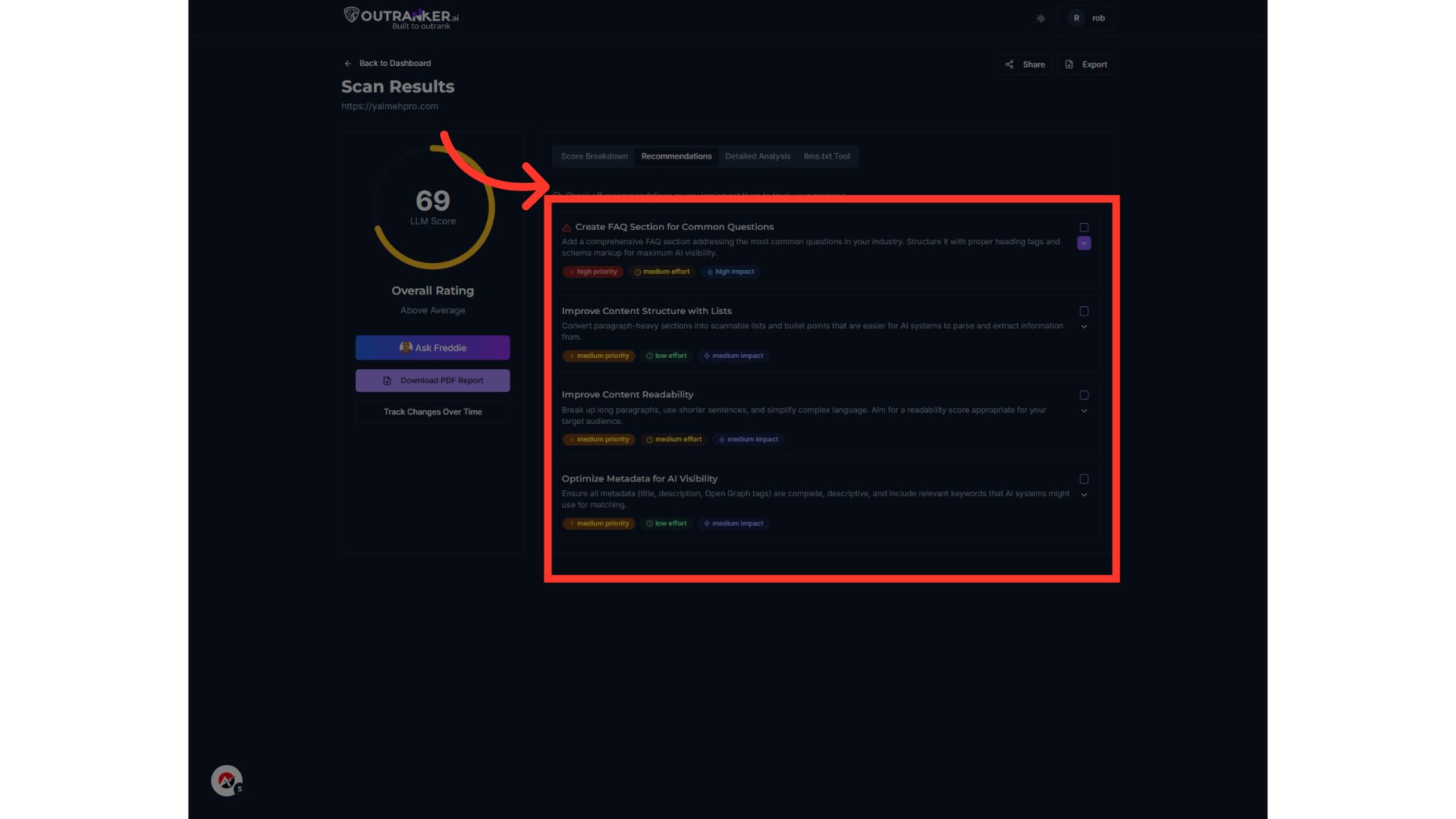
Step 6 — Follow the Recommendations
Click through the Score Breakdown, Recommendations, Detailed Analysis, and llms.txt Tool tabs. Use the tabs to explore your results: Score Breakdown shows how your site scores for structured data, promptability, brand visibility, and content clarity. Recommendations give you clear action steps. Detailed Analysis includes examples and best practices. And the llms.txt Tool helps you guide AI crawlers.”
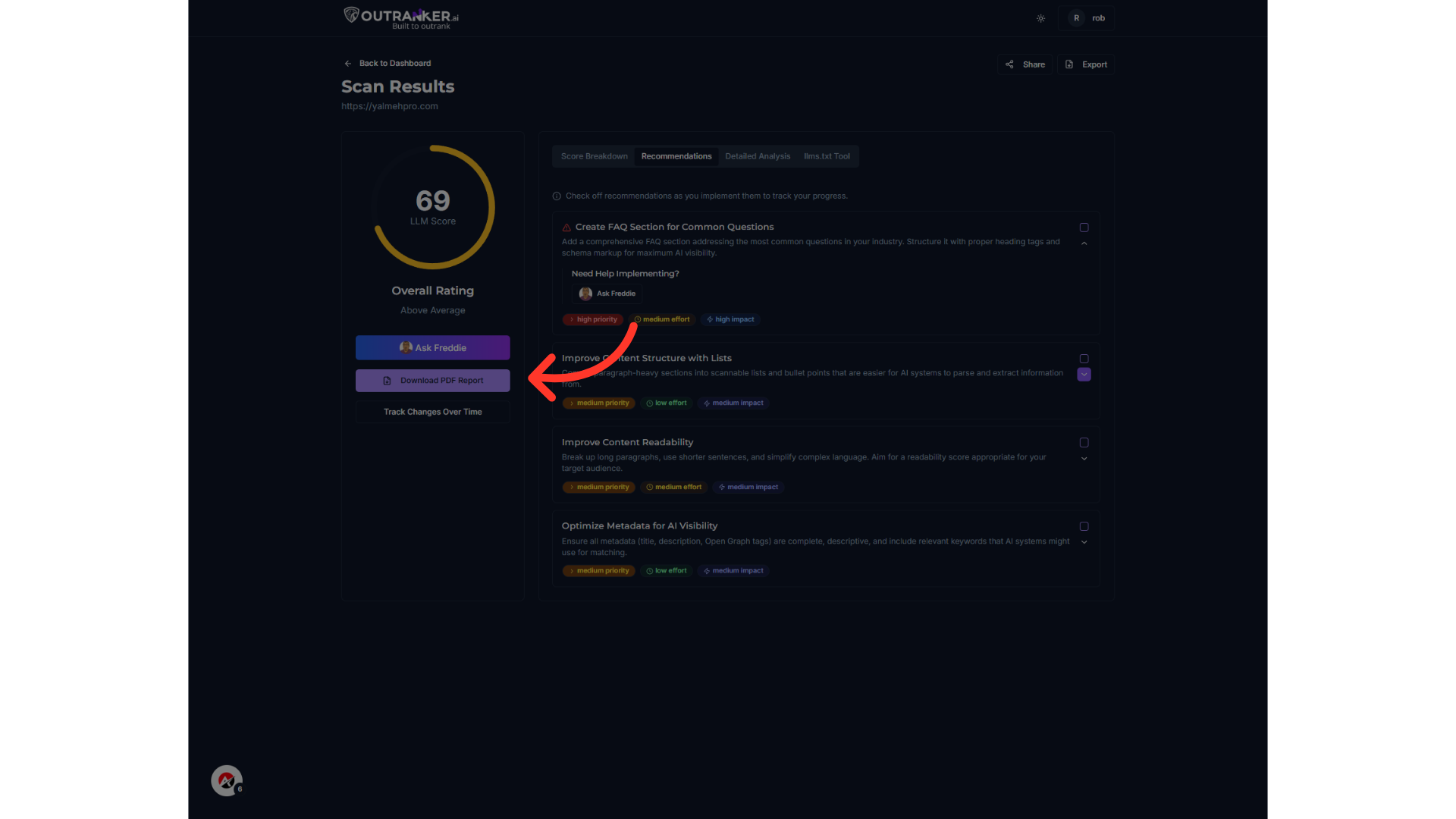
Step 7 — Download & Track Progress
You can download a PDF report to share with your team and track your S E O improvements over time.
Step 8 — Get Extra Help with Ask Freddie
Have a question about your results? Click Ask Freddie — your built-in AI guide is ready to help you fix issues step by step.

Step 9 — Dive Into the Detailed Analysis Tab
Once you’ve reviewed your Score Breakdown and Recommendations, head over to the Detailed Analysis tab for a deeper look. This tab breaks down your overall score into four core factors — so you can see which areas need the most attention.
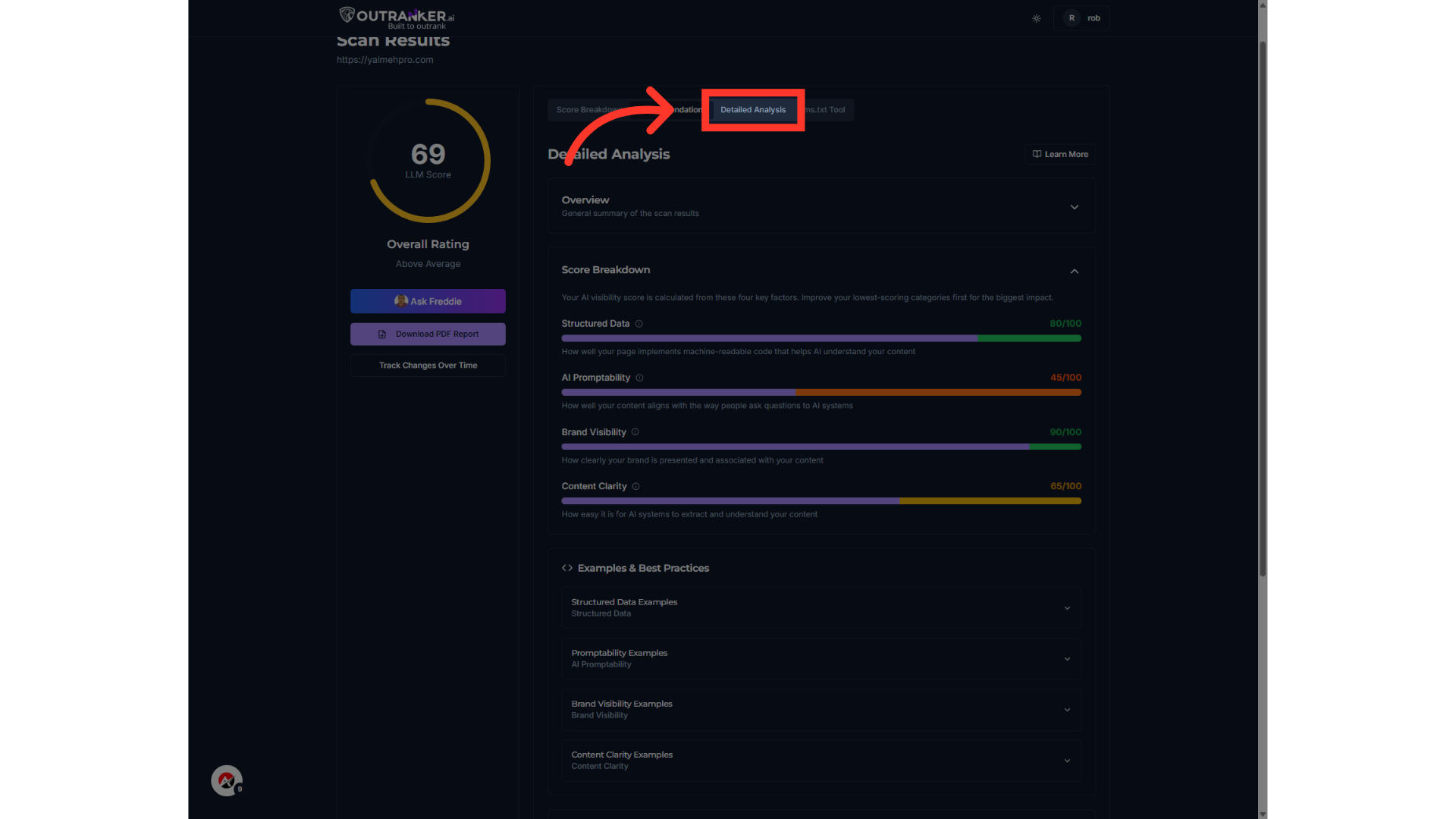
Understanding the Detailed Analysis Tab
Structured Data — how well your pages use machine-readable code that AI can understand. AI Promptability — how well your content matches the way people ask questions to AI systems. Brand Visibility — how clearly your brand is associated with your content. Content Clarity — how easy it is for AI to extract and interpret your information.
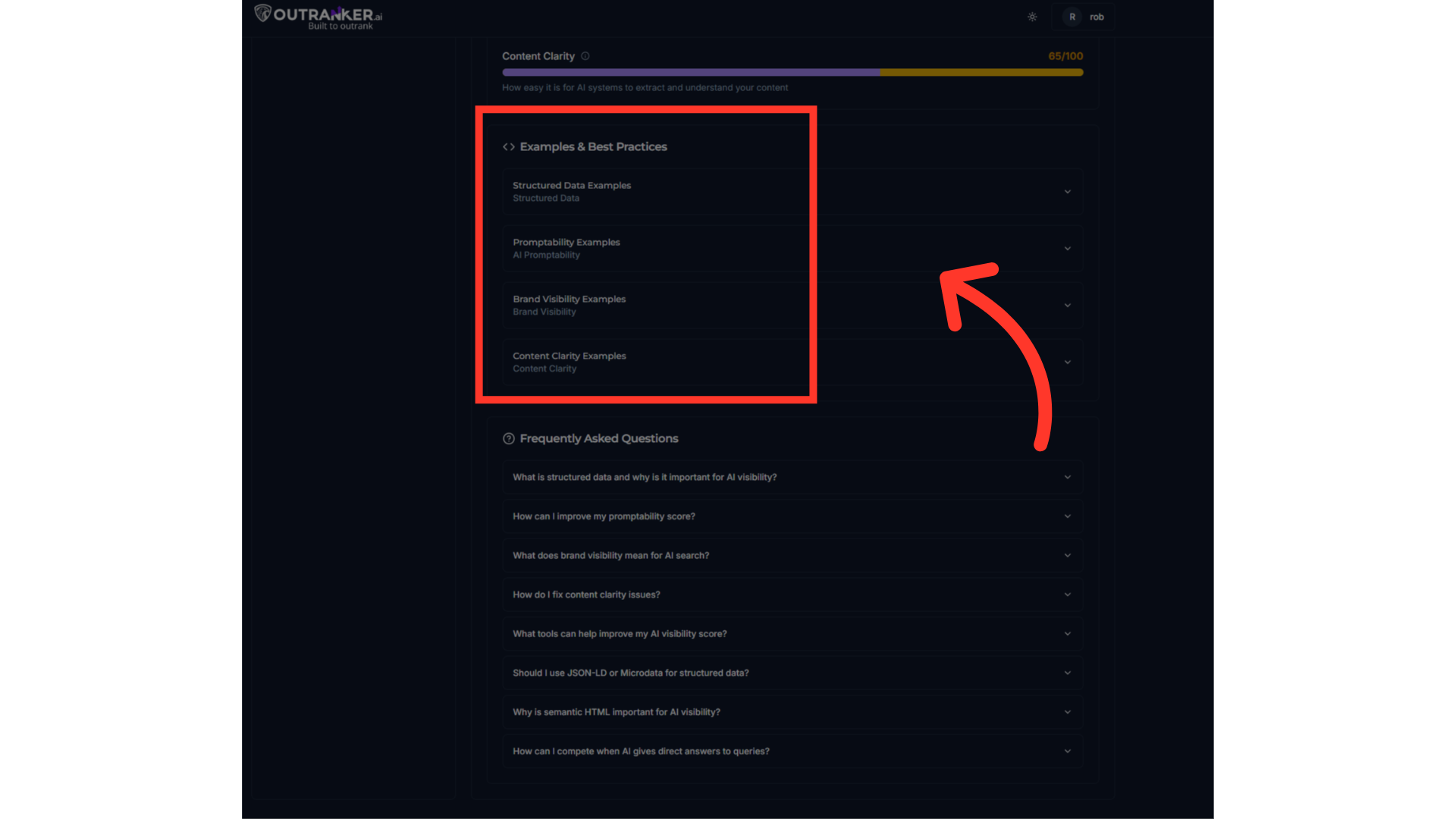
Examples & Best Practices
Below the score breakdown, you’ll find Examples & Best Practices for each factor. Use these examples to compare good and bad implementations. See what strong schema markup looks like, how to write more promptable content, and how to make your brand message crystal clear. So don’t skip the Detailed Analysis tab — it’s your extra resource hub packed with practical examples and expert insights to help you fix what matters most and outrank your competition in AI search results.

Step 10 — LLMs.txt Tool — Guide AI Crawlers
Finally, use the LLMs.txt Tool to create a special file that helps AI models like ChatGPT better understand your site’s structure and content. If OutRanker.ai can’t find an existing LLMs.txt file on your site, you’ll see this status here. Don’t worry — you can generate one in just a few clicks.
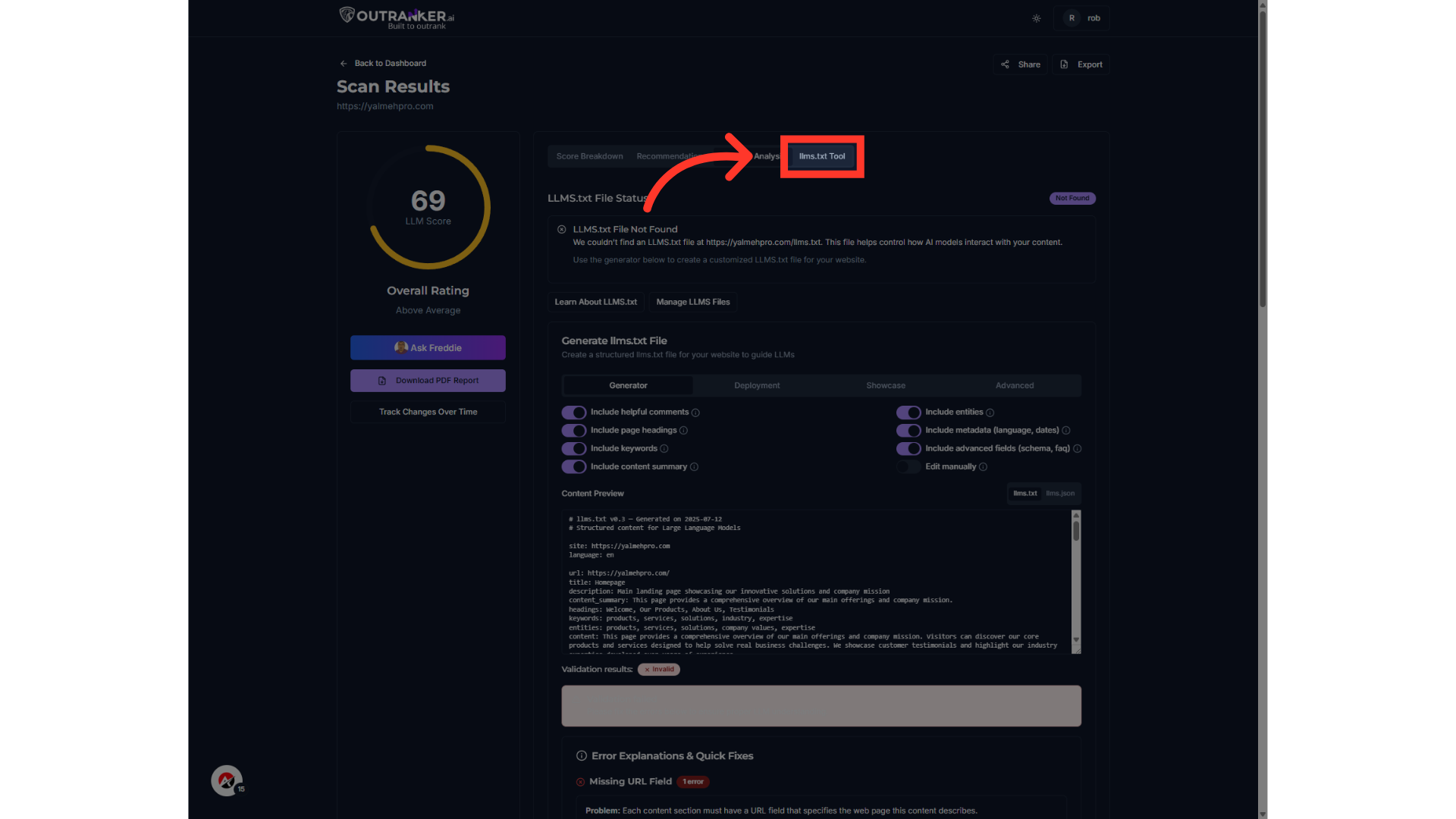
Step 11 — LLMs.txt Tool — Deployment Section
After you’ve generated your LLMs.txt file, it’s time to deploy it to your website.This file tells AI systems like ChatGPT exactly how to interact with your site’s content. If you see ‘LLMs.txt File Not Found’, it means you haven’t deployed a file yet — or it’s not accessible at your domain root.” “Don’t worry — you can fix that right here.

This guide covers the essential steps in utilizing OutRanker.Ai, from initiating an S E O scan, accessing detailed analysis, to making necessary adjustments. Enhance your website's performance and visibility through this comprehensive walkthrough.
