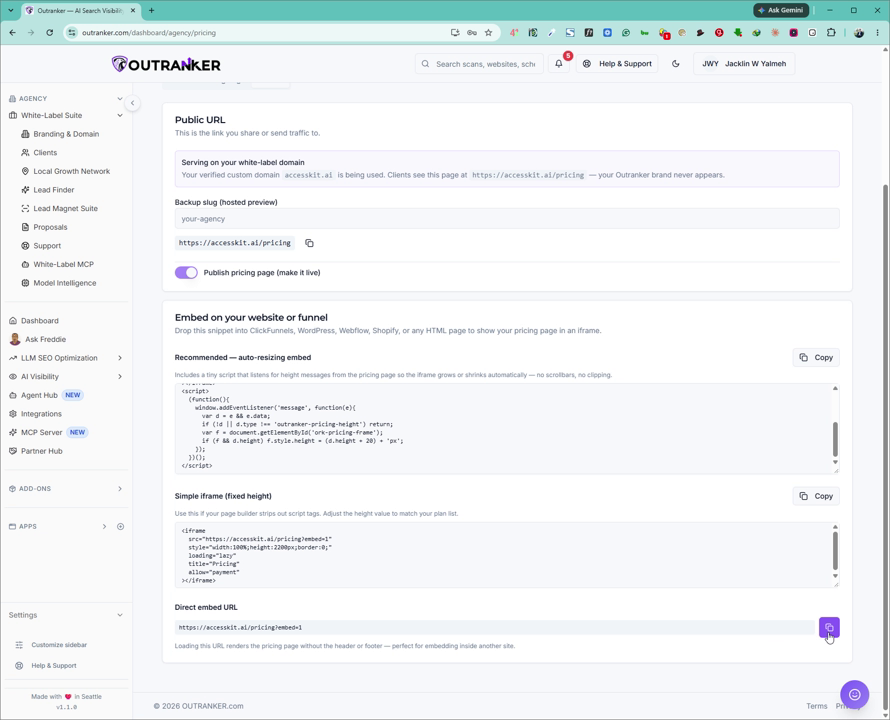
This document explains how to publish the pricing page for your white label agency in Outranker, configure its URL (slug), and access the embed code and live page link for use on your own website or as a standalone page.
Go to www.outranker.ai
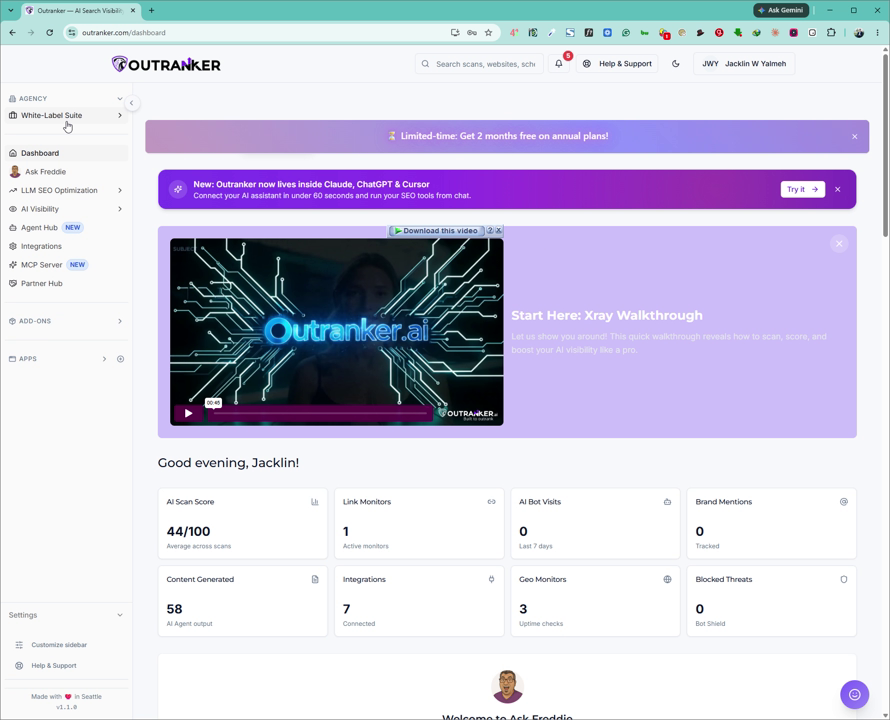
1. Access the White Label Suite
Log into your Outranker account. From the left-hand menu, click on Agency, then go to the White Label Suite.
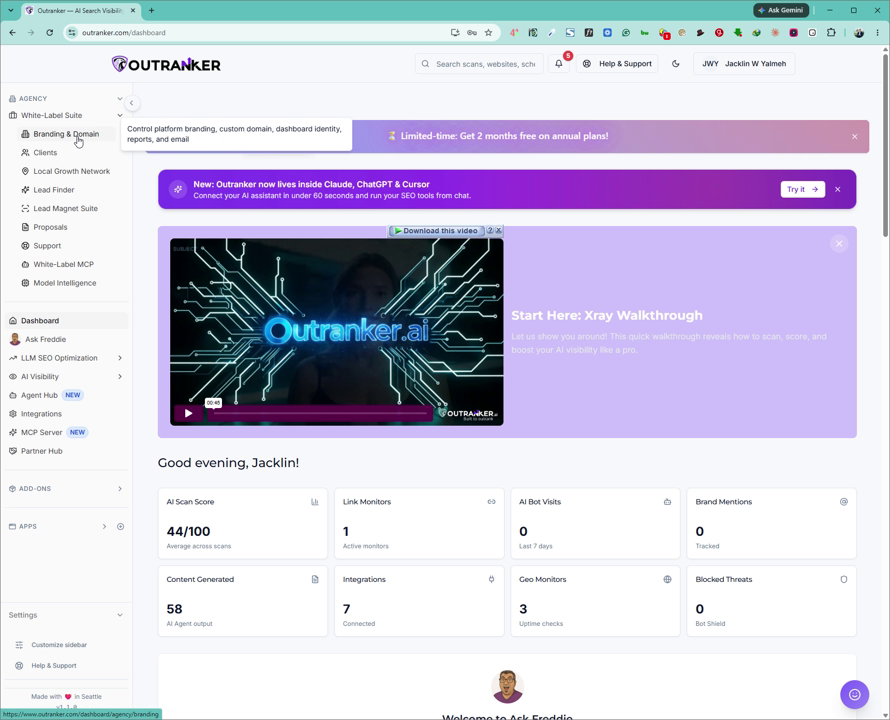
2. Open Branding & Domain Settings
Within the White Label Suite, click on Branding & Domain to manage your white label configuration.
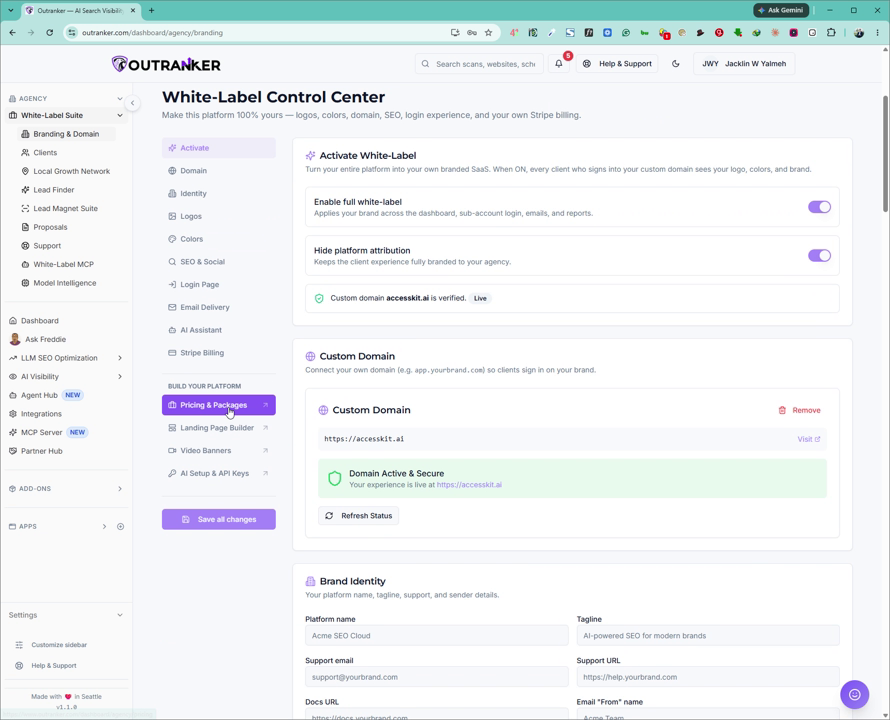
3. Navigate to Pricing & Packages
On the Branding & Domain page, scroll down until you find the Pricing & Packages section, and click on it to open your pricing page settings.
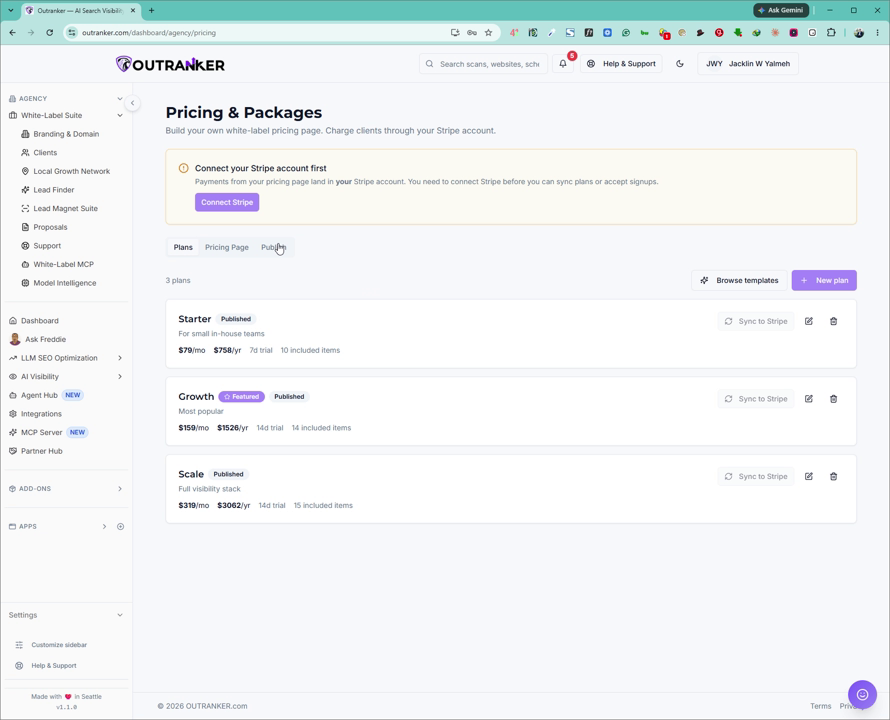
4. Open the Publishing Tab
At the top of the Pricing & Packages area, click on the Publishing tab to access publishing options for your pricing page.
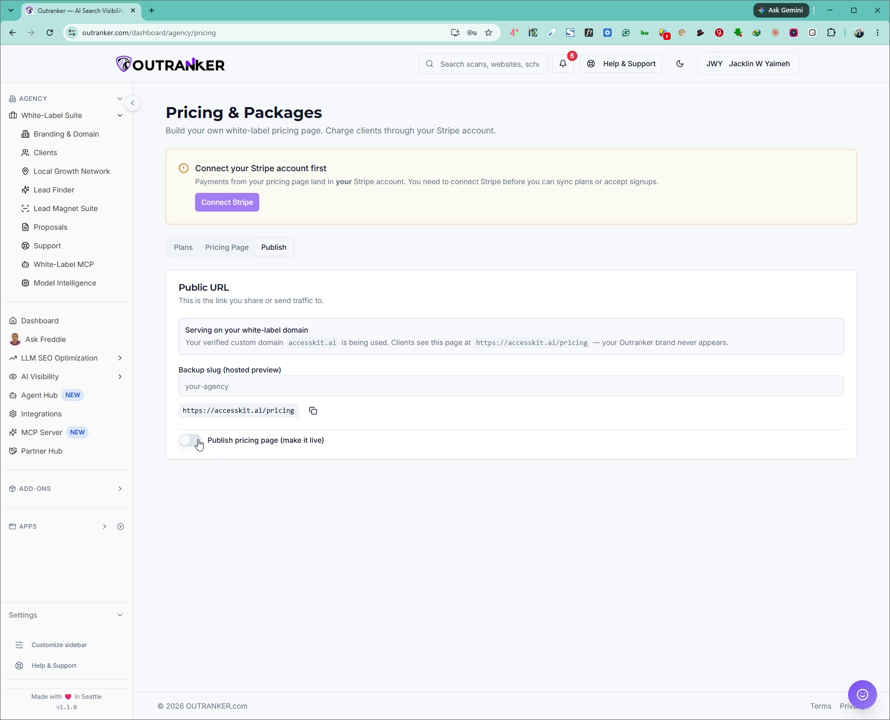
5. Configure Backup Slug and Publish the Pricing Page
In the Publishing tab, set or confirm your backup slug (the URL path for your pricing page). Then click on Publish Pricing Pages to make your pricing page live.
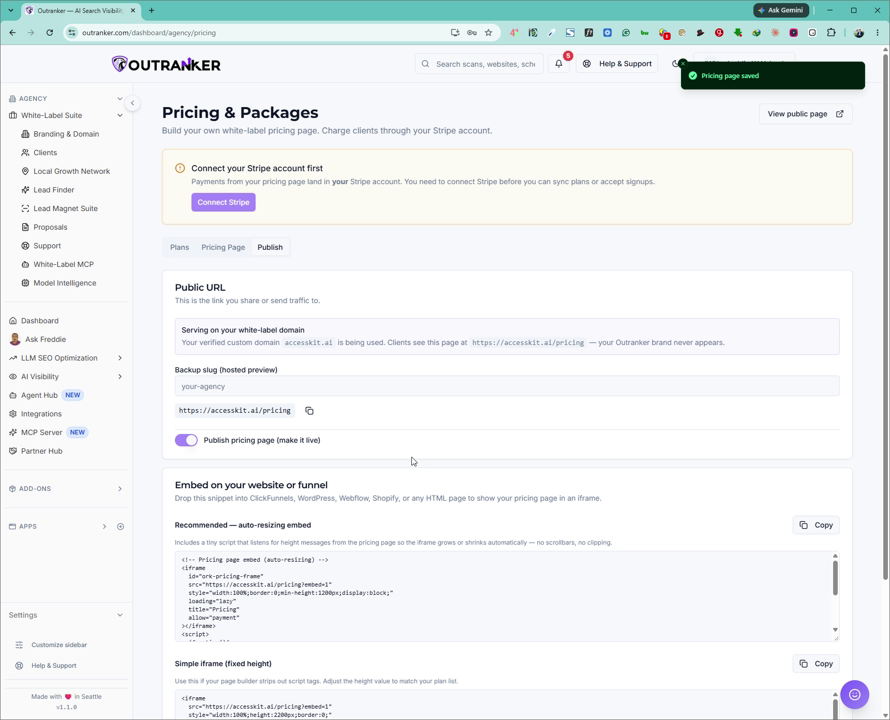
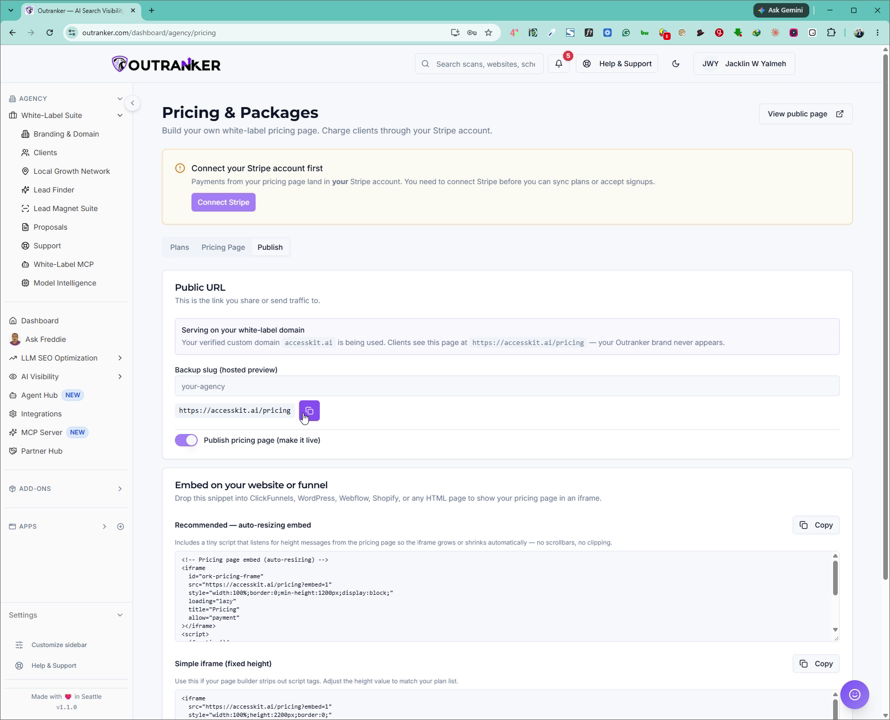
Once published, your pricing page URL will appear in this section for you to copy and use.
Make sure you have already configured a custom domain in Outranker. If not, refer to the custom domain setup video before publishing.
6. Use the Embed Code or Standalone Page URL
After publishing, you will see an embed code for your pricing page. You can:
Embed this code directly into your existing website, or
Use the generated page URL as a standalone pricing page.
Your page URL will also appear here for quick access and sharing.