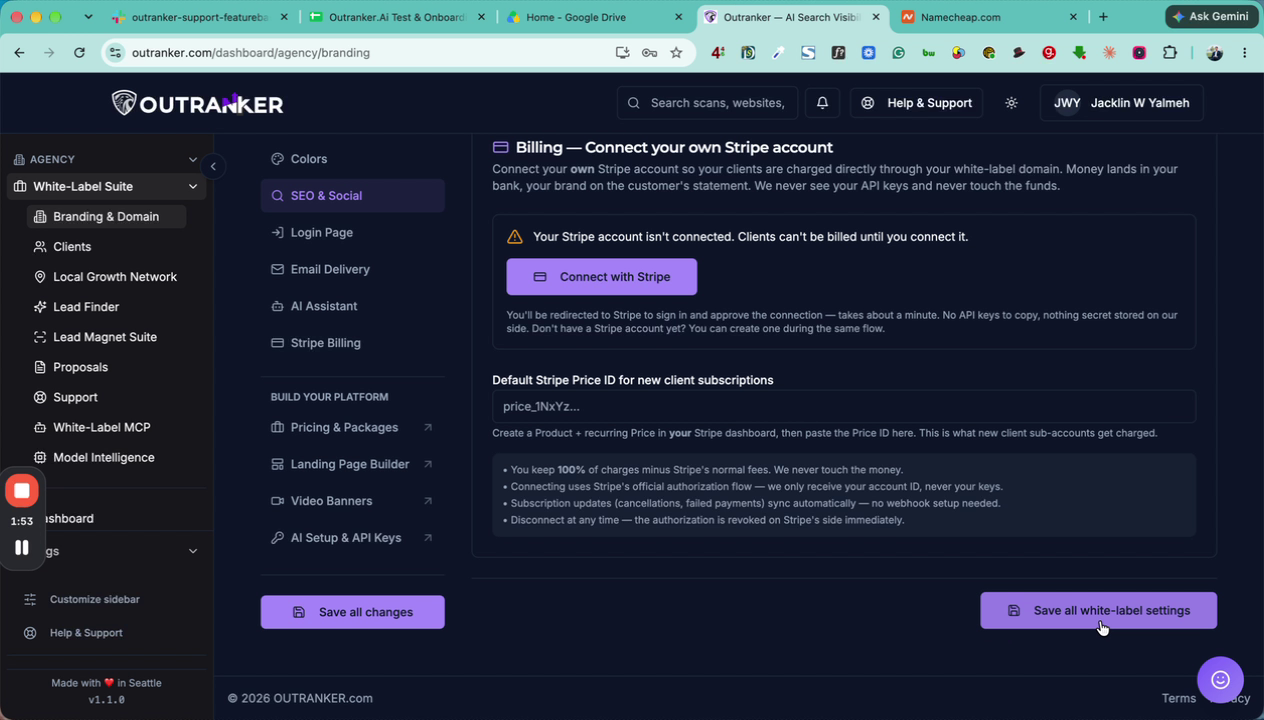
This document explains how to configure SEO metadata and social sharing previews for your white-label agency account in the Outranker platform, including meta titles, descriptions, default social images, and Twitter card settings.
Go to www.outranker.ai
1. Navigate to the Agency White Label Suite
Make sure you are logged into your Outranker account. From the left-hand menu, click on Agency.
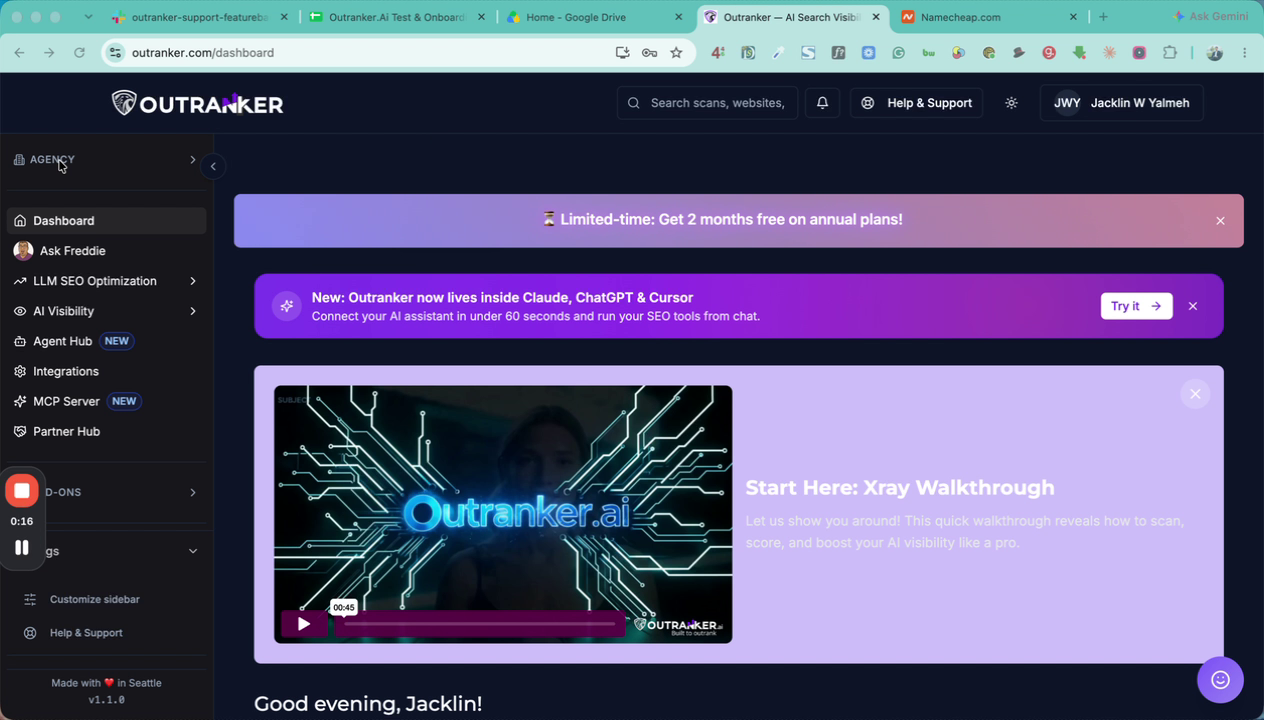
Then select White Label Suite.
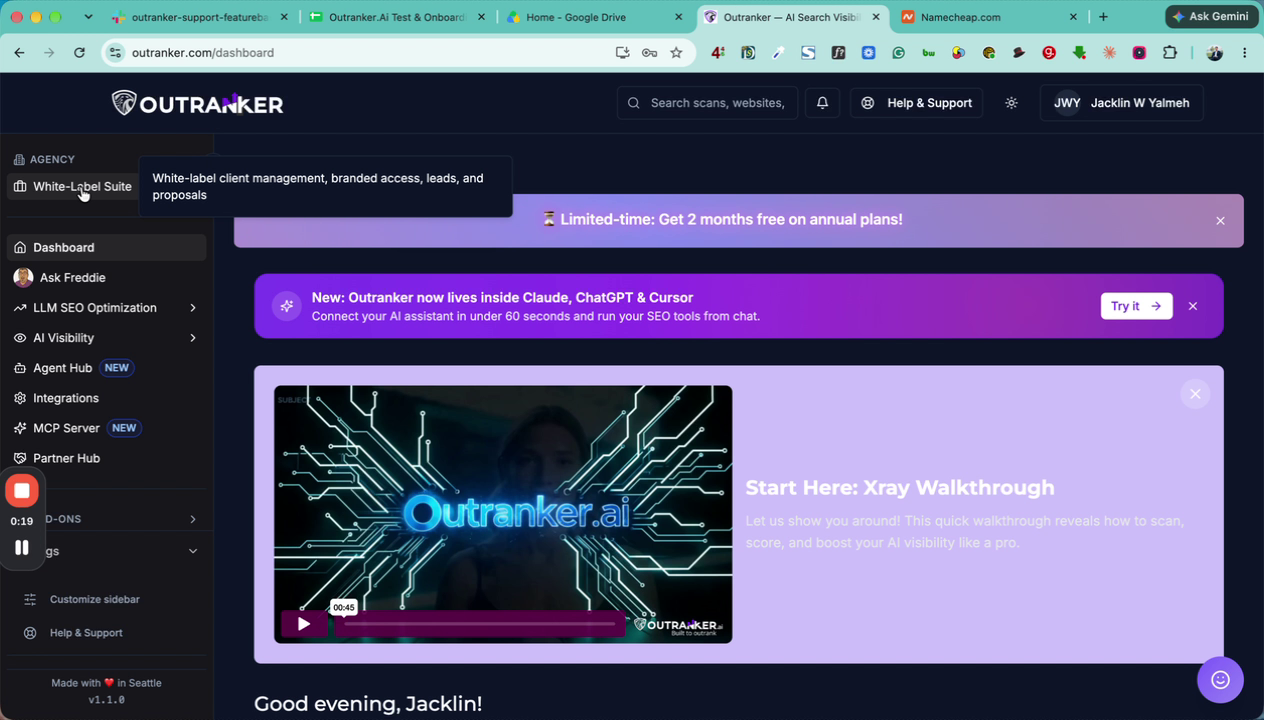
2. Open the Branding & Domain Settings
Within the White Label Suite, click on Branding & Domain to access your branding configuration options.
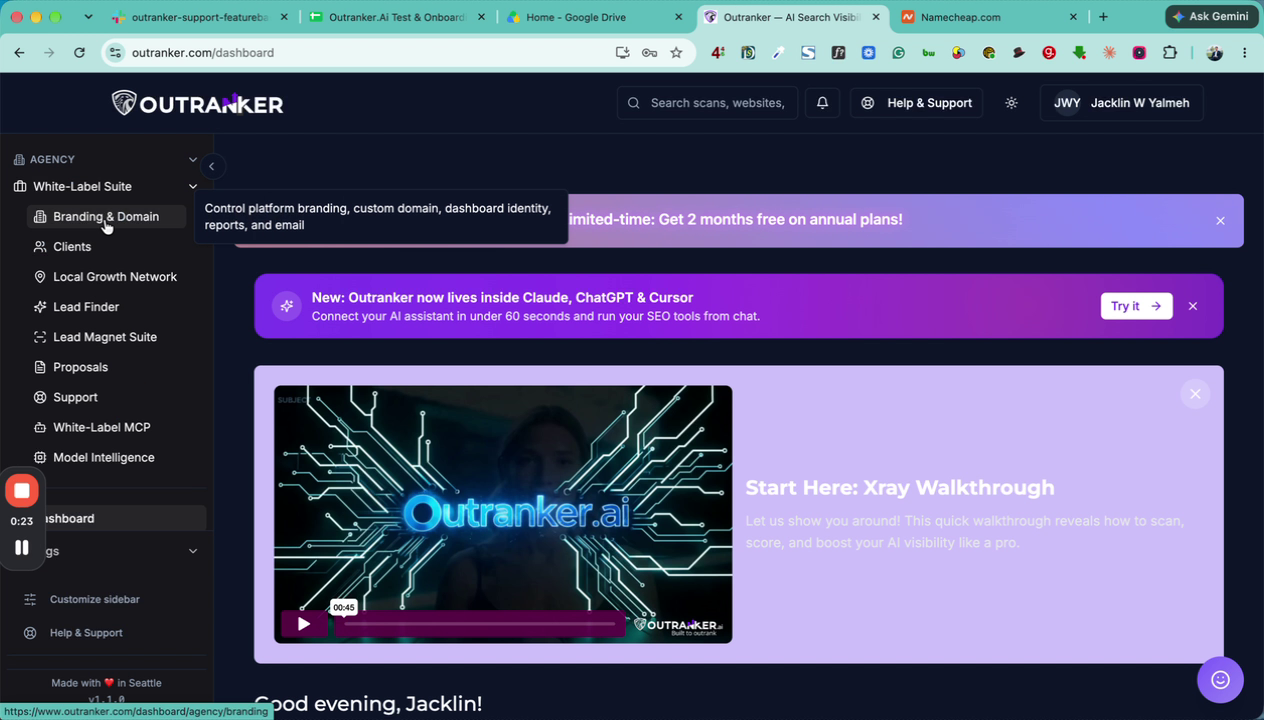
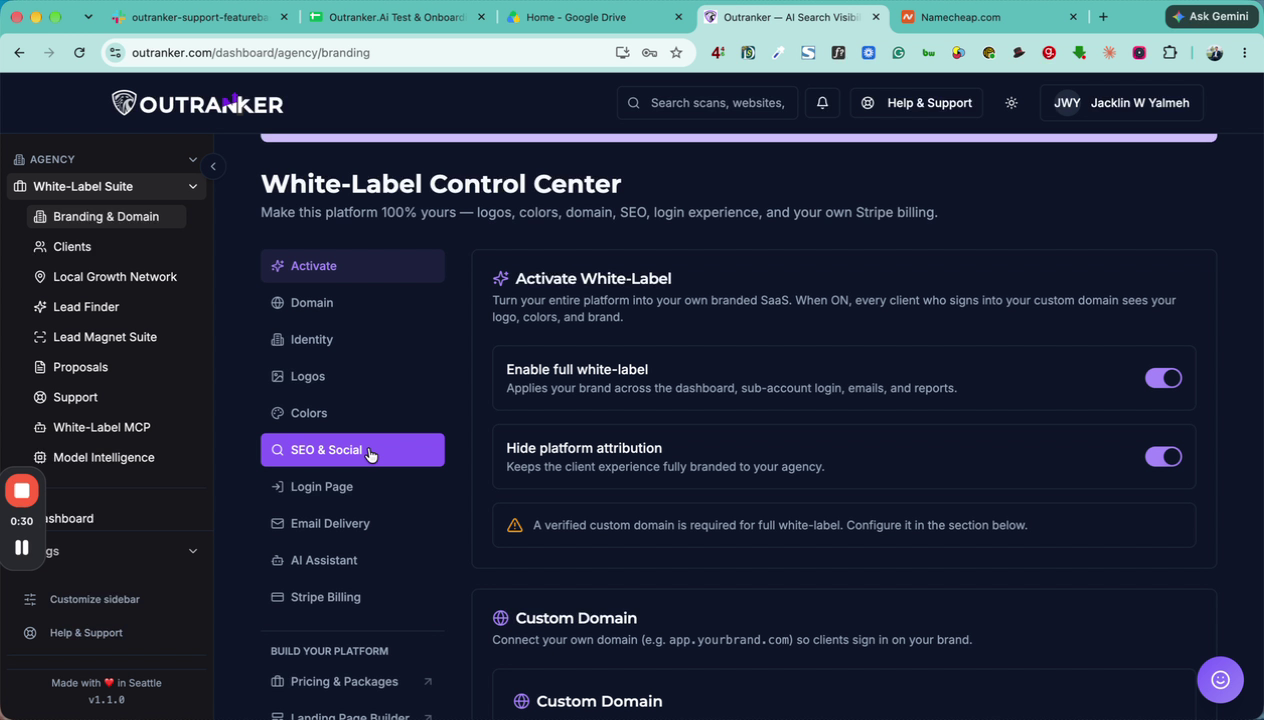
3. Access the SEO and Social Section
Scroll down the Branding & Domain page until you find the SEO and Social section. Click on it to expand and open the SEO and social preview settings.
4. Configure Meta Title and Meta Description
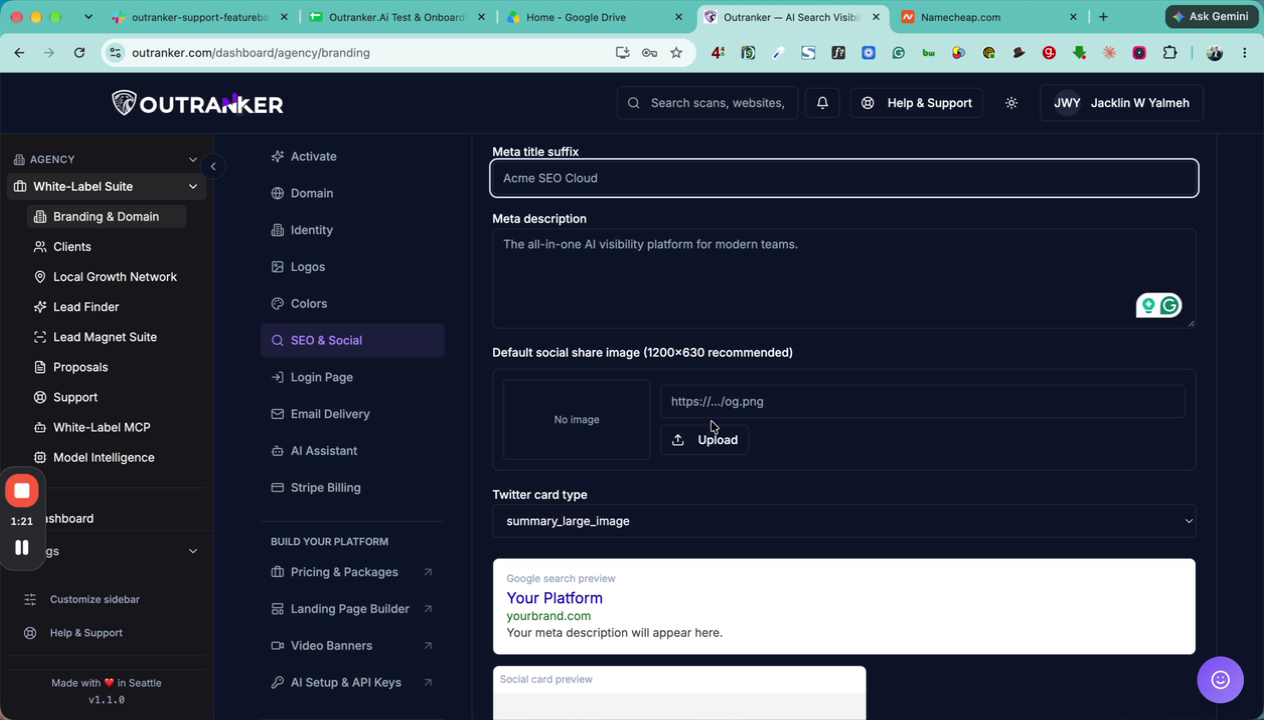
In the SEO and Social section:
Enter your Meta Title, including any title suffix you want associated with your brand. This is what appears when someone shares your URL on social media or other platforms.
Enter a clear, concise, and SEO-friendly Meta Description. This description will appear under your own domain and branding, so ensure it accurately represents your site and includes relevant keywords.
5. Upload the Default Social Share Image
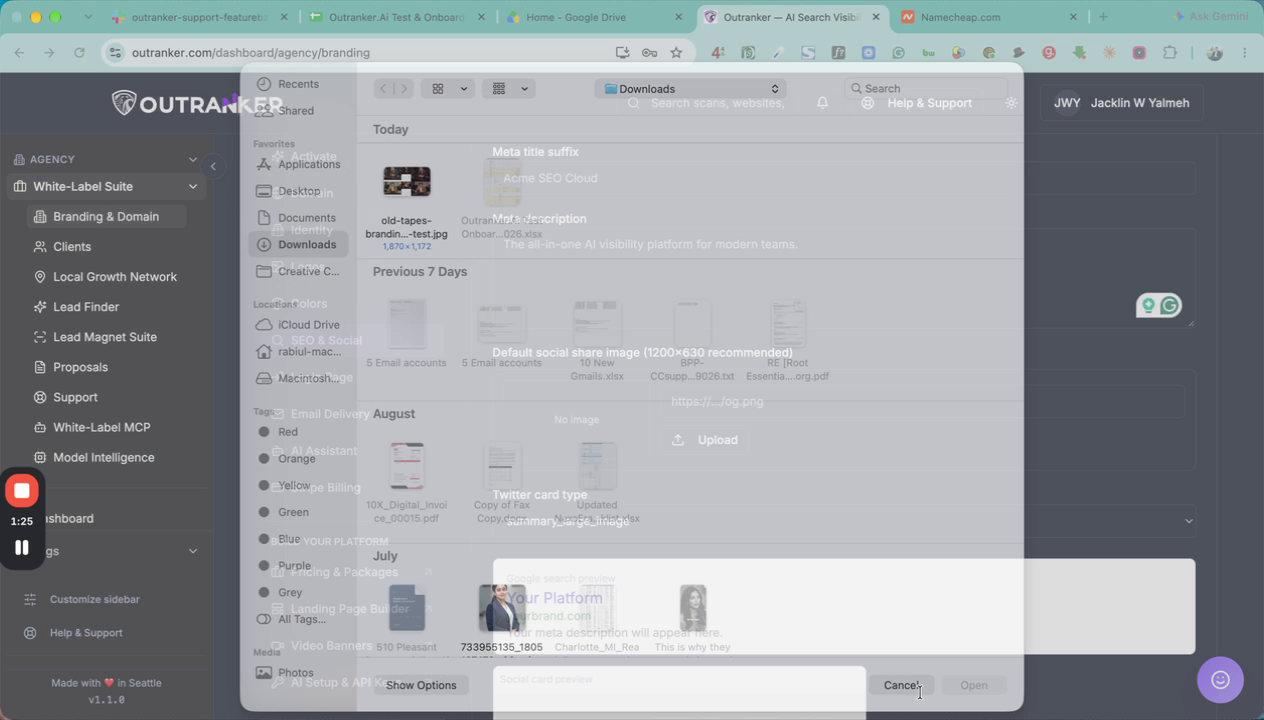
Upload your default social share image, which will be displayed whenever someone shares your website on social media platforms.
Use the upload option provided in this section.
The recommended size for this image is 1200 x 630 pixels.
6. Select the Twitter Card Type
Customize how your content appears on Twitter by selecting a Twitter card type:
Summary with large image for a bigger visual preview.
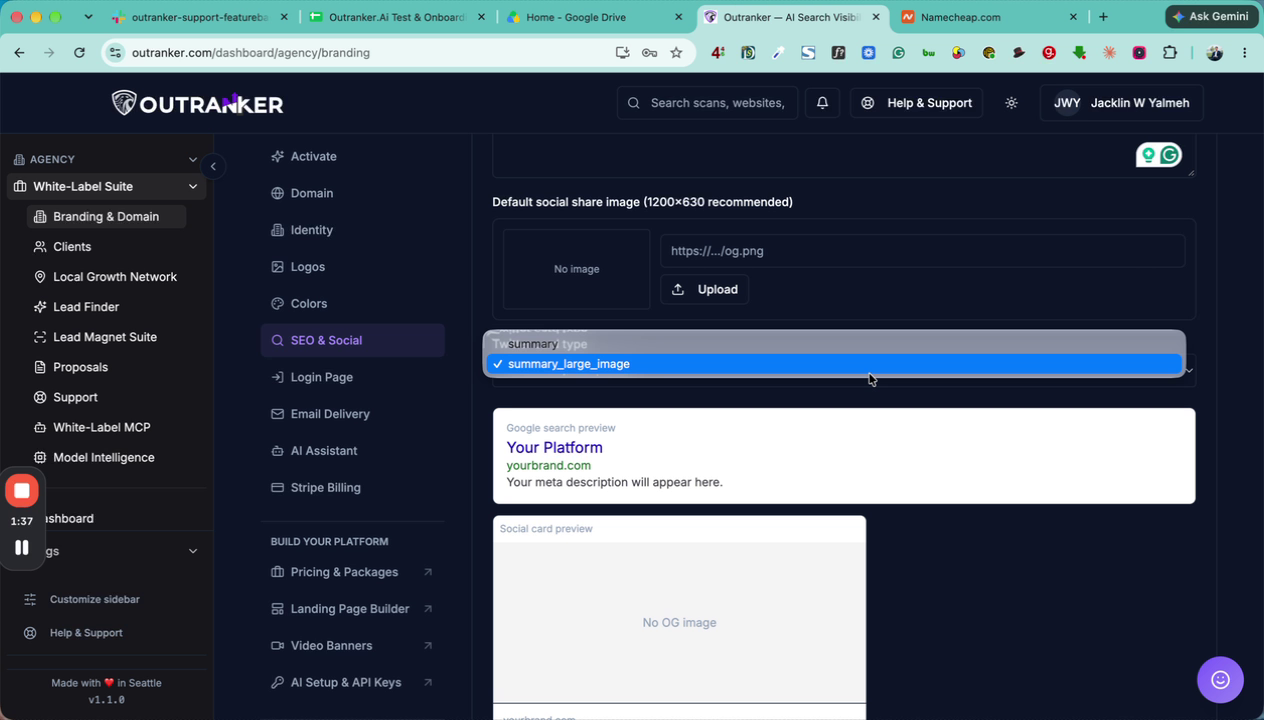
Summary without image if you prefer a text-focused preview.
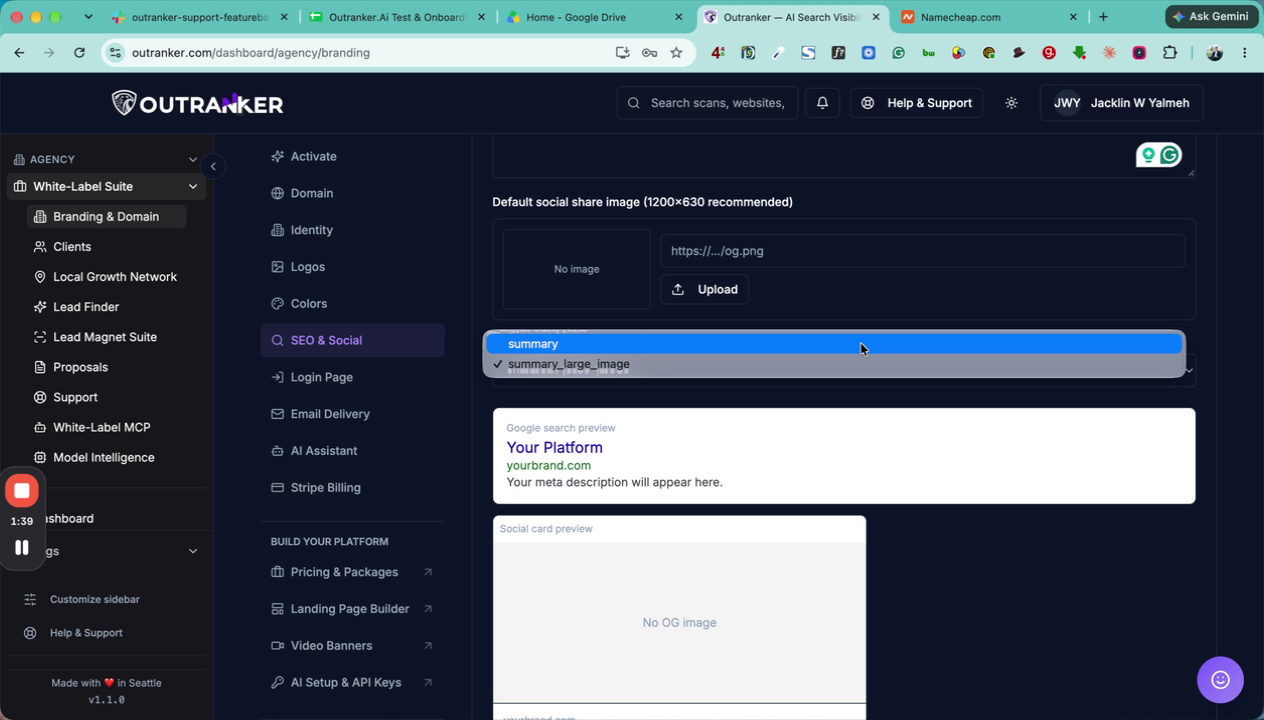
Choose the option that best fits your branding and content strategy. A preview of how your settings will look should be visible in this area.
7. Save Your White Label SEO and Social Settings
After reviewing the previews and confirming everything looks correct, scroll to the bottom of the page and click Save All White Label Settings to apply your changes.