
This document explains how to configure your brand identity in your Outranker agency white-label settings, including branding details and email sender information.
Go to www.outranker.ai
1. Access the Agency White Label Branding Section
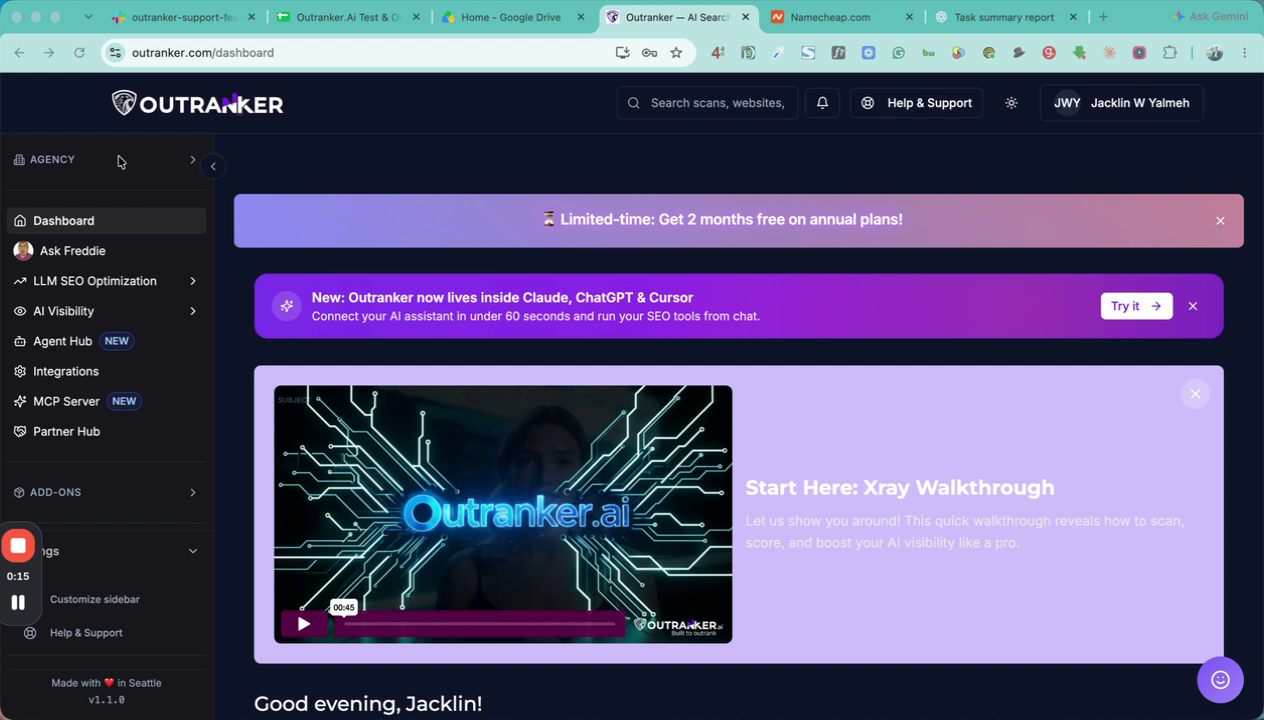
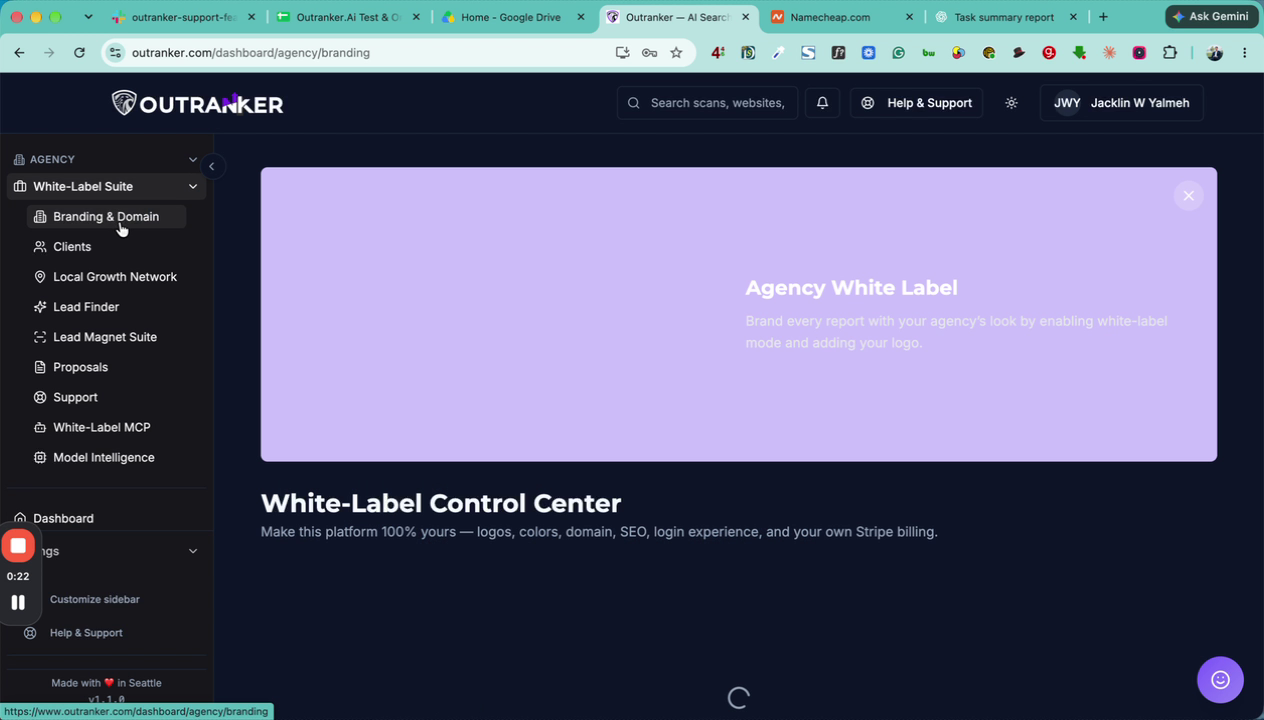
Log in to your Outranker account. From the left-hand menu, click on Agency under the White Label Suite section, then select Branding and Domain.
2. Activate Branding and Open Brand Identity
Ensure the Active option is enabled for your branding settings. Under the Active section, locate and open the Brand Identity options.
3. Enter Core Brand Details
In the Brand Identity section, fill in your core brand information:
Brand Name – The main name of your agency or brand.
Brand Tagline – A short descriptive phrase for your brand.
Brand Support Email – The email address customers will use to reach your support team.
Support Helpline – The phone number or helpline contact for support.
4. Configure Documentation and Email Sender Settings
Add your Brand Documentation Website or Documentation URL so users can access help resources.
Then configure the email sender details:
Brand From Name – The name that appears as the sender in recipients’ inboxes for outgoing emails.
From Address (Email) – The email address used to send emails to your customers. This is the primary outgoing email address associated with your brand.
