This document explains how to measure and interpret your website speed using the Website Speed tools inside Outranker, including both Quick Speed Test and PageSpeed Insights results.
Go to www.outranker.ai
1. Access the Website Speed Tool
Log into your Outranker dashboard. From the left-hand menu, click LLM SEO Optimization, and then navigate to Website Speed.
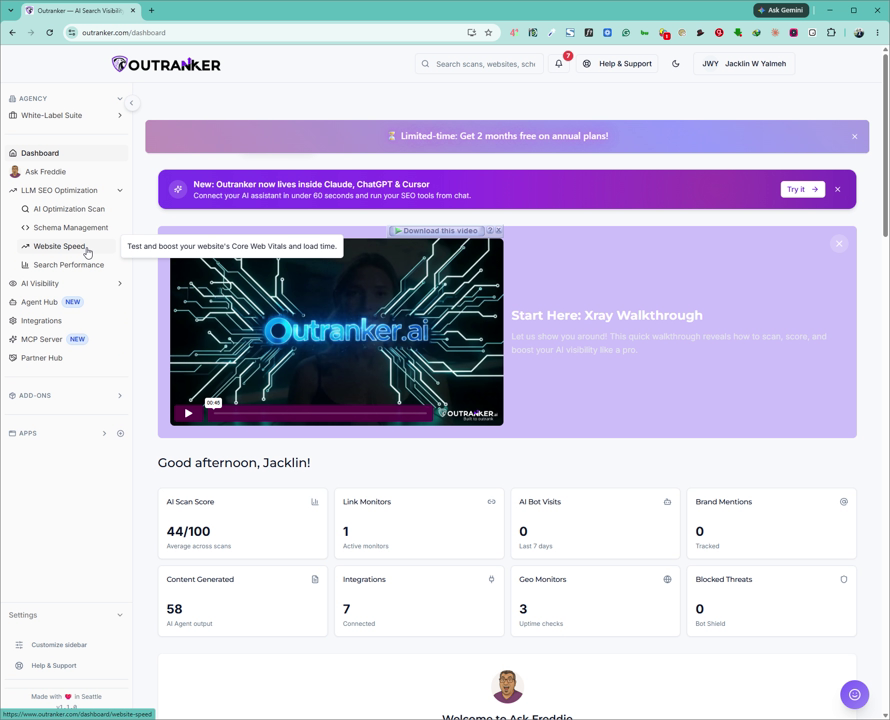
Here, you will see two tabs: Quick Speed Test and PageSpeed Insights.
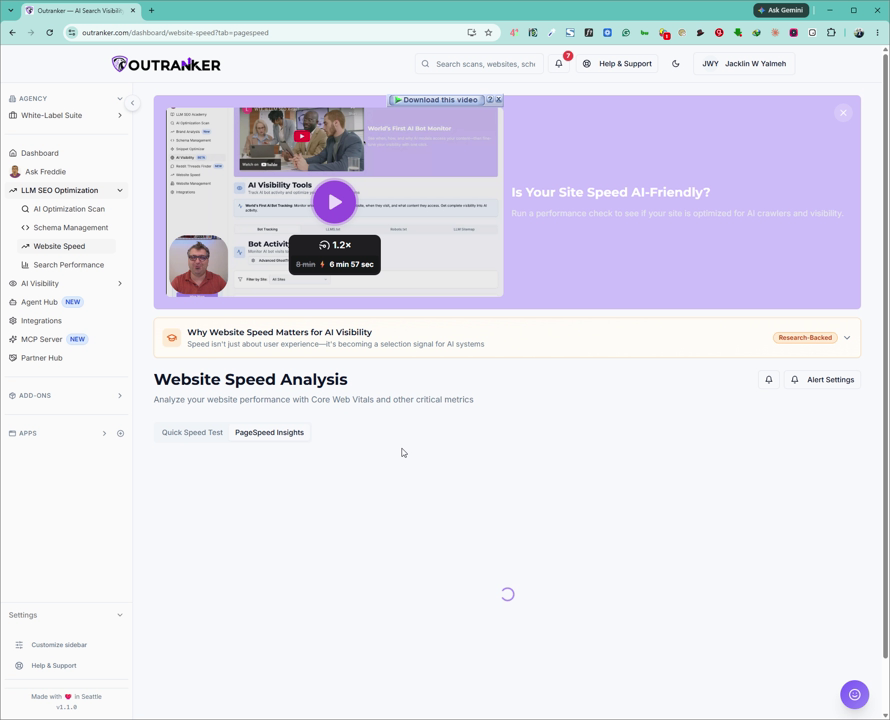
You can run and analyze each of these tests separately.
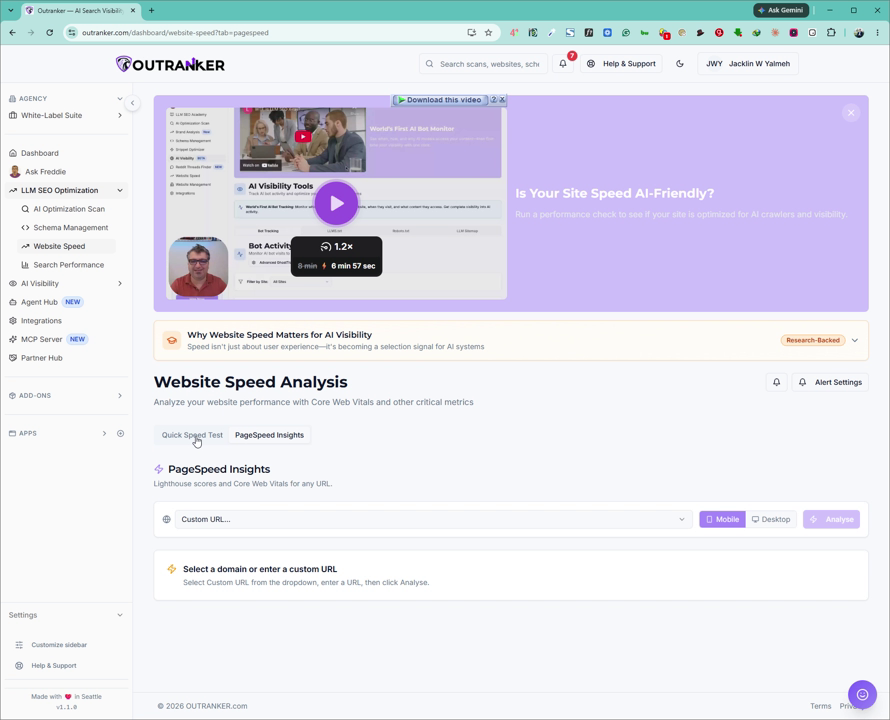
You can also read the section “Why website speed matters for AI visibility” on this page to understand why performance is important for AI search and rankings.
2. Enter Your Website URL and Run the Test
In the Website Speed section, type your website URL into the input field. Then click Analyze to start the tests.
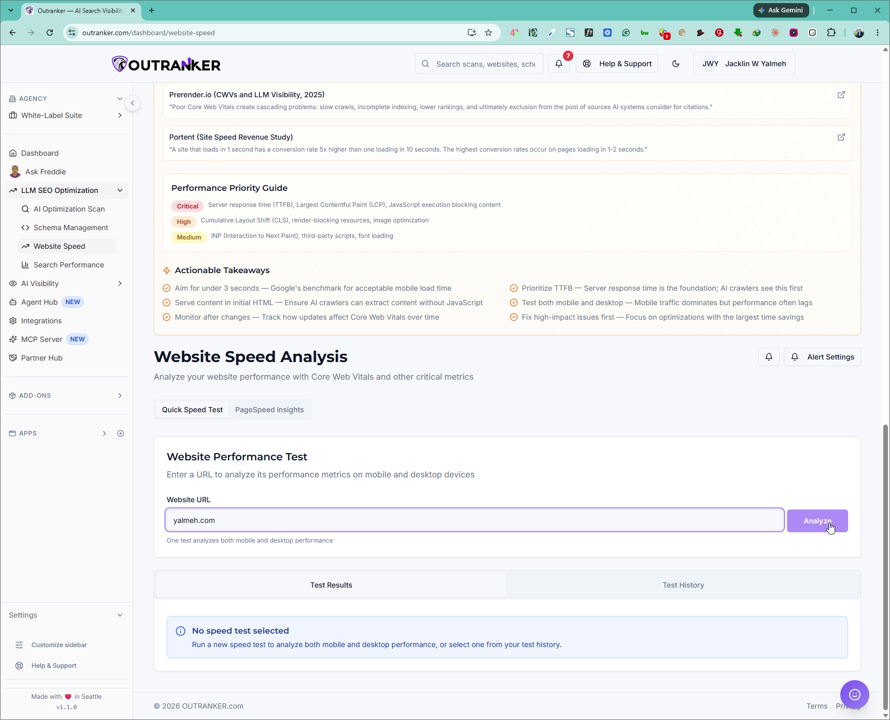
Allow some time for Outranker to analyze your website. Both the Quick Speed Test and PageSpeed Insights tests will run, and their results will begin to appear on the screen. You will also see a Test Results History section where previous runs are listed.
3. Review Mobile and Desktop Scores
When the tests are complete, you will see separate performance scores for mobile and desktop.
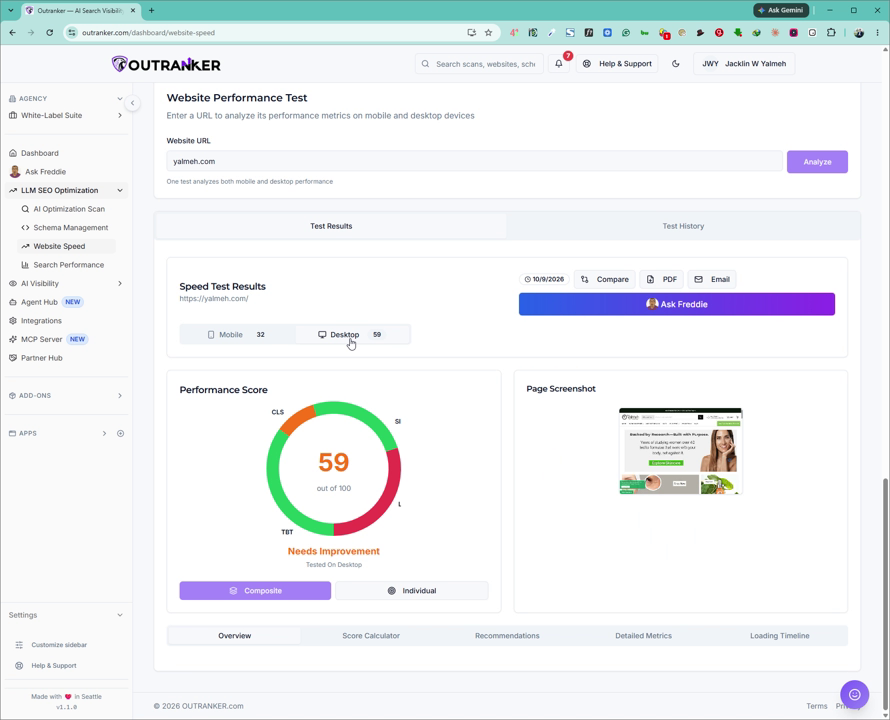
You will clearly see two distinct scores displayed for each device type.
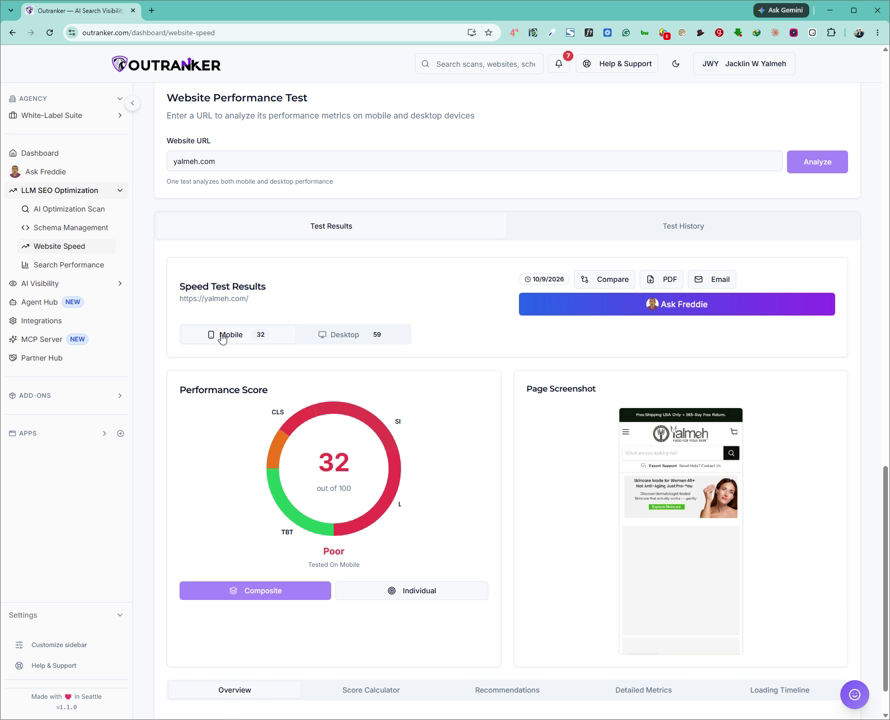
Use these scores to understand how your site performs on different devices and to identify whether mobile or desktop needs more optimization.
4. Analyze Score Breakdown and Recommendations
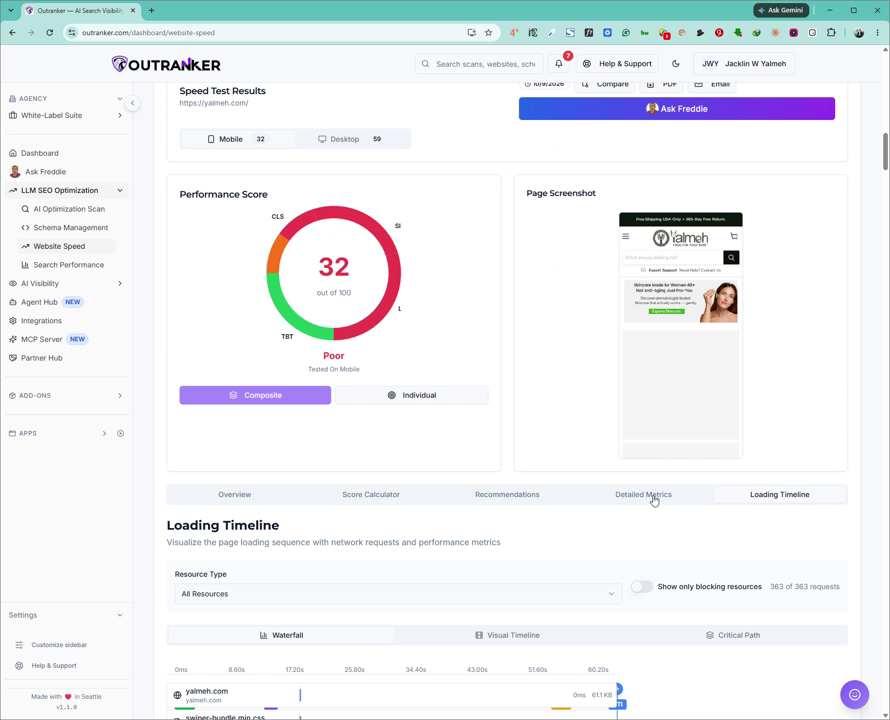
Scroll down to review the detailed information provided with your results, including:
Score breakdown to see how each performance factor contributes to your overall score
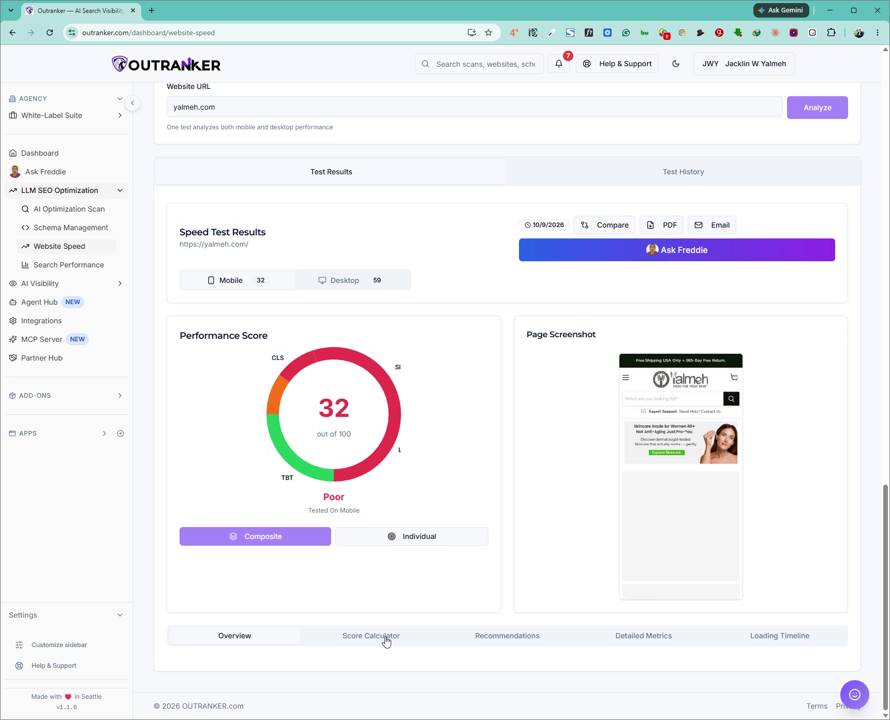
Score calculator to understand how metrics are weighted
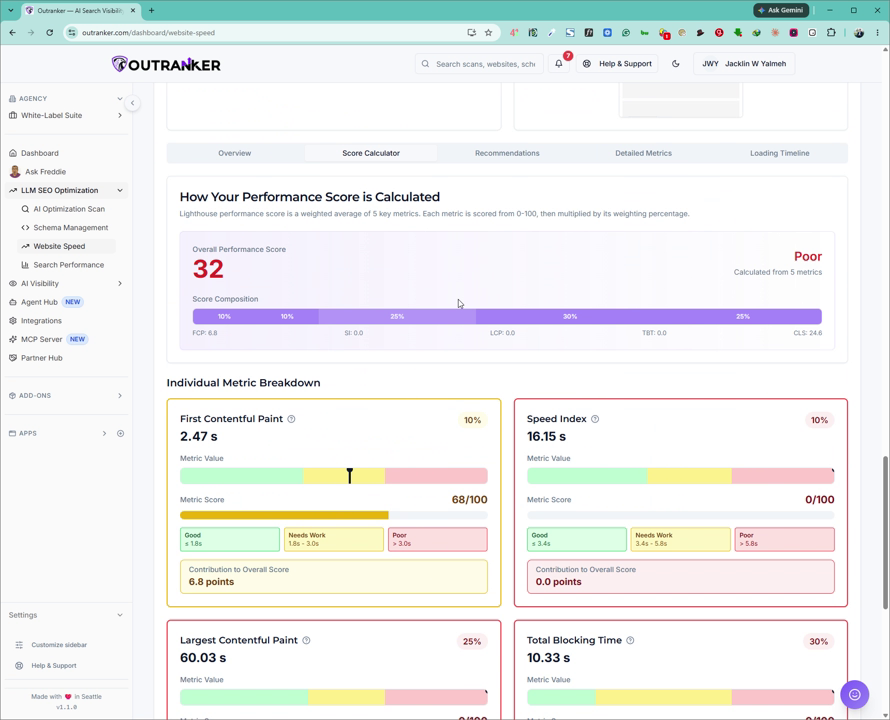
Recommendations and issues, listing specific items that are affecting your website speed
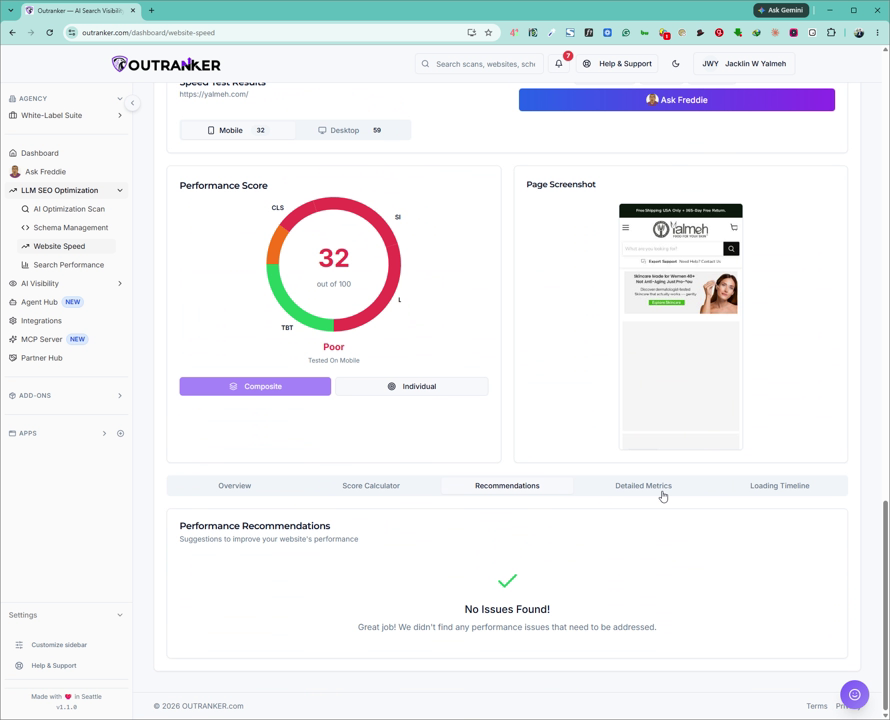
Detailed metrics, showing the key performance metrics that impact your site
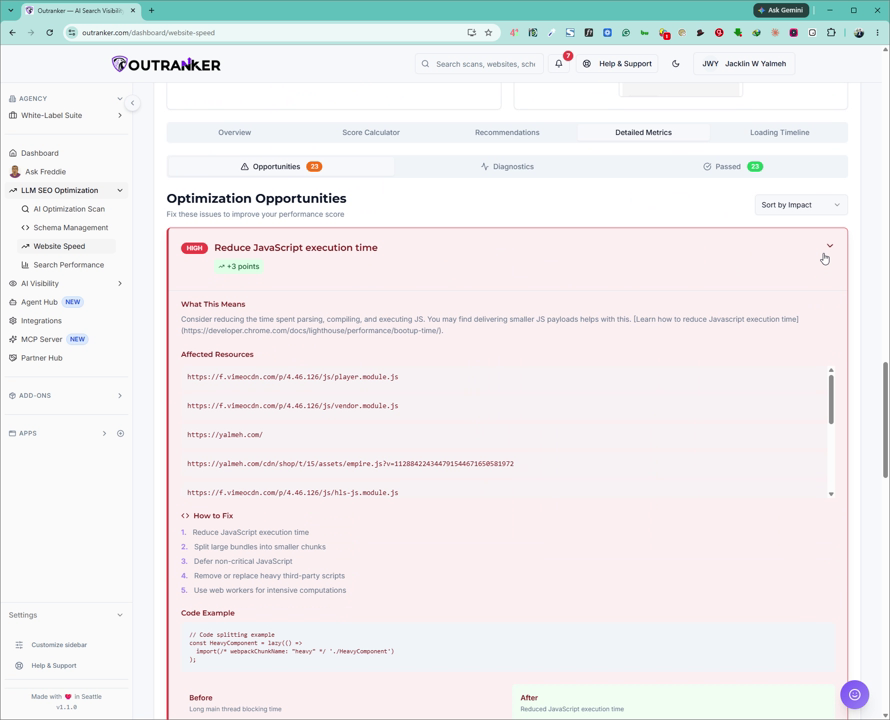
The elements that are affecting the website and the loading timeline, which visualizes how your page loads over time
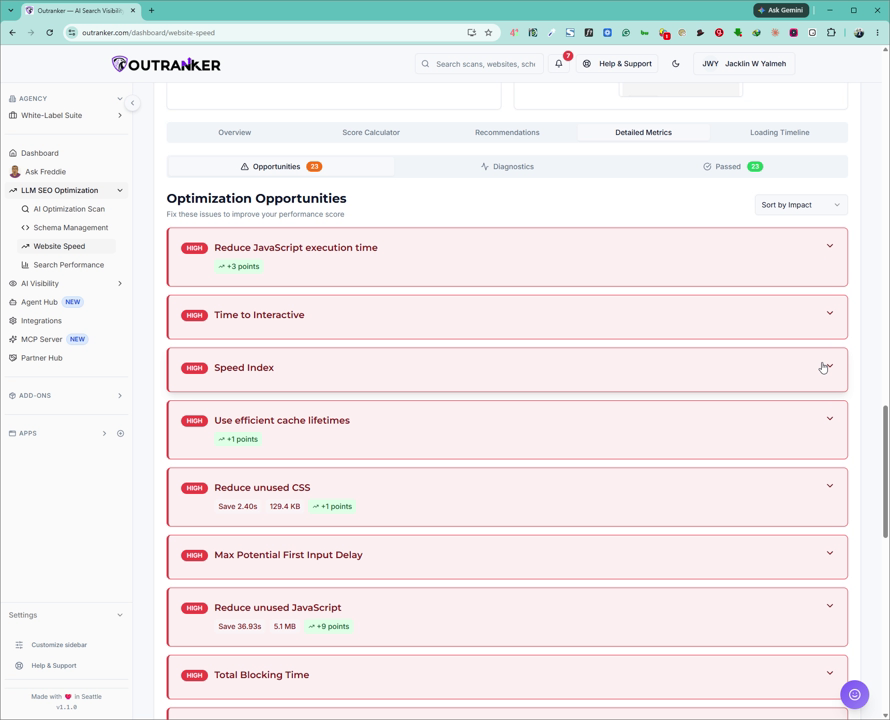
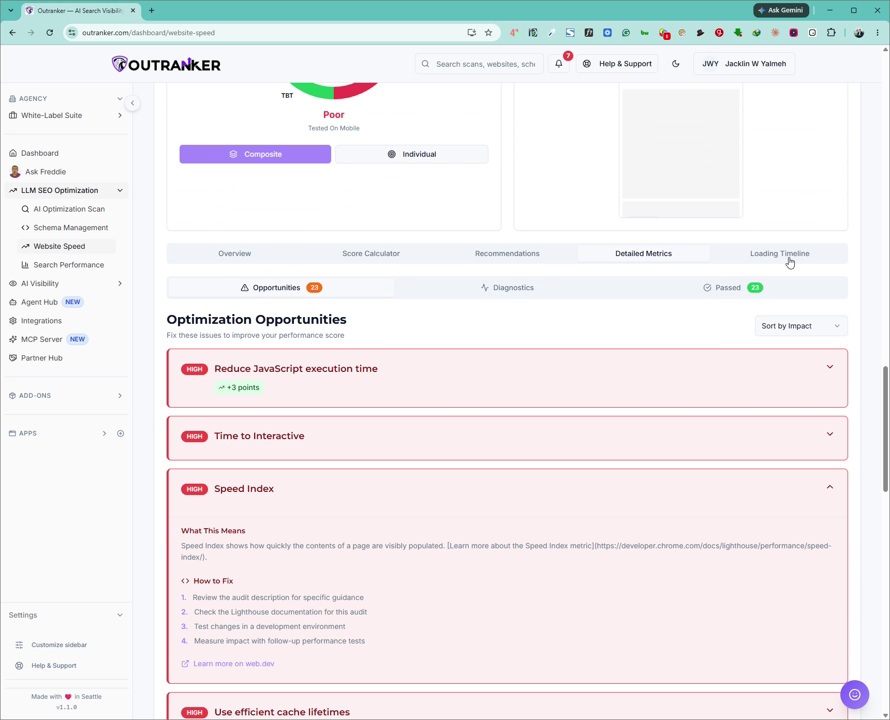
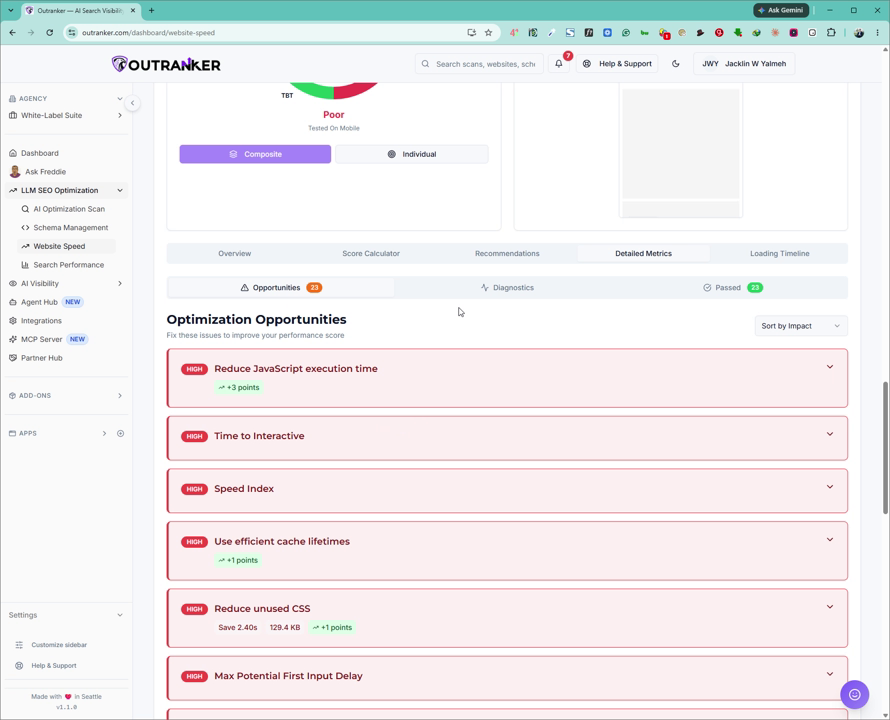
Under Detailed Metrics, you can further explore:
Optimization recommendations
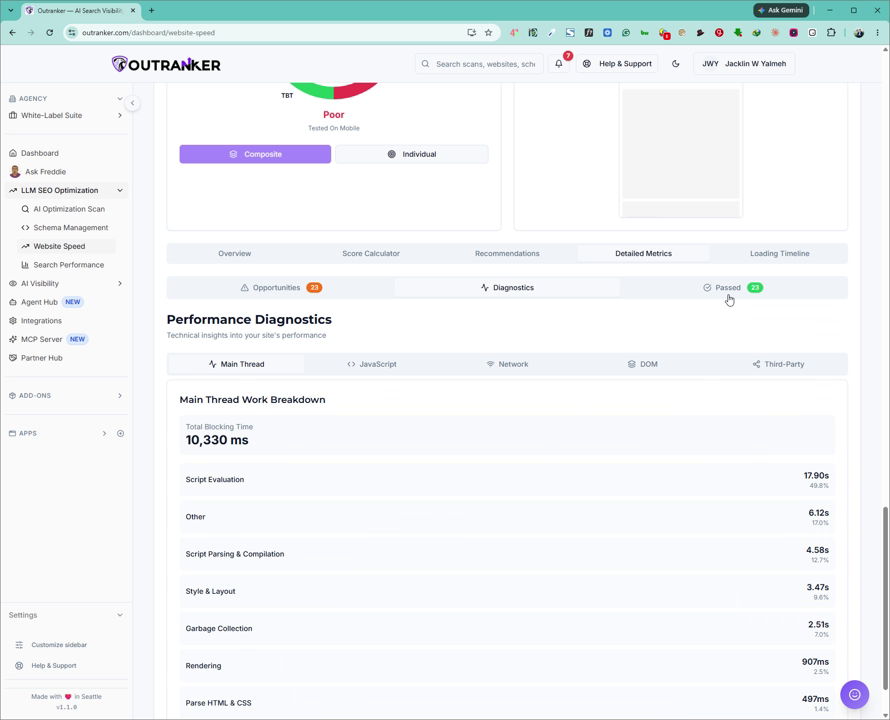
Diagnostics for in-depth technical checks
Items that have passed, indicating what is already well optimized
Use these insights to prioritize fixes, improve your site’s loading speed, and enhance its visibility for AI-driven search.
