
This tutorial explains how to create a new monitor and initiate a quick scan using Link Health Monitor.
Go to www.outranker.ai
1. Introduction
“In this video, you’ll learn how to create a new monitor and run a quick scan using Link Health Monitor inside Outranker.” “Broken links and crawl issues don’t just hurt traditional SEO — they reduce your credibility in AI-powered search systems.” “Let’s set up monitoring and analyze your site’s link health step by step.”
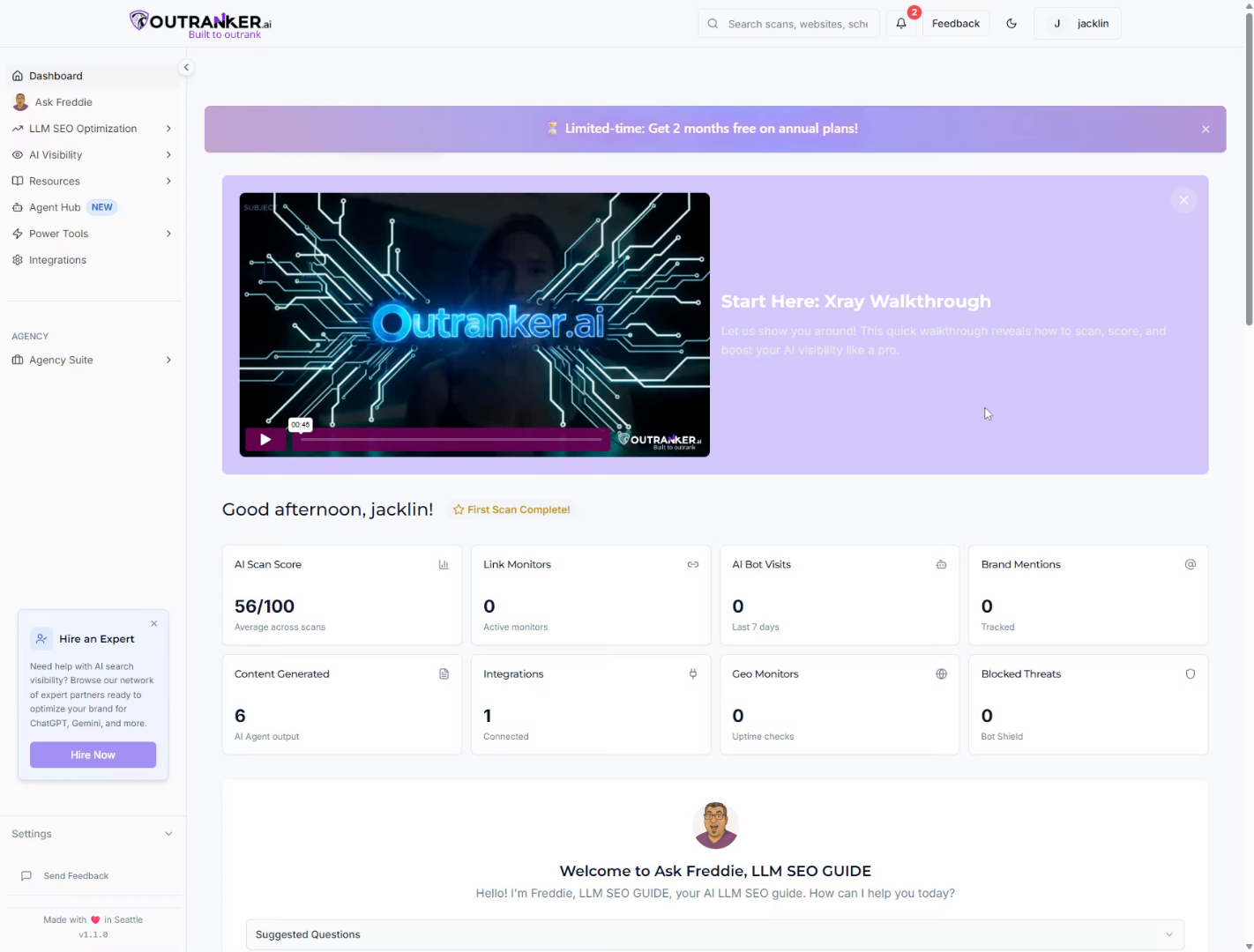
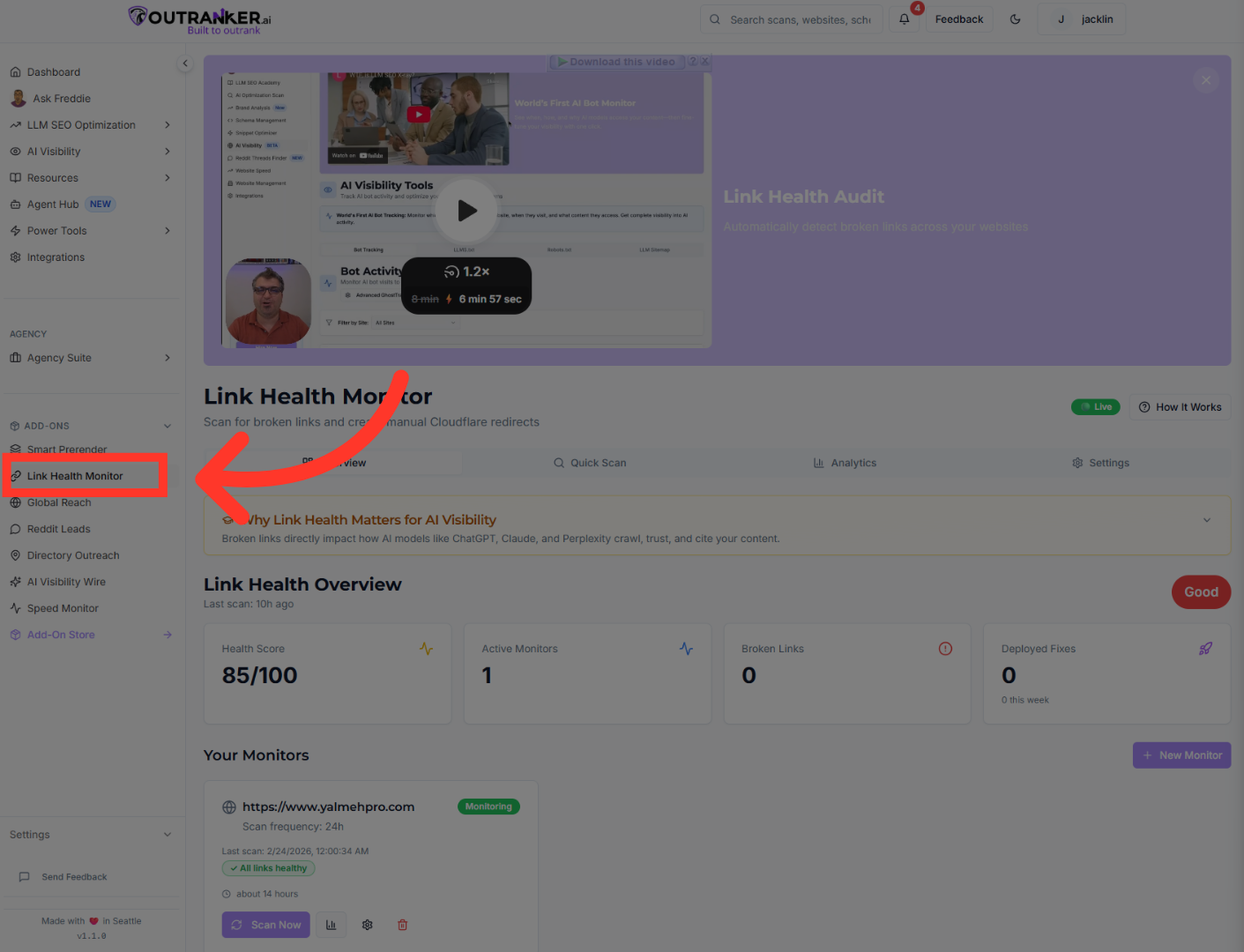
2. Open Link Health Monitor
“From your dashboard, click Add-On.” “Then select Link Health Monitor.”
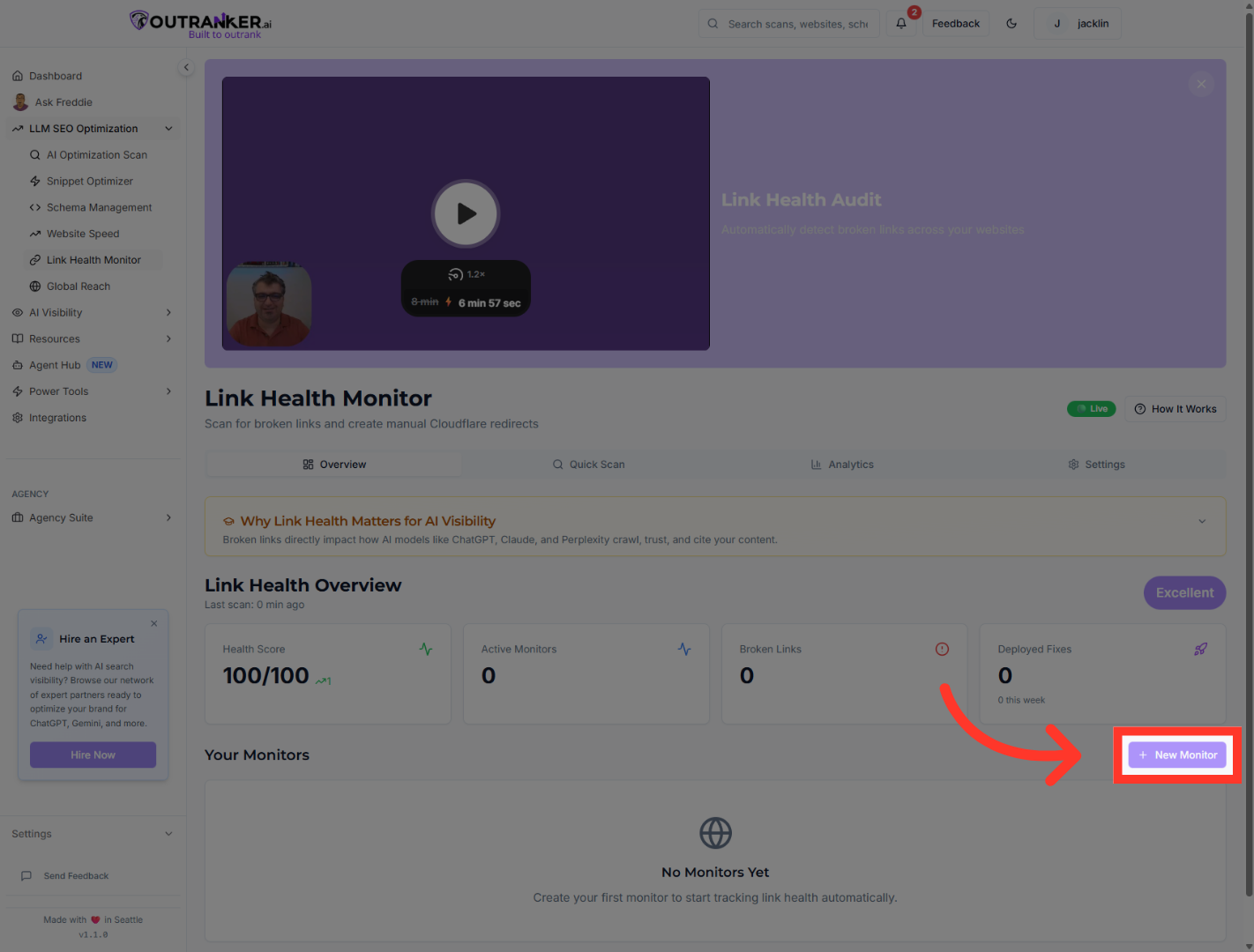
3. Start New Monitor Setup
“Click New Monitor to create a new link tracking configuration.”
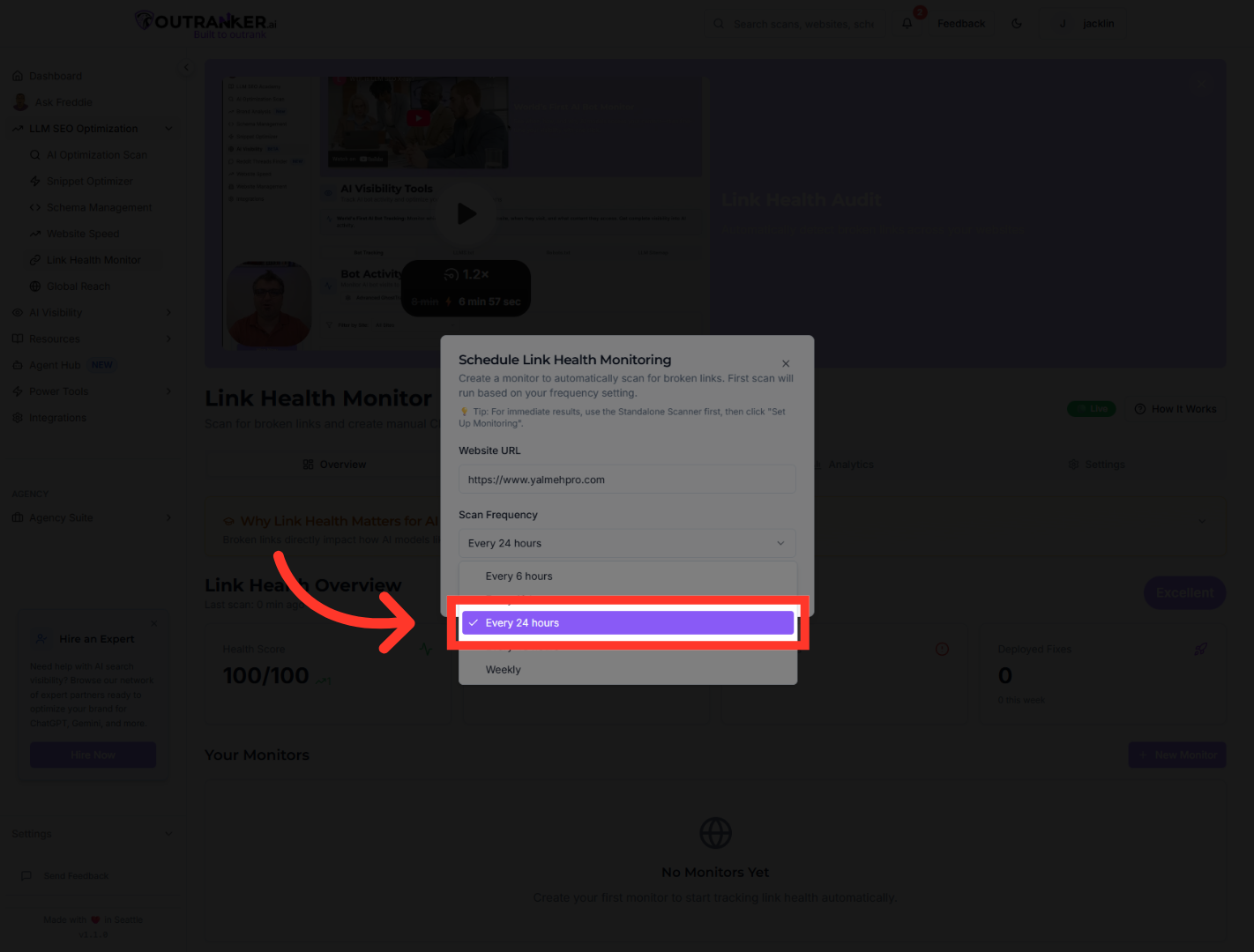
4. Set Monitoring Frequency
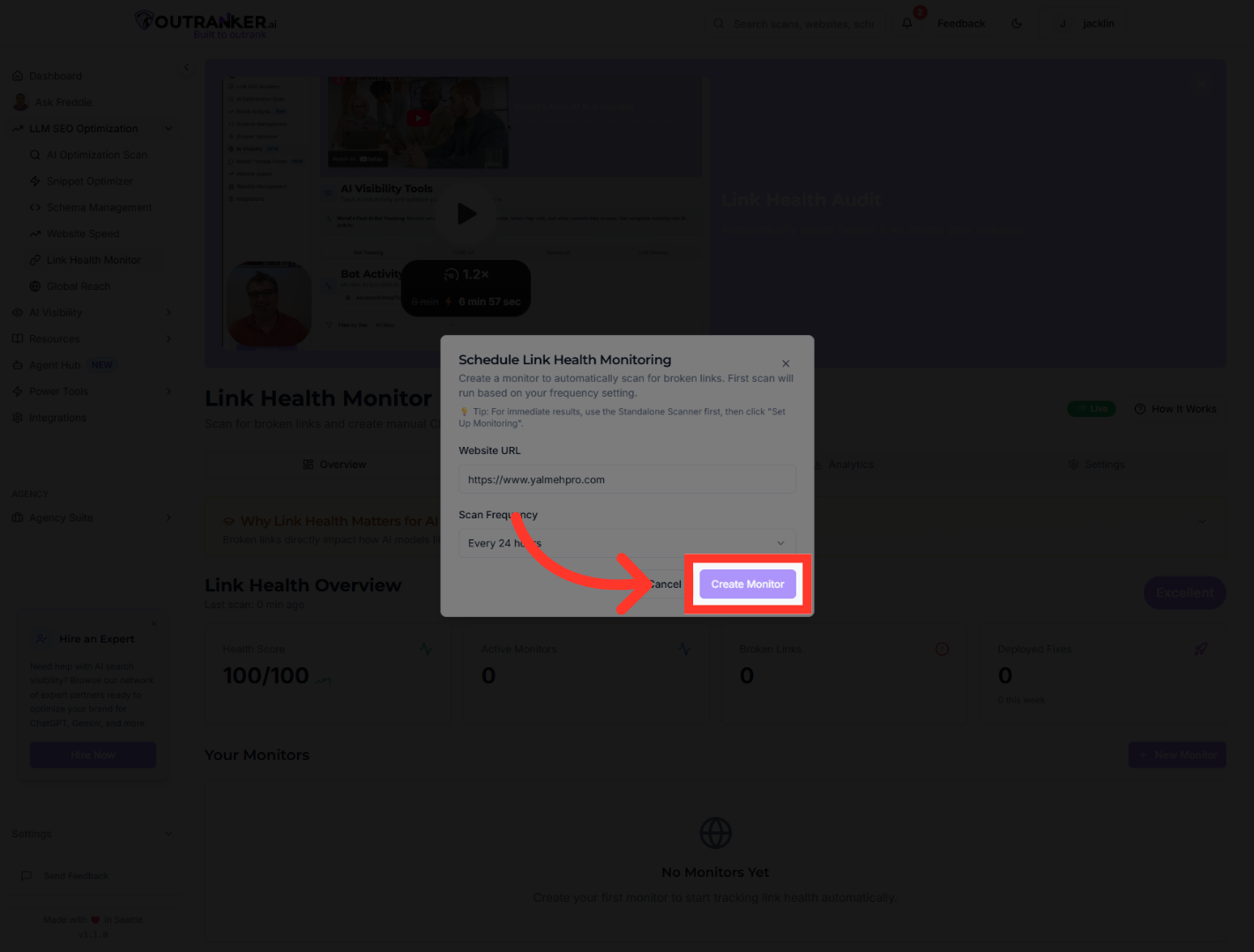
“Enter your website URL.” “Next, select your monitoring frequency — for example, every 24 hours.”
5. Create The Monitor
“Then click Create Monitor to activate tracking.”
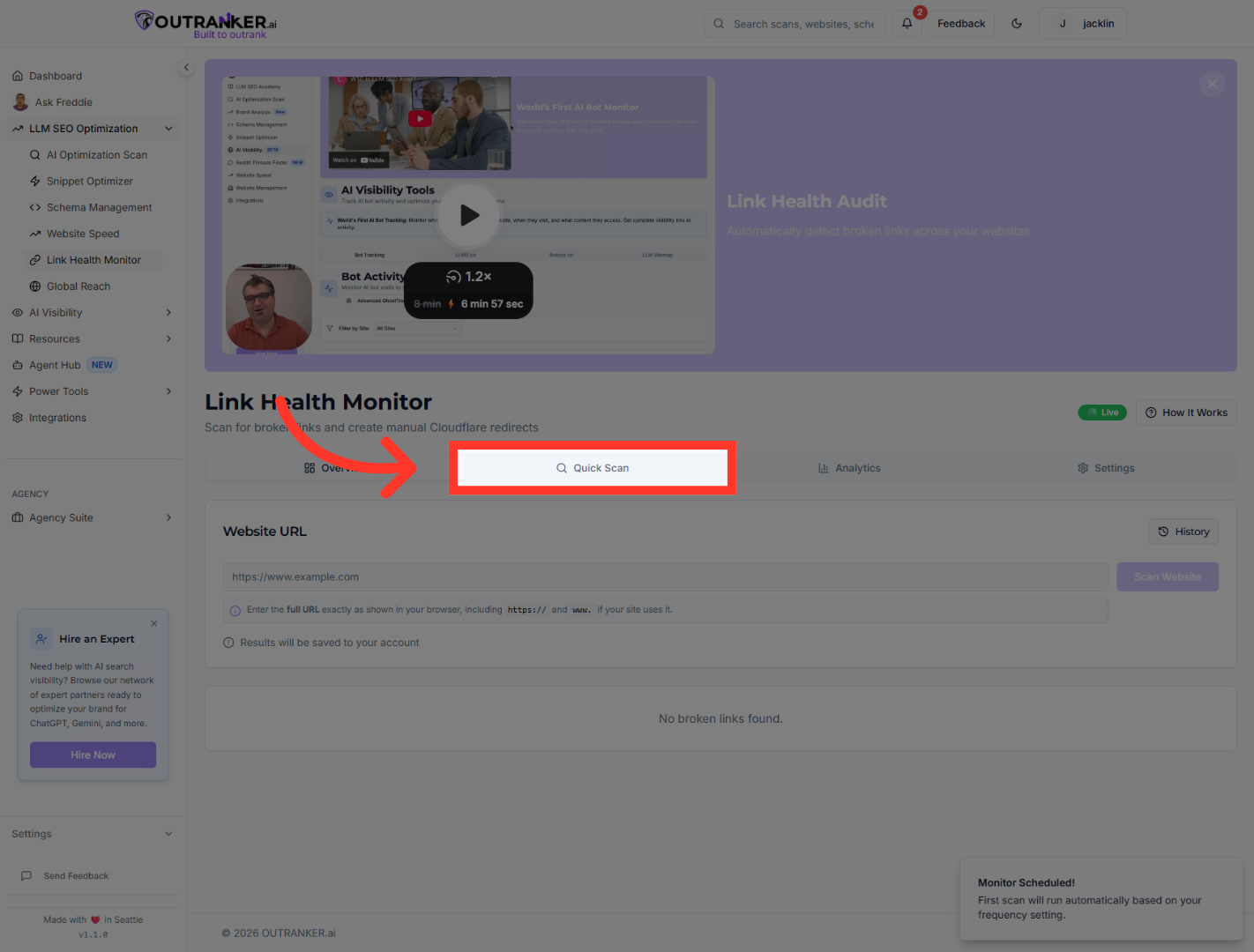
6. Initiate Quick Scan
“To run an immediate check, click Quick Scan.”
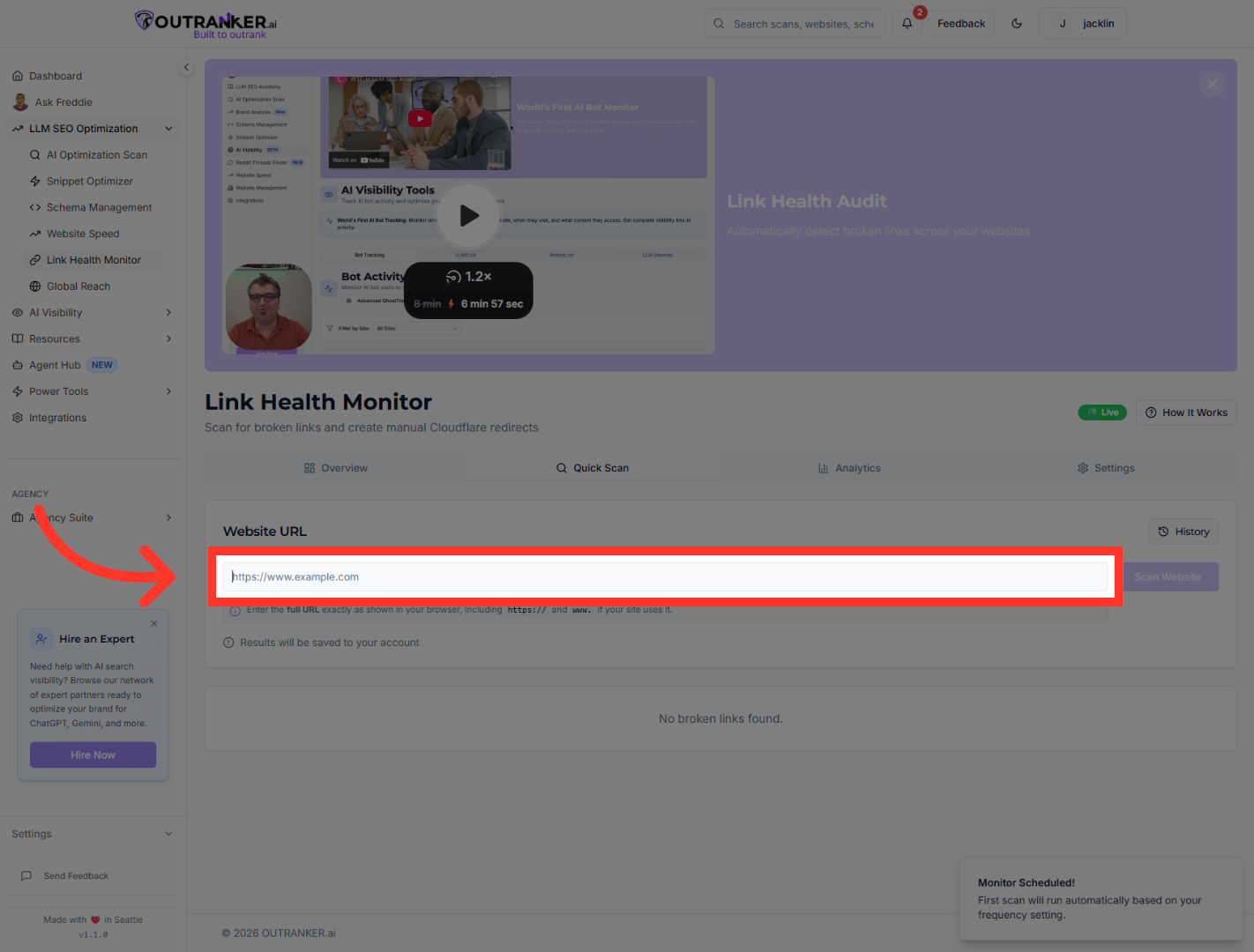
7. Select Website For Scan
“Select your website and confirm the URL.”
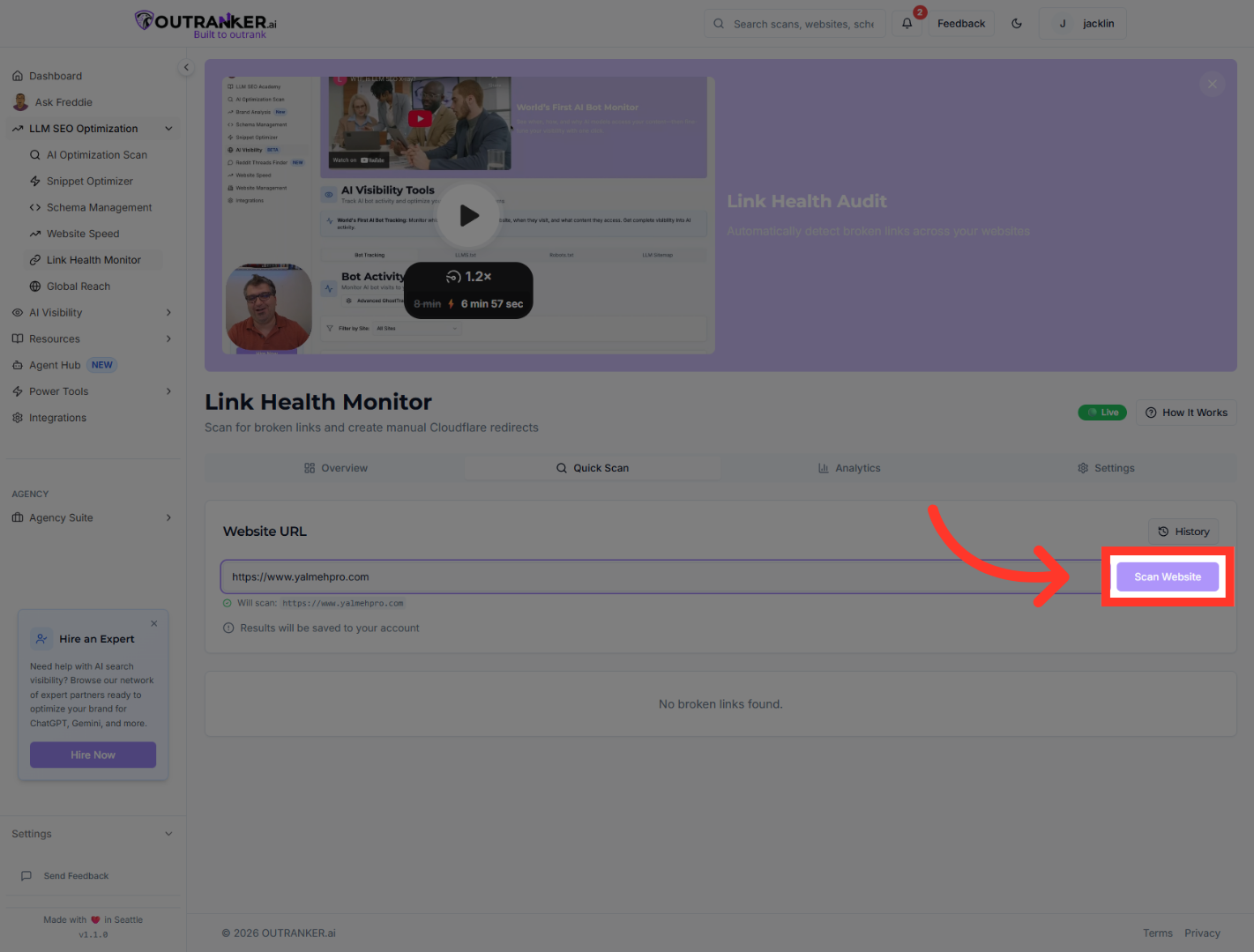
8. Start Website Scan
“Click Scan Website to begin the analysis.”
9. View Overall Score
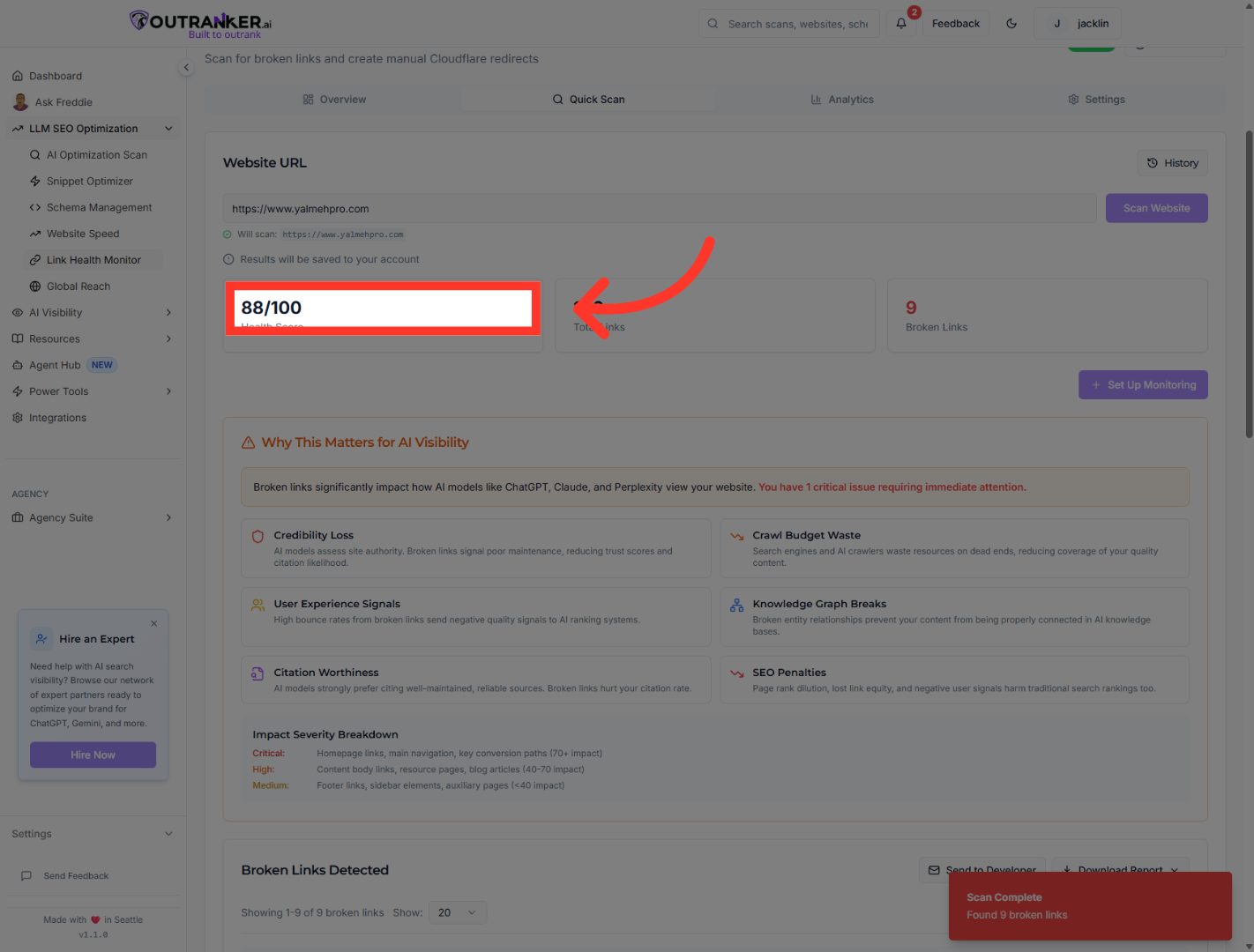
“Once the scan completes, you’ll see your overall link health score.” “You can also click the total issues count to review all detected link problems.” “Critical issues are highlighted separately so you can prioritize urgent fixes.”
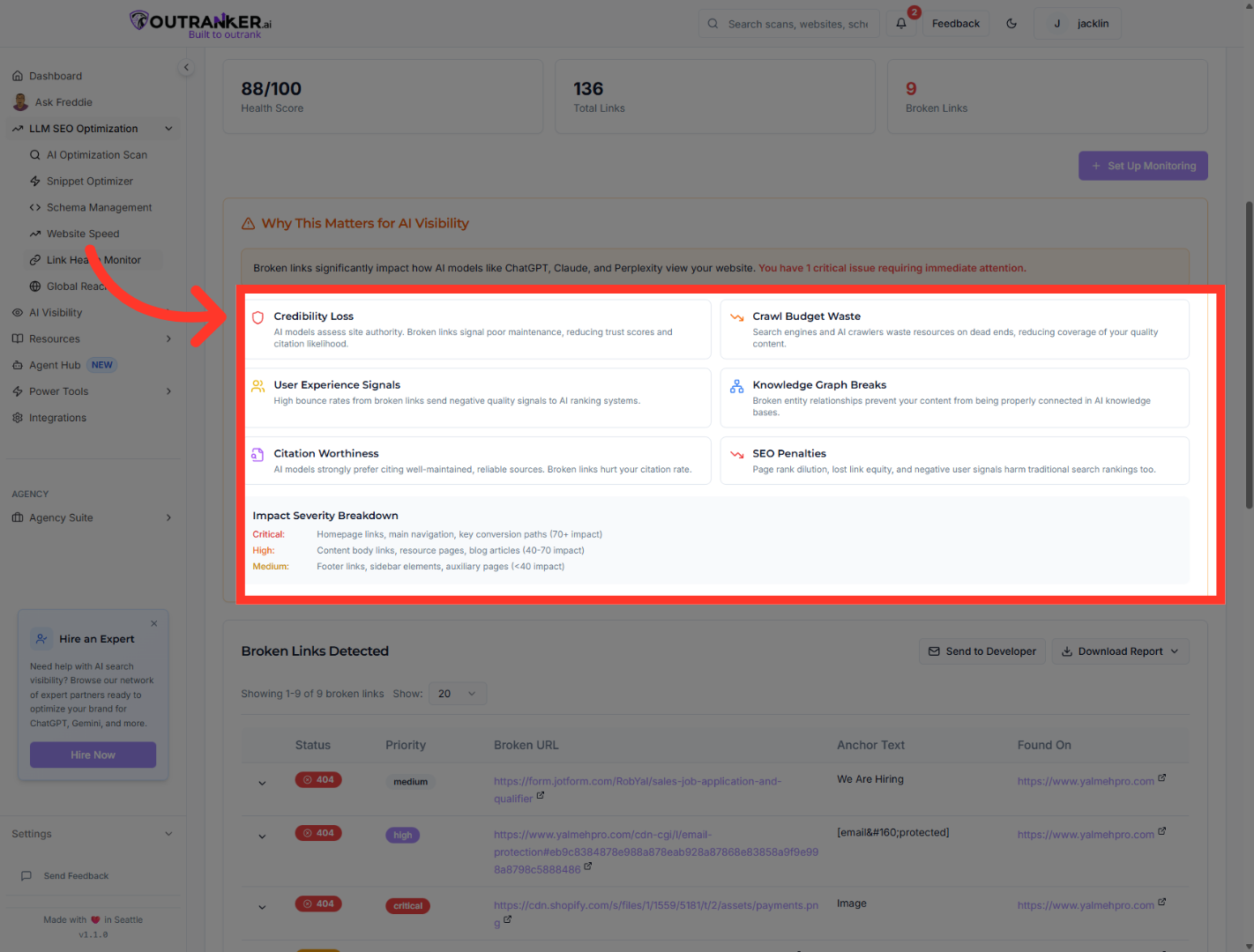
10. Access Credibility Loss Details
“Broken links reduce site credibility.” “They waste crawler resources, preventing search engines and AI systems from fully indexing your quality content.” “They increase bounce rates and send negative quality signals.” “They break entity relationships in AI knowledge systems.” “And they reduce citation rates in AI-generated responses.” “All of this affects both AI visibility and traditional search rankings.
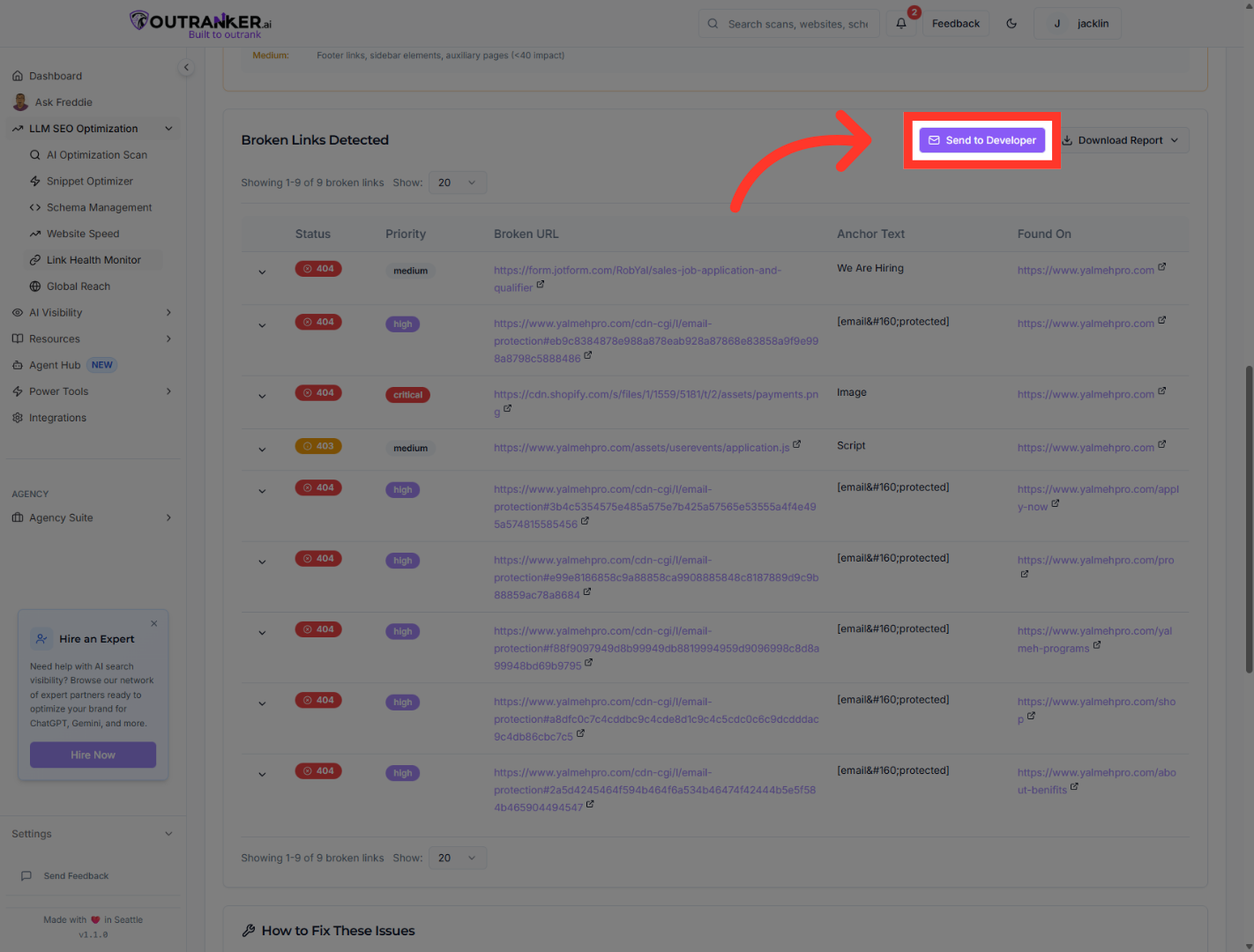
11. Send Report To Developer
“If you’re working with a developer, click Send to Developer.” “Enter their email address.” “You can add custom instructions if needed.” “Then confirm to send the report.”
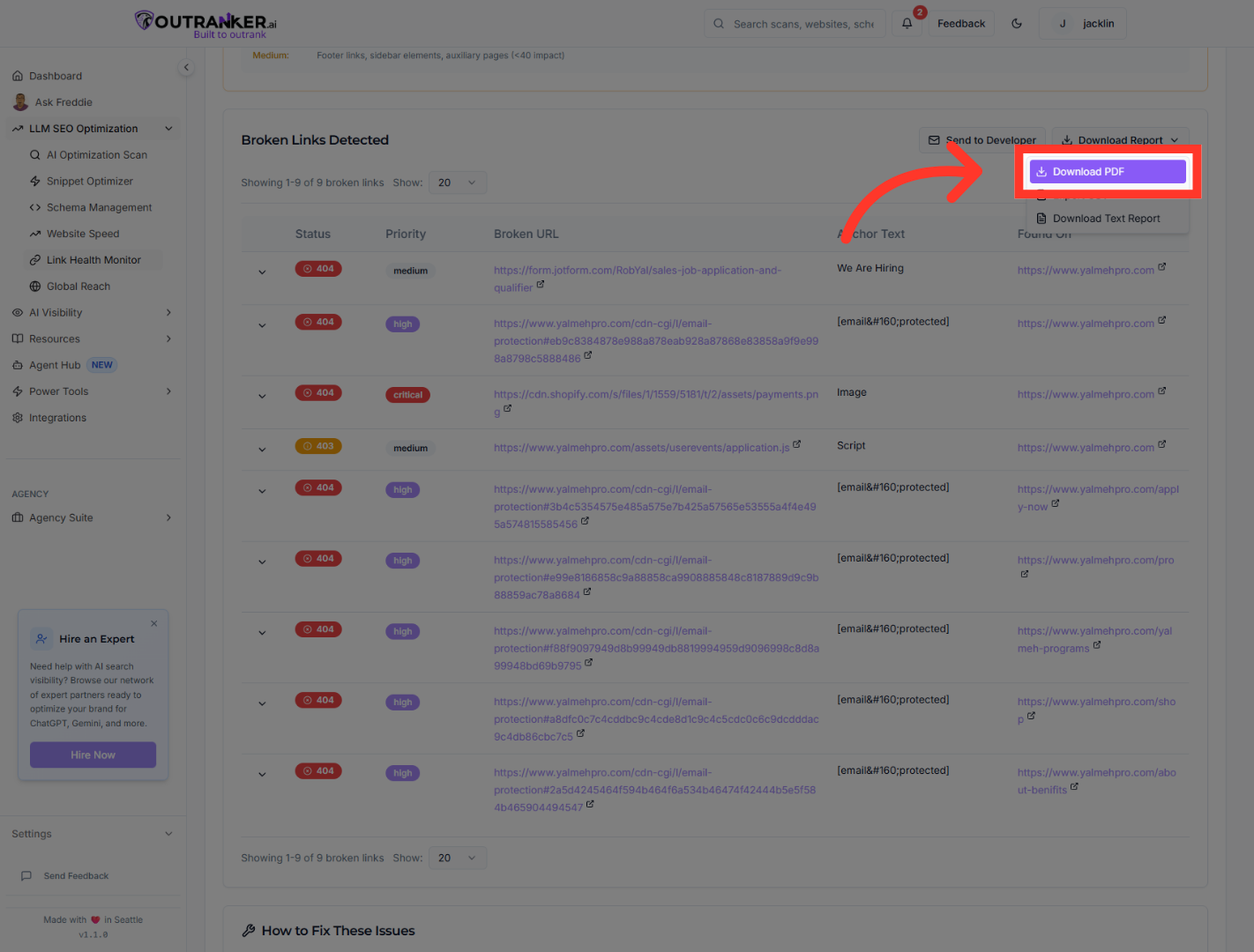
12. Download PDF Report
“You can download a full PDF report for offline review.” “Use the Step-by-Step Fix Guide to resolve issues systematically.” “Update broken links directly by replacing outdated URLs.”
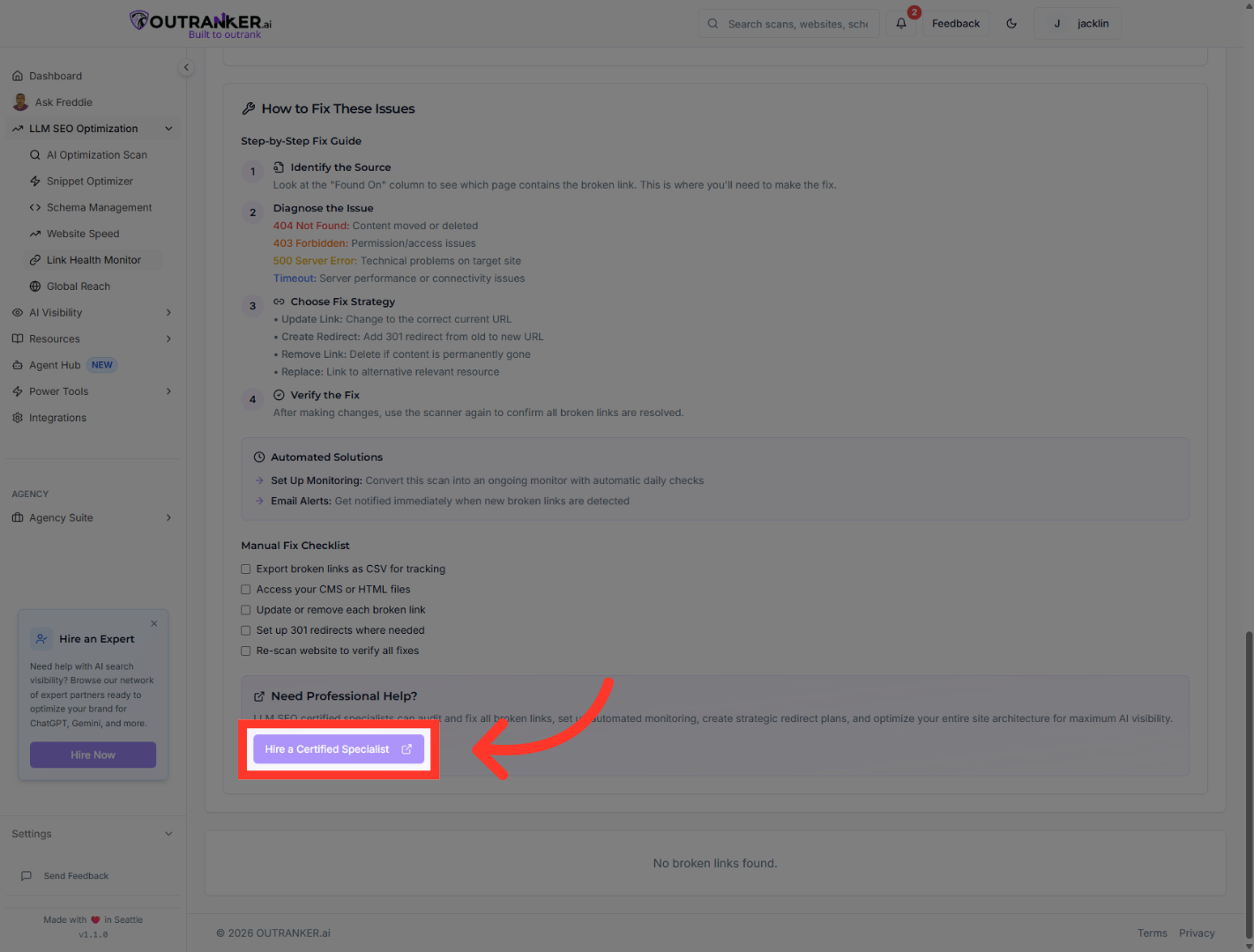
13. Hire Certified Specialist
“If needed, you can hire a certified specialist for advanced support.”
“You’ve successfully created a monitor and run a quick scan using Link Health Monitor.” “By continuously tracking and fixing broken links, you protect your site’s authority, improve crawl efficiency, and strengthen your AI search visibility.” “In the next video, we’ll explore advanced monitoring strategies to maintain long-term technical health.”
