
This tutorial explains how to add your custom domain within the portal settings of the Agency Suite.
Go to www.outranker.ai
1. Introduction
“In this video, you’ll learn how to add a custom domain to your Agency Suite portal.” “Using a custom domain creates a fully white-labeled experience for your clients and builds more trust when sharing AI visibility scans.”
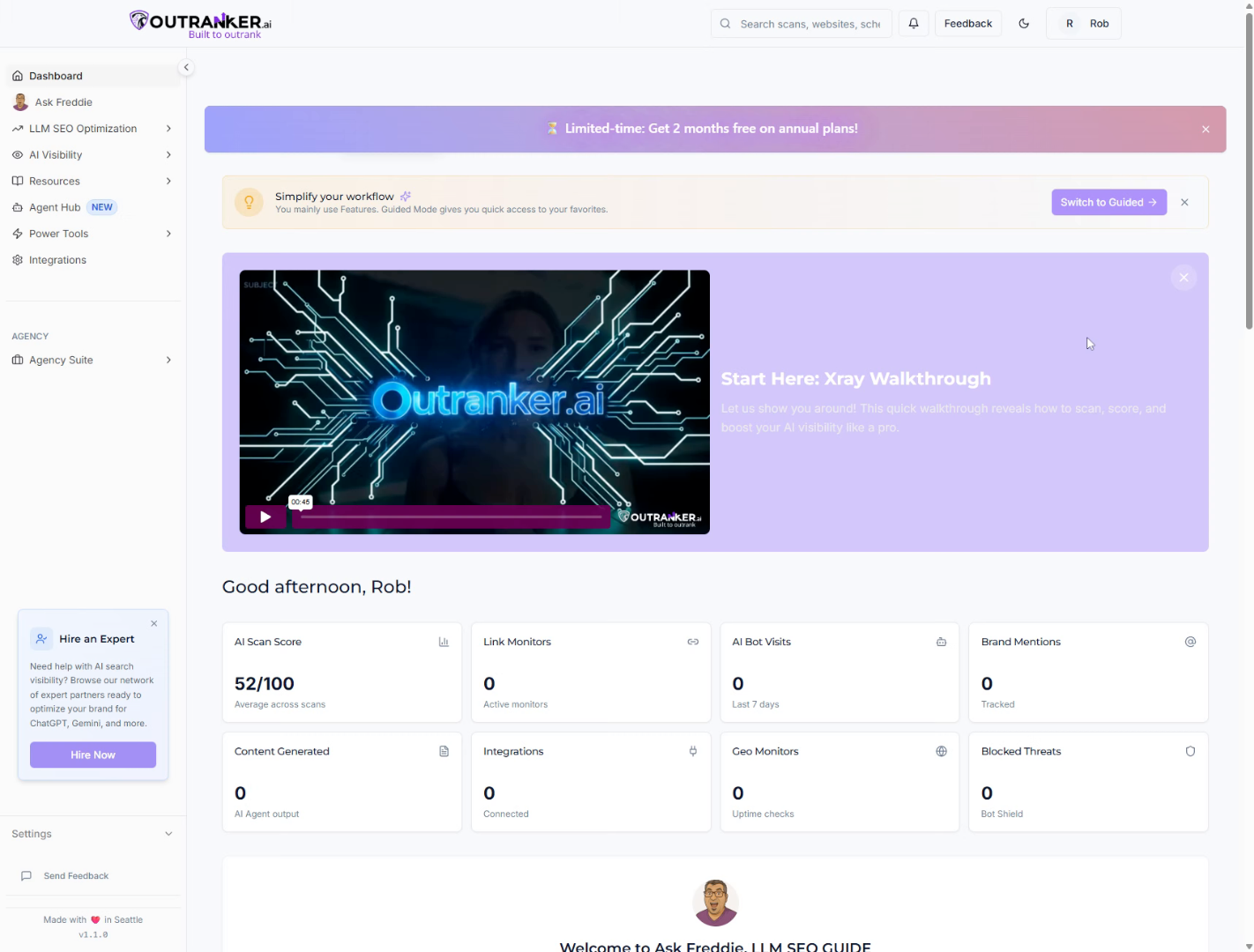
2. Open Client Hub
“Start by logging into your Outranker.ai account.” “From the left-hand menu, click Agency Suite, then open Client Hub.” “Inside Client Hub, click Portal Settings to access your portal configuration.”
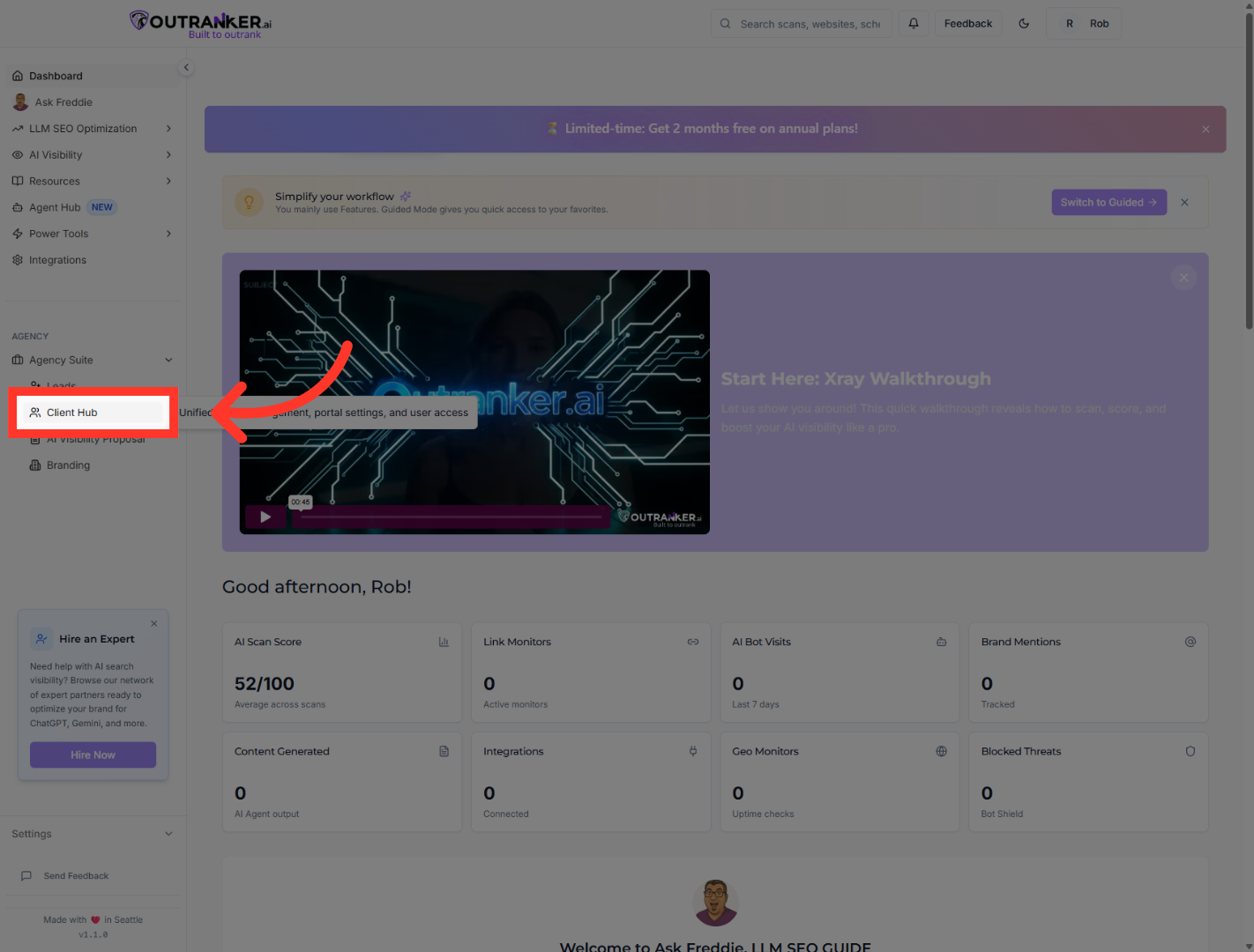
3. Select General Settings
“Within Portal Settings, select General.” “This is where your portal name, portal code, and domain settings live.”
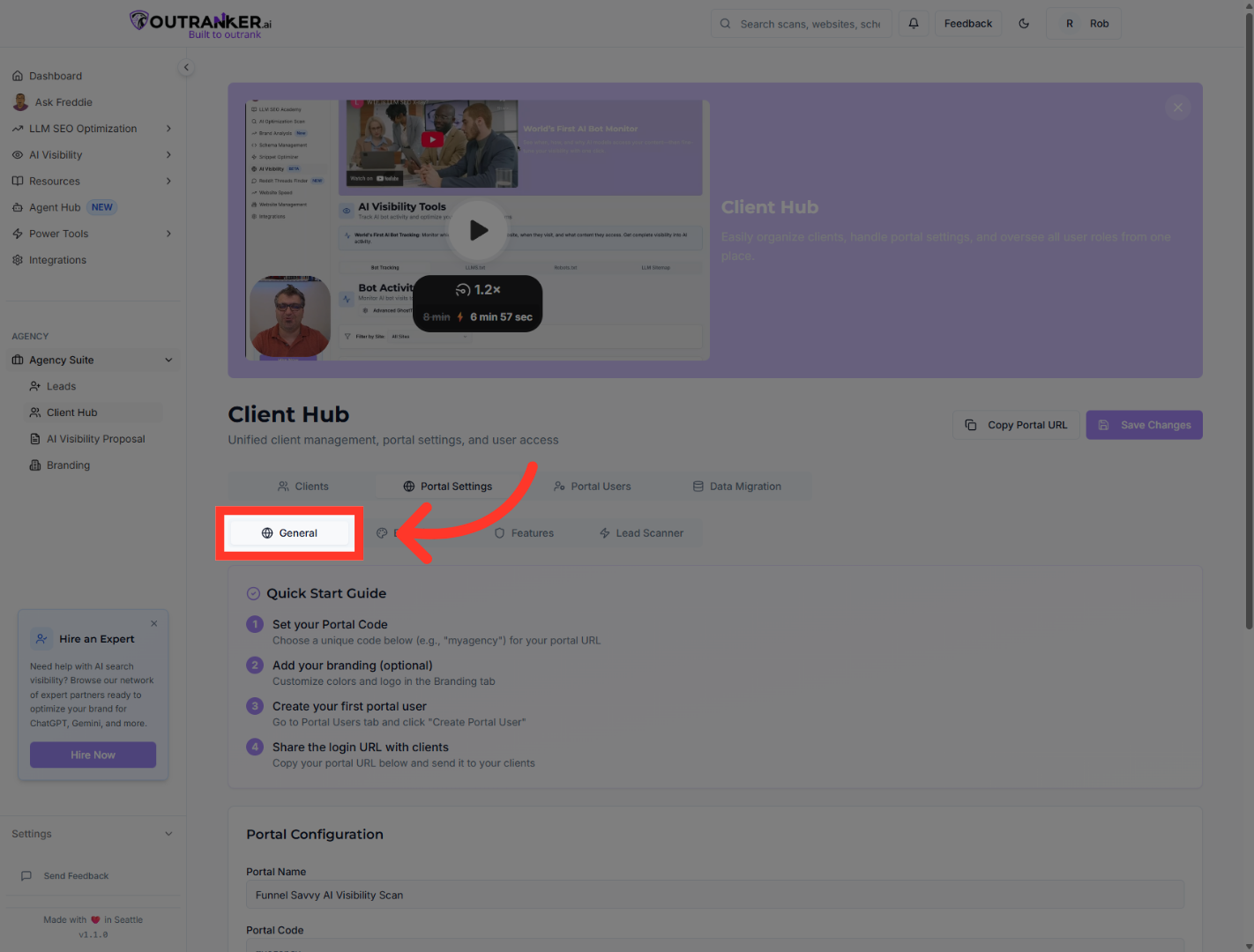
4. Open Portal Name Field
Click Portal Name to view or edit the name associated with your portal.
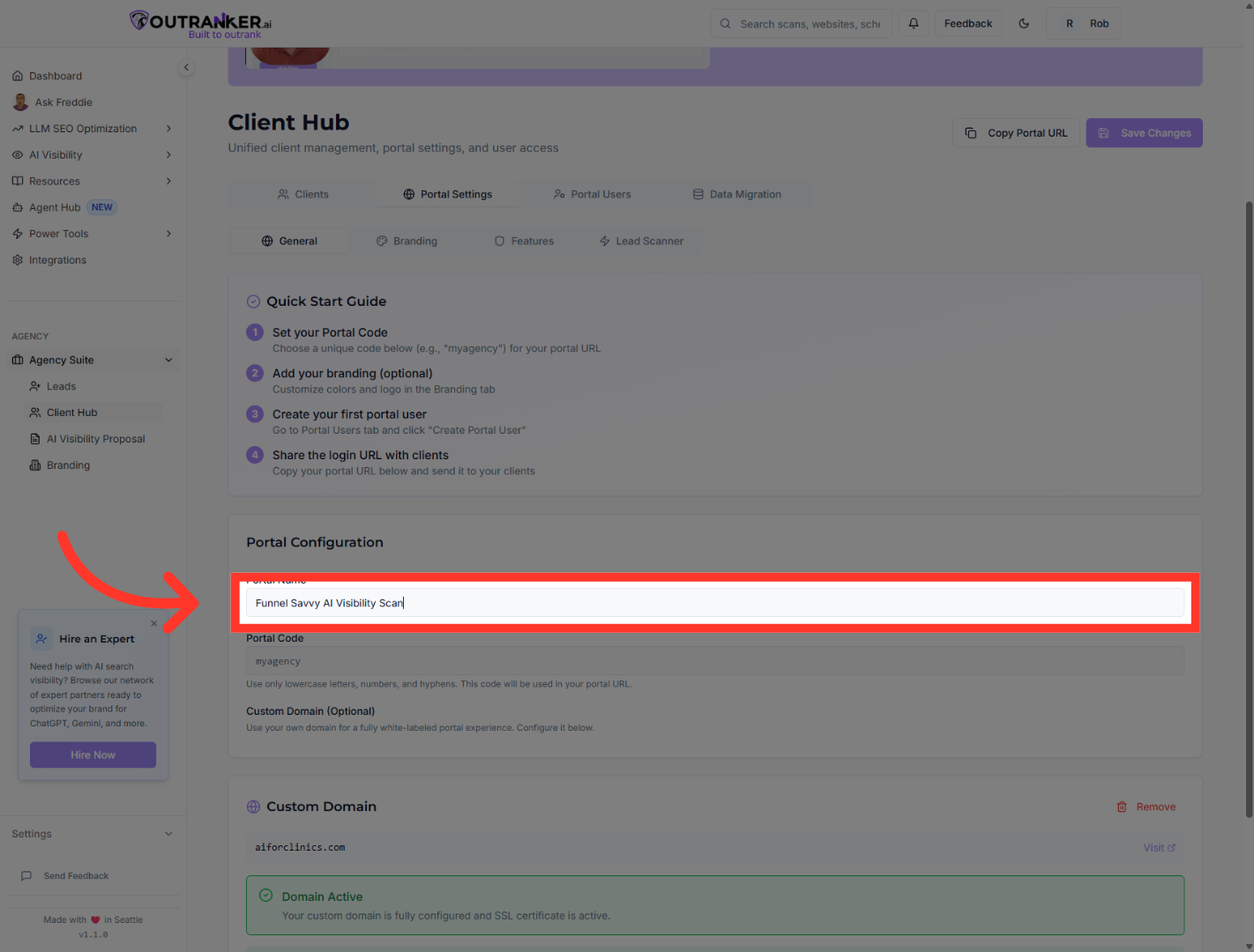
5. Open Portal Code Field
Click Portal Code to access the code settings related to your portal identification.
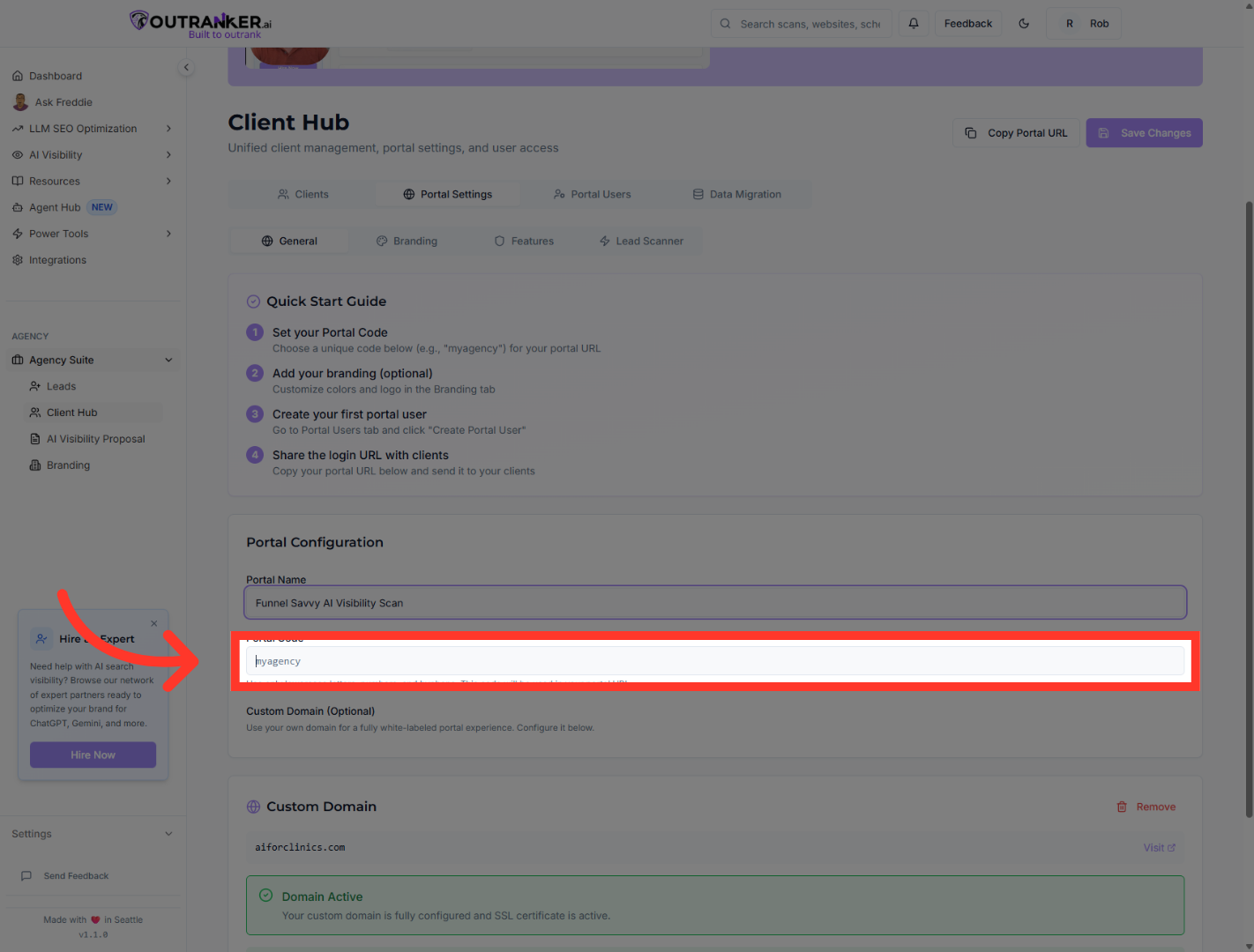
6. Select Existing Domain
“In the Custom Domain section, select your domain to begin configuration.” “Outranker will guide you through the required DNS setup for verification.”
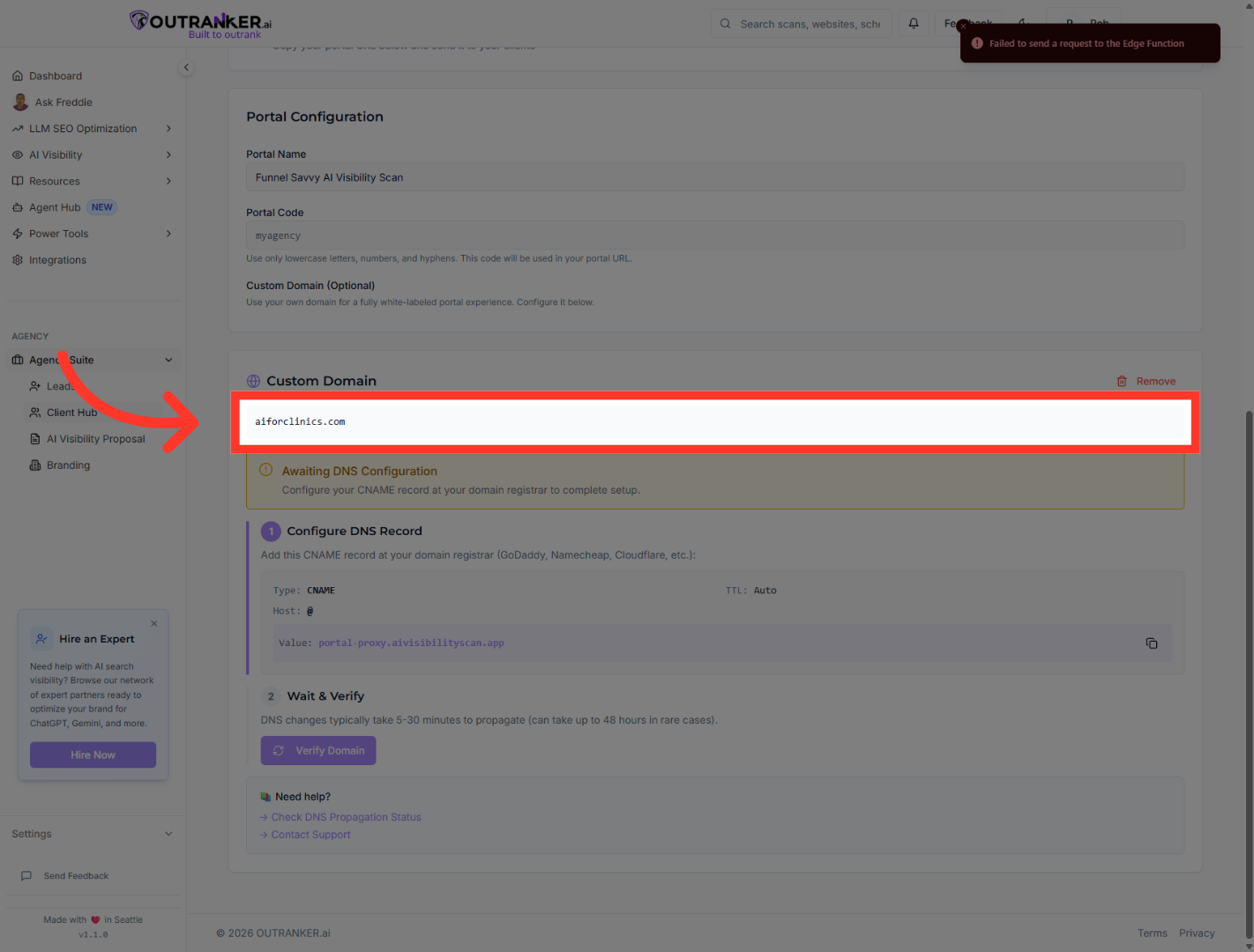
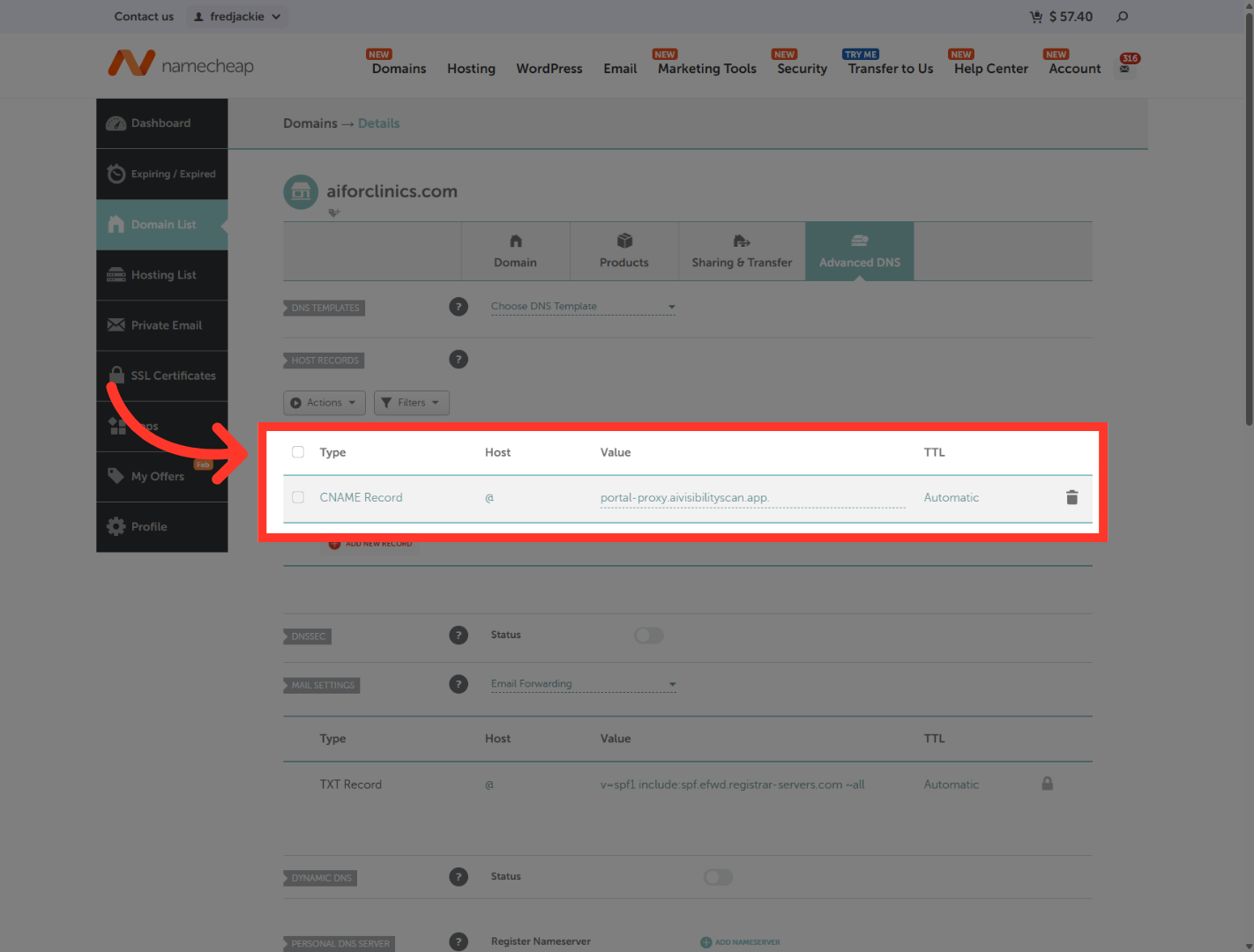
7. Select Proxy Domain Record
“Next, switch to your domain provider — such as Namecheap, GoDaddy, or Cloudflare.” “Open the Advanced DNS settings for your domain.” “Add or update the DNS records exactly as shown in the portal.” “Once saved, return to Outranker to continue verification.”
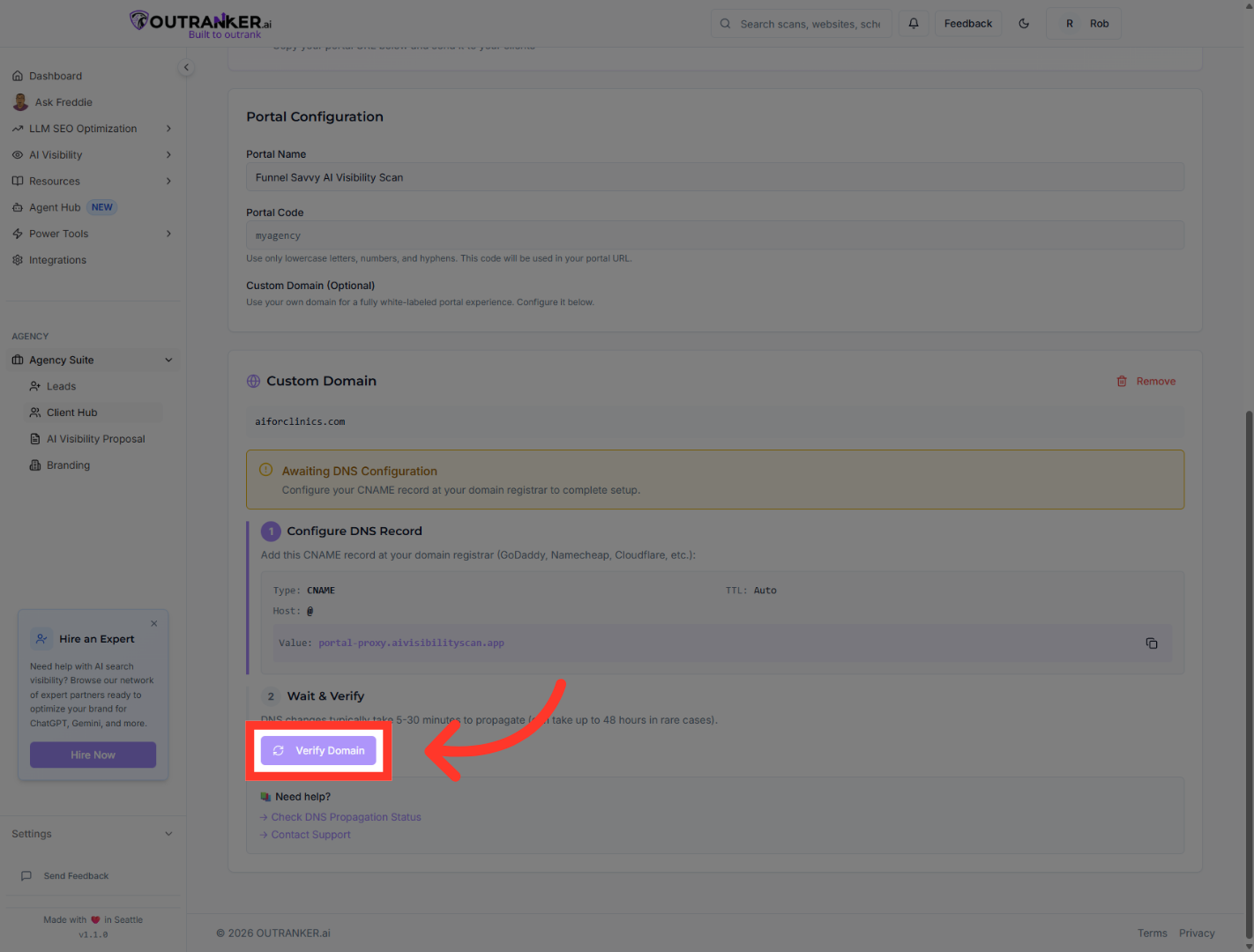
8. Verify Custom Domain
“Back in the Agency Suite portal, click Verify Domain.” “Outranker will check your DNS configuration and confirm the connection. Please note, it may take some time for the DNS settings to propagate properly.”
9. Check SSL Status
“Once verified, you’ll see your custom domain listed as active.” “You can also confirm that your portal is SSL secured, ensuring safe and encrypted access.”
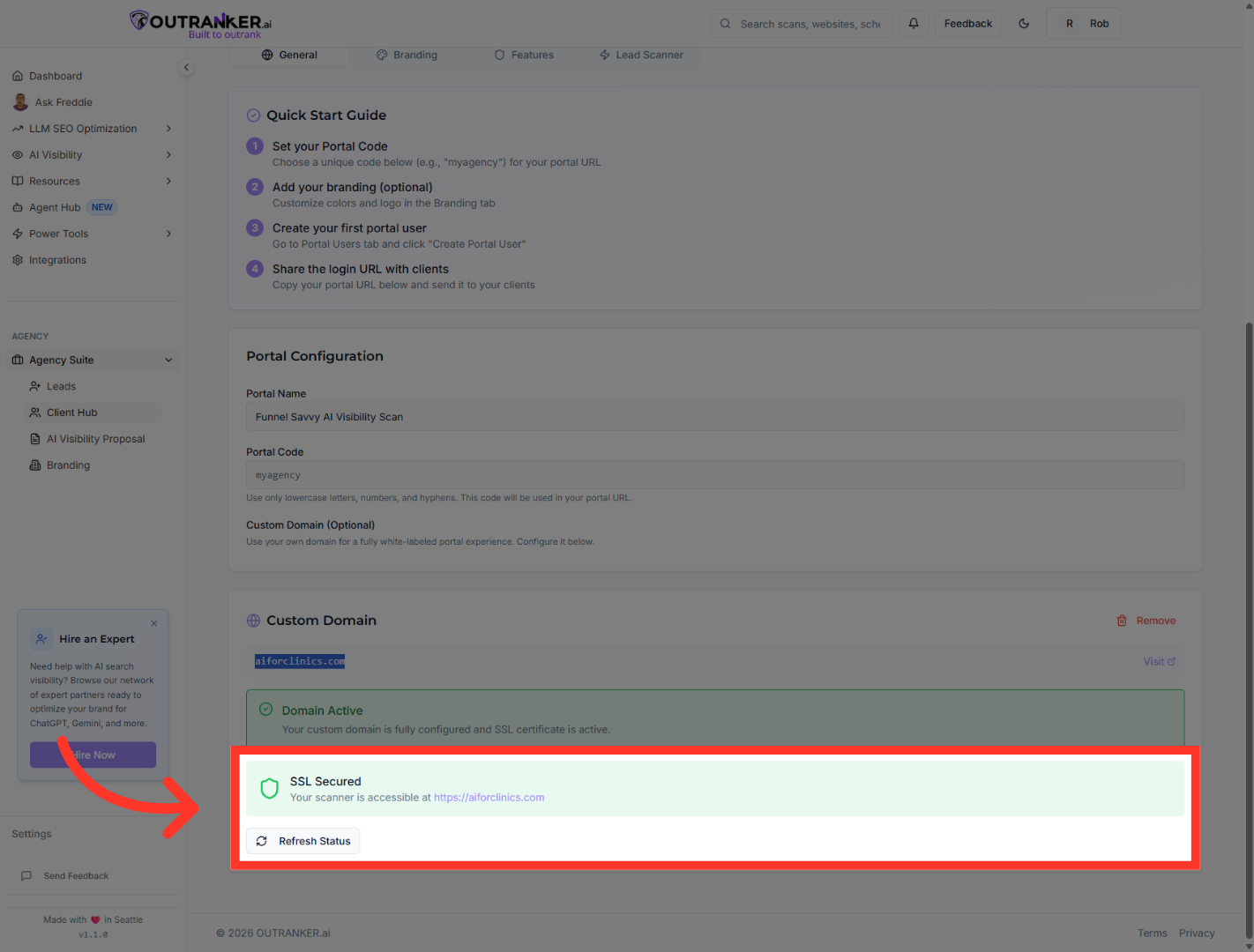
10. Final SSL Verification
“Click your custom domain link to visit the portal and confirm everything is working correctly.” “Your AI visibility scanner is now accessible through your own branded domain.”
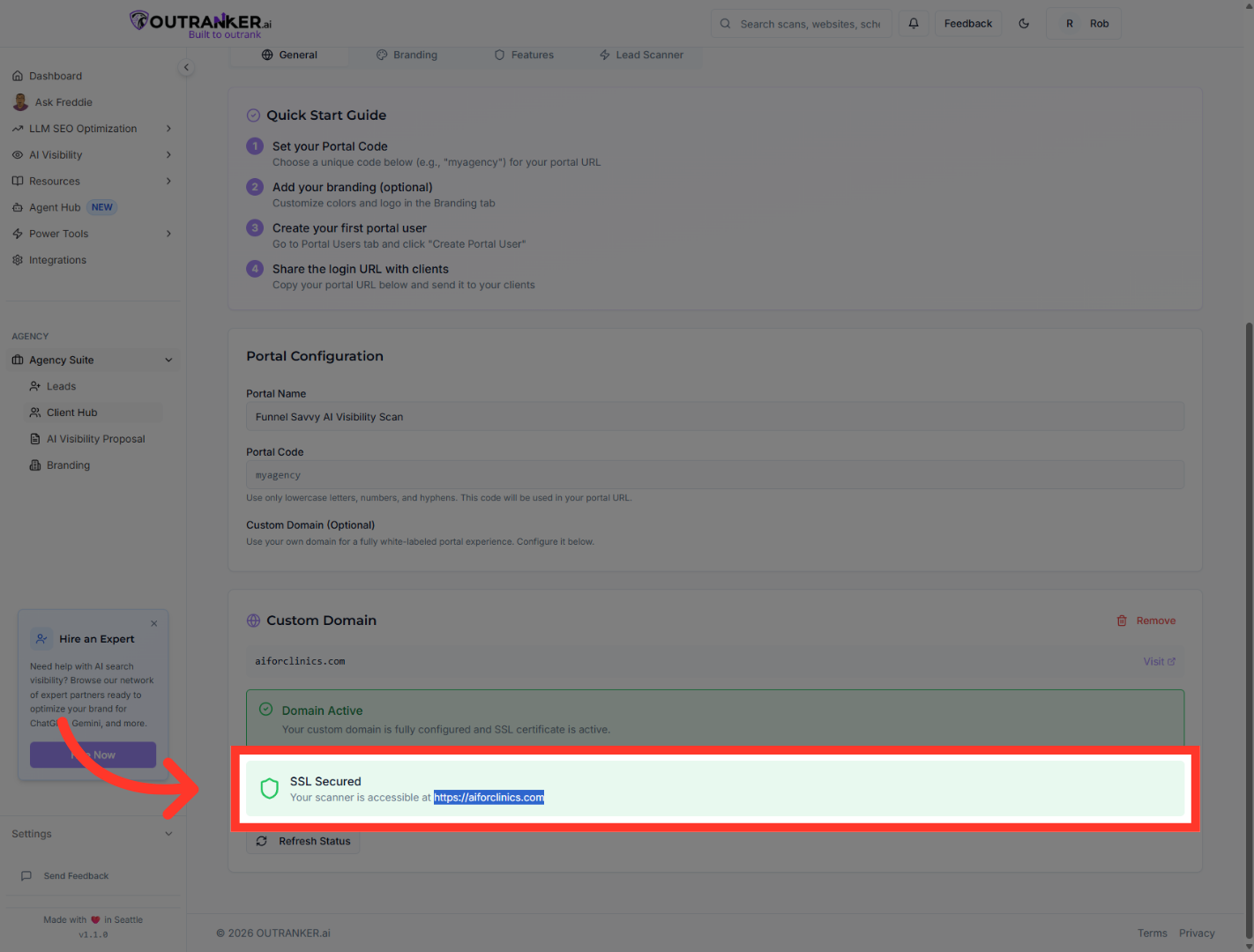
“That’s how you add and verify a custom domain in the Agency Suite portal.” “You now have a fully white-labeled, secure experience for sharing AI visibility scans with clients.” “Next, we’ll show you how to share this portal and manage client access.”
