
This tutorial guides you through adding a new client in your Agency Suite's Client Hub.
Go to www.outranker.ai
1. Introduction
“In this video, you’ll learn how to add a new client efficiently using the Agency Suite Client Hub inside Outranker.ai.” “We’ll walk through the Client Hub, review client filters, and show you how to create a new client with all the essential details — step by step.”
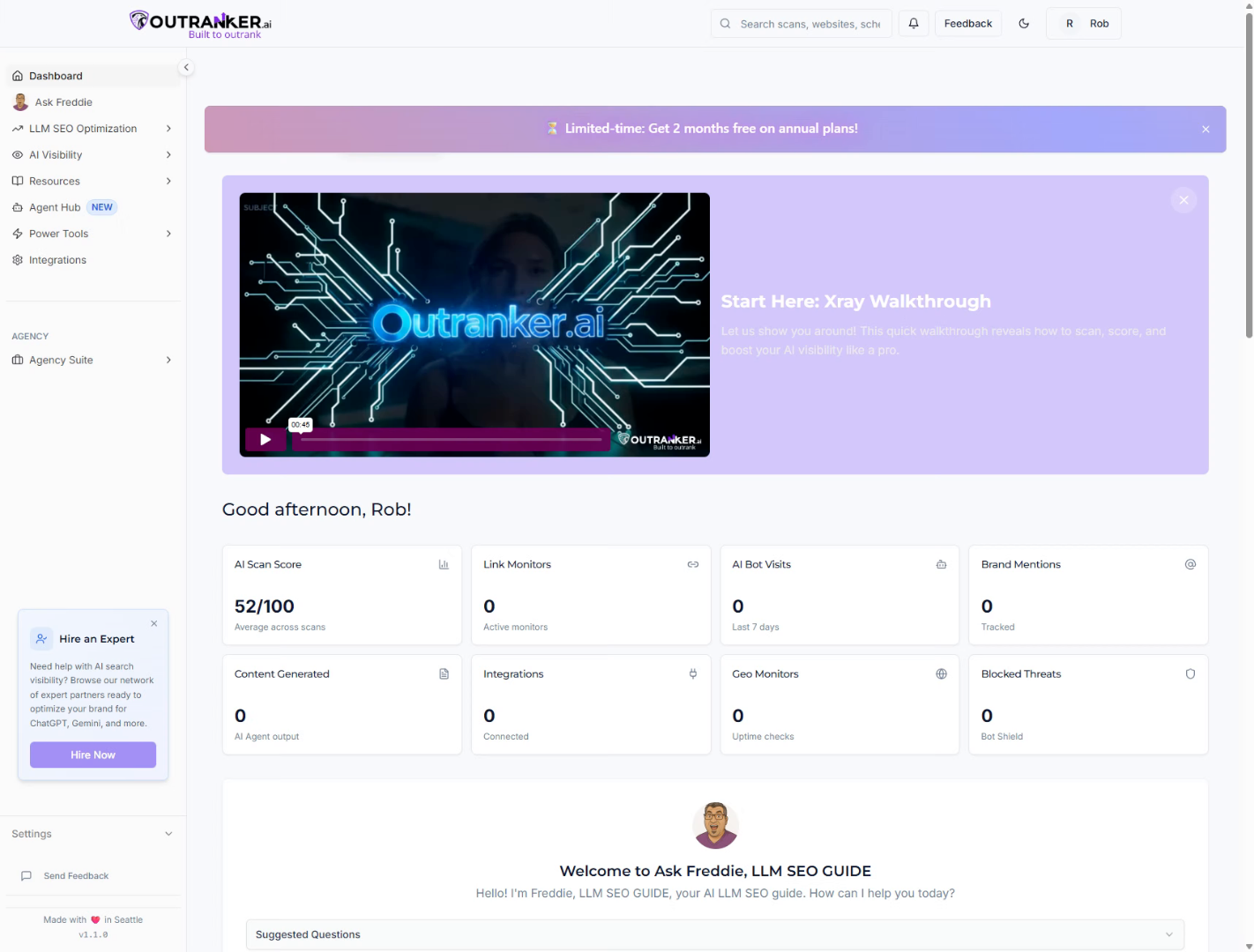
2. Open Client Hub
“Start by logging into your Outranker.ai account.” “From the left-hand menu, click Agency Suite, then select Client Hub.” “This is where you manage all your clients, projects, and ongoing work.”
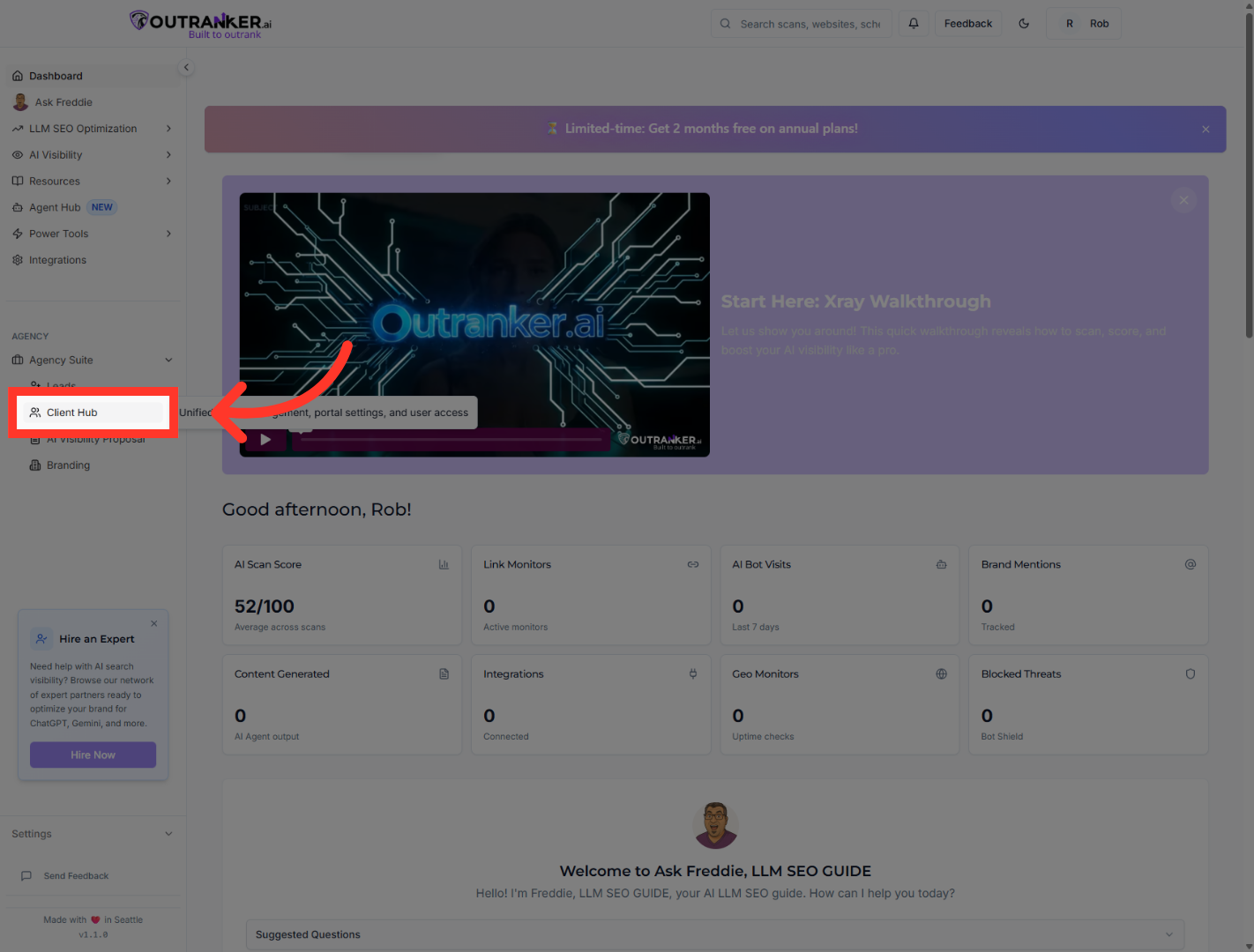
3. Access Clients Section
“At the top of the Client Hub, you’ll see an overview of your clients.” “This includes total clients, active clients, prospects, paused clients, and your monthly recurring revenue.” “These filters help you quickly understand the health of your agency and where your focus should be.”
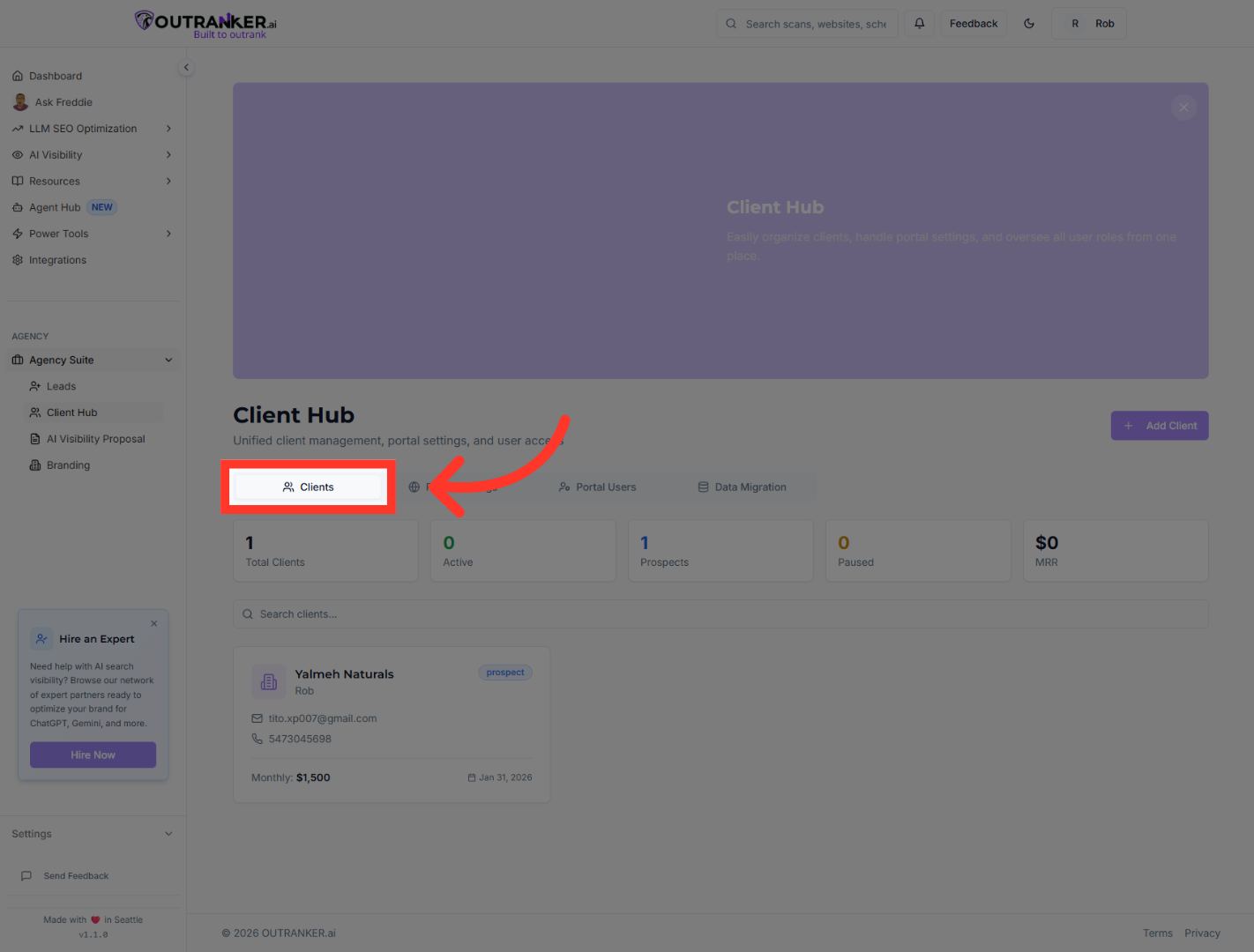
4. Select Specific Client
“You can click on any client to view their details.” “Inside a client profile, you’ll find sections for workspaces, proposals, all work items, portal access, and activity history.” “This gives you a complete view of everything related to that client in one place.”
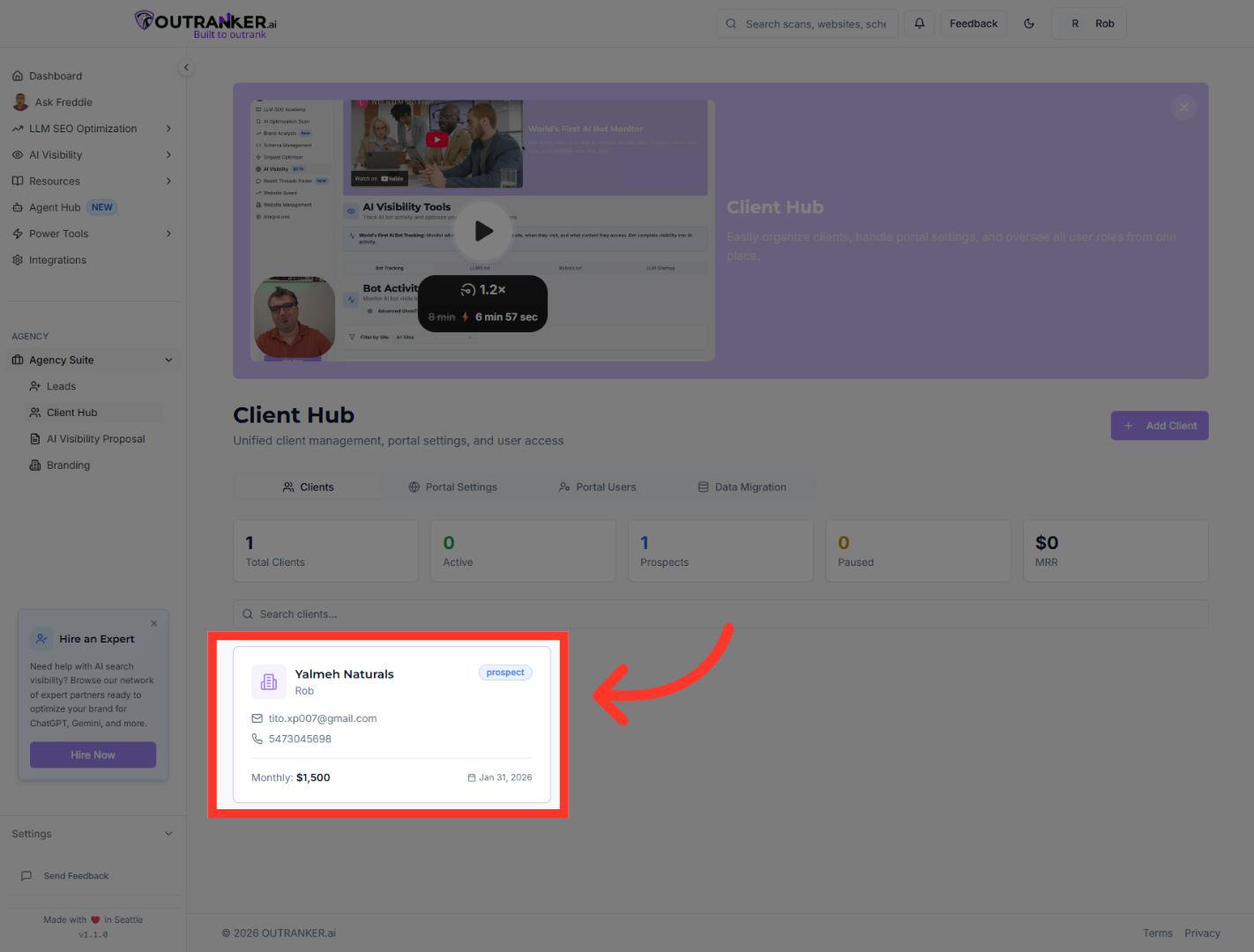
5. Initiate Add Client Process
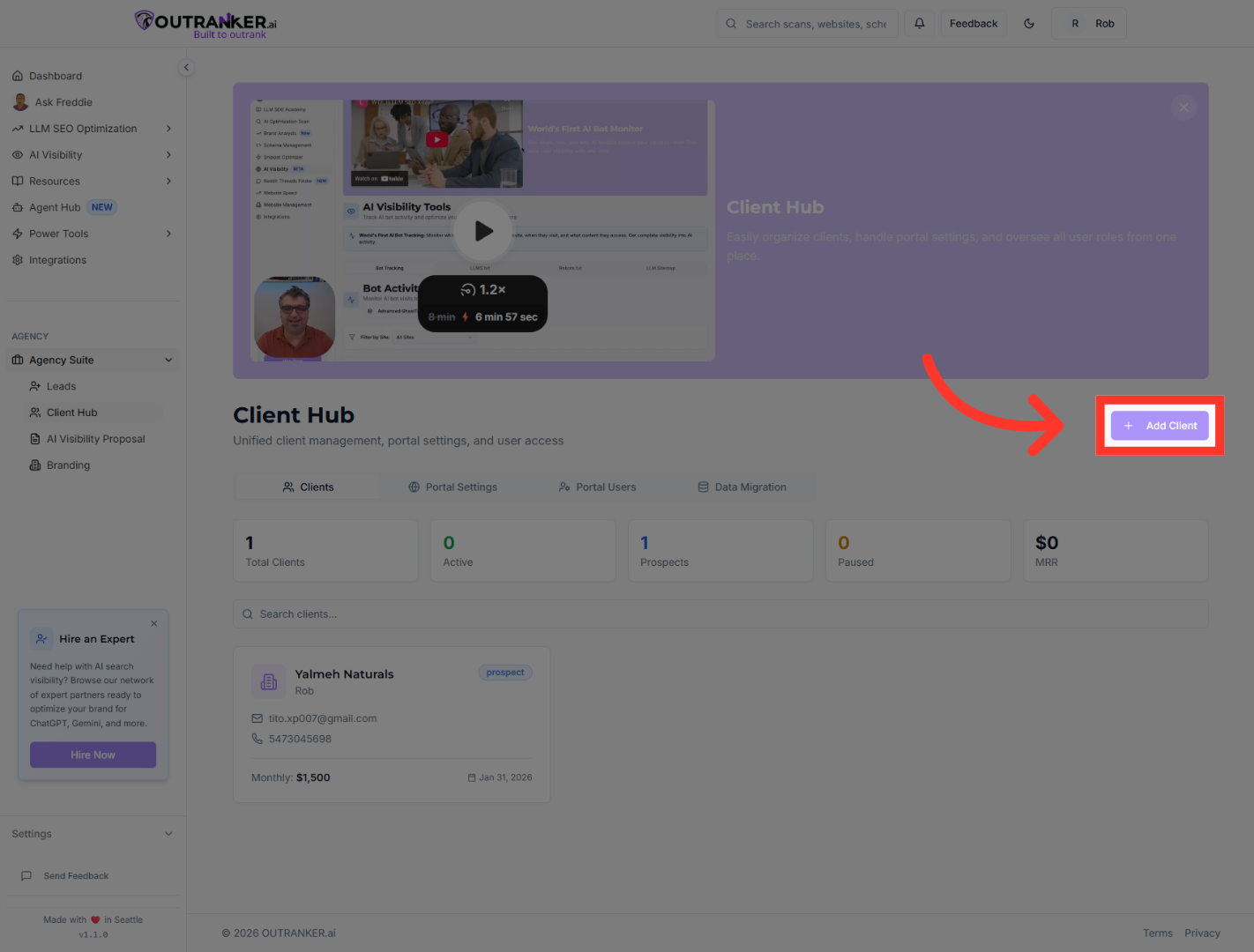
“To add a new client, return to the Client Hub and click Add Client.” “This opens the client creation form where you’ll enter the client’s details.”
6. Enter Client Company Name
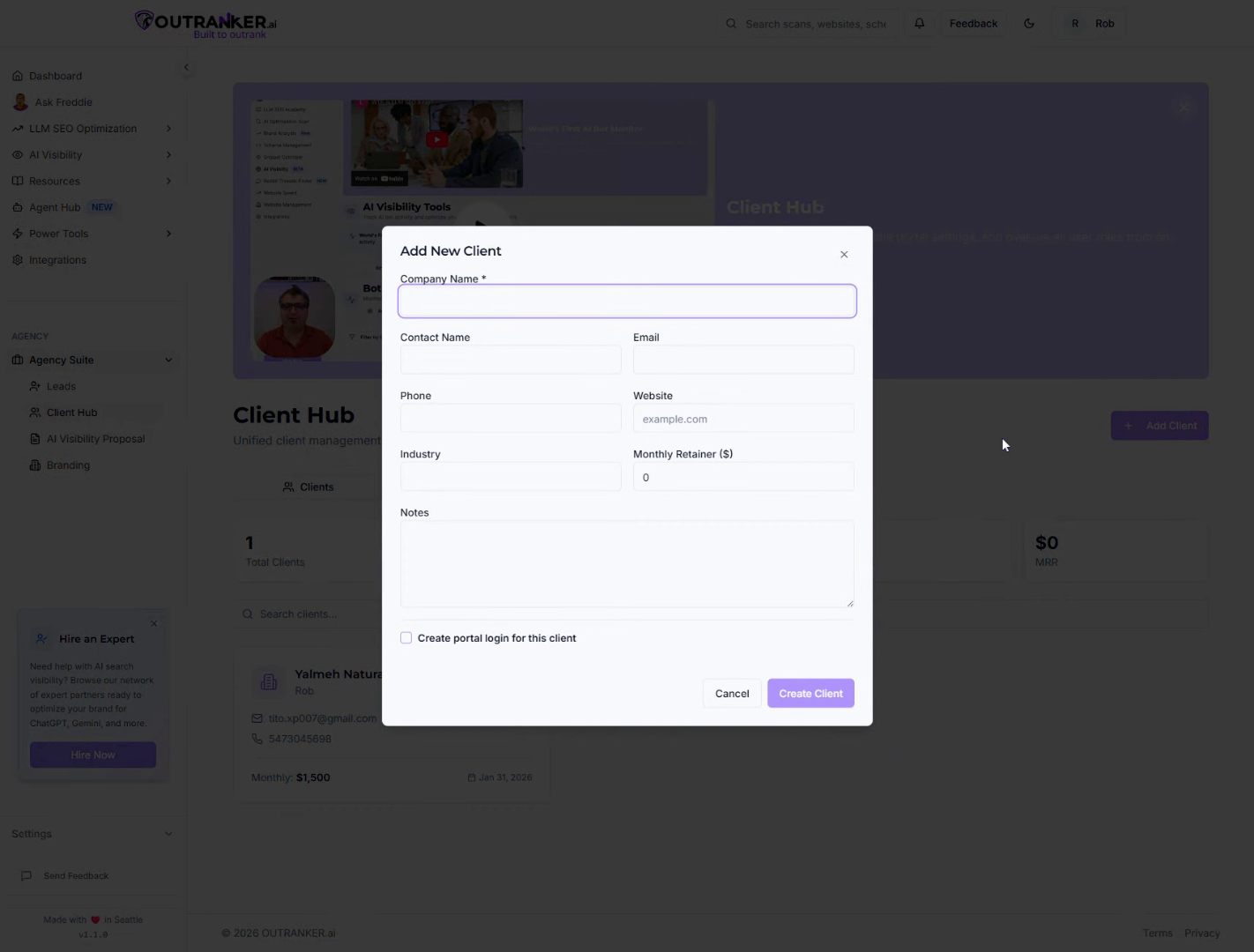
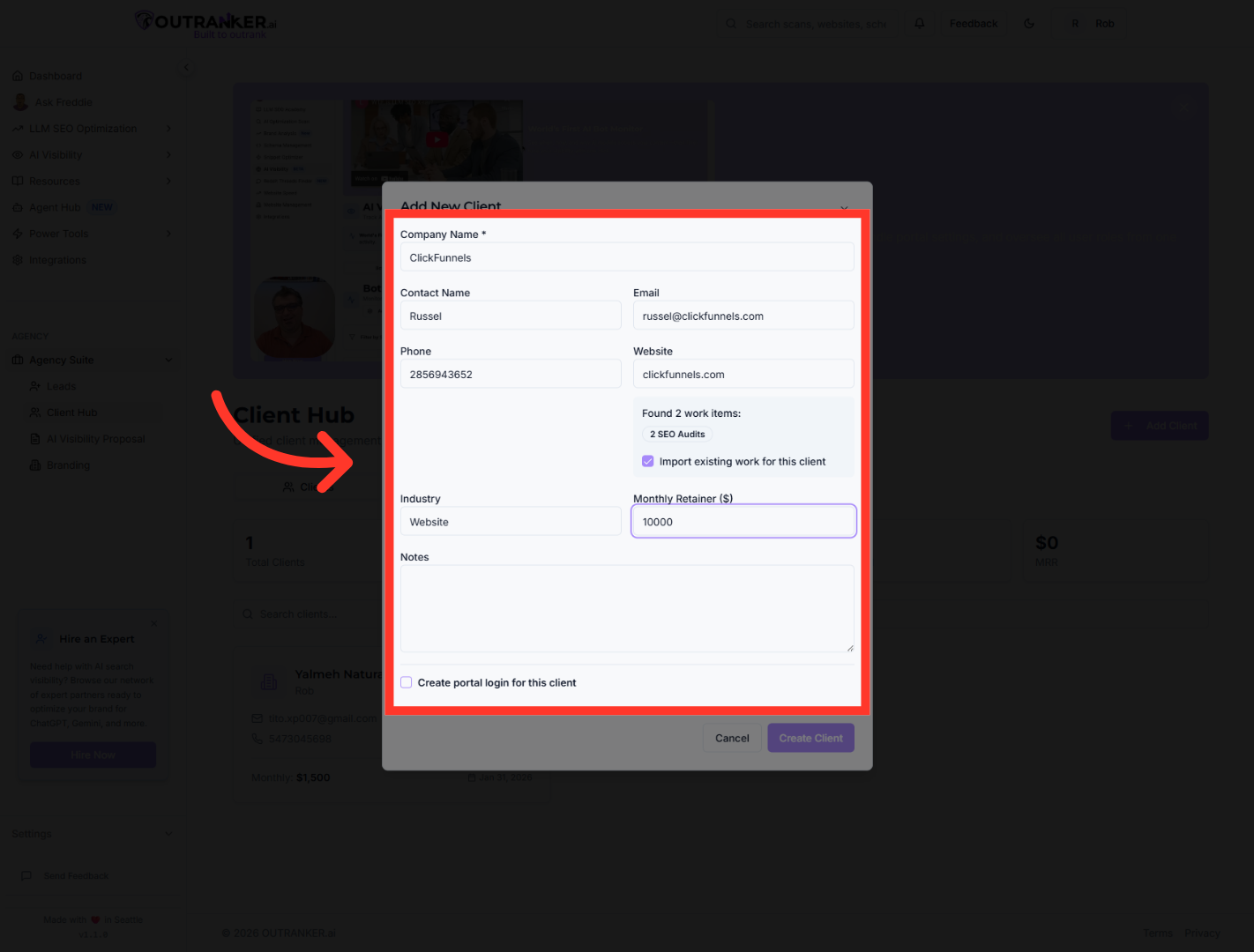
“Start by entering the client’s company name.” “Then add the primary contact name, email address, and phone number.” “Next, enter the client’s website URL, so you always have quick access to their online presence.” “You can also specify the client’s industry, which helps with reporting and service customization.” “Finally, enter the monthly retainer amount to track recurring revenue.” “Make sure to review all details before moving forward.”
7. Create New Client Record
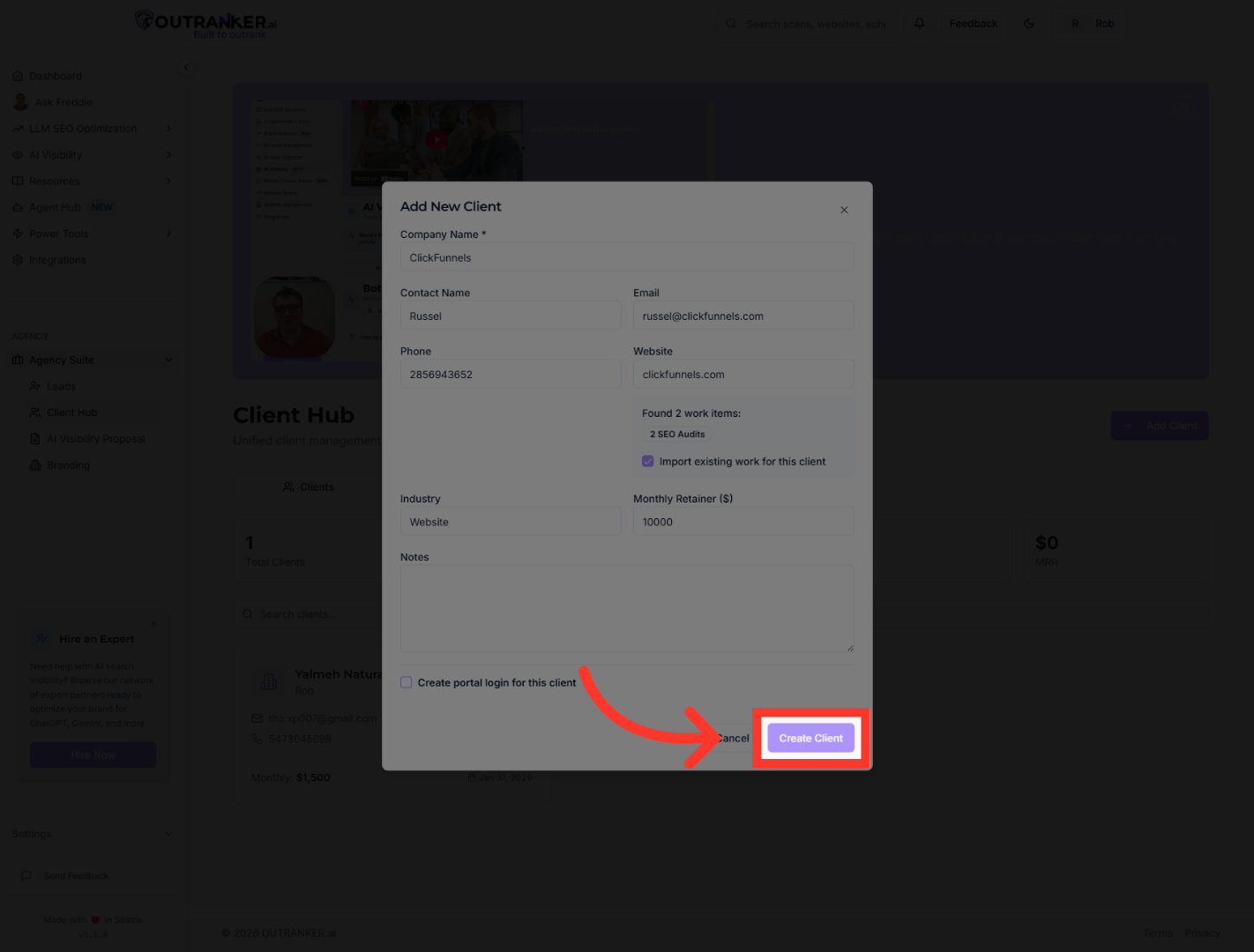
“Once everything looks good, click Create Client.” “Your new client is now added to the Agency Suite and ready for management.”
8. Review Client Information
“After adding a client, you can immediately start managing workspaces, creating proposals, assigning tasks, and controlling client portal access.” “Everything you need to manage client relationships lives right here.”
“That’s how you add a new client efficiently using the Agency Suite Client Hub in Outranker.ai.” “In the next video, we’ll show you how to manage client projects and proposals to deliver results faster.”
