
“Welcome to Outranker.ai — your LLM Search Optimization command center. If you’re here, it means you want your business to be found not just on Google, but inside AI search engines like ChatGPT, Gemini, and Perplexity.” “Outranker.ai helps AI understand your brand, trust your content, and recommend you when people ask questions.” “In this short walkthrough, I’ll show you what you’re seeing on your dashboard, what each section means, and how to use this data to grow your visibility across search engines and AI models.”
Go to www.outranker.ai
1. Introduction
You will learn how to access key features and navigate various sections effectively.
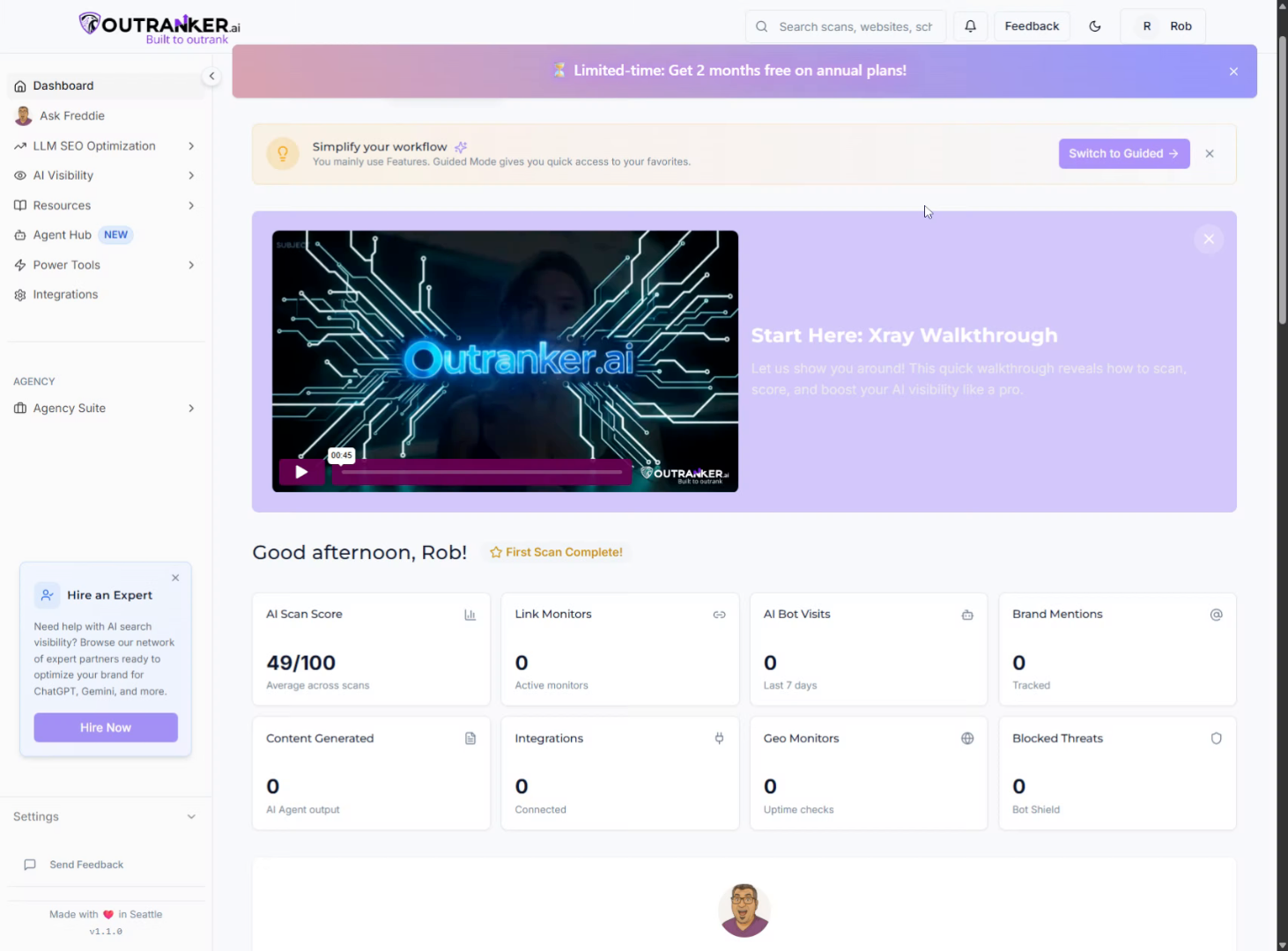
2. Access Main Dashboard Area
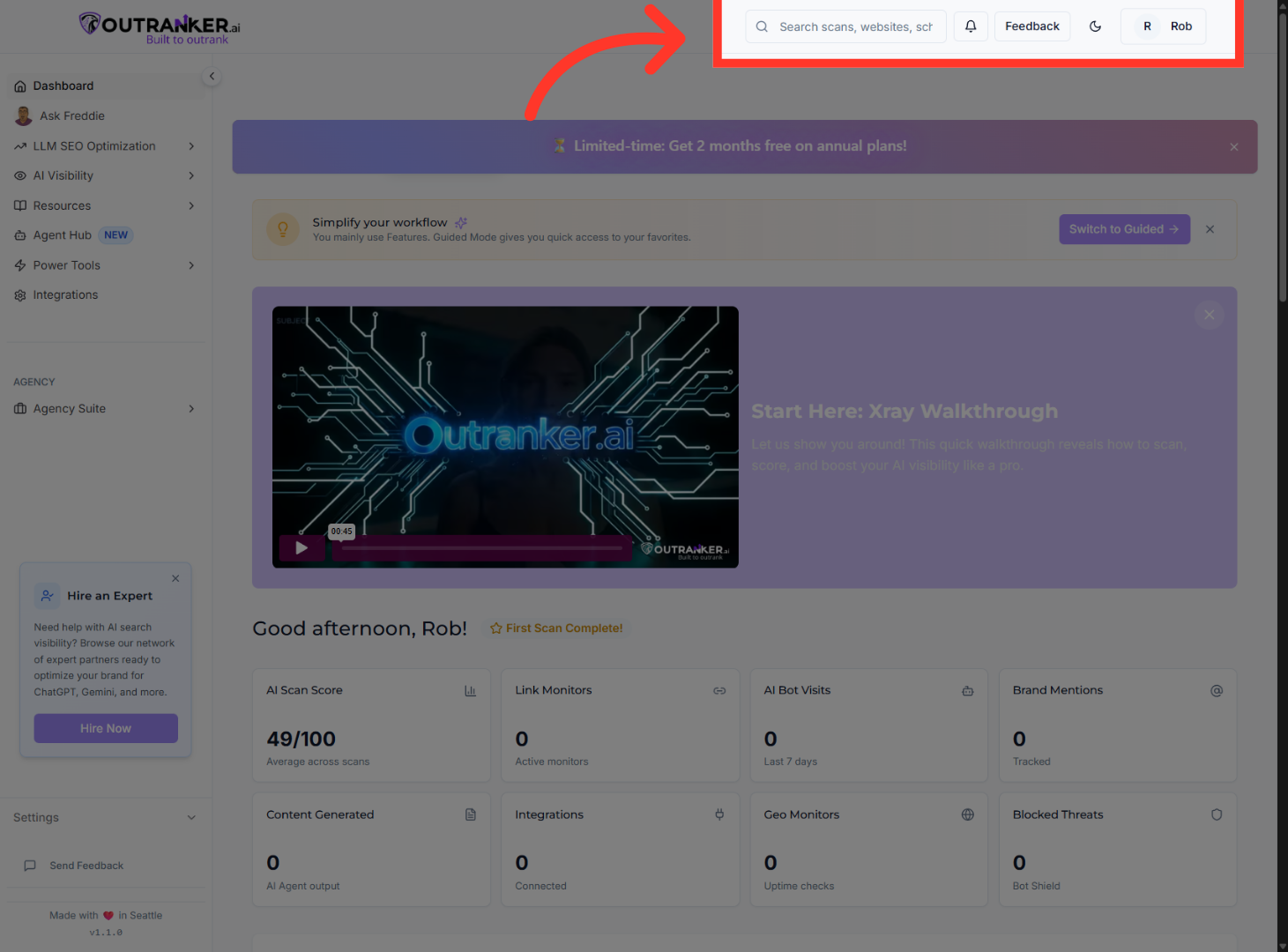
“At the top, you’ll see global controls — search, feedback, and your account settings. This lets you quickly jump between scans, tools, and reports as your account grows.” “Think of this dashboard as your LLM visibility health overview.”
3. View AI Scan Score
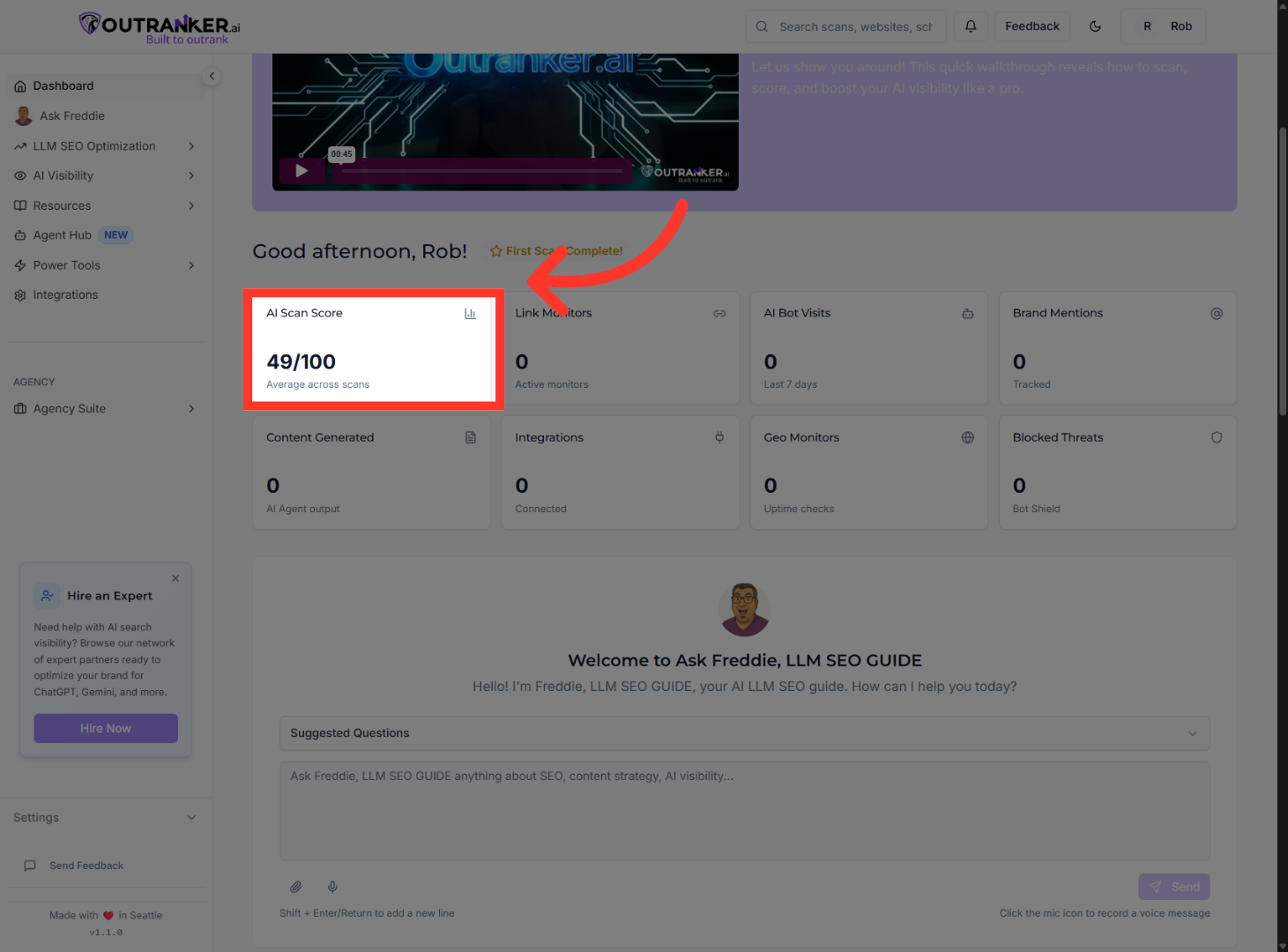
“Let’s start with one of the most important metrics — your AI Scan Score.” “This score measures how well AI systems and search engines understand, trust, and can reference your website.” “It’s based on things like content structure, entity clarity, accessibility, technical signals, and AI-readability.” “You don’t need a perfect score on day one. What matters most is progress over time — and Outranker tracks that for you automatically.”
4. Link Monitors
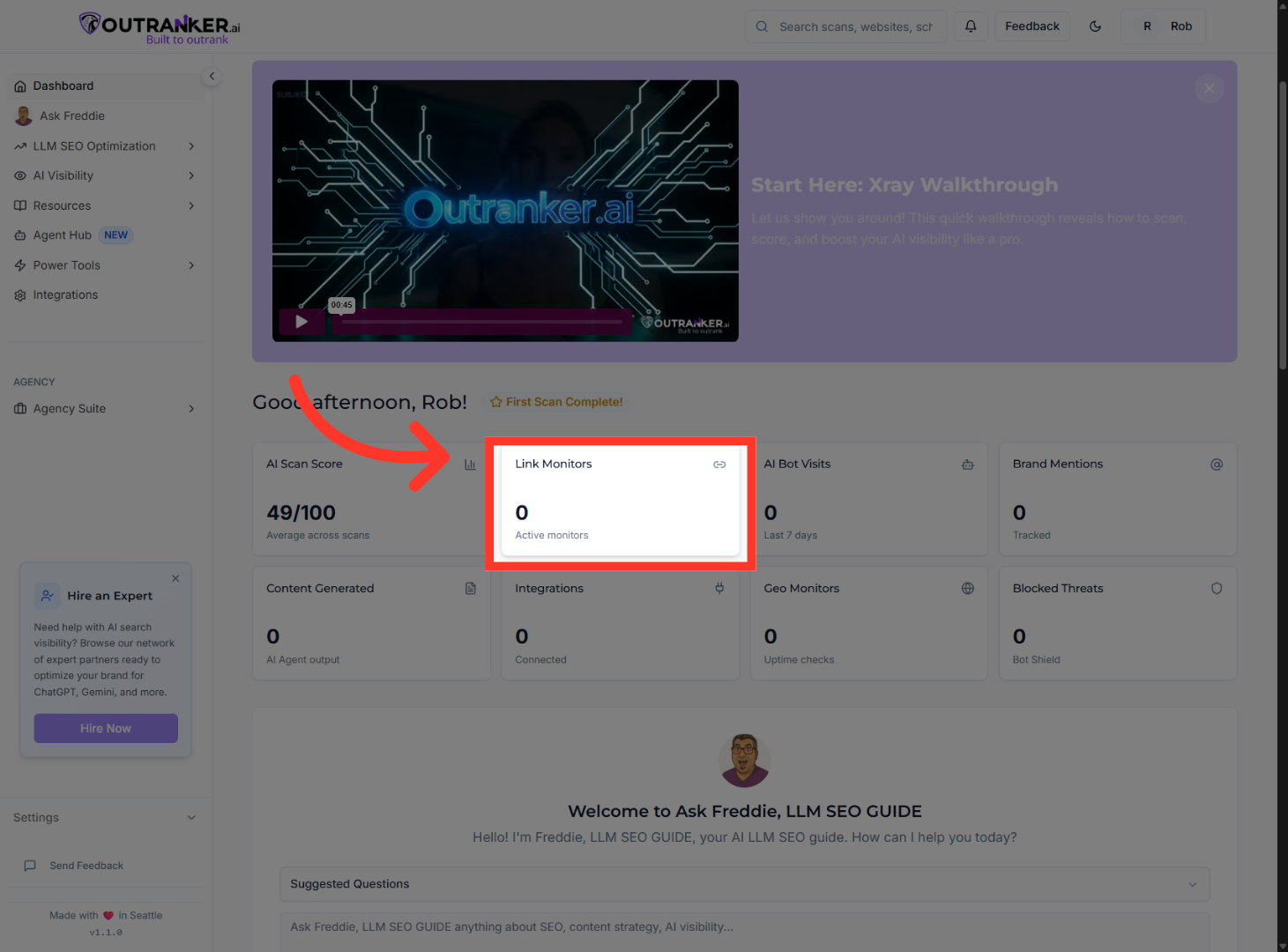
Link Monitors “This shows how many active backlinks and references are being tracked — a key trust signal for both search engines and AI models.”
5. AI Bot Visits
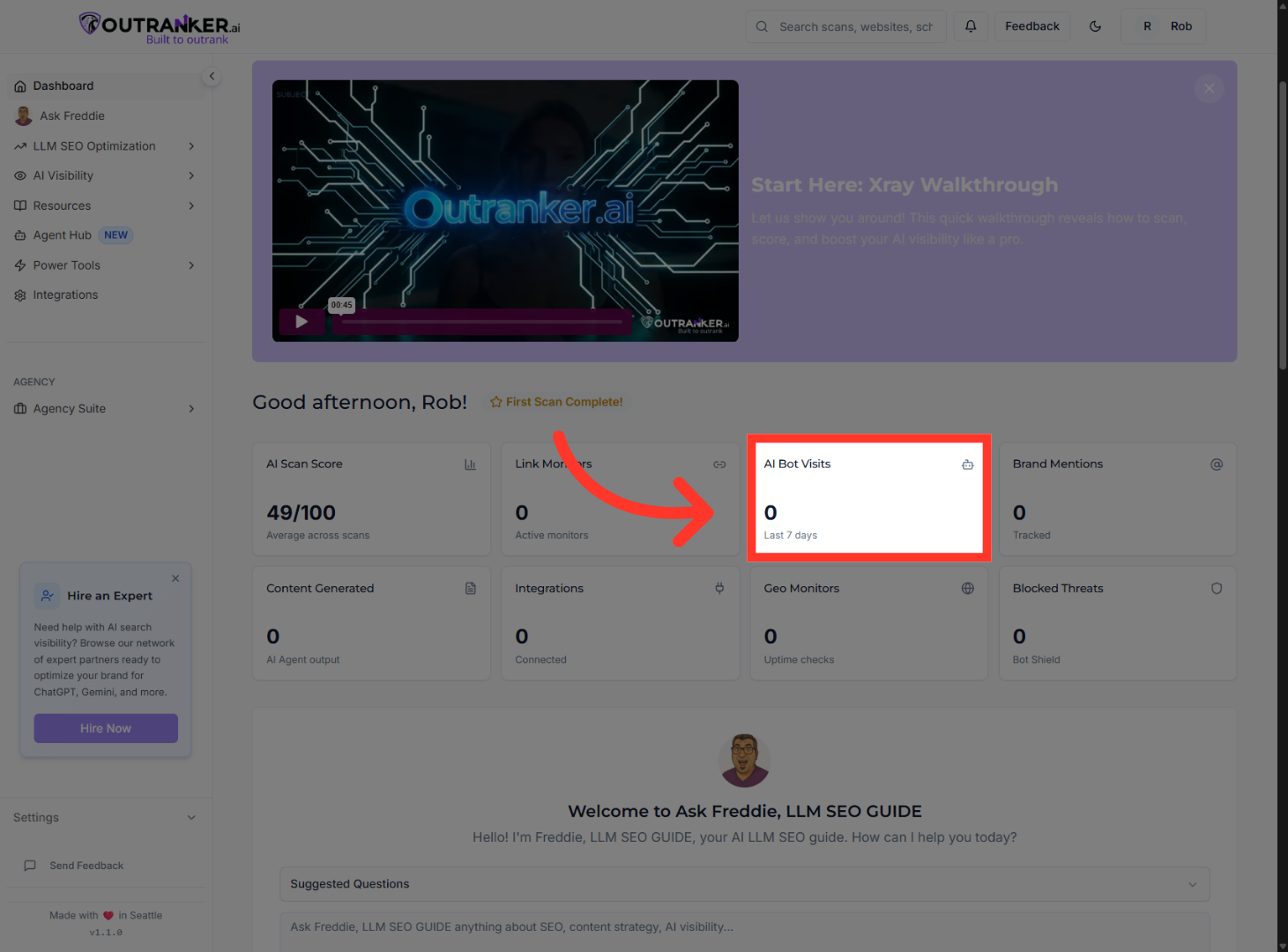
AI Bot Visits “This tracks visits from AI bots. These are signals that LLMs are actively crawling and learning about your site.”
6. Brand Mentions
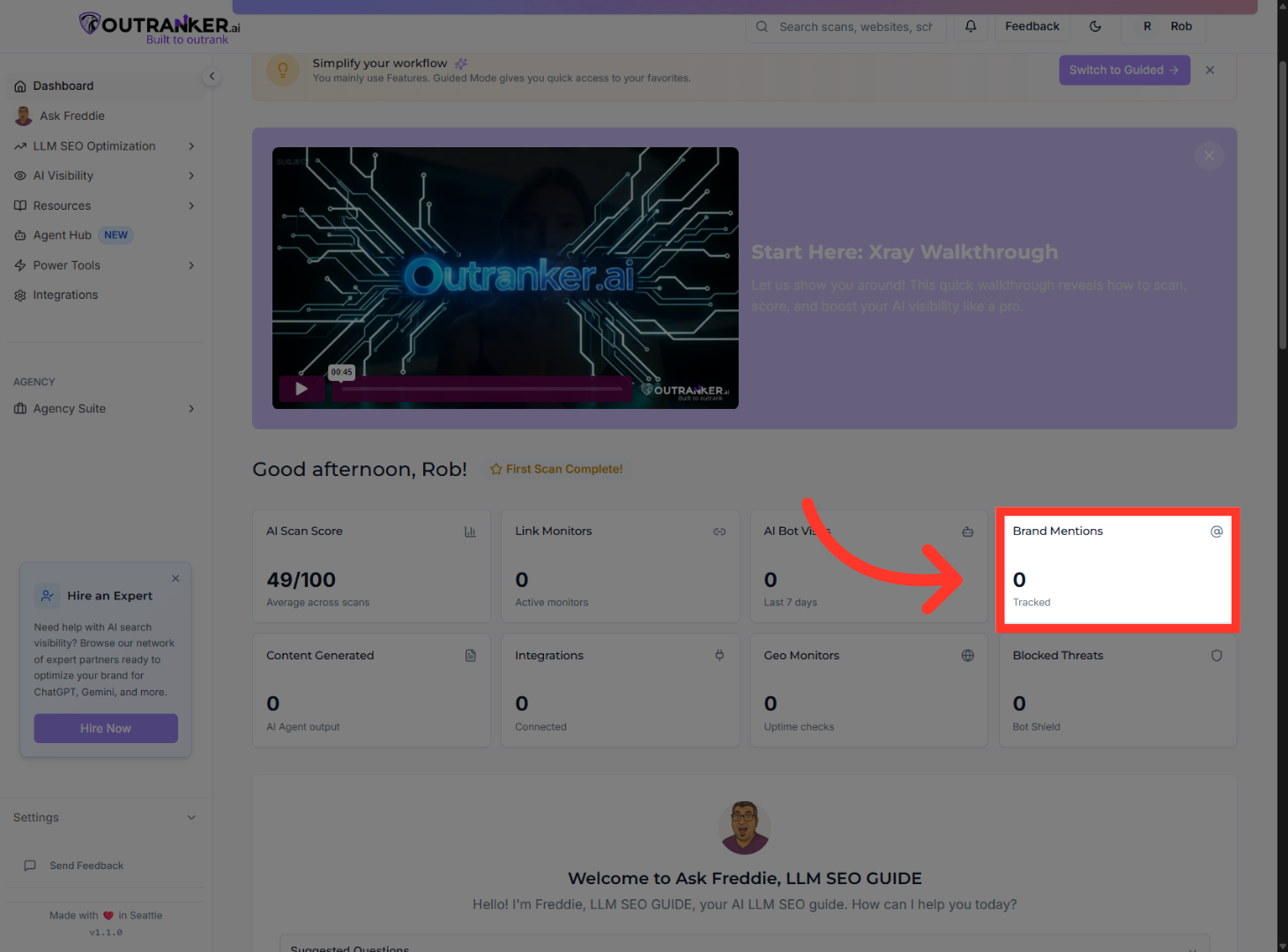
Brand Mentions “This shows where your brand is being mentioned online — essential for building authority in AI search.”
7. Content Generated
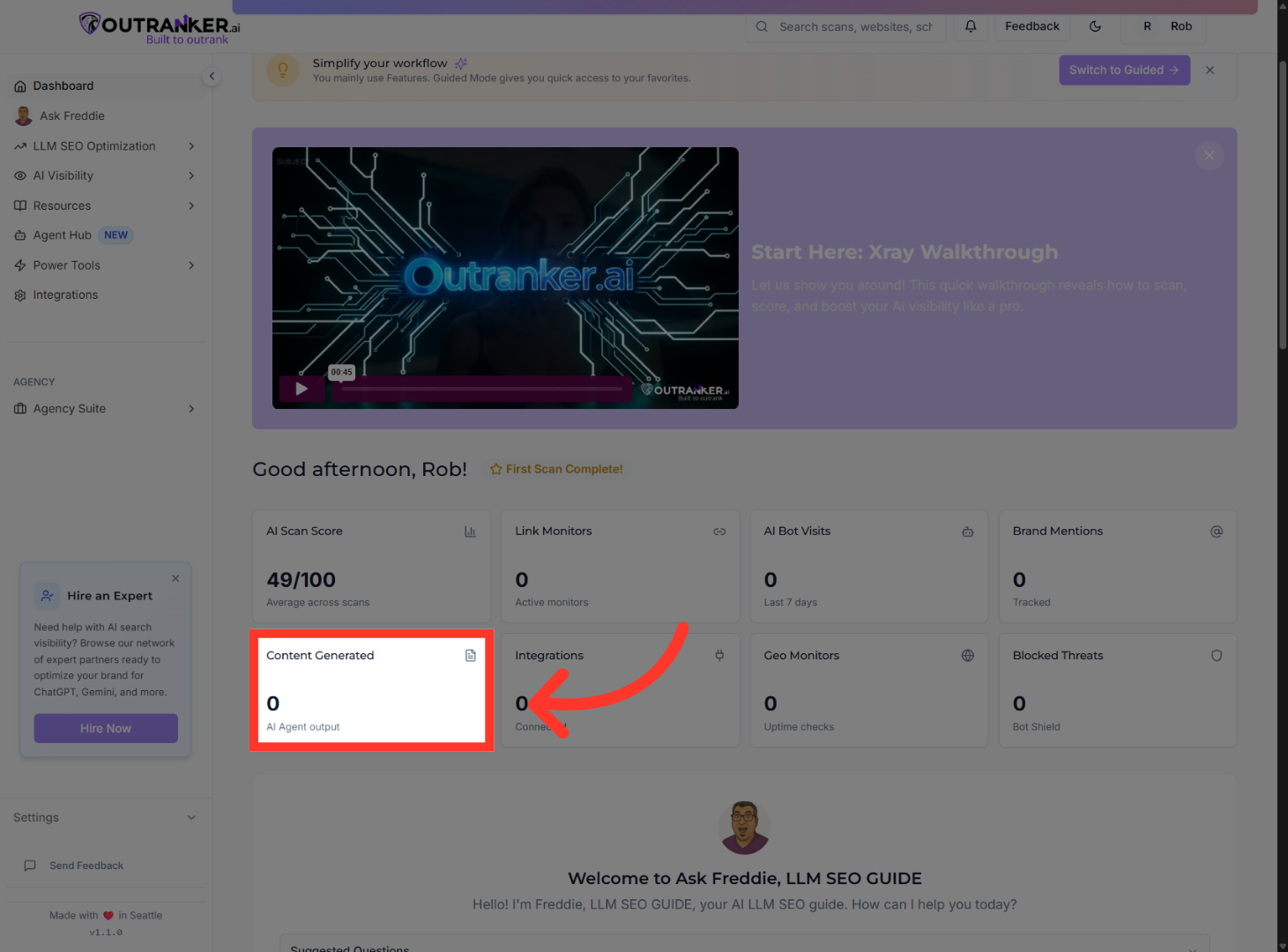
Content Generated “Here you can see how much AI-optimized content you’ve created using Outranker tools.”
8. Integrations
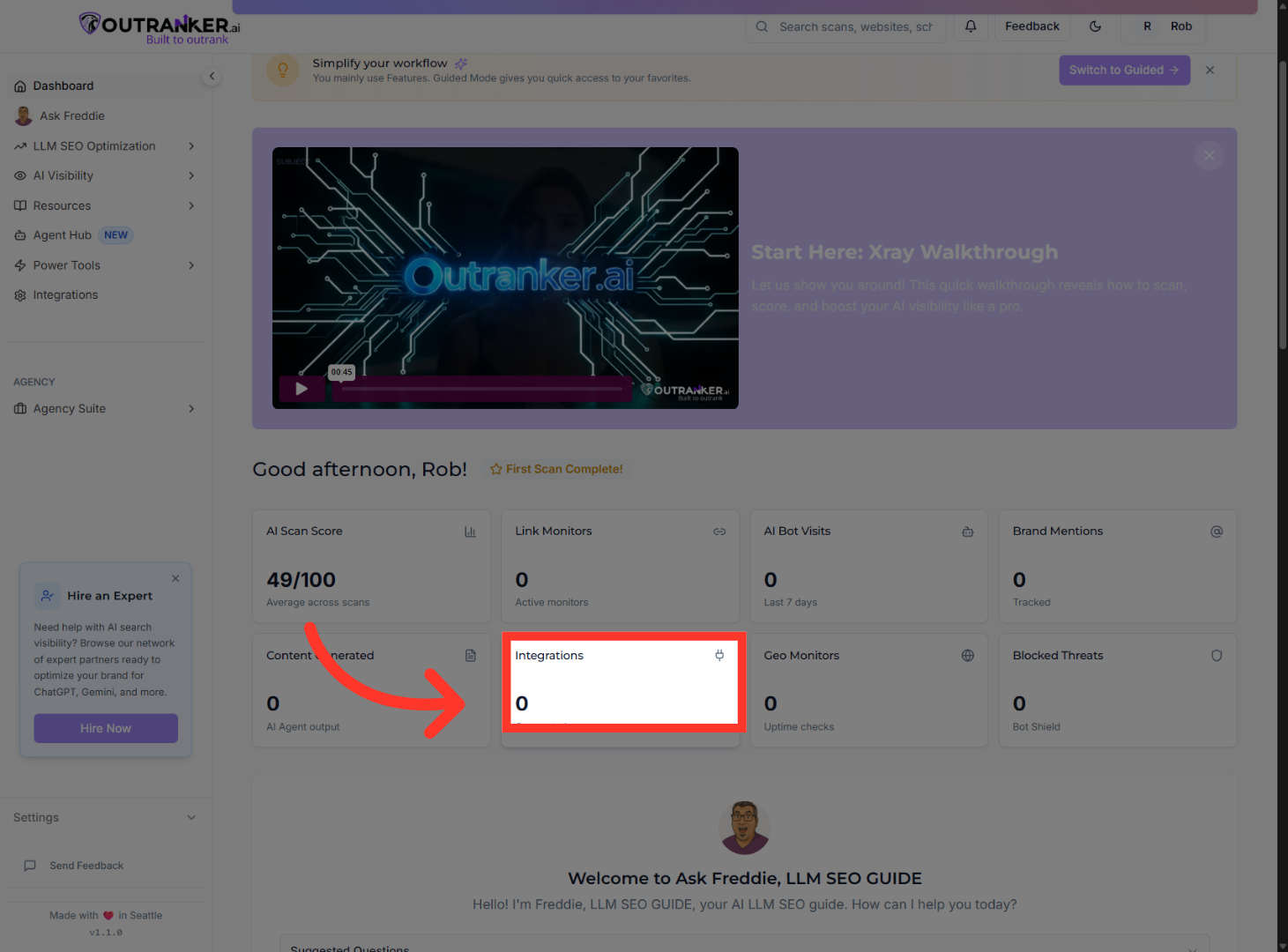
Integrations “These ensure your site is accessible, connected, and visible across regions and platforms.”
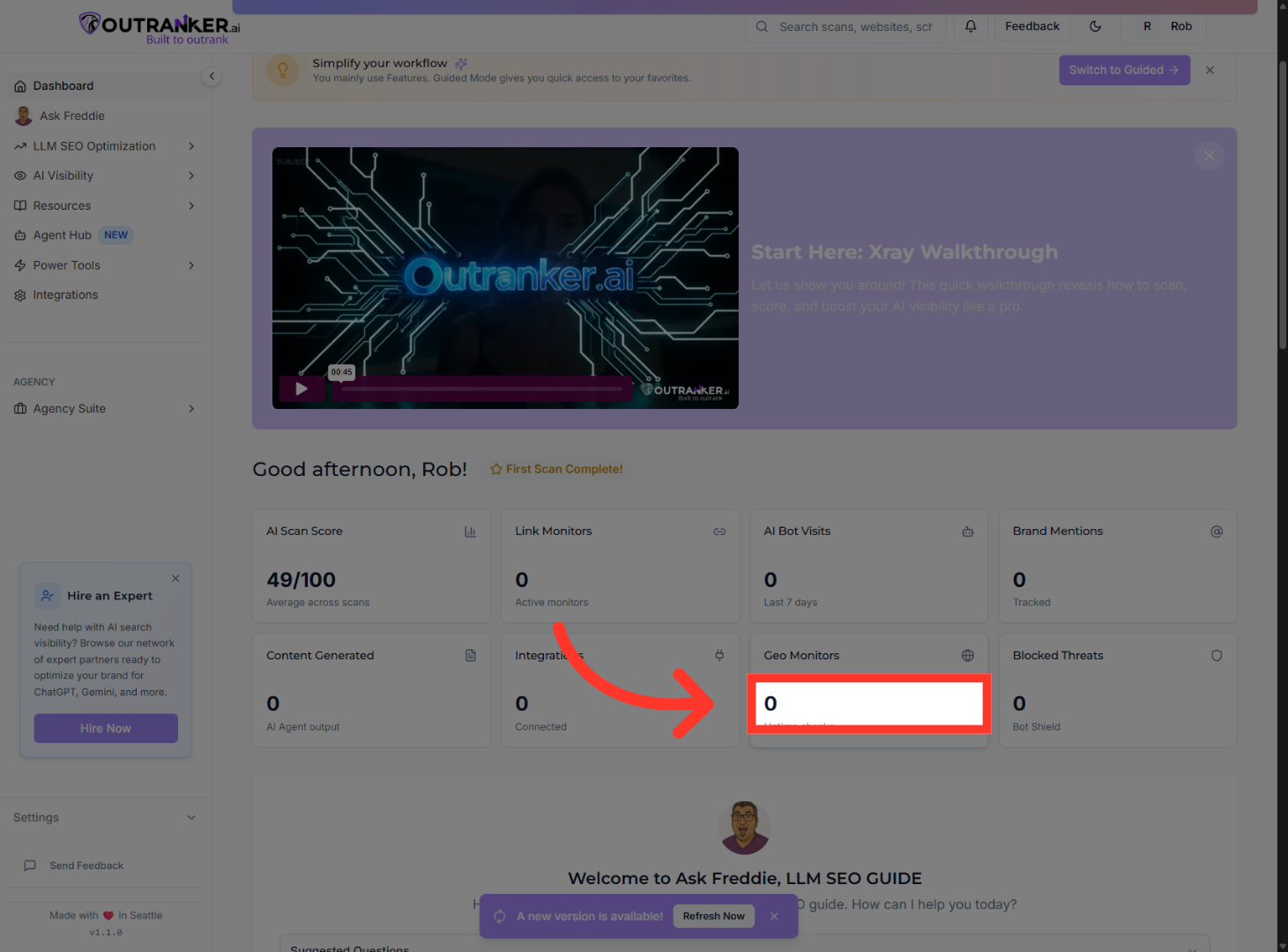
9. Geo Monitors
Geo Monitors “Together, these metrics tell a story: how visible, trusted, and discoverable your brand is becoming.”
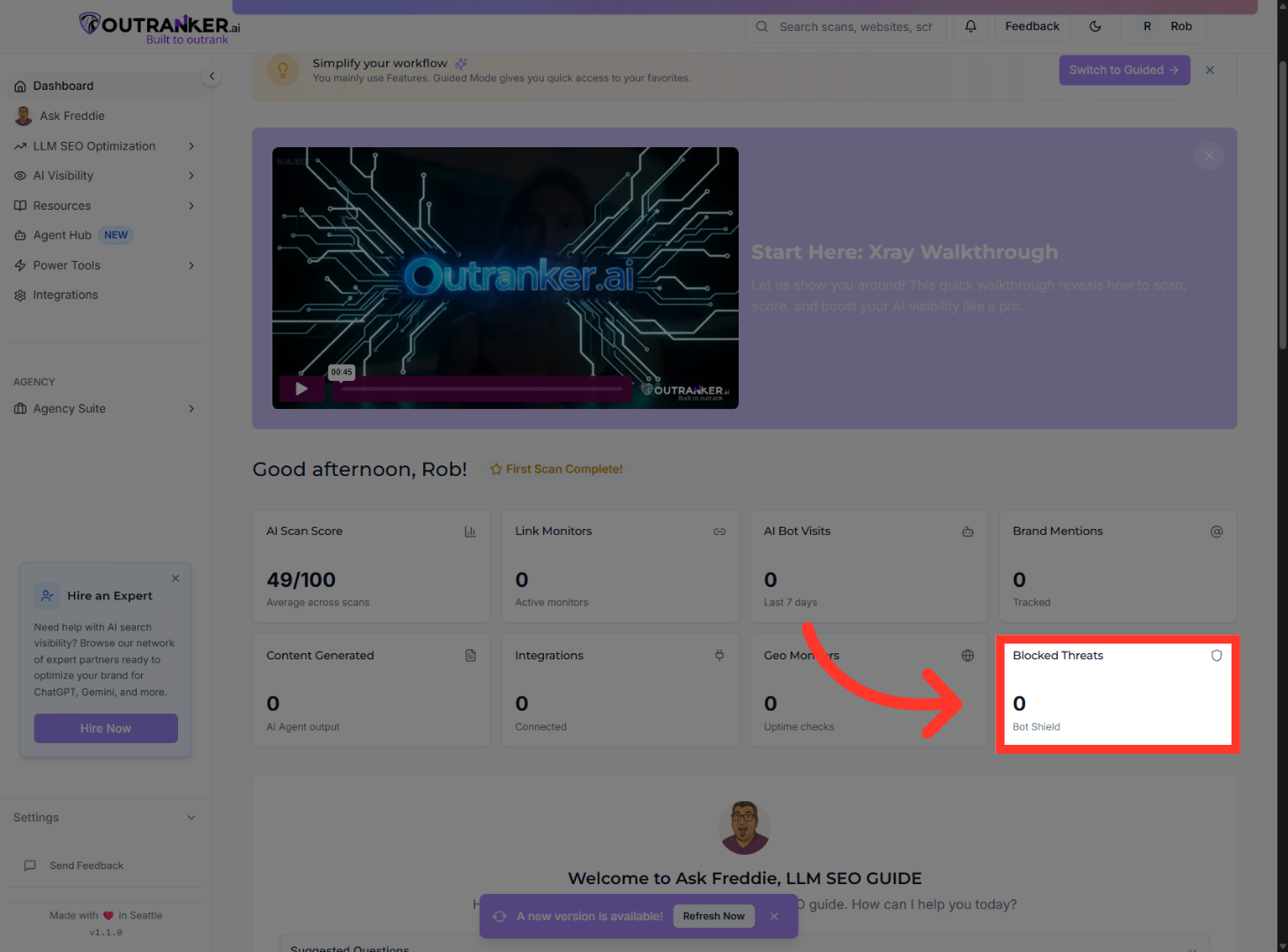
10. Blocked Threats
Blocked Threats“This shows how many malicious or harmful bot activities have been detected and blocked, helping protect your site’s trust and integrity.”
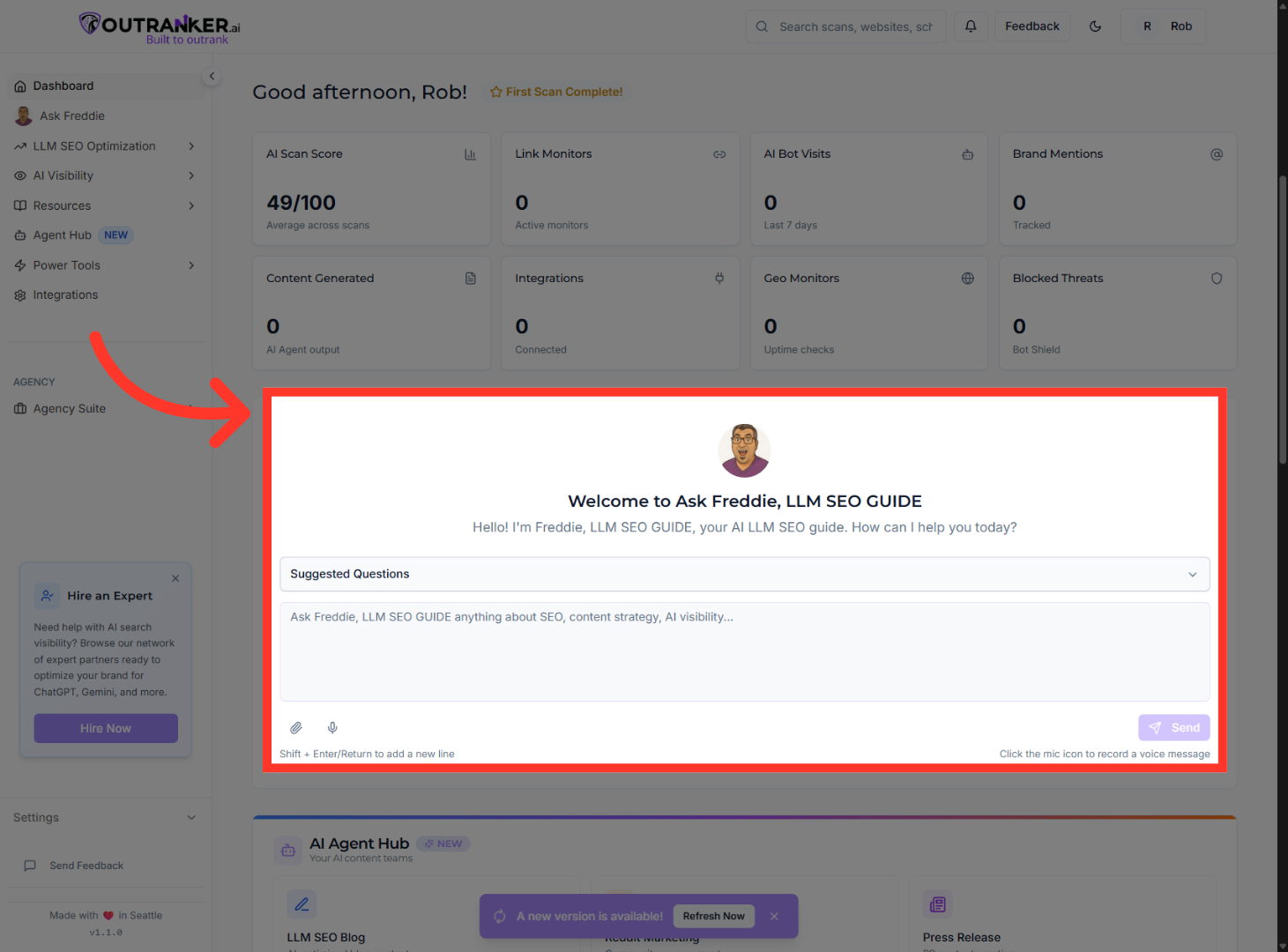
11. ASK FREDDIE
“Meet Freddie — your built-in LLM S E O guide.” “You can ask Freddie questions about your score, your content, AI visibility, or what to do next.” “If you’re ever unsure how to improve rankings on AI platforms, Freddie is your fastest shortcut.”
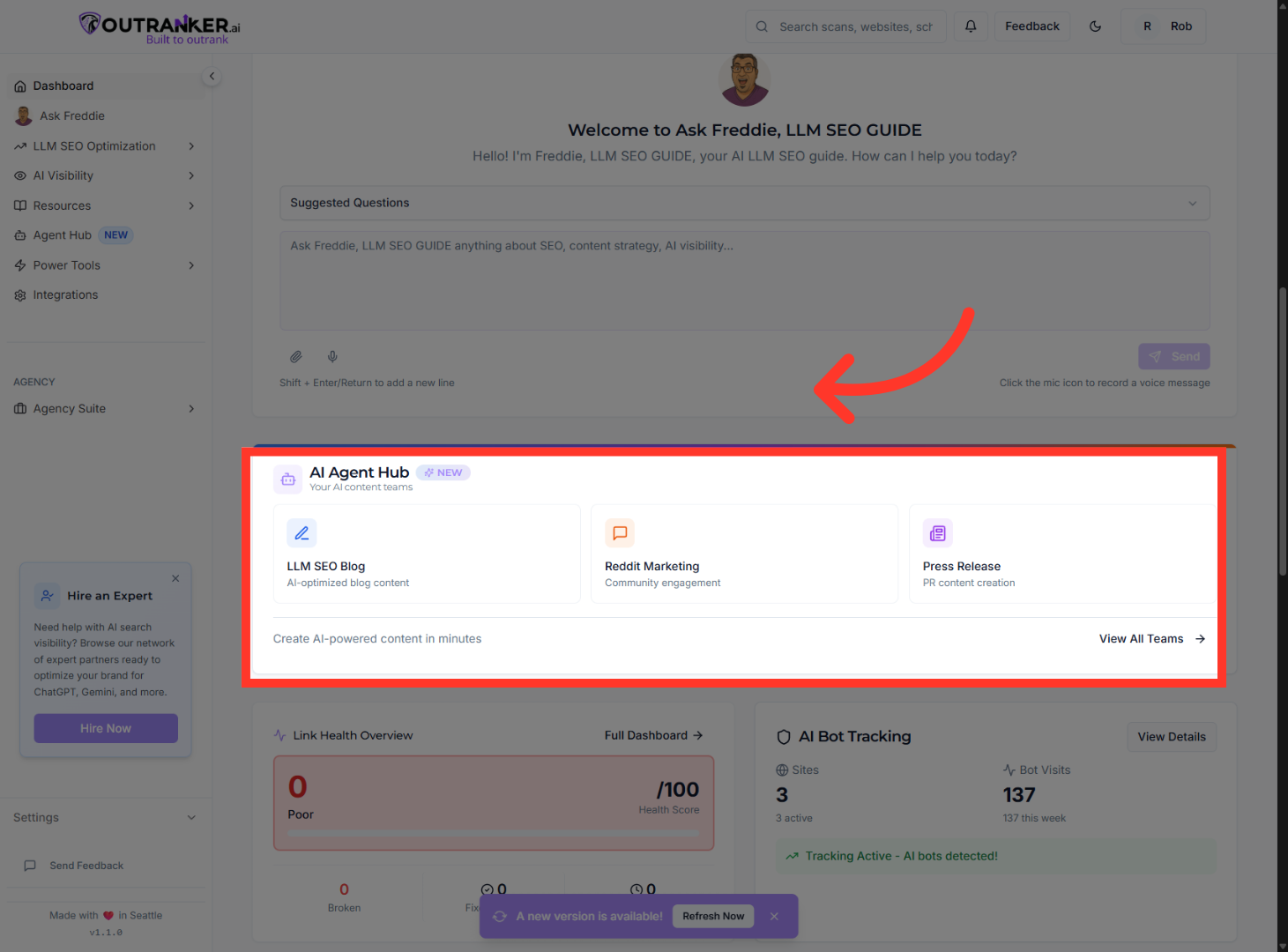
12. AI Agent Hub
“The AI Agent Hub is where creation happens.” “From here, you can generate AI-optimized blog content, Reddit engagement, press releases, and more — all designed to increase authority signals that LLMs rely on.” “This content isn’t just written for humans — it’s structured for AI understanding.”
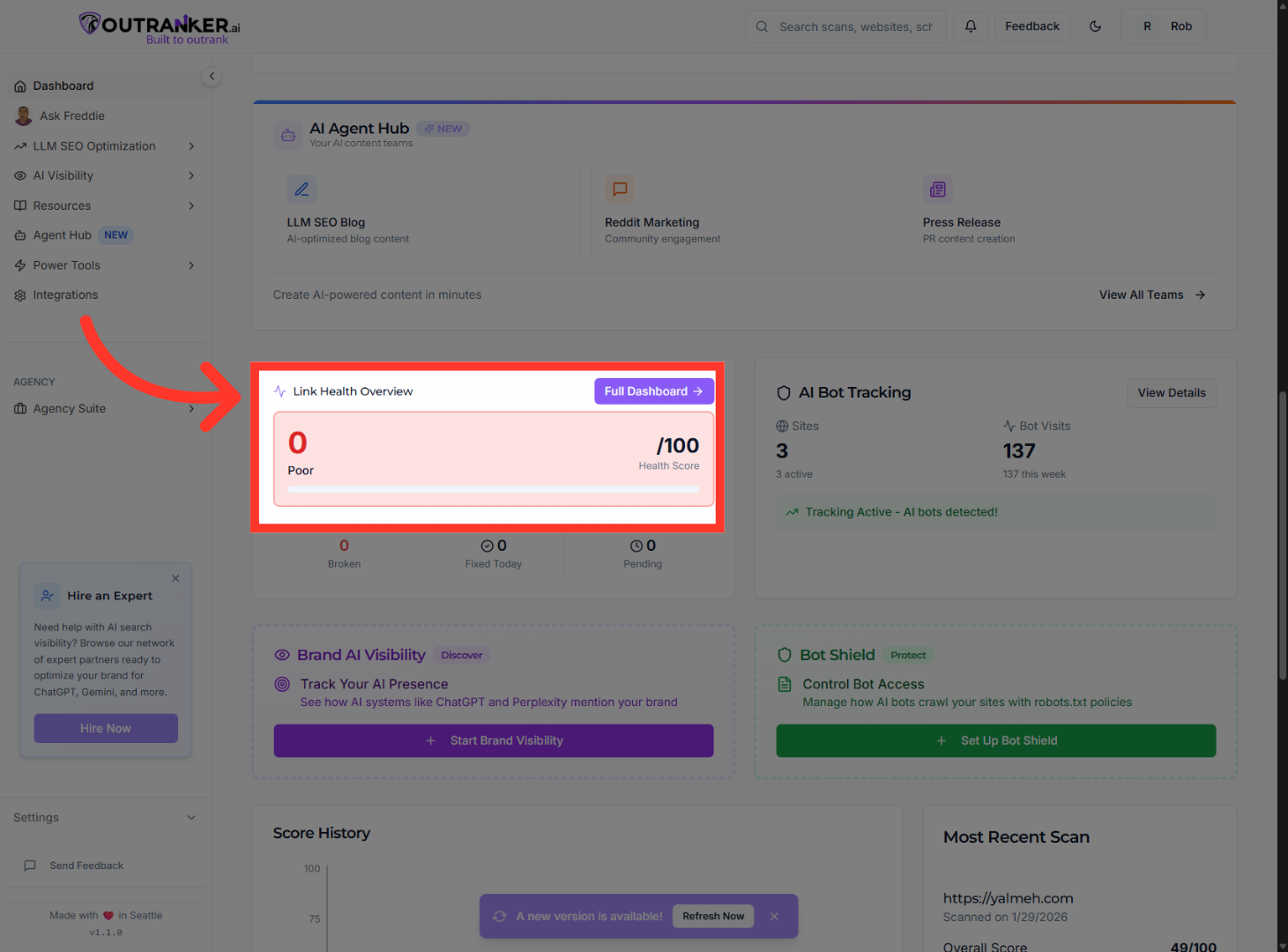
13. Link Health Overview
Link Health Overview “This shows broken links, fixed issues, and overall site health.”
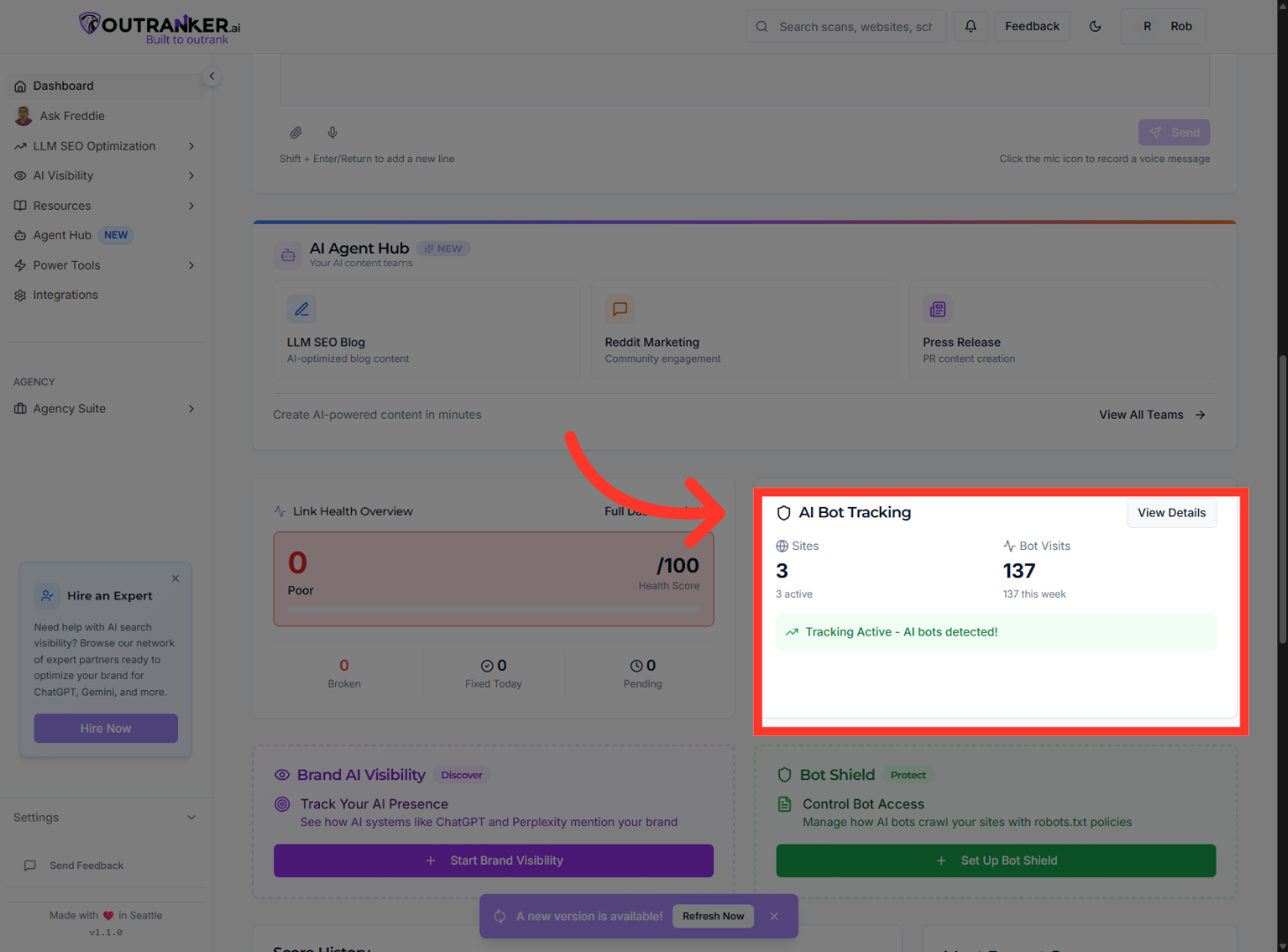
14. AI Bot Tracking
AI Bot Tracking “Here you can see how often AI bots are interacting with your site.”
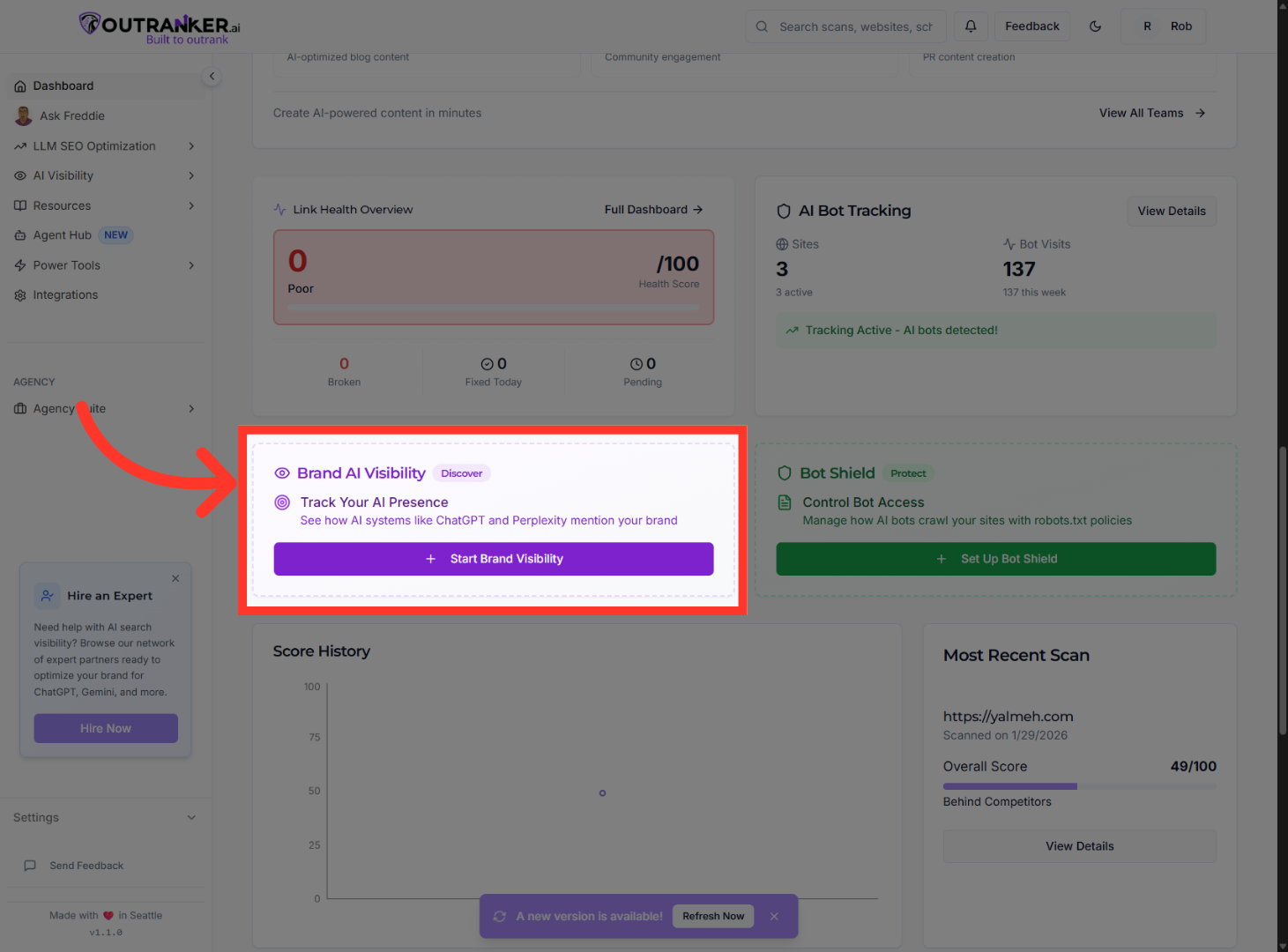
15. Brand Visibility
Brand AI Visibility “This tracks how visible your brand is across AI answers and citations.”
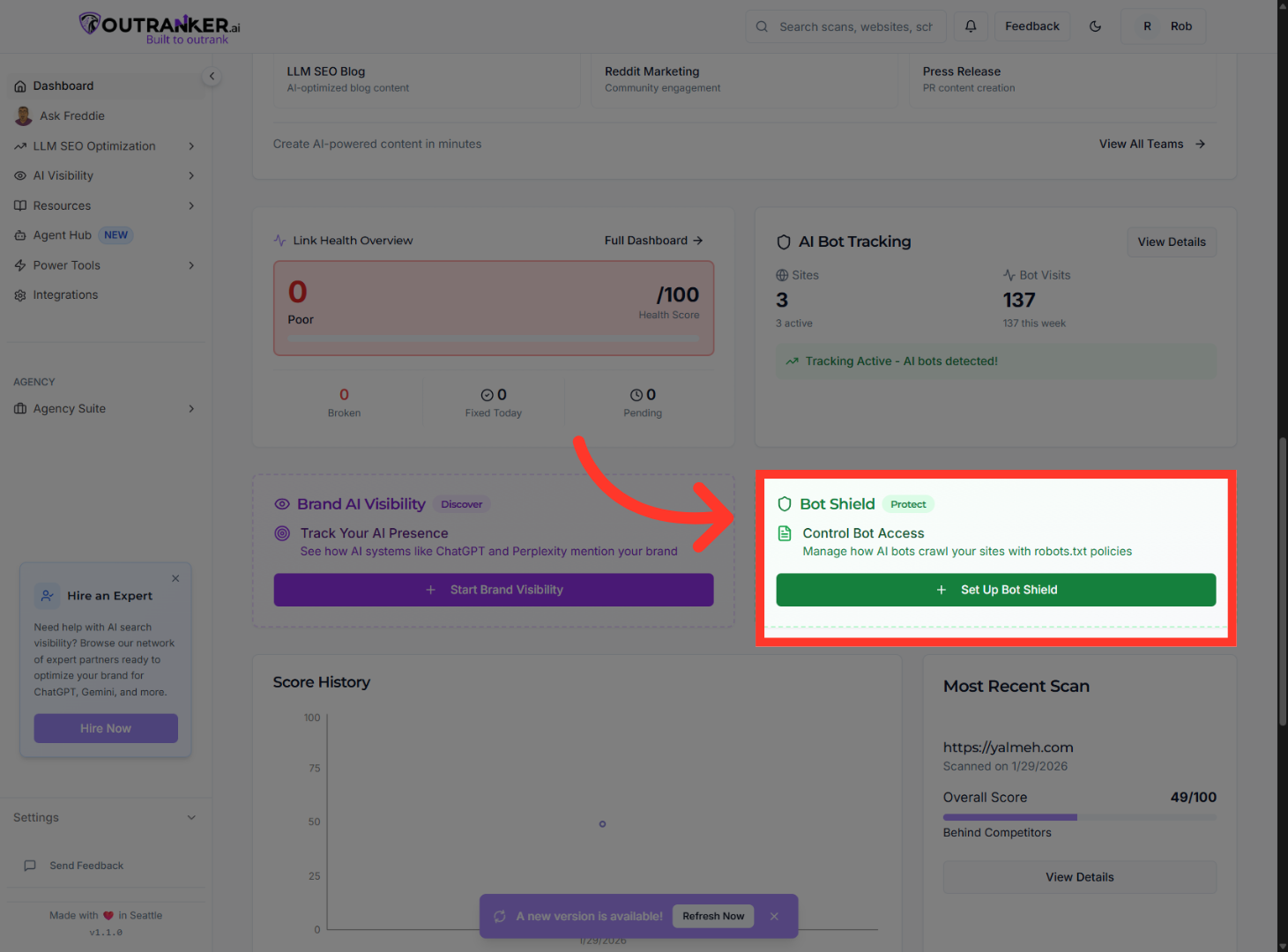
16. Bot Shield
Bot Shield “This protects your site from harmful or unwanted bots while allowing trusted AI crawlers.”
17. SCANS, HISTORY & PROGRESS
“At the bottom, you’ll find your scan history.” “Each scan shows individual pages, their scores, and how they compare to competitors.” “This is where optimization becomes strategic — you can see exactly what to improve and track progress over time.”
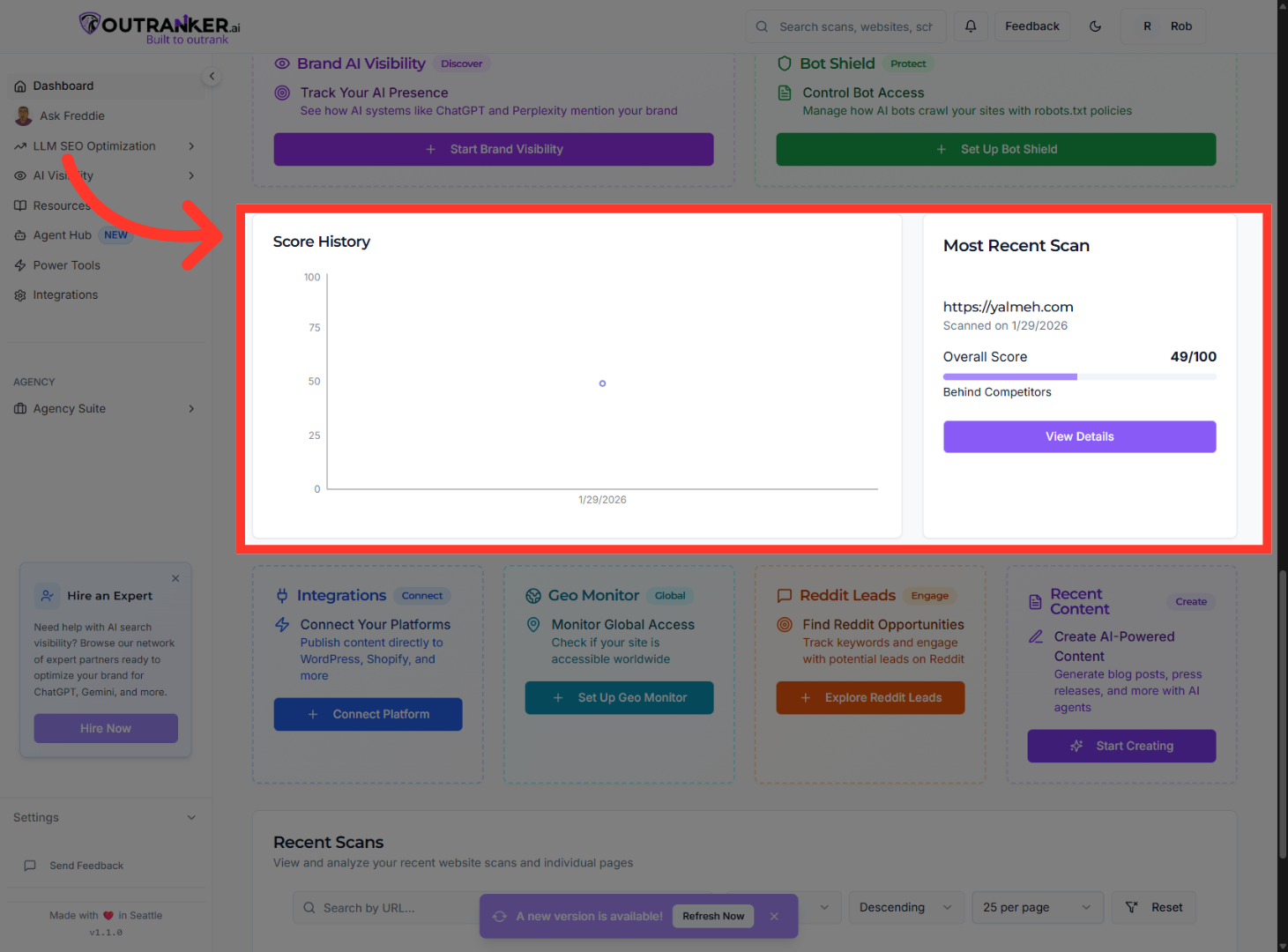
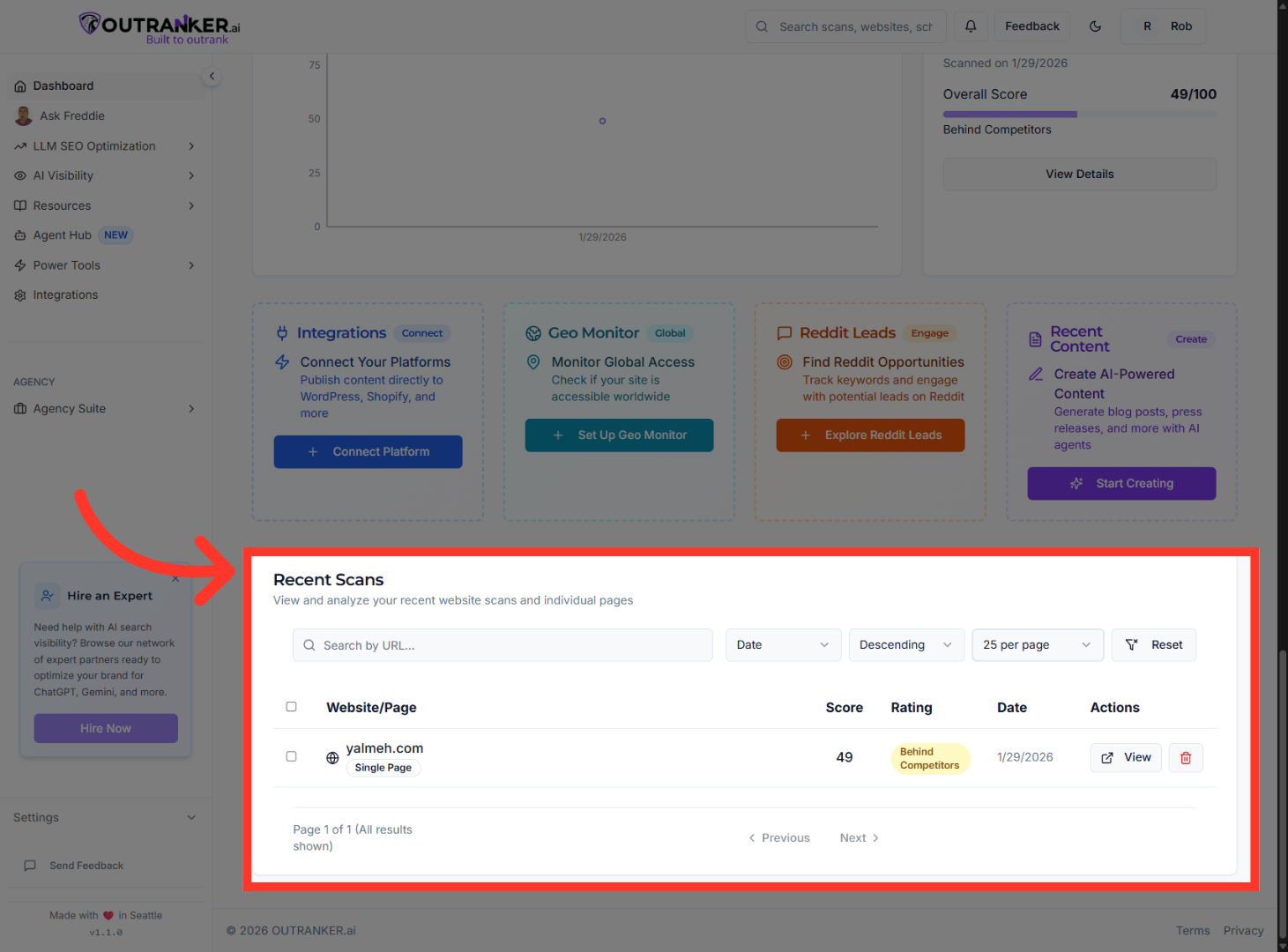
18. Recent Scans
“This section shows your latest website scans, including each page’s score, status, and the scan date.” “It helps you quickly spot which pages need attention, track improvements over time, and compare where you stand against competitors.”
You have successfully explored and navigated the Outranker dashboard, accessing key features and settings. Next, consider customizing your profile and utilizing AI tools for enhanced SEO performance.
