
The Snippet Optimizer is designed for content creators and marketers seeking to maximize their content's impact
Go to llmseoxray.com
1. Introduction
This feature addresses the challenge of enhancing visibility and engagement, enabling you to fine-tune your snippets for optimal performance across various platforms.
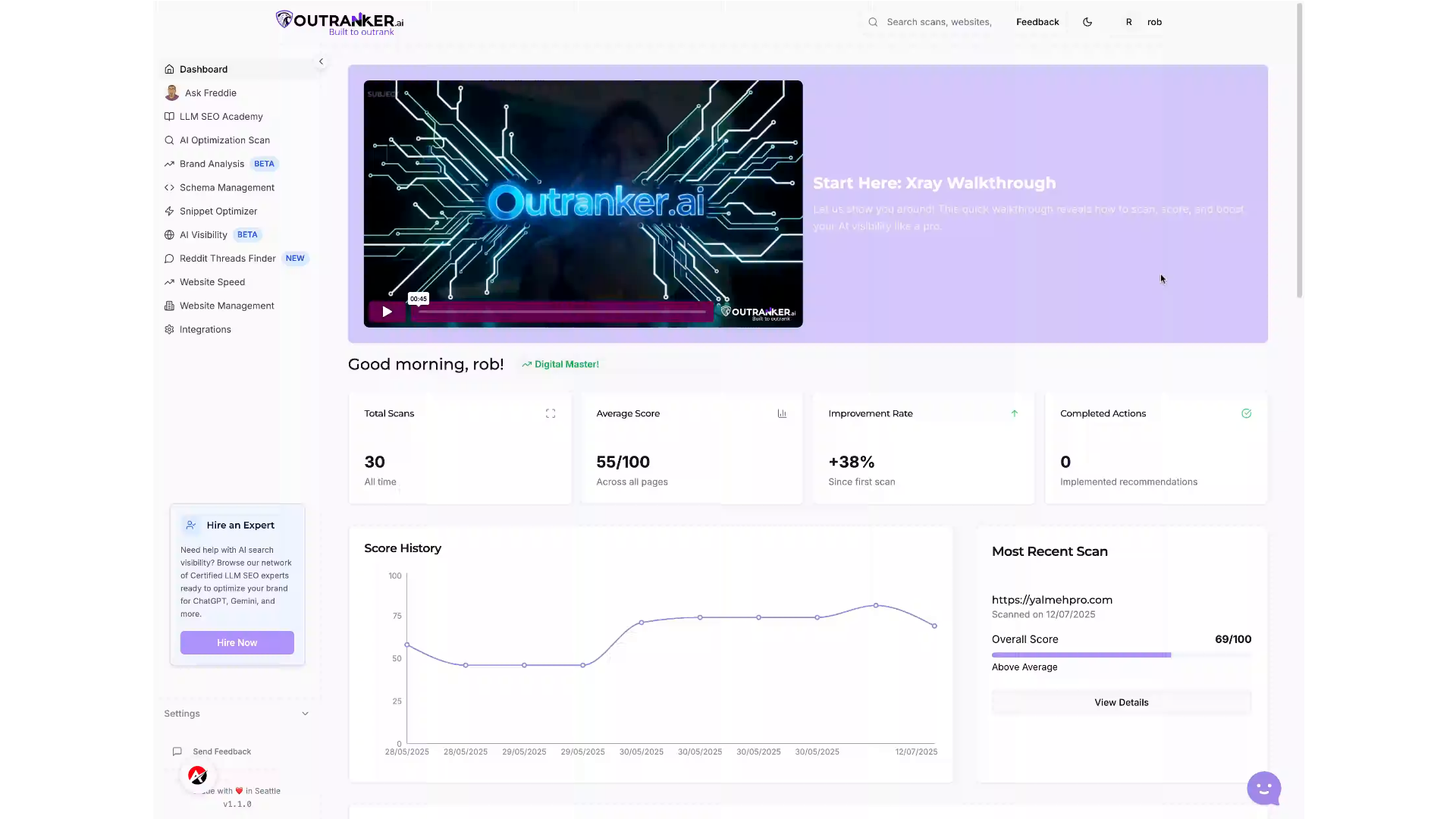
2. Click "Snippet Optimizer"
Access the Snippet Optimizer to begin enhancing your content's effectiveness and visibility.
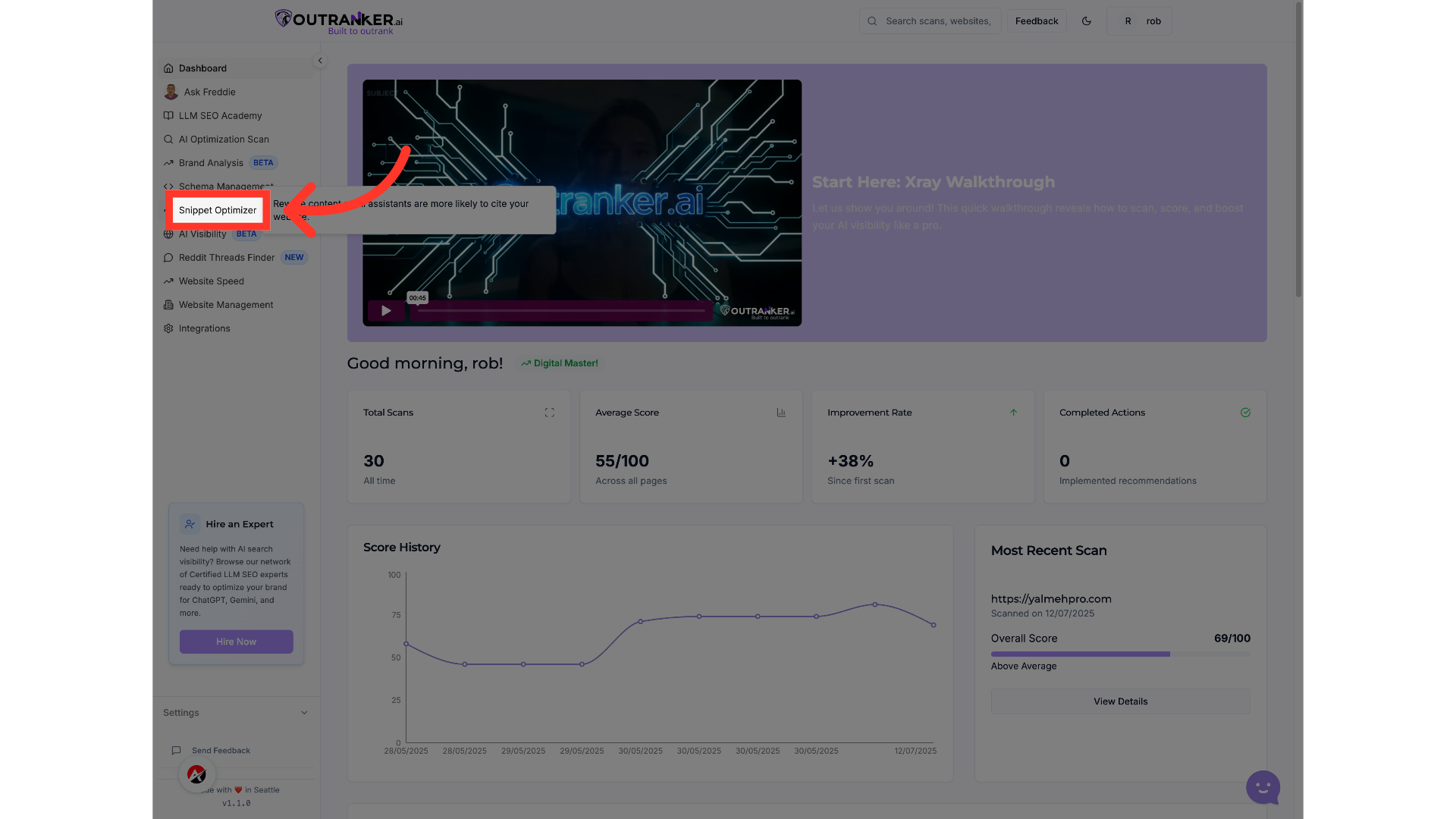
3. Click "Enter your content snippet (max 500 characters)"
Input your content snippet to assess its performance and identify areas for improvement.
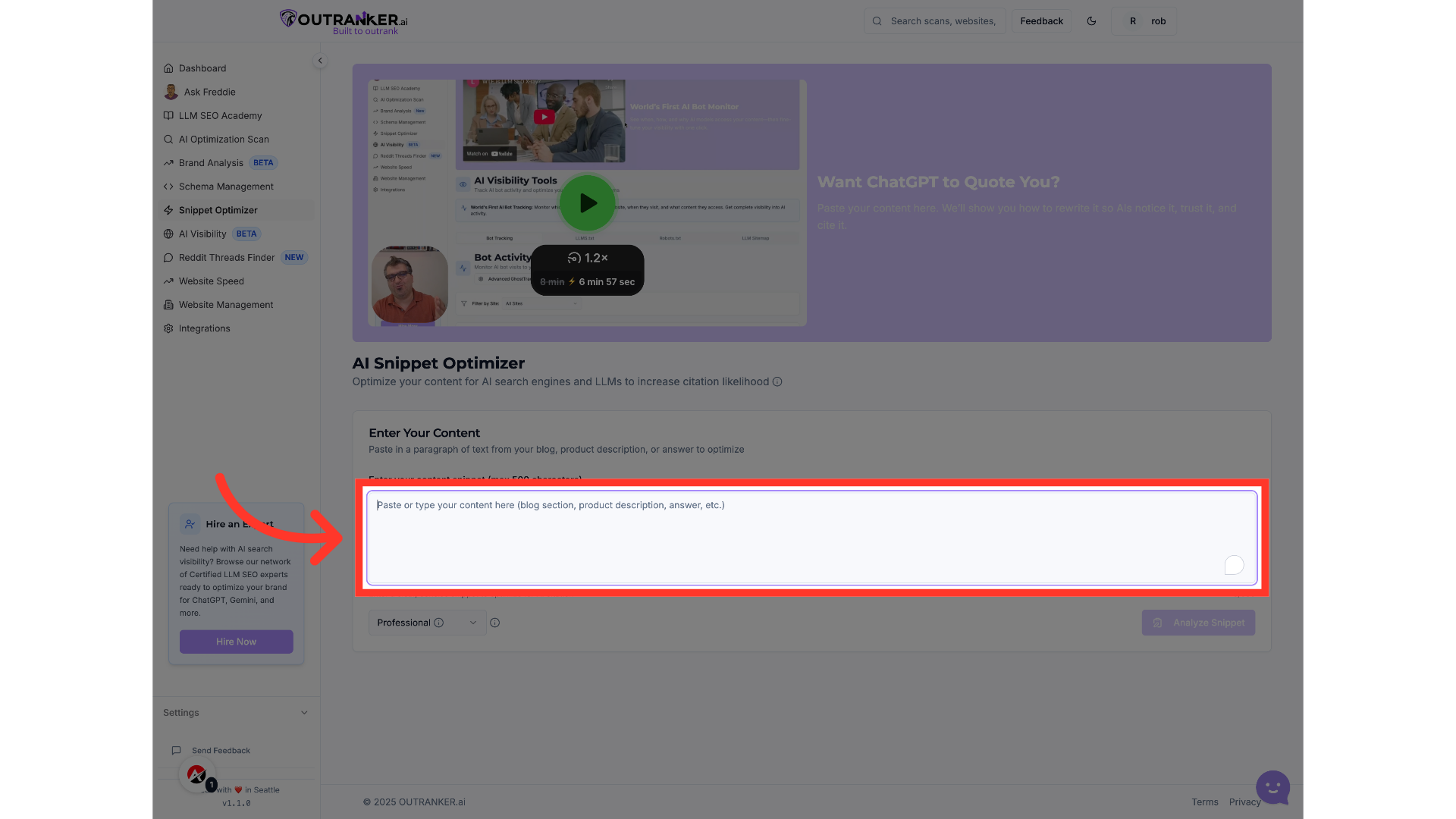
4. Fill "Utilize the features within the platform to adapt to the latest S E O trends, ensuring that your strategies remain relevant and impactful."
Fill in "Utilize the features within the platform to adapt to the latest S E O trends, ensuring that your strategies remain relevant and impactful."
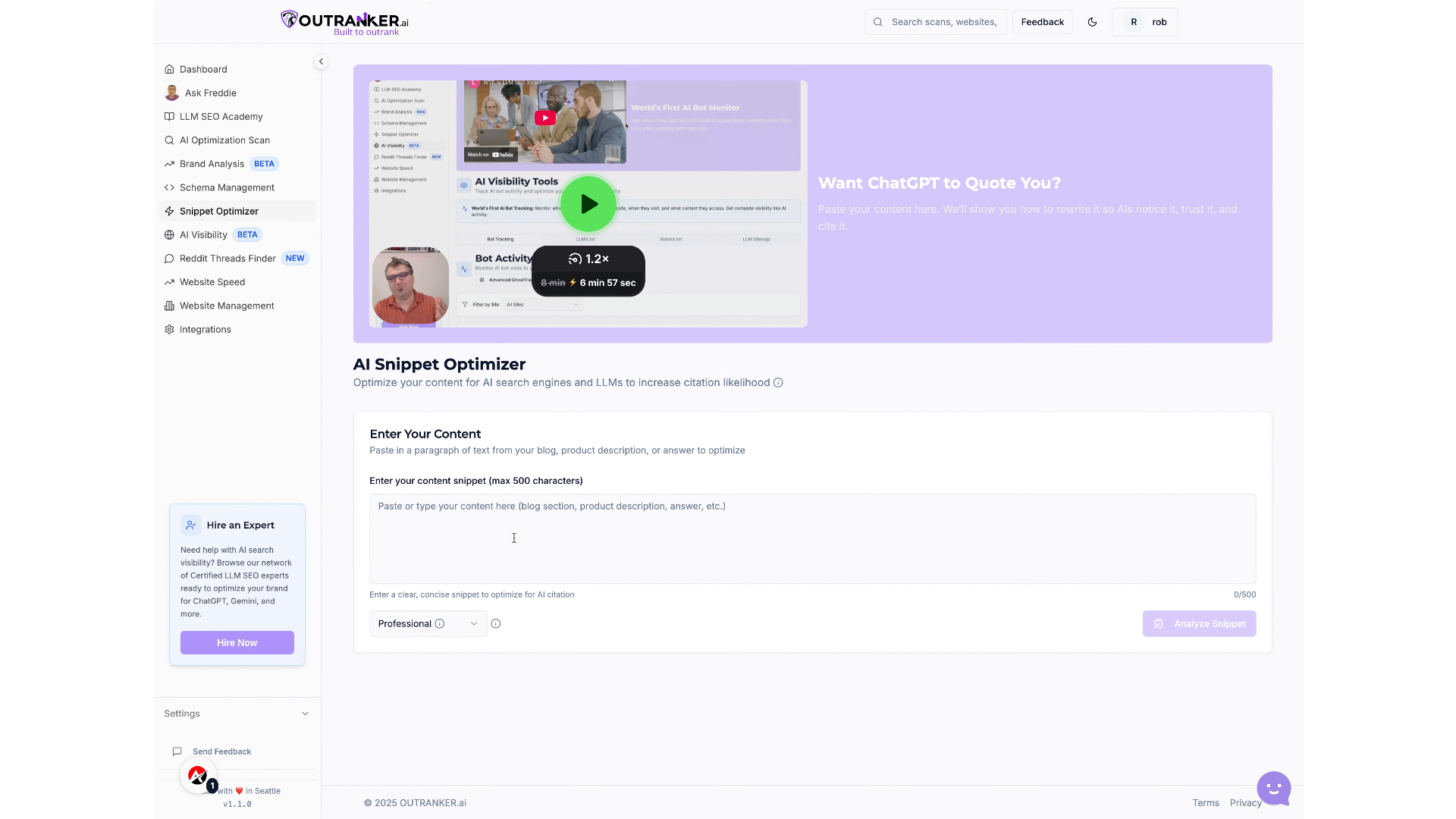
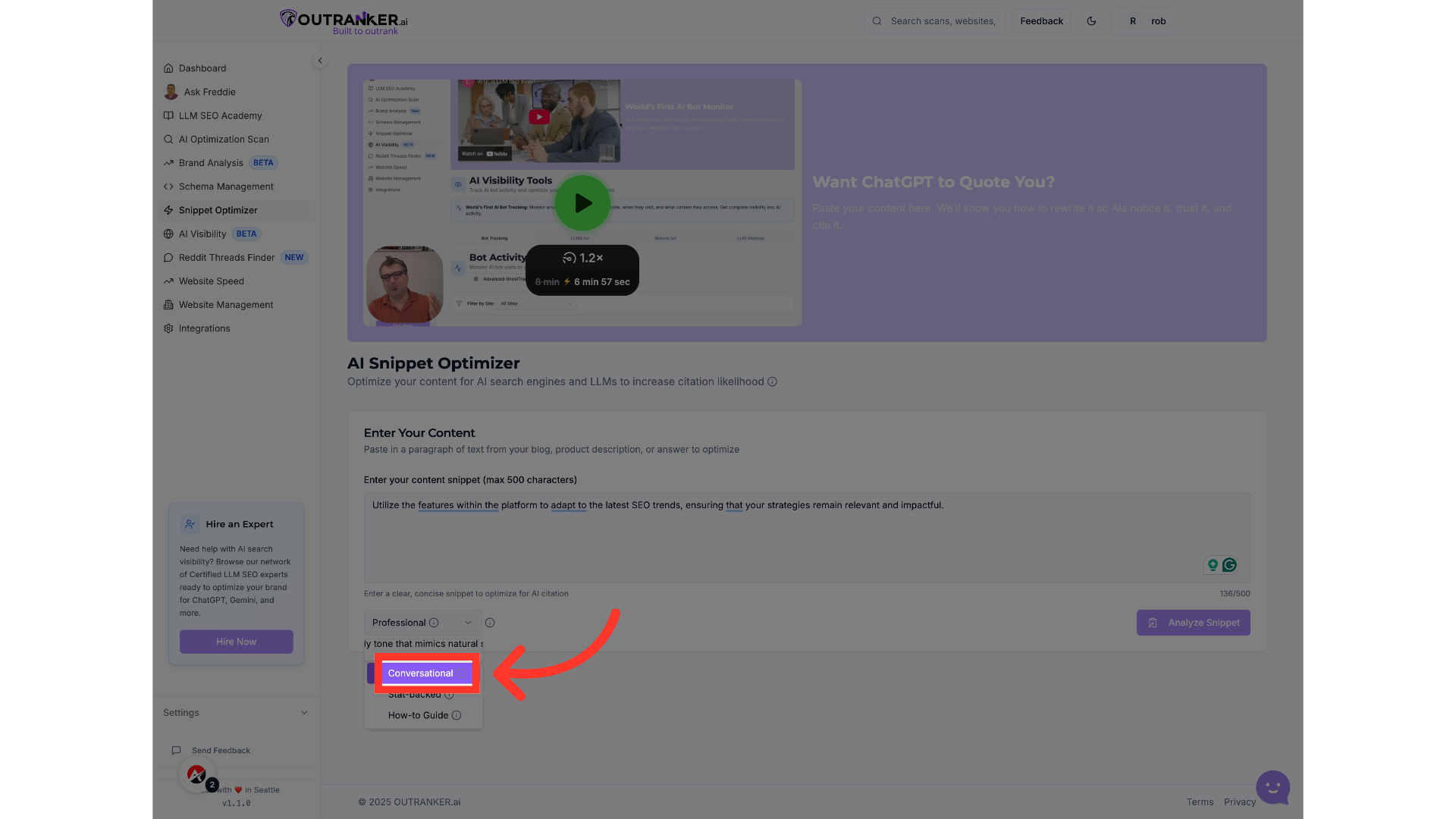
5. Click "Conversational"
Select the Conversational tone option to ensure your content resonates with your target audience.
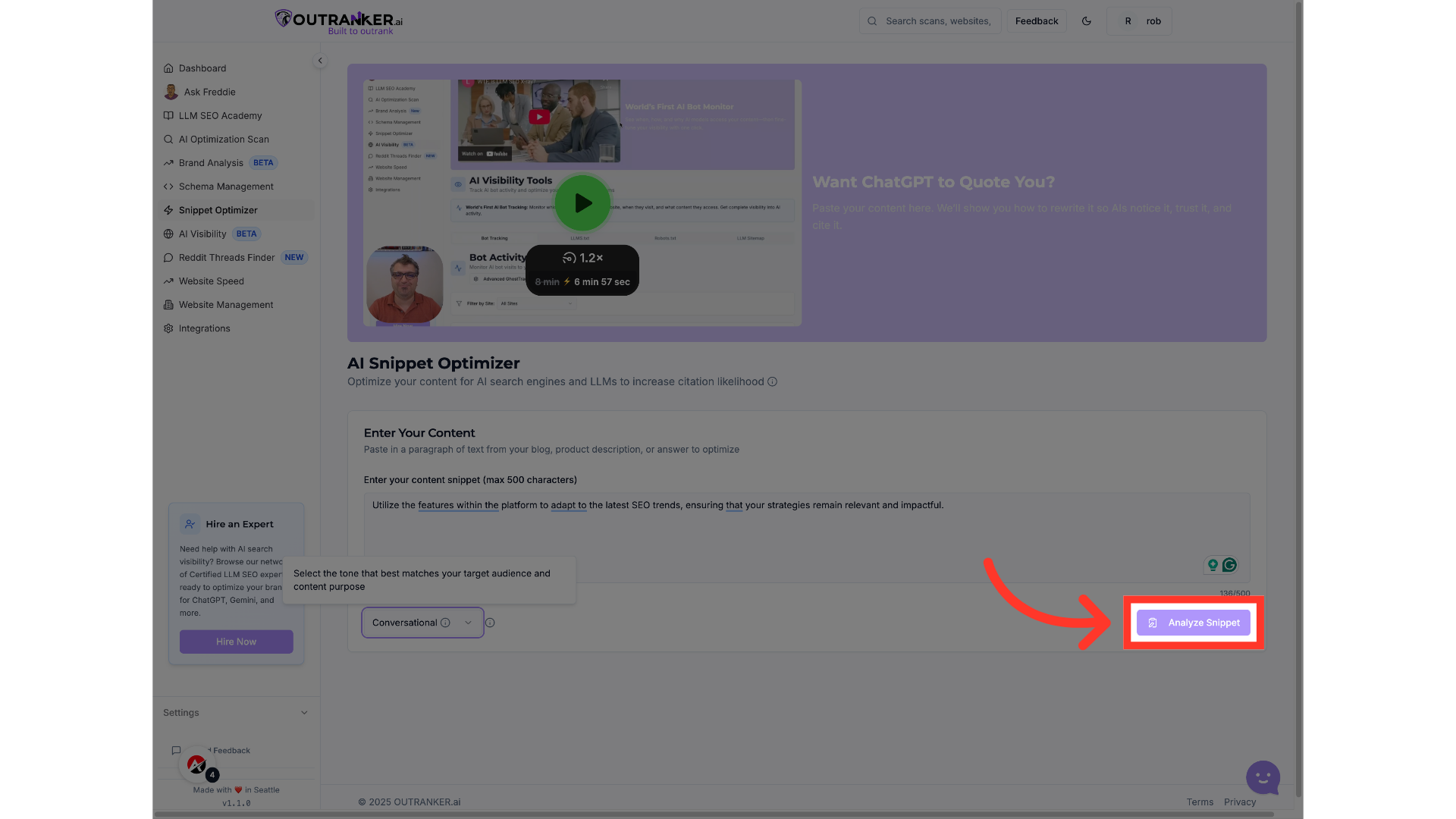
6. Click "Analyze Snippet"
Initiate the analysis to receive valuable insights on how to optimize your content snippet.
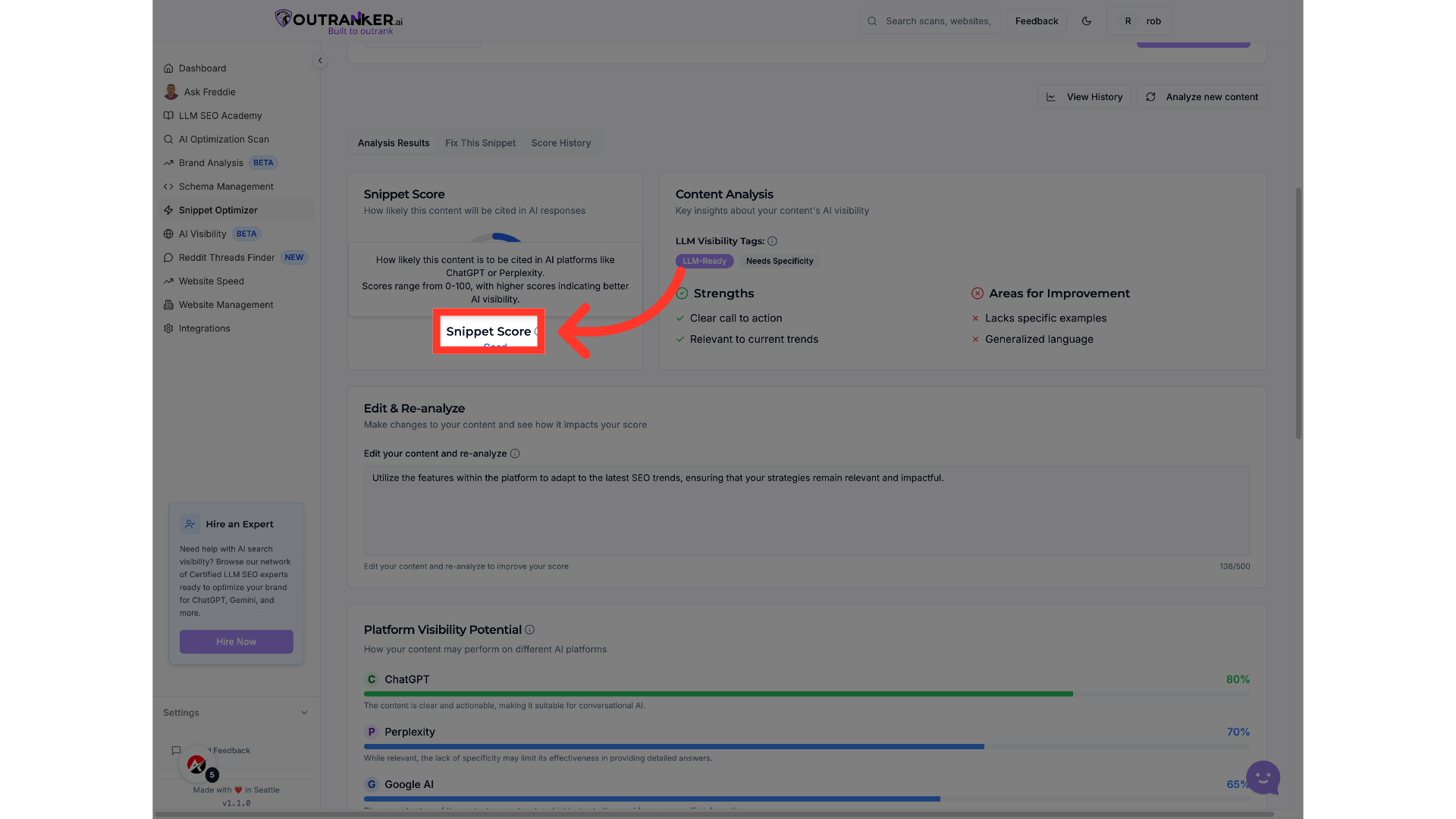
7. Click "Snippet Score"
Review the Snippet Score to understand how well your content is optimized for engagement and visibility.
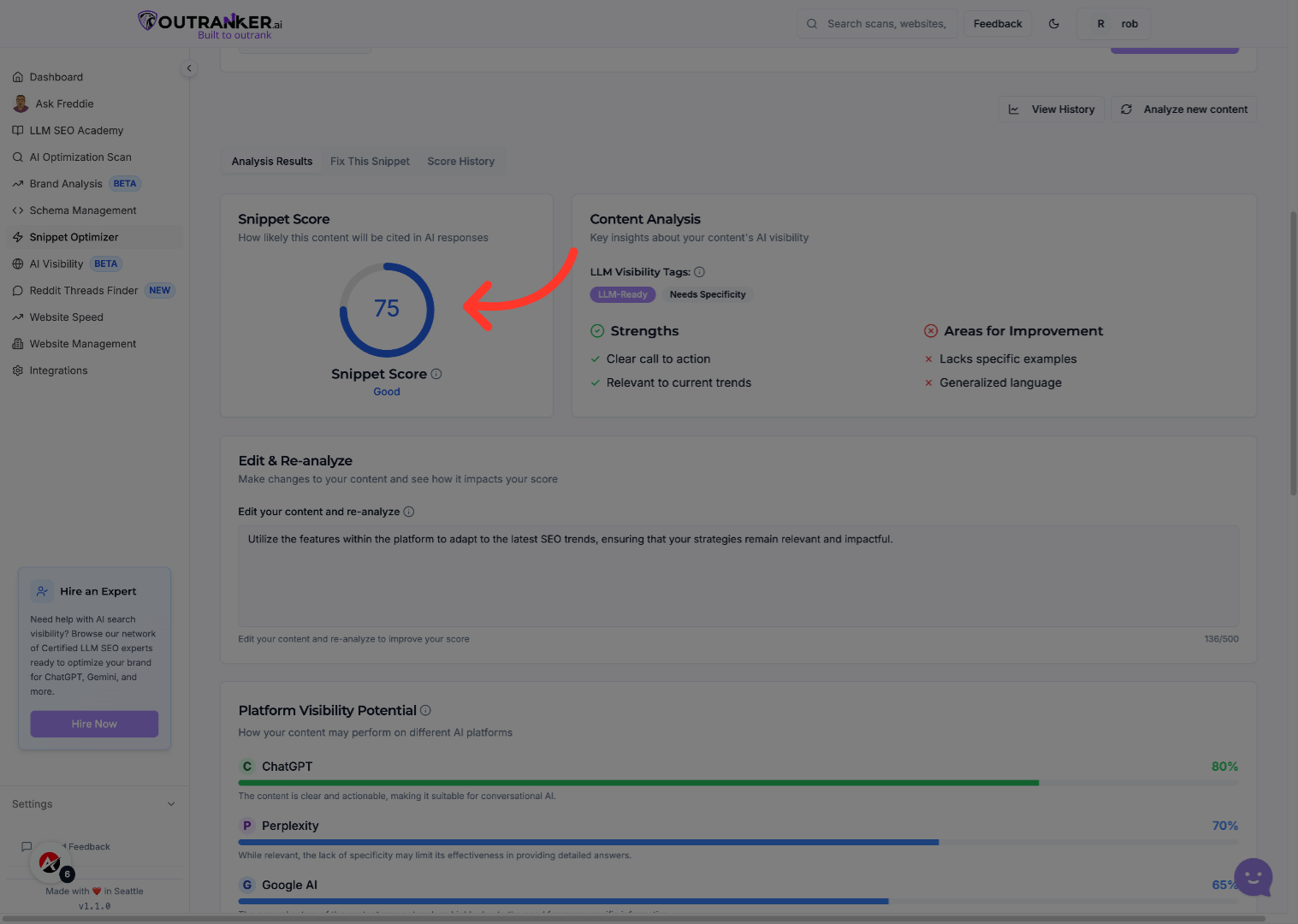
8. Click "Snippet Score"
Revisit the Snippet Score to compare it against previous iterations and track your progress.
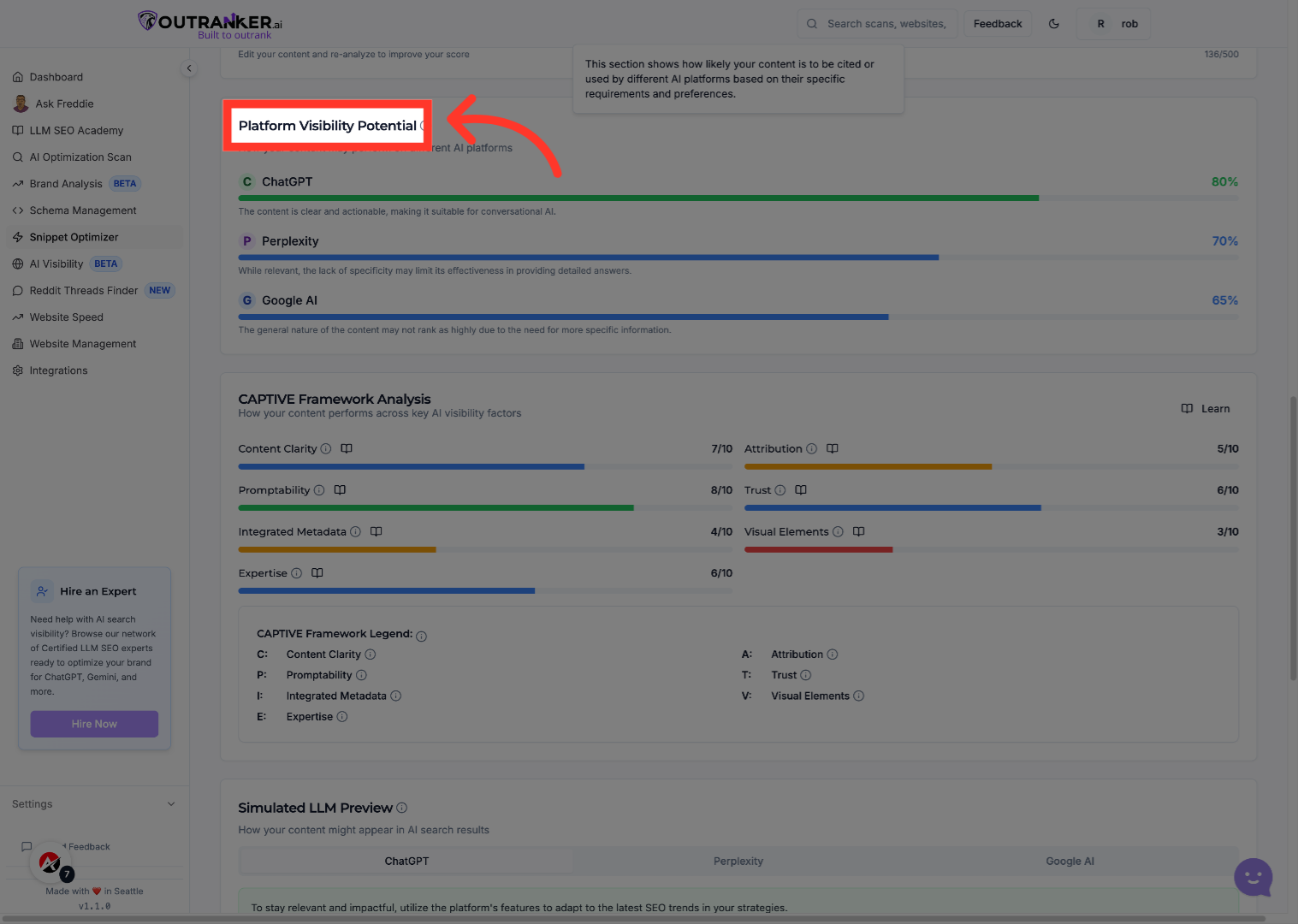
9. Click "Platform Visibility Potential"
Explore the Platform Visibility Potential to gauge where your content can shine across various channels.
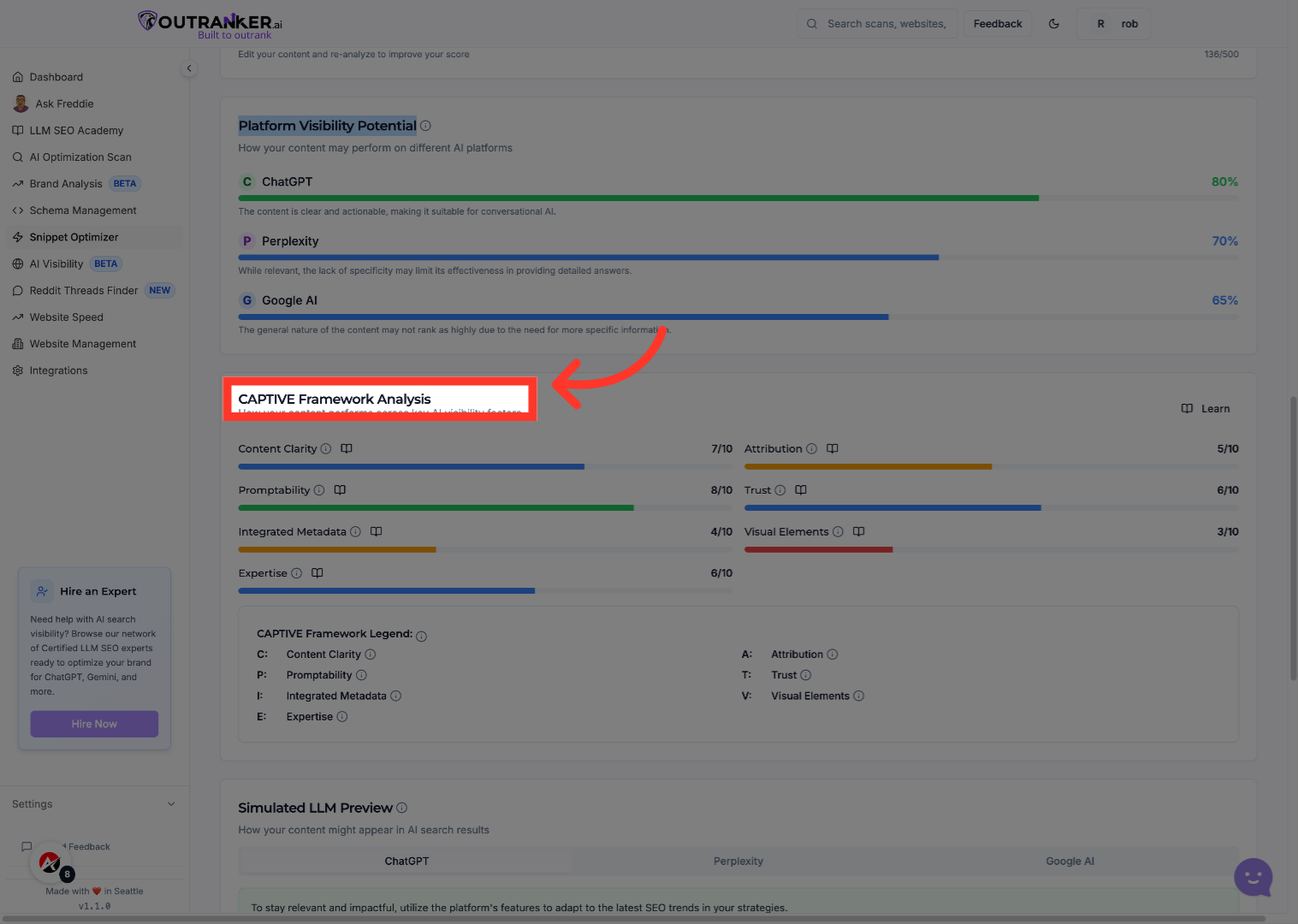
10. Click "CAPTIVE Framework Analysis"
Utilize the CAPTIVE Framework Analysis to enhance your content's alignment with effective S E O strategies.
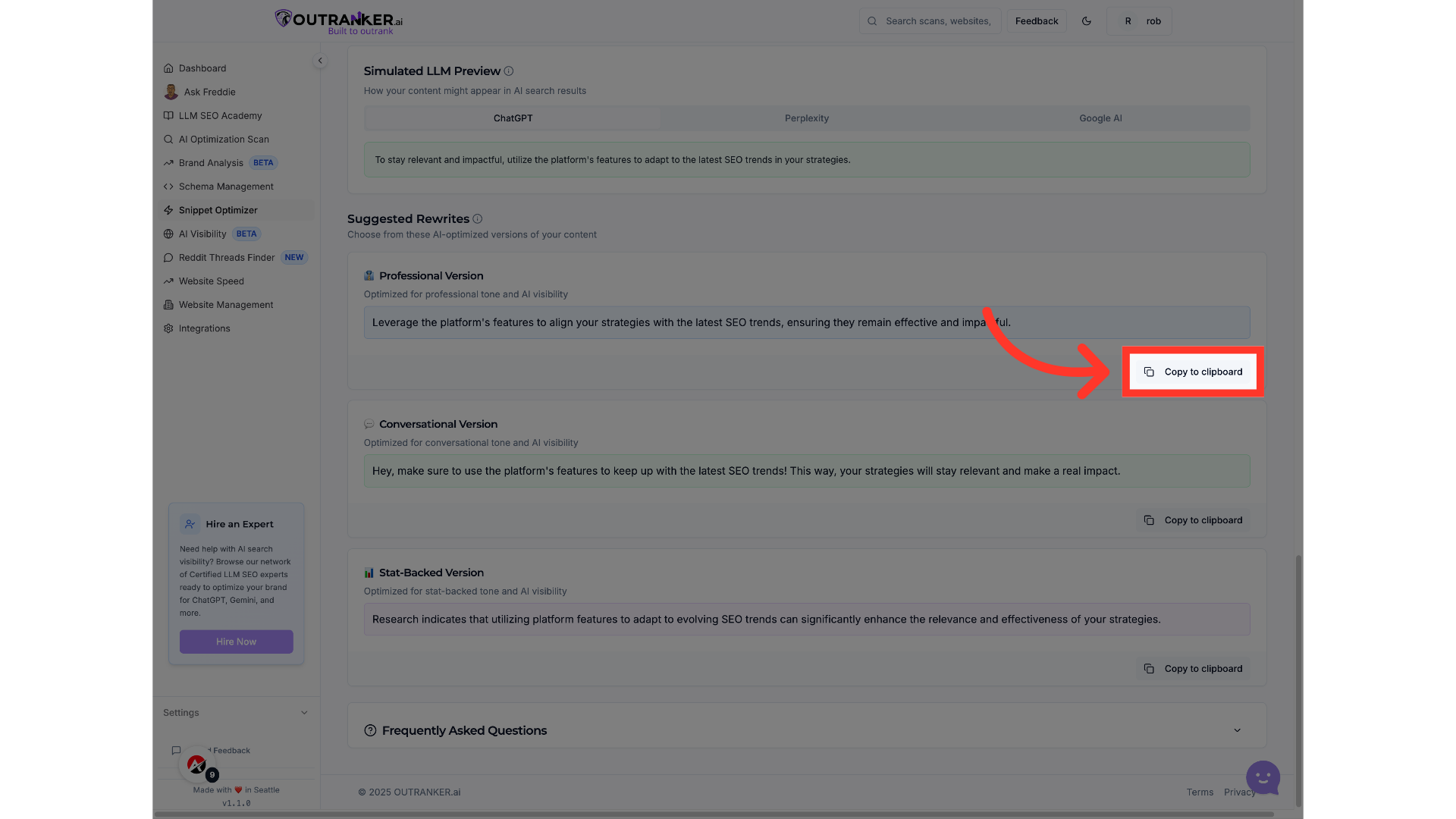
11. Click "Copy to clipboard"
Copy your optimized snippet for easy integration into your marketing materials or web content.
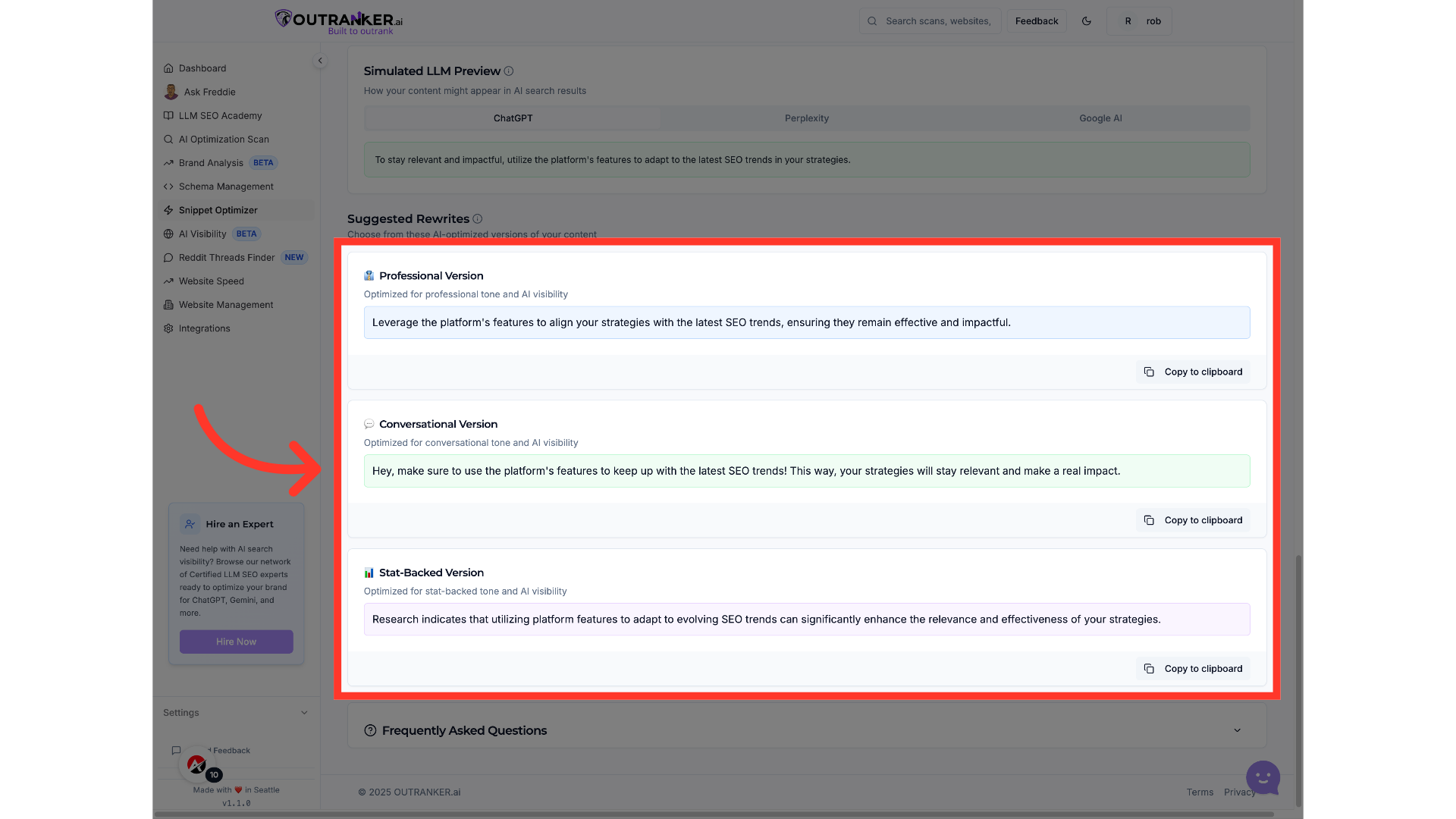
12. Click "👔professional VersionOptimized for professional tone and AI visibilityLeverage the platform's features to align your strategies with the latest S E O trends, ensuring they remain effective and..."
Choose the professional version to refine your content for a more sophisticated audience and improved AI performance.
By utilizing the Snippet Optimizer, users will enhance their content's visibility and engagement, ensuring it resonates effectively with their target audience. This feature empowers you to continuously improve your marketing strategies and adapt to evolving S E O trends.
