
This tutorial guides you through generating your organization's schema markup using OutRanker's Schema Management feature and adding it to the llms
Go to www.outranker.ai
1. Introduction
txt file. Before starting, ensure you have your organization's key information ready, including name, website URL, logo URL, social profiles, and contact details. This process will help you create structured data to improve your organization's online presence and S.E.O.
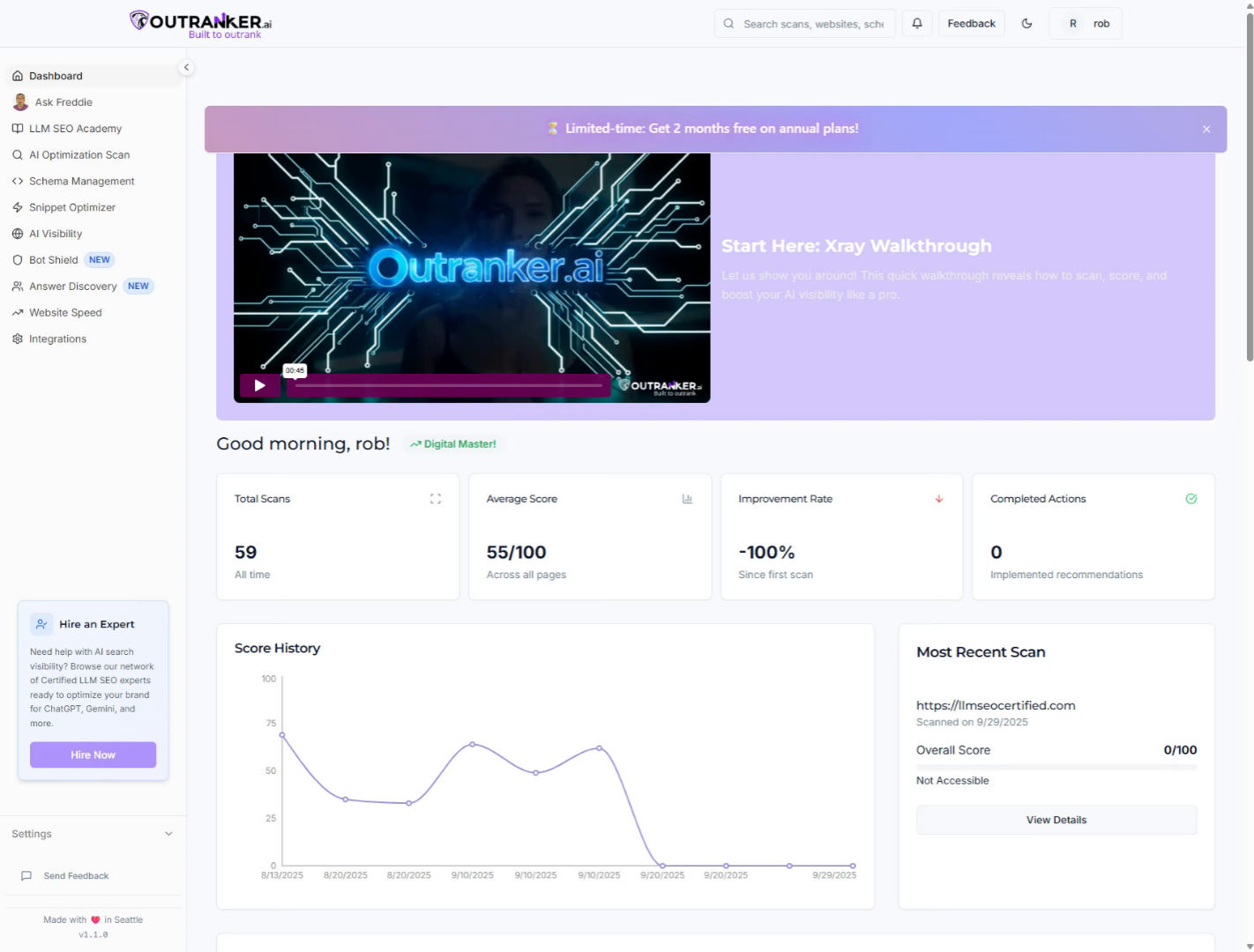
2. Click "Schema Management"
Access the Schema Management feature within OutRanker to begin generating your organization's schema.
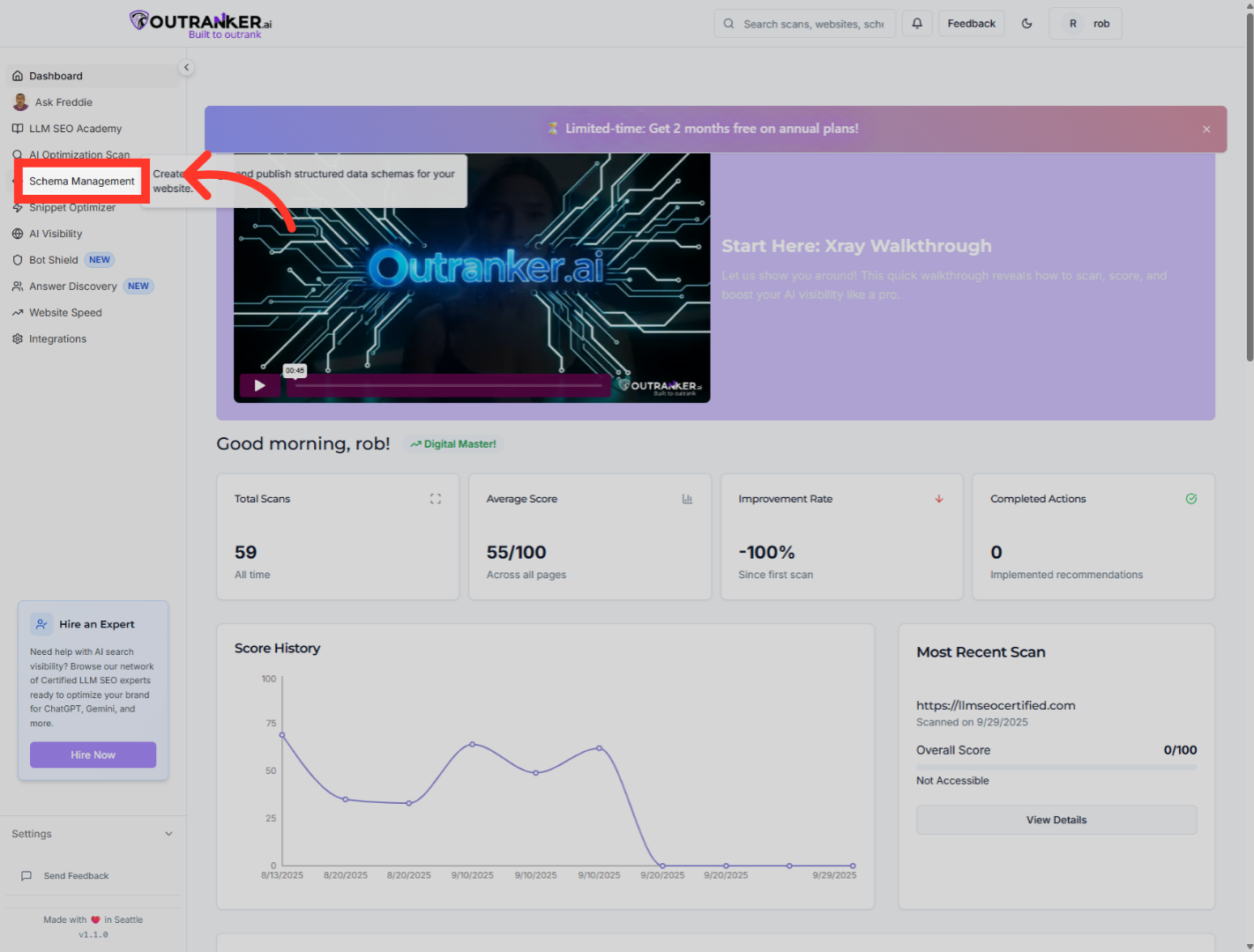
3. Click "Generator"
Navigate to the Generator section to start creating your schema markup.
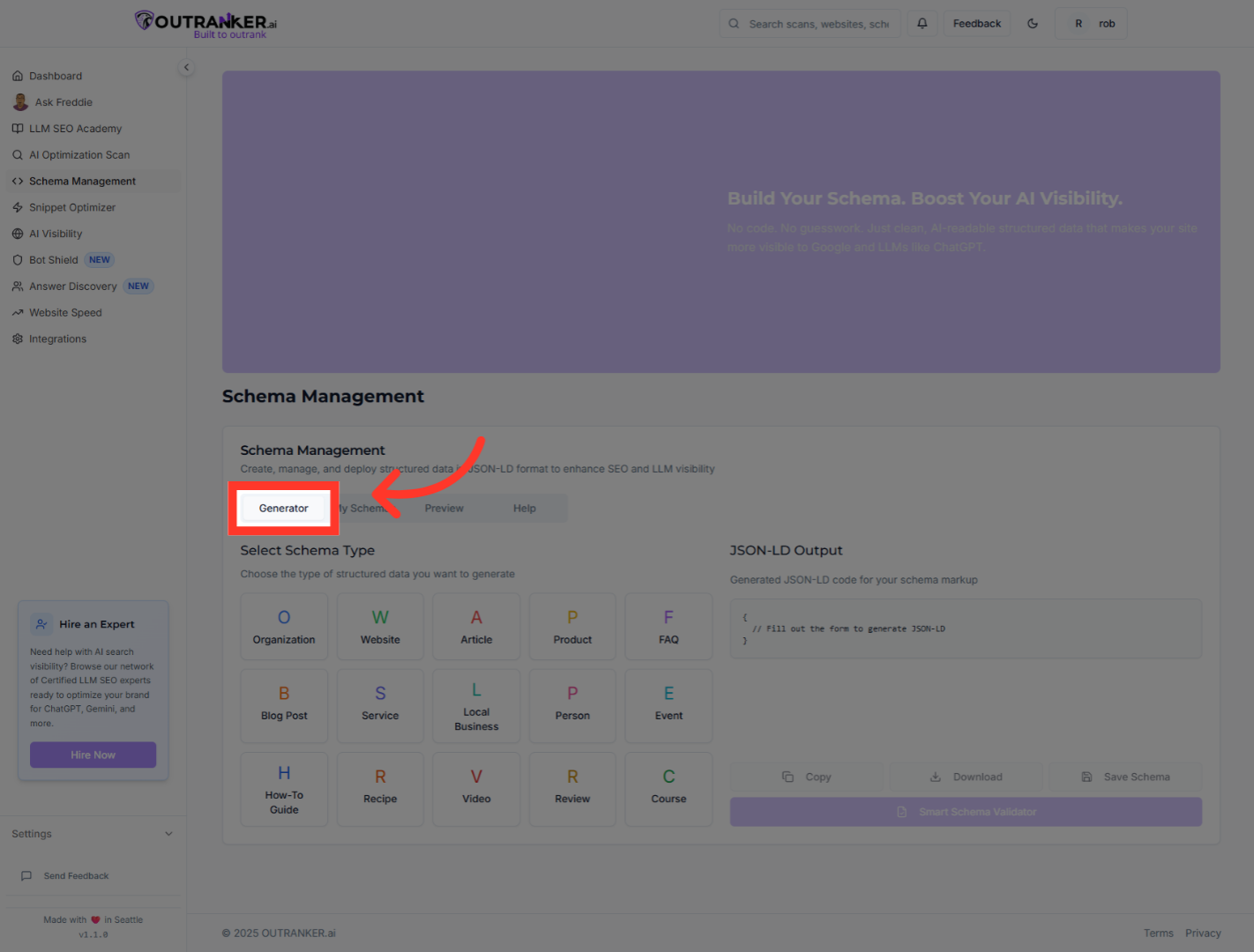
4. Click "Organization"
Select the Organization schema type to specify your organization's details.
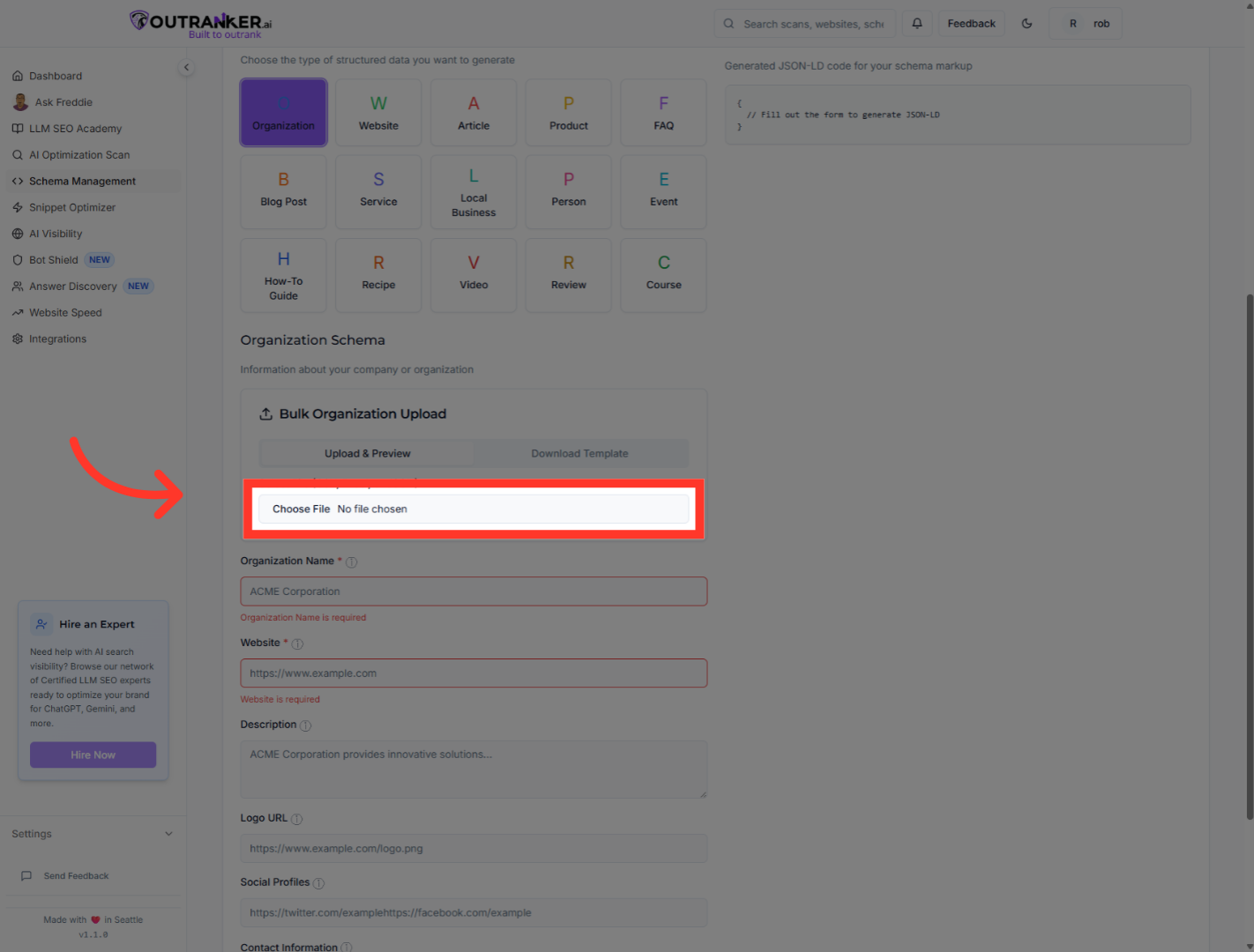
5. Click "Select File (CSV, Excel, or JSON)"
Open the file selector to upload your organization's data in CSV, Excel, or JSON format for schema generation.
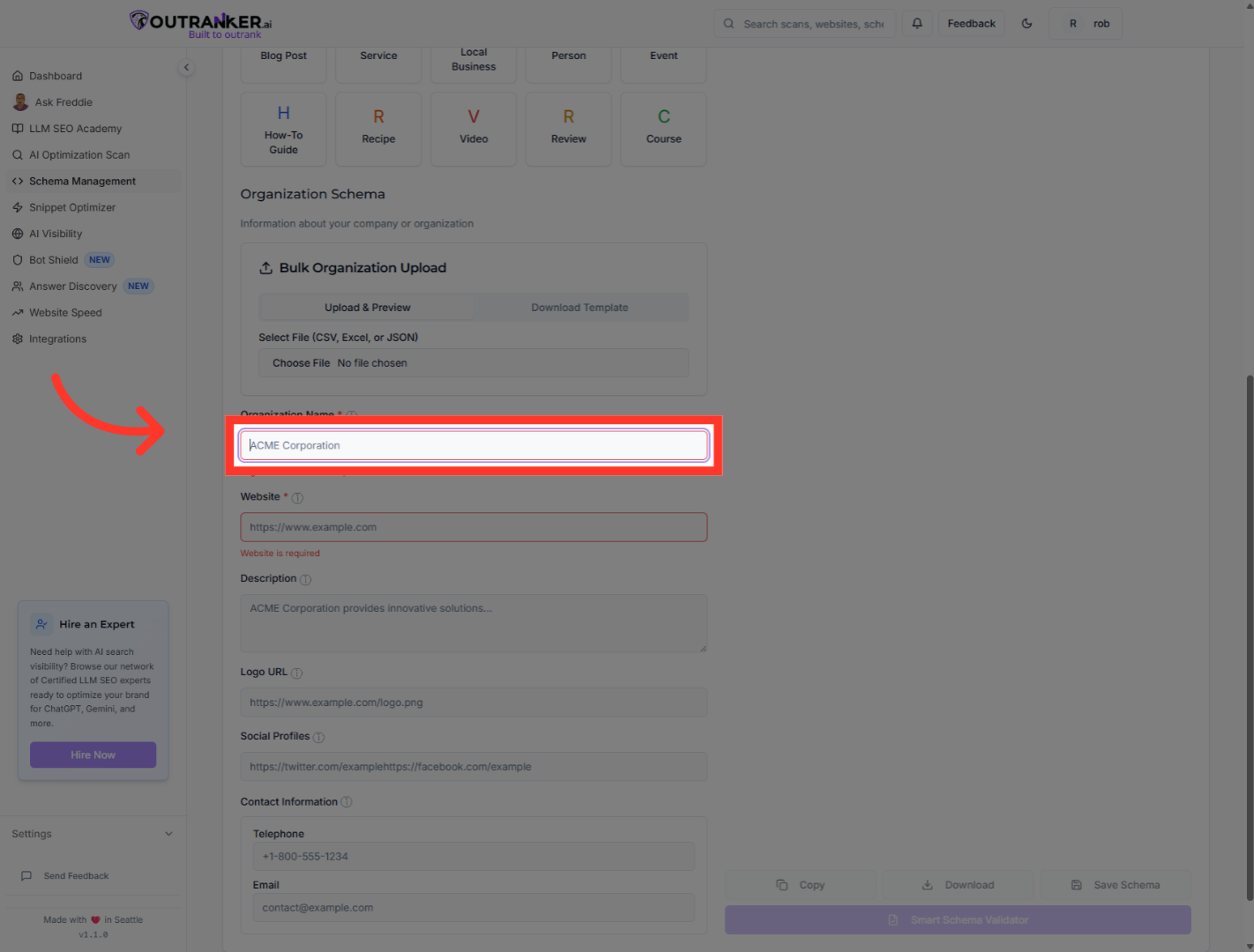
6. Click "Organization Name*"
Click the Organization Name field to input your organization's official name.
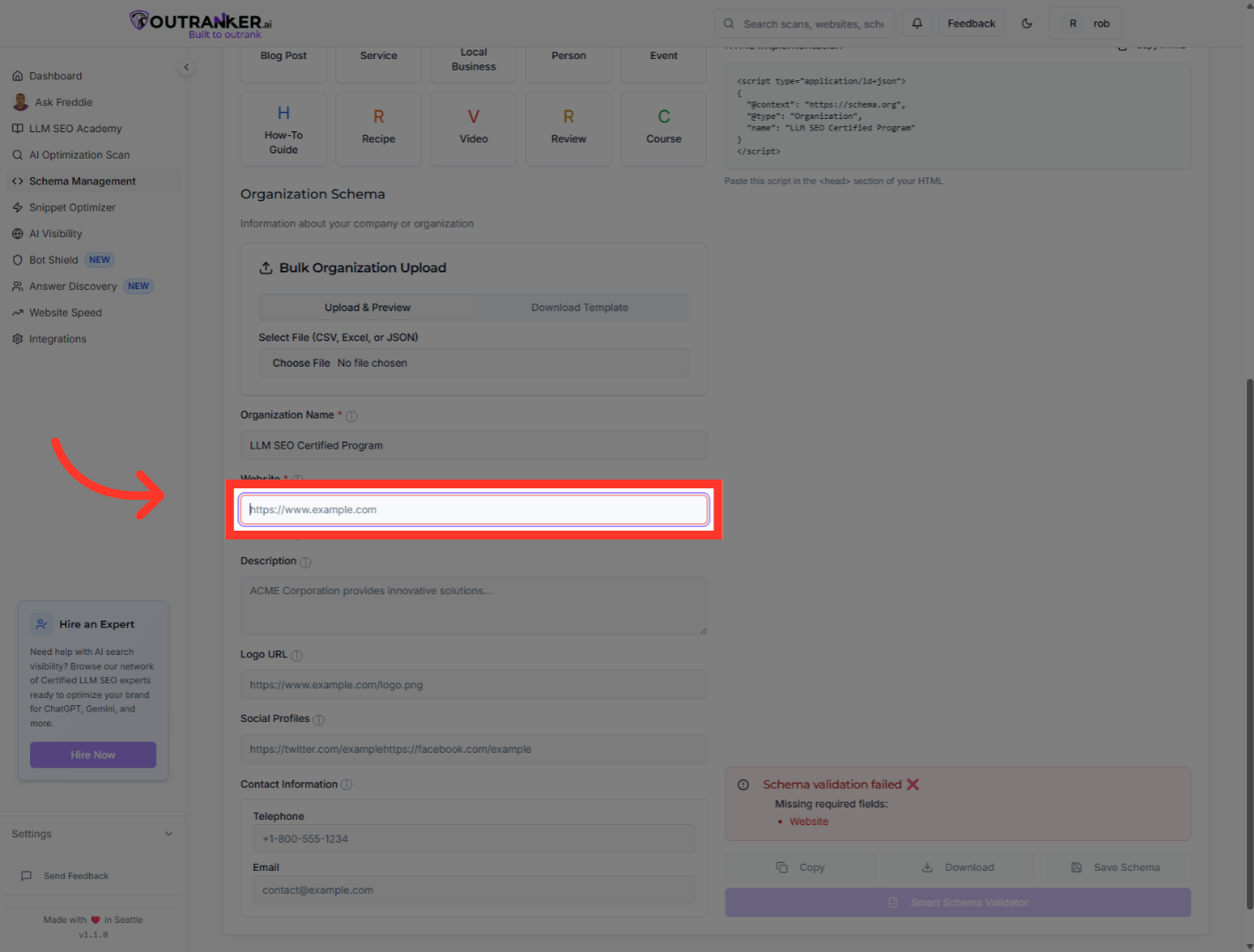
7. Click "Website*"
Select the Website field to provide your organization's official website URL.
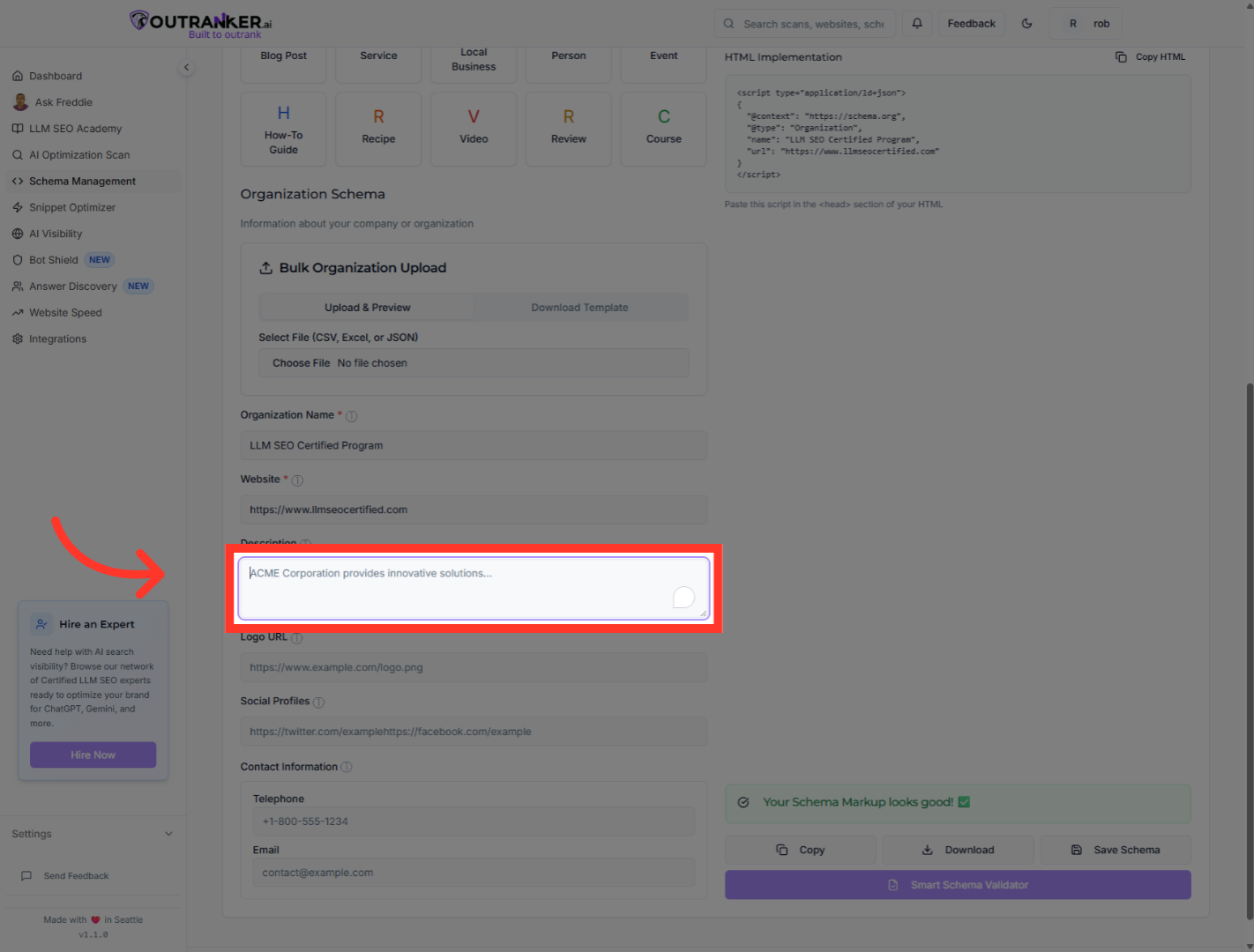
8. Click "Description"
Click the Description field to add a detailed summary of your organization.
9. Click "Logo URL"
Click the Logo URL field to specify the location of your organization's logo image.
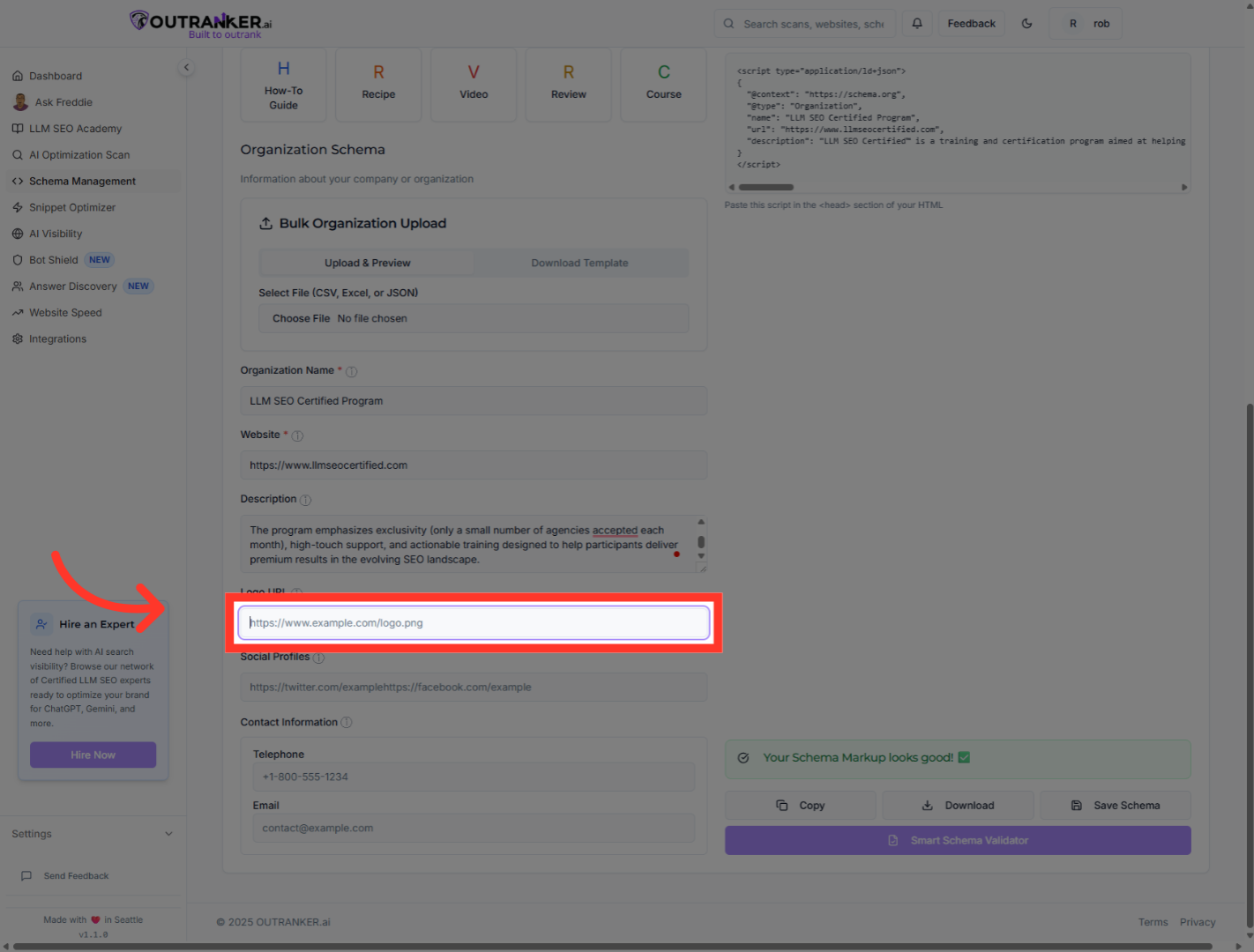
10. Click "Social Profiles"
Select the Social Profiles section to add your organization's social media links.
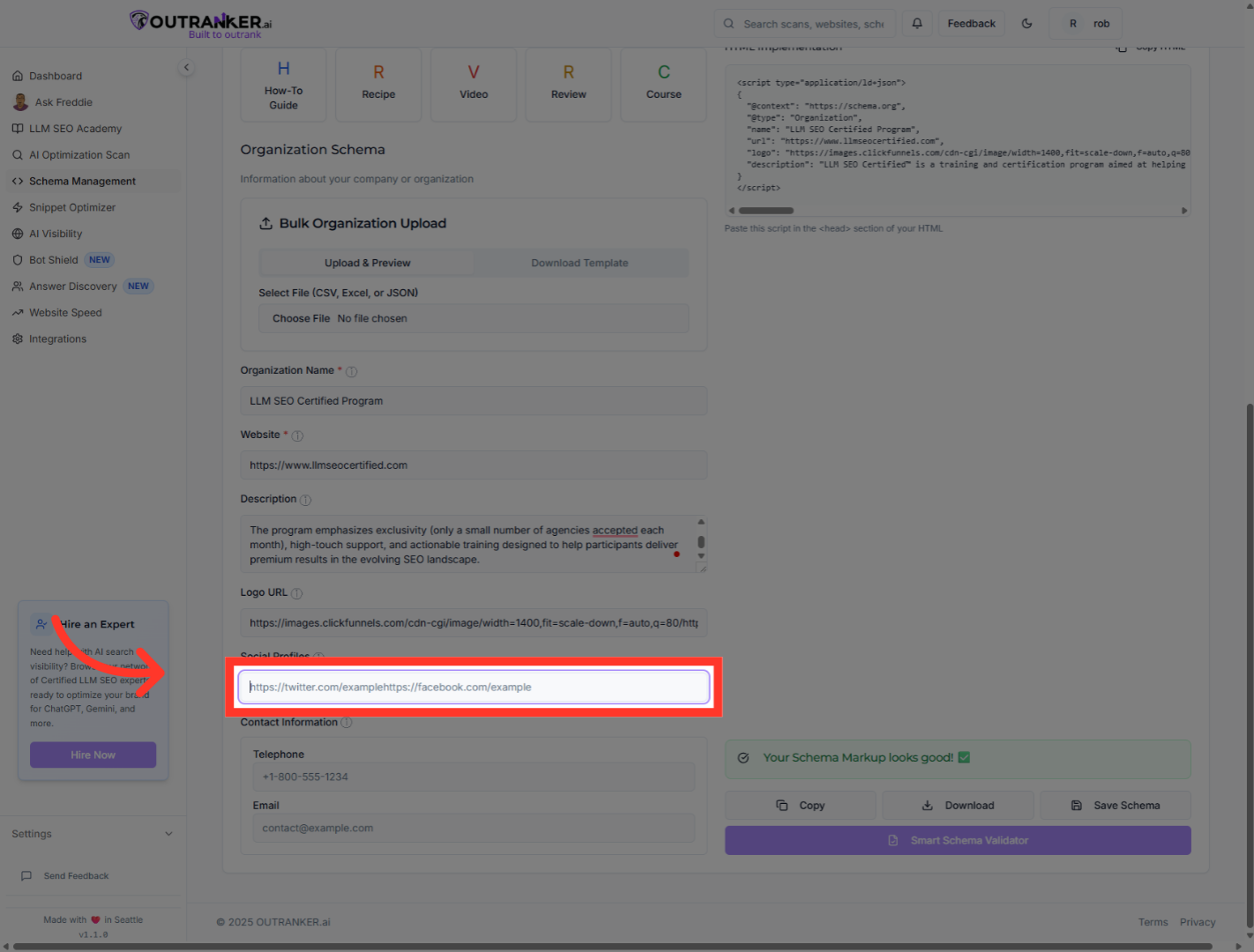
11. Click "On The Phone Number Field"
Click the phone number field to update or add your organization's contact number.
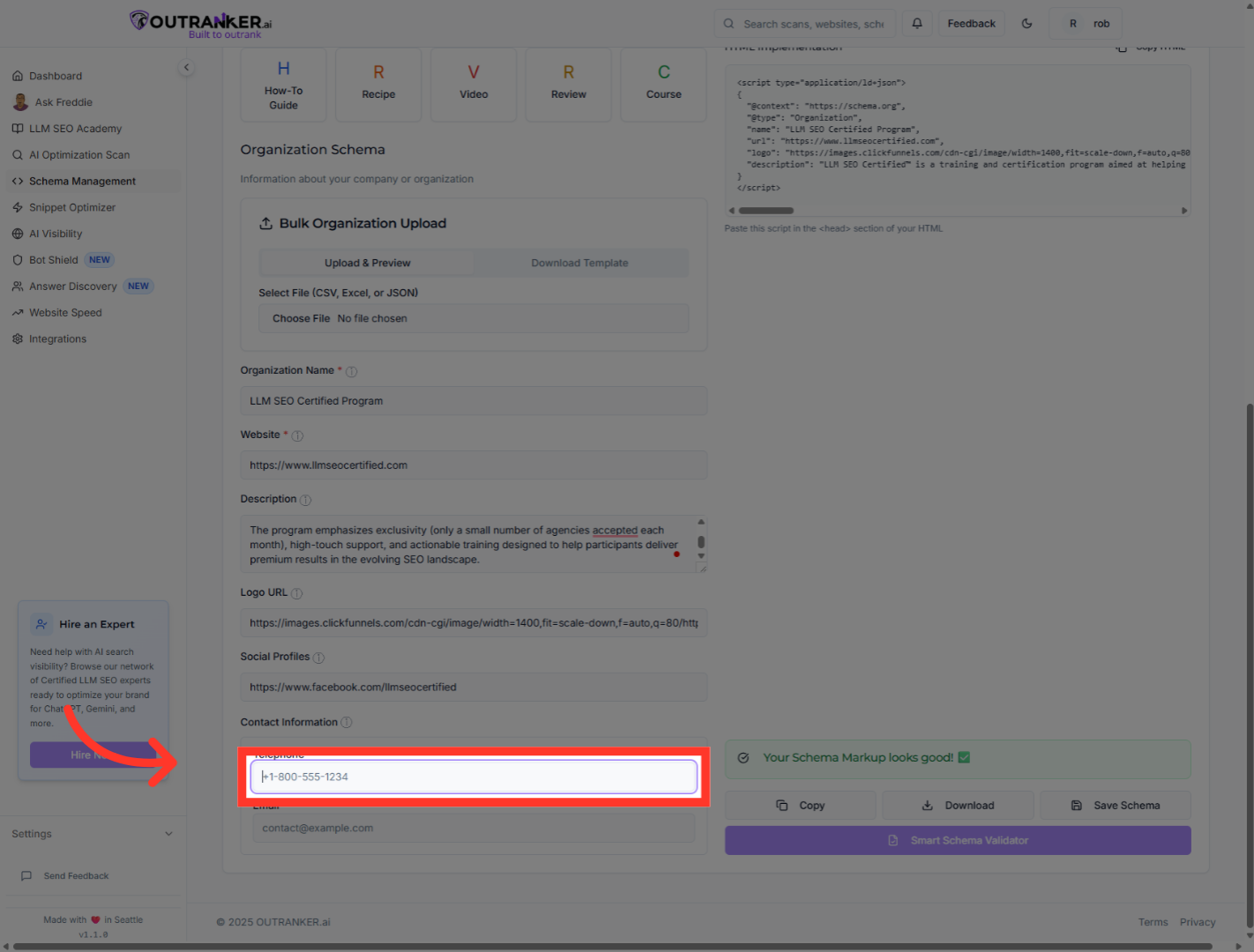
12. Click "On The Contact Email Field"
Click the email address field to input your organization's support or contact email.
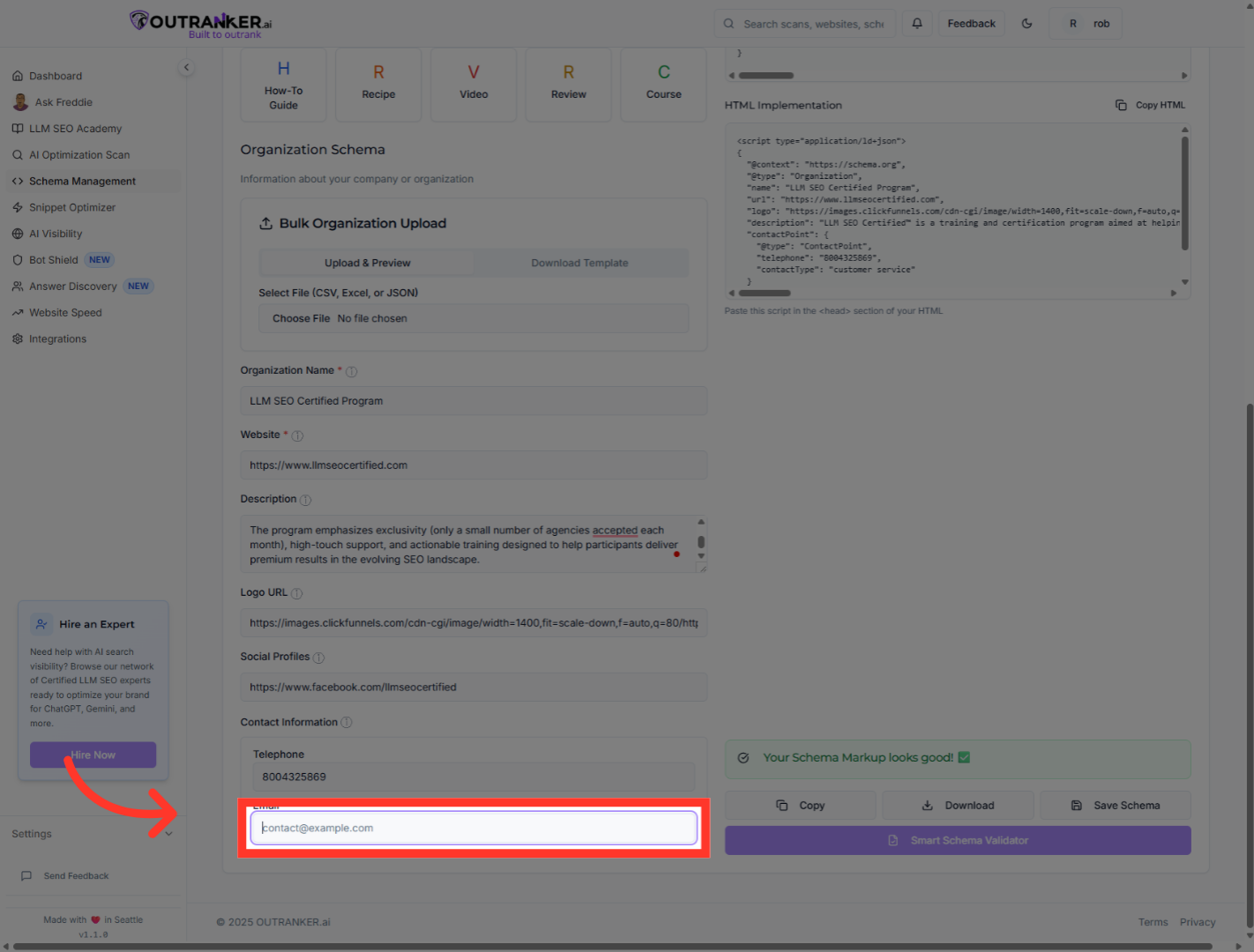
13. Click "JSON-LD OutputGenerated JSON-LD code for your schema markup"
Click the JSON-LD Output section to view the generated JSON-LD code for your organization's schema markup.
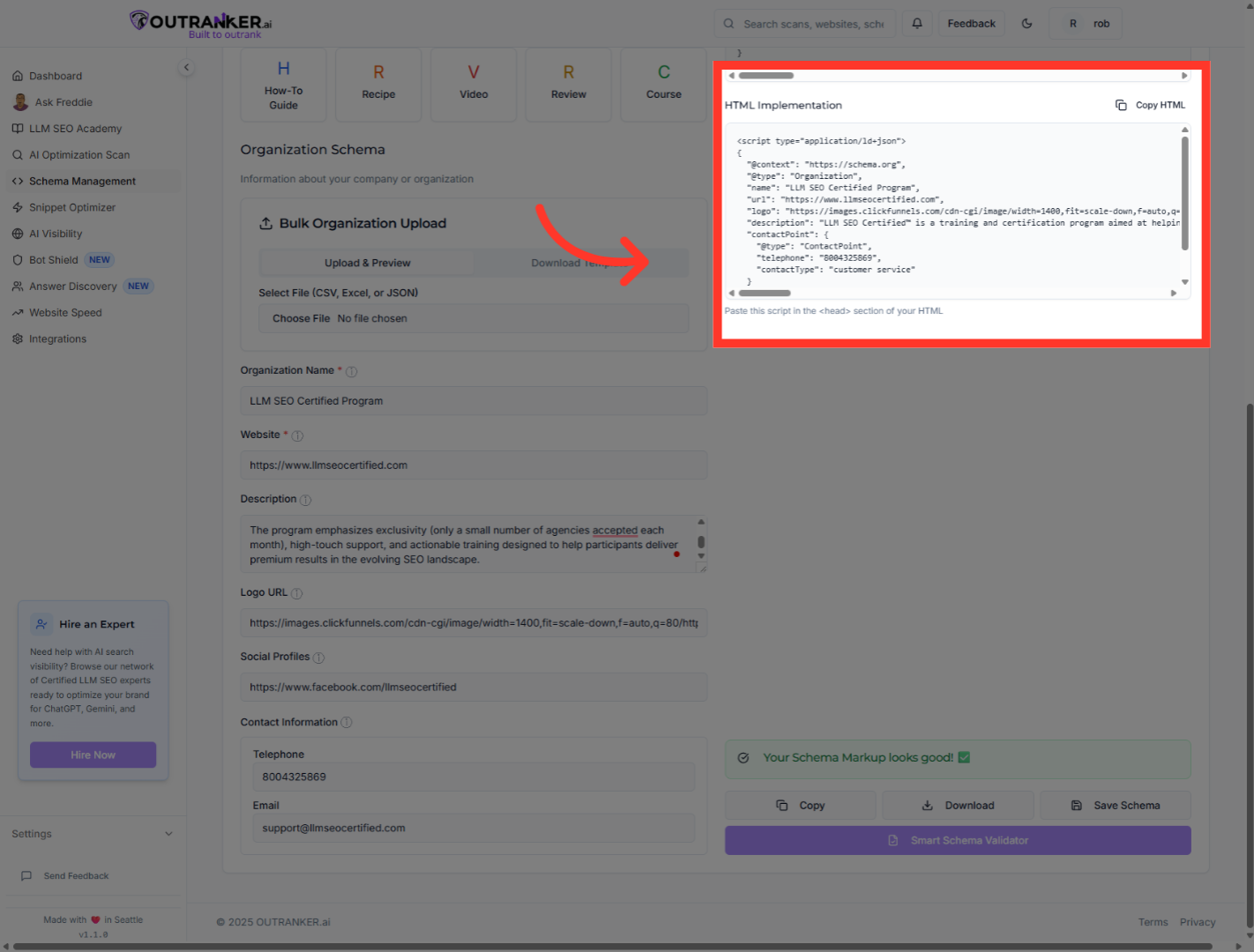
14. Click on "HTML Implementation" to Copy Generated HTML Schema code.
Click on "HTML Implementation" to Copy Generated HTML Schema code.
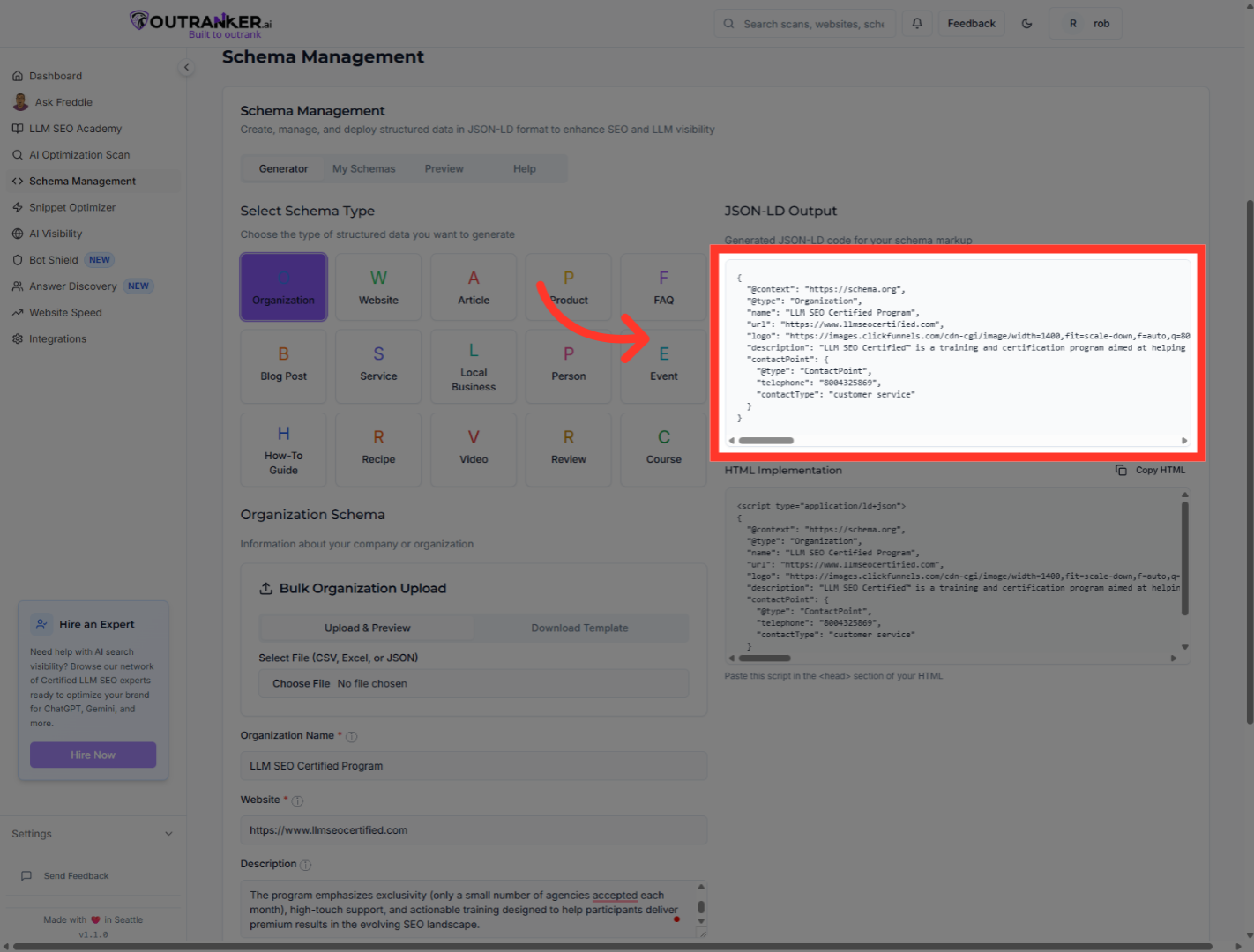
You have successfully generated and reviewed the JSON-LD schema markup for your organization using OutRanker's Schema Management feature. The schema includes essential details such as organization name, website, logo, social profiles, contact information, and description. Next, you can add this schema code to your llms.txt file or integrate it into your website to enhance S.E.O and data structuring.
