
This tutorial guides you through generating a product schema using OutRanker's Schema Management feature
Go to www.outranker.ai
1. Introduction
You'll learn how to prepare your product data, generate JSON-LD schema markup, and download or copy the code for use on your website. Before starting, ensure you have your product details ready for input.
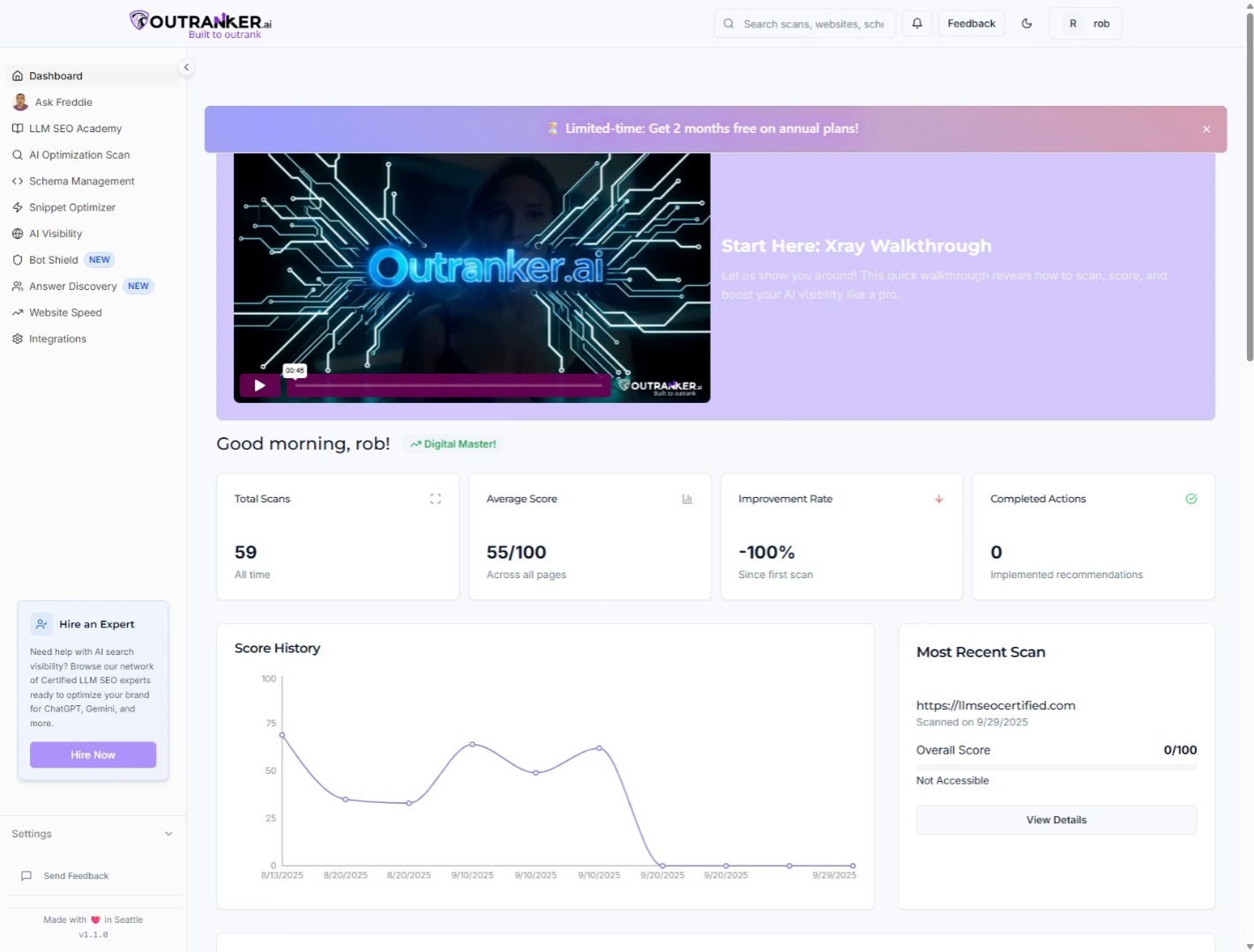
2. Click "Schema Management"
Access the Schema Management section in OutRanker to begin generating your product schema.
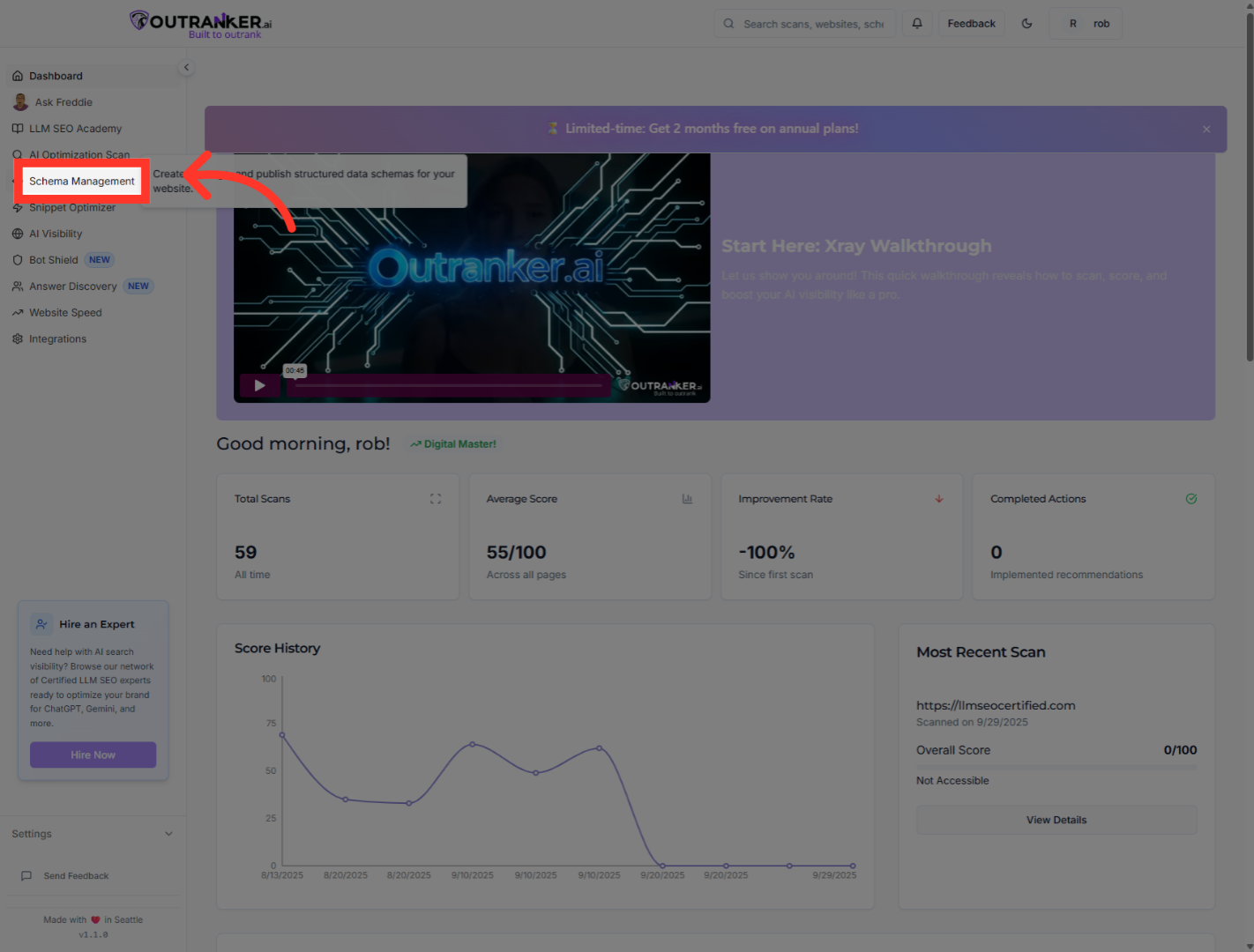
3. Click "Generator"
Navigate to the Generator tab within Schema Management to start the schema creation process.
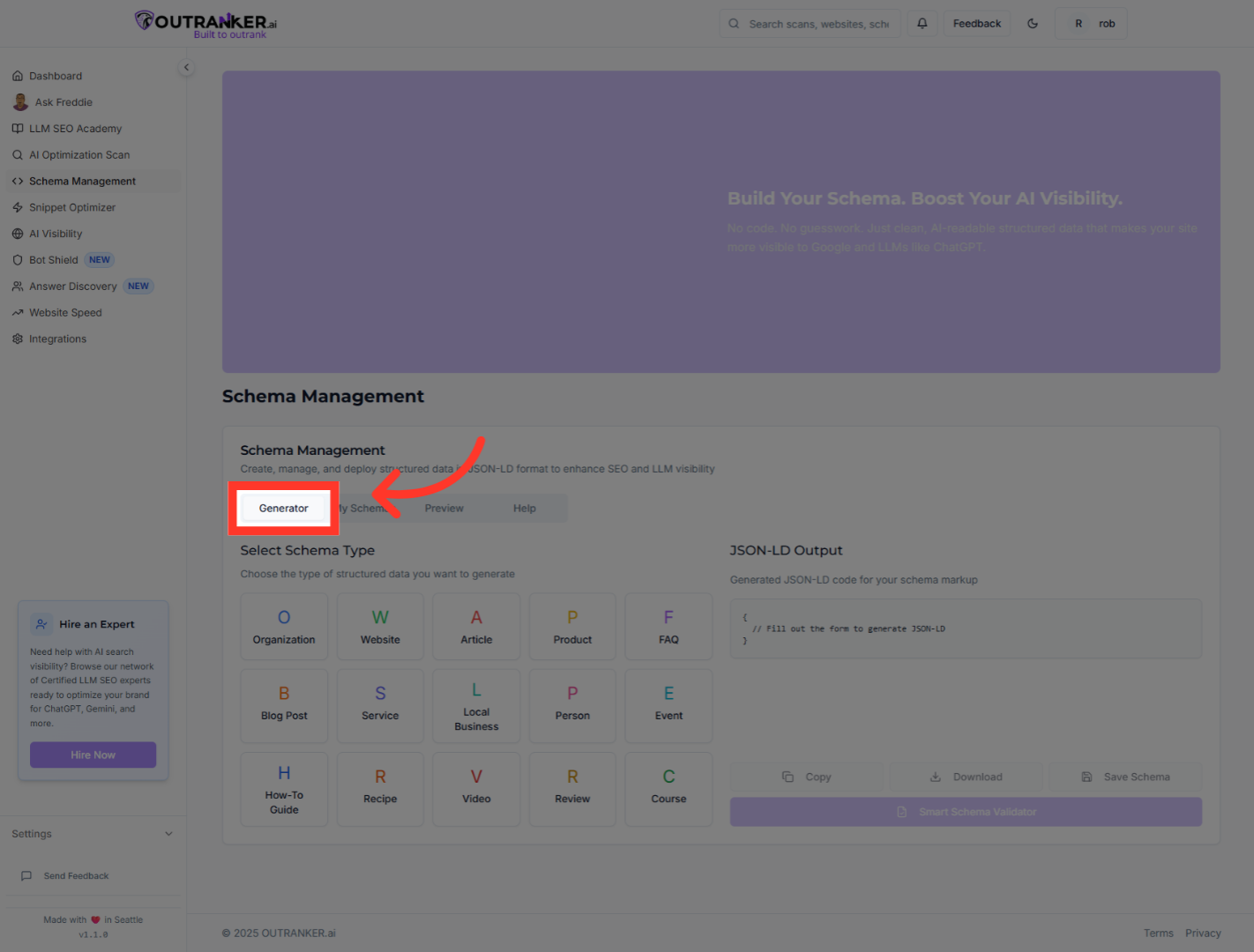
4. Click "Product"
Select the 'Product' option to specify the product schema type you want to generate.
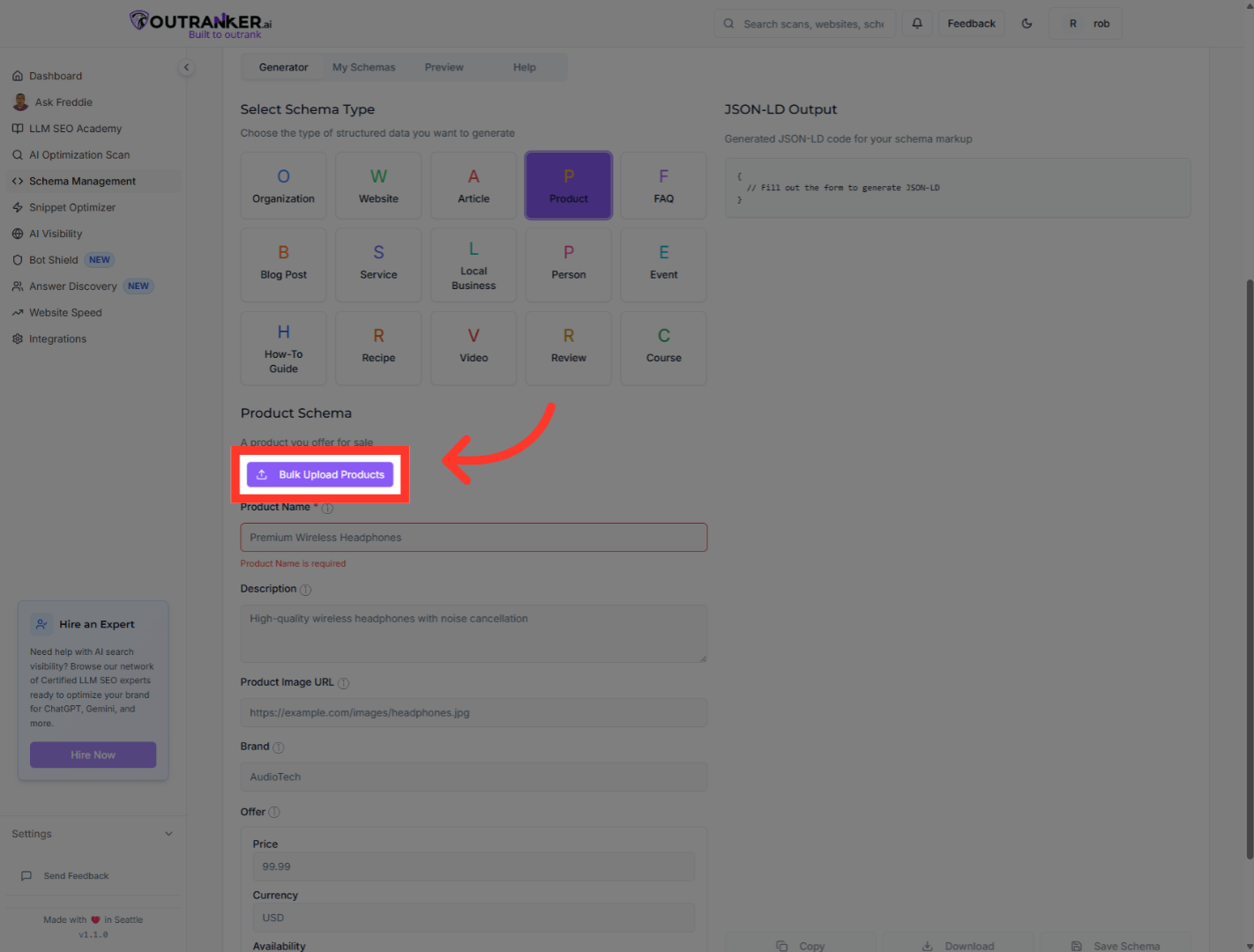
5. Click "Bulk Upload Products"
Choose 'Bulk Upload Products' to upload multiple product entries at once for schema generation.
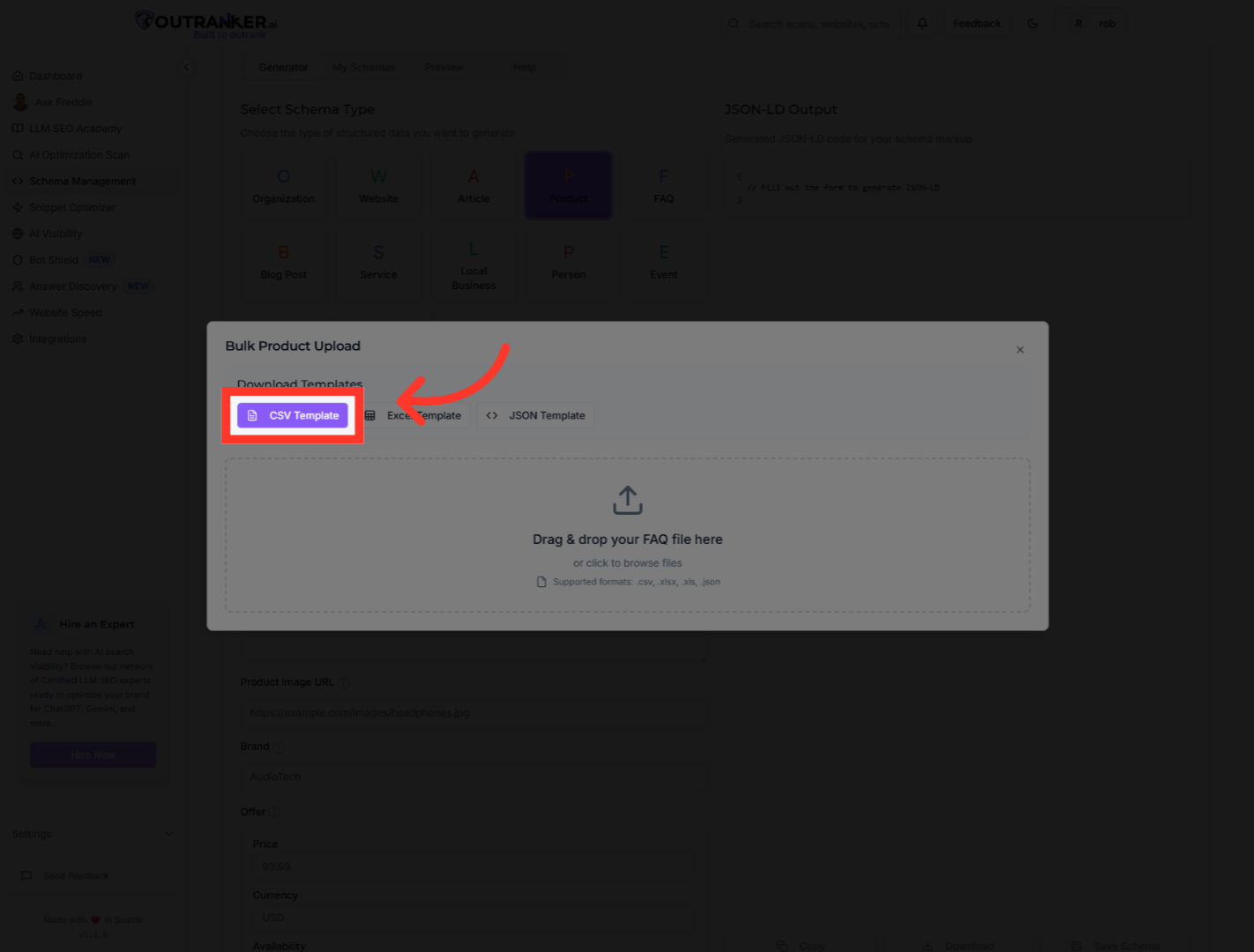
6. Click "CSV Template"
Download the CSV Template to prepare your product data in the required format for bulk upload.
7. Click "Product Name*"
Select the 'Product Name*' field to enter the name of your product.

8. Click "Description"
Click the 'Description' field to add detailed information about your product.

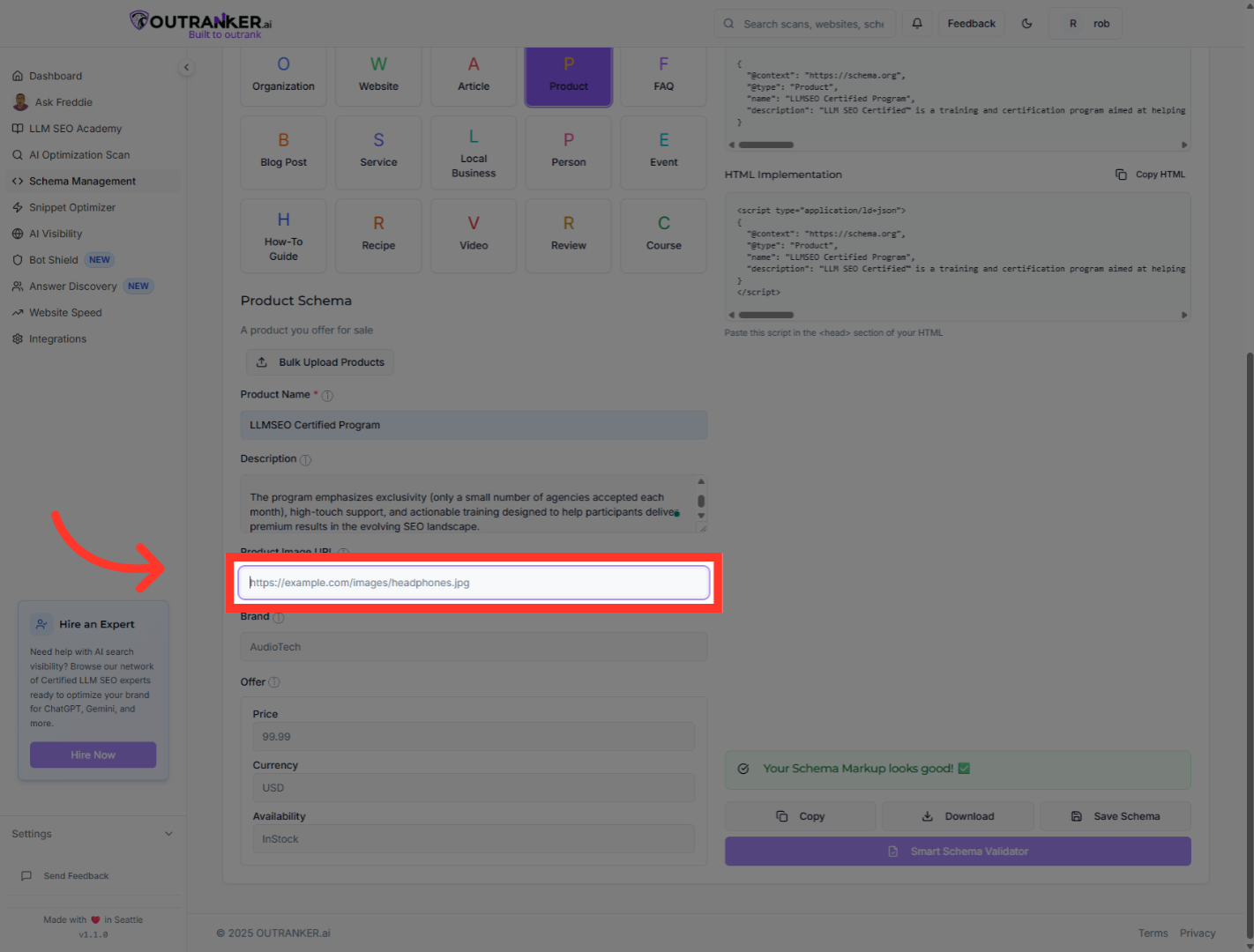
9. Click "Product Image URL"
Click the 'Product Image URL' field to add a visual representation of your product.
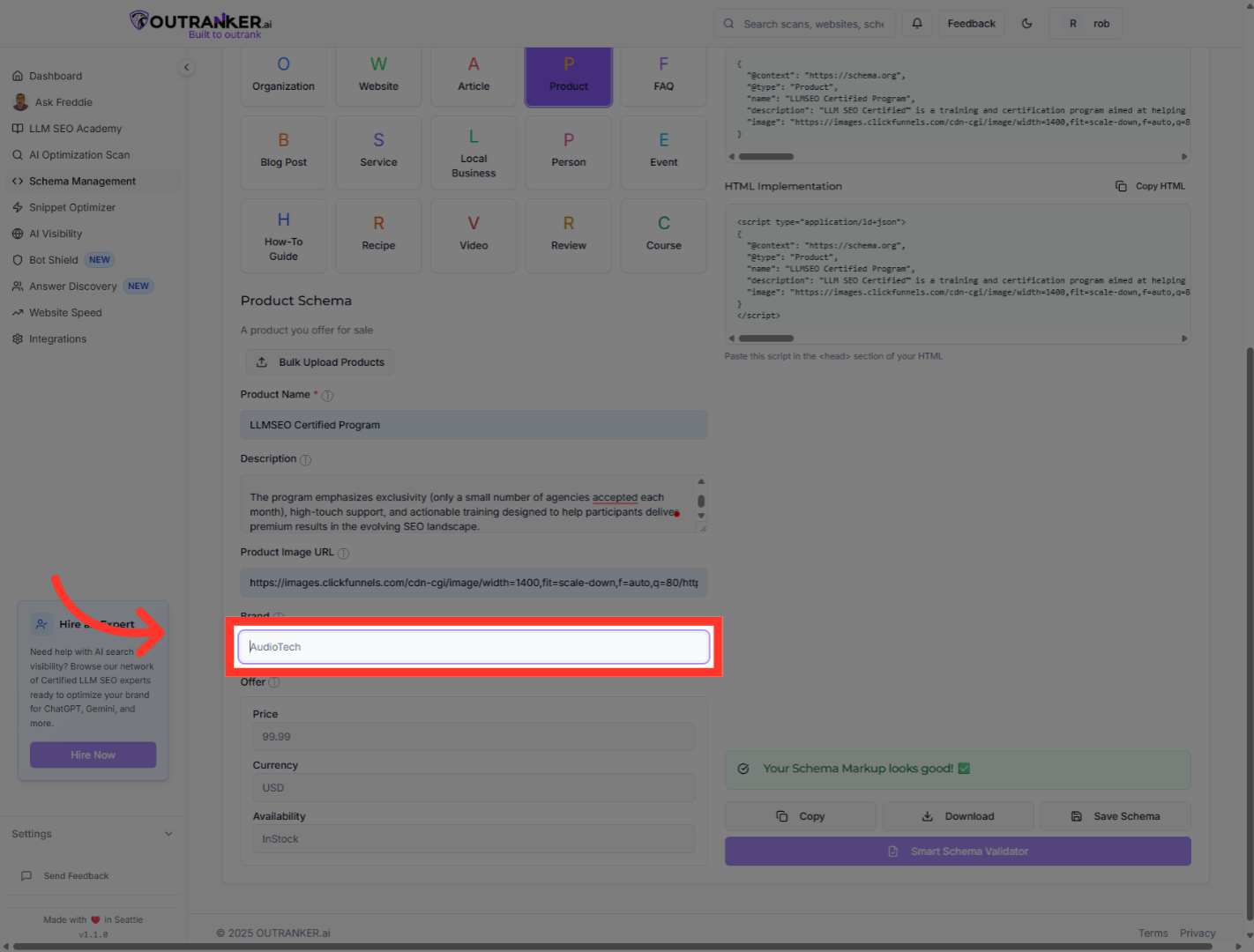
10. Click "Brand"
Click the 'Brand' field to specify the brand associated with your product.
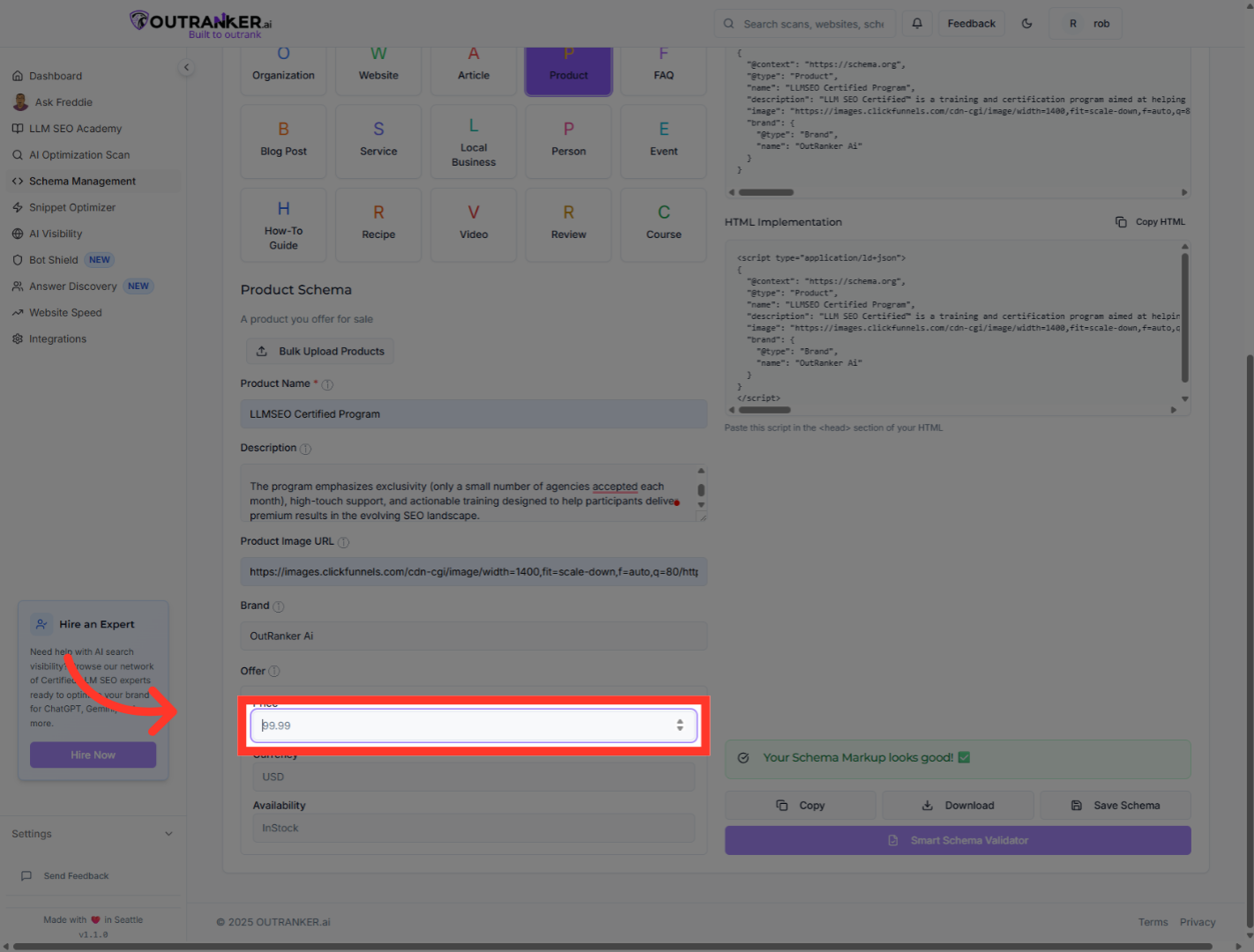
11. Click "99.99"
Click the price field to set the product's price value in the schema.
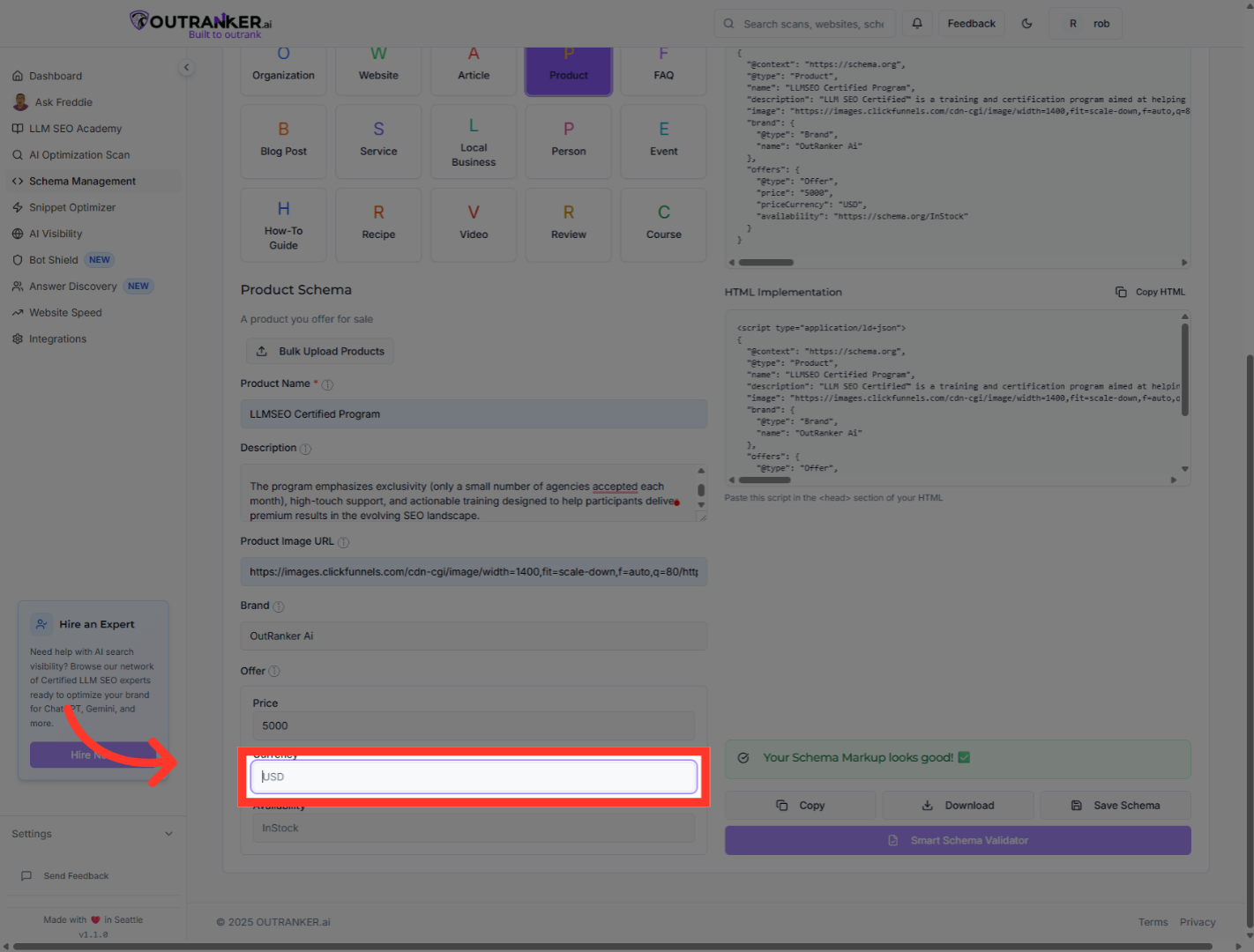
12. Click "USD"
Click the currency field to specify the currency used for the product price.
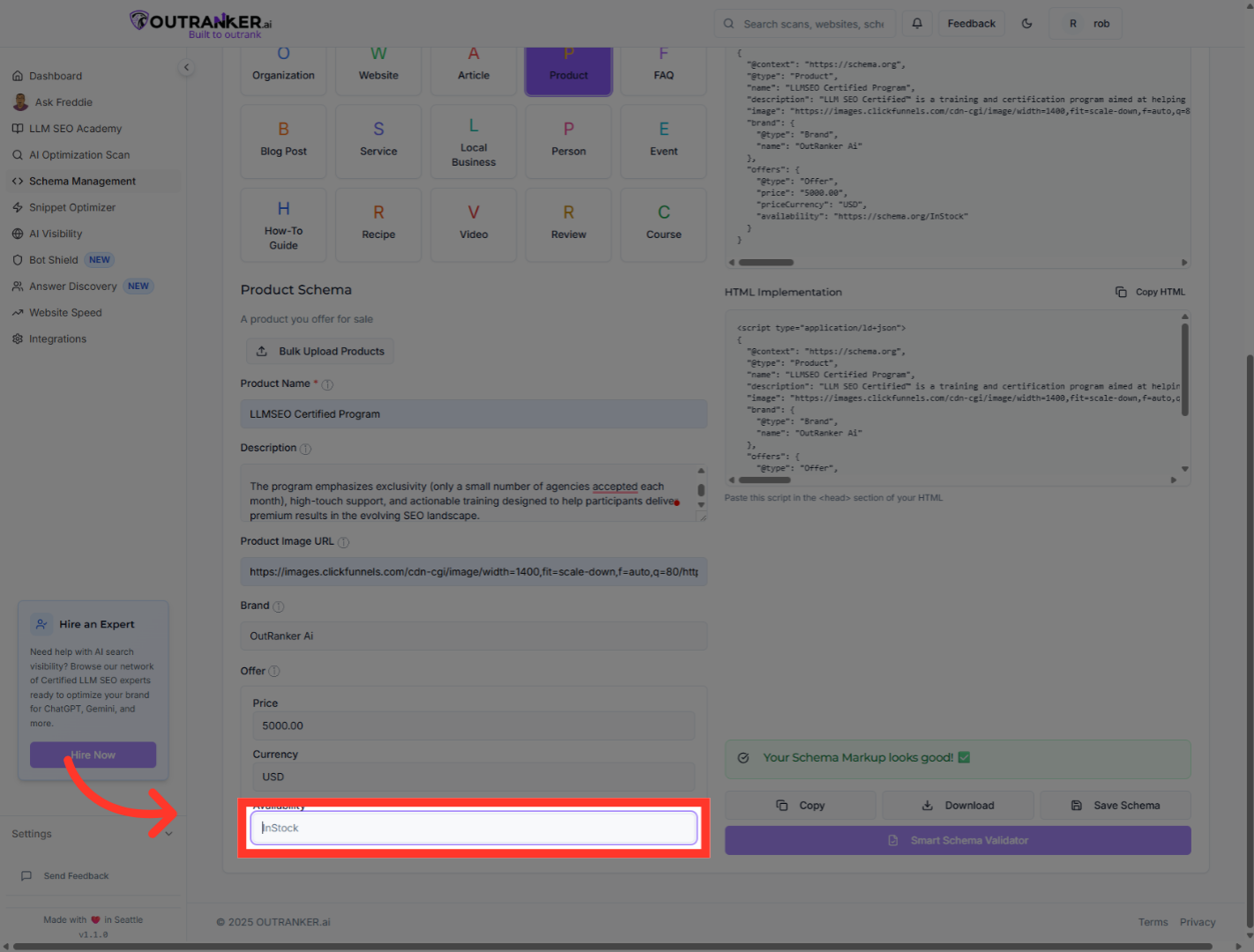
13. Click "InStock"
Click the availability field to set the product's stock status.
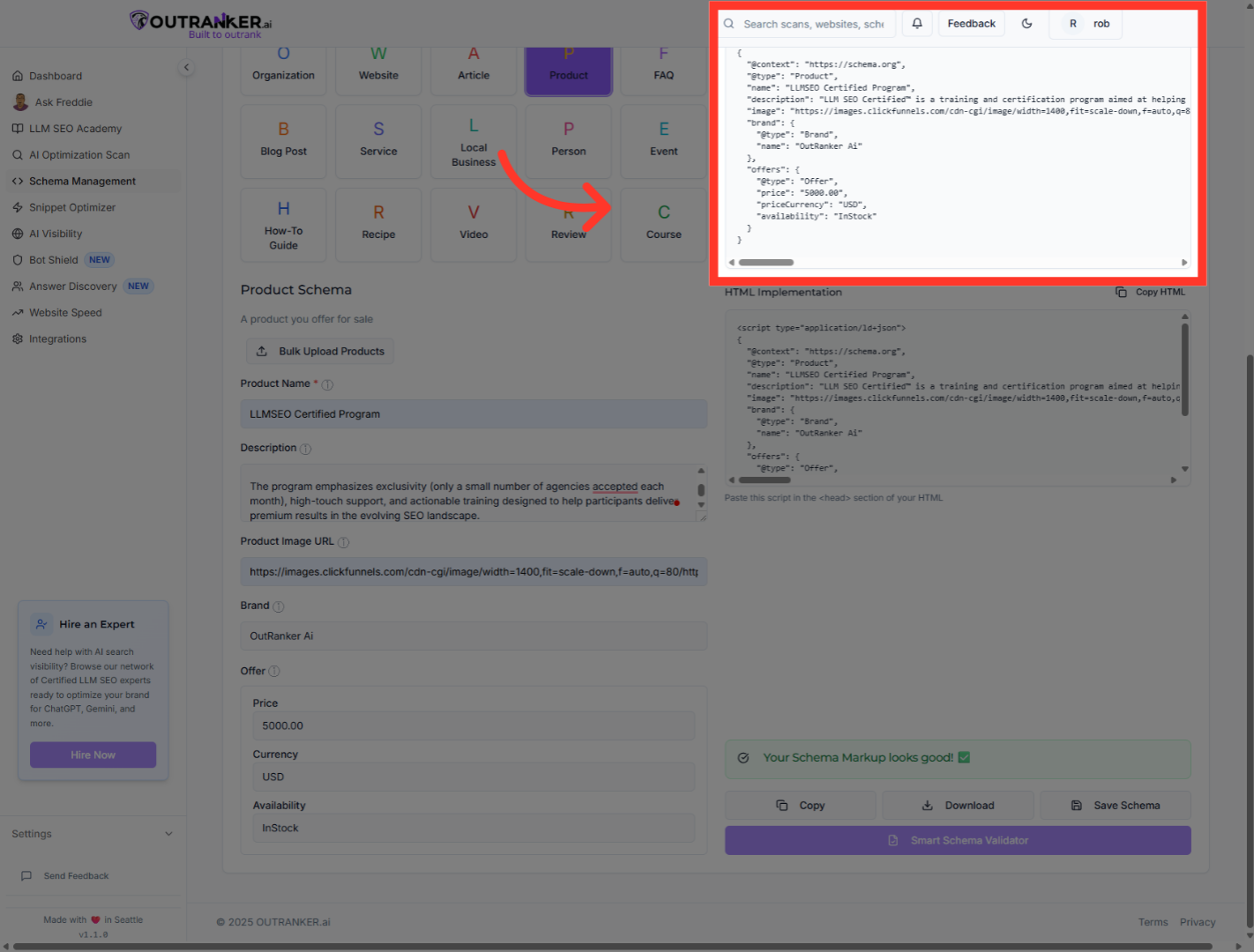
14. Click "JSON-LD OutputGenerated JSON-LD code for your schema markup"
Return to the JSON-LD Output section to review the updated schema markup.
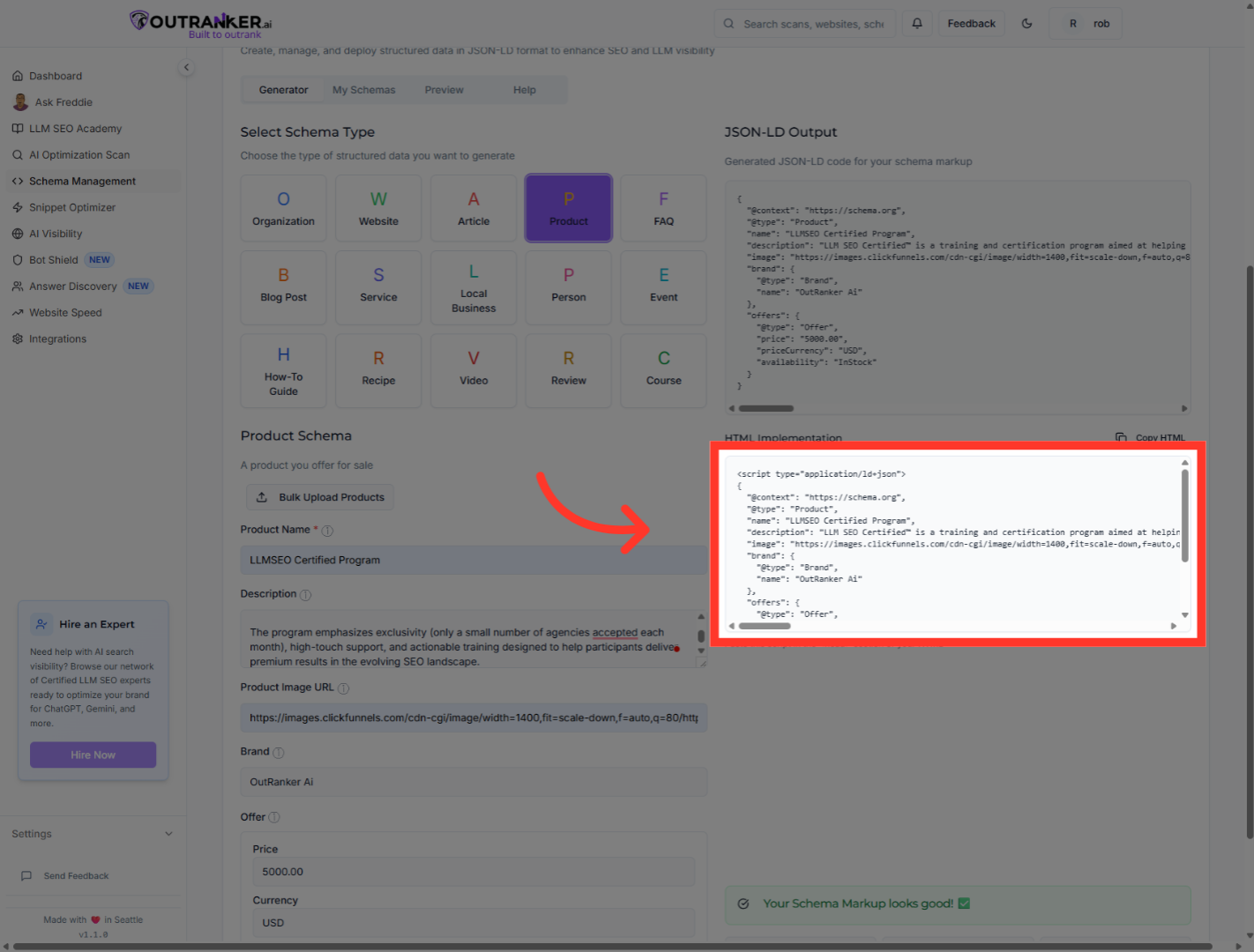
15. Click "HTML Implementation"
Click the HTML implementation for script tag view to see the schema markup in script format for embedding.
16. Click "Download"
Click the 'Download' button to save the generated schema markup file to your device.
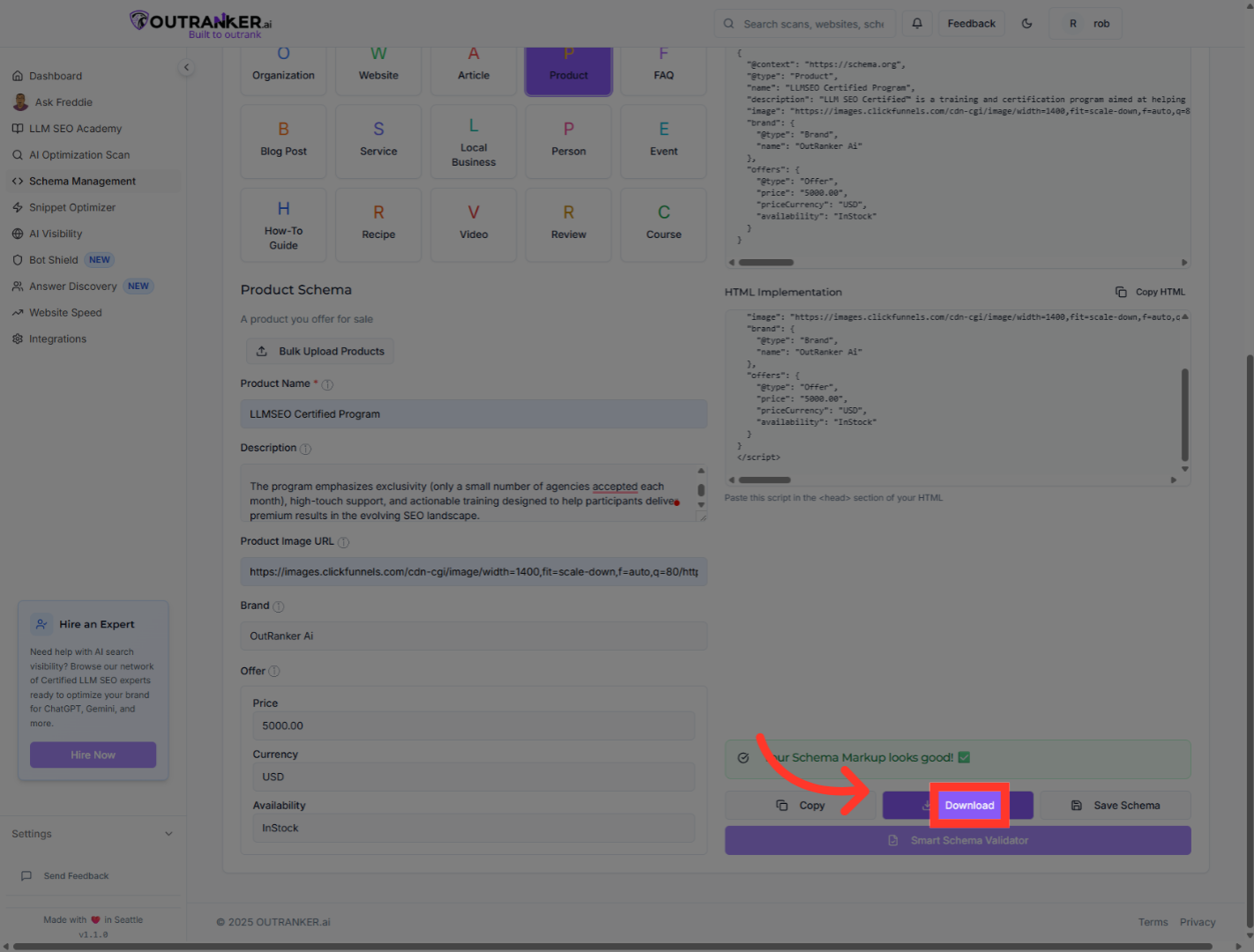
17. Click "Copy"
Click the 'Copy' button to copy the JSON-LD schema code to your clipboard for easy pasting.

You have successfully generated a complete product schema using OutRanker's Schema Management. Verify the JSON-LD code reflects your product details accurately. Next, embed this schema markup into your website to enhance S E O and product visibility.
