
This tutorial guides you through generating FAQ schema markup using Outranker's Schema Management feature
Go to www.outranker.ai
1. Introduction
You'll learn how to add multiple FAQ questions and answers, utilize templates for bulk uploads, and generate the JSON-LD code needed to enhance your website's search engine visibility. Before starting, ensure you have your FAQ content ready and access to Outranker.
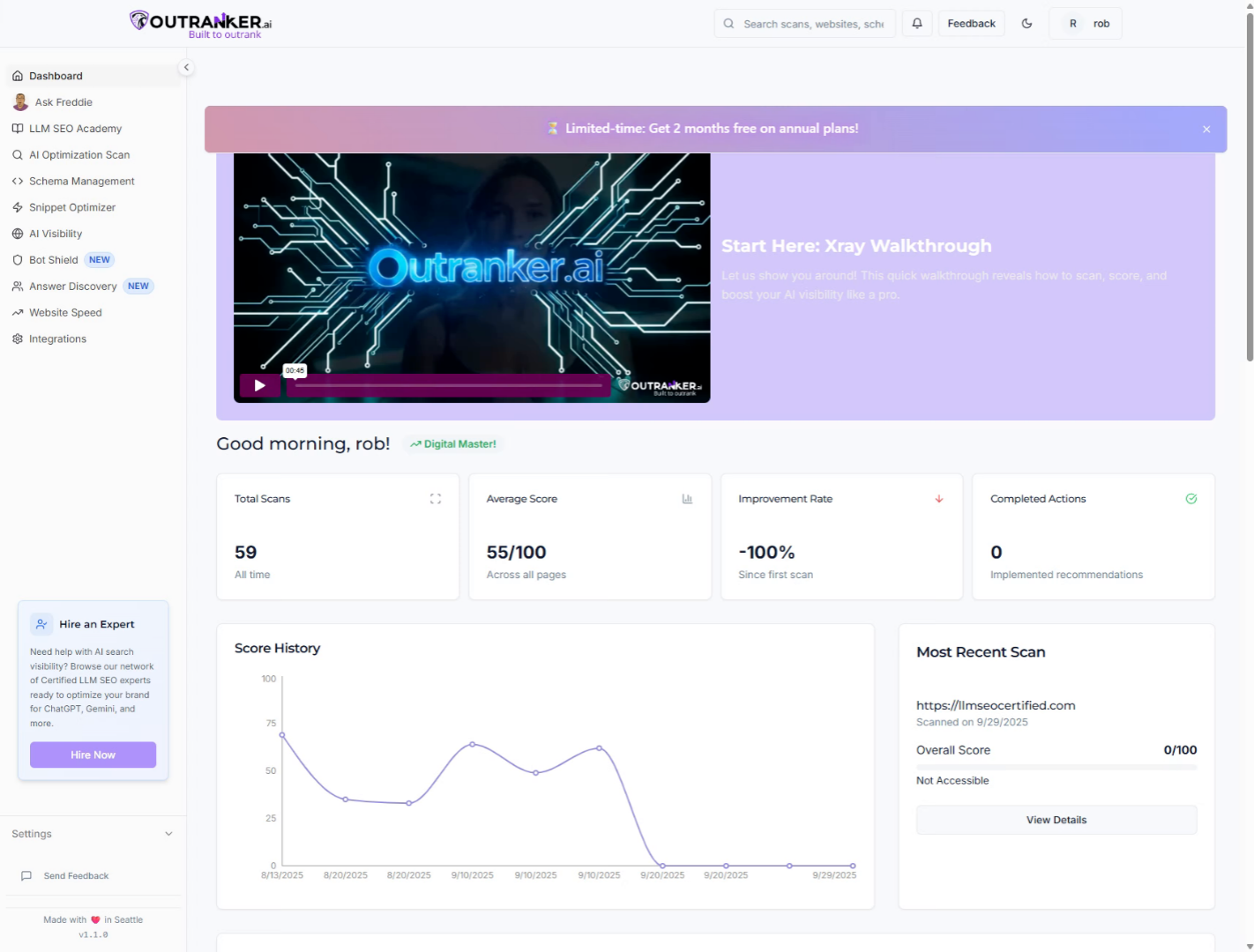
2. Click "Schema Management"
Access the Schema Management section in Outranker to begin creating your FAQ schema.
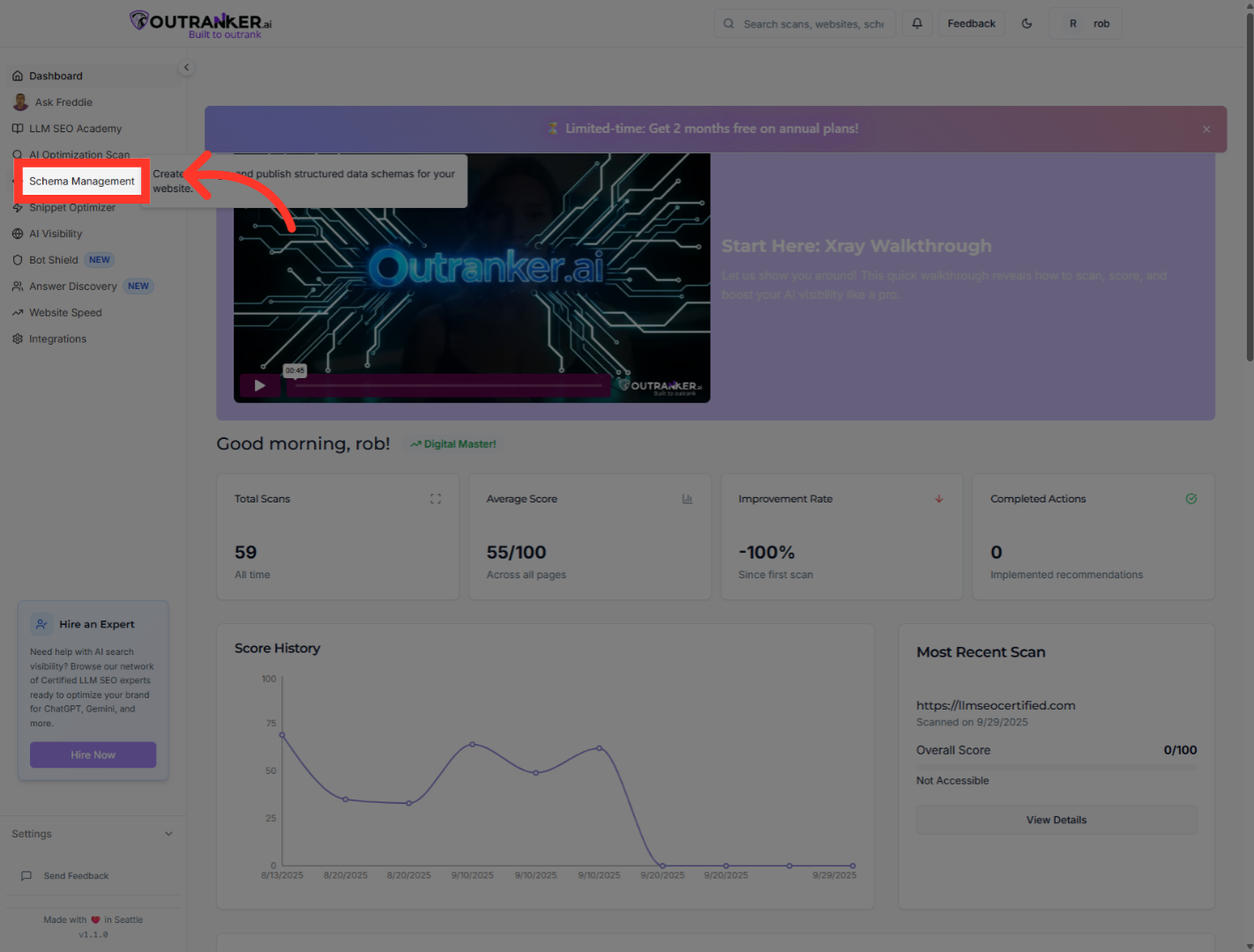
3. Click "Generator"
Navigate to the Generator tab within Schema Management to start the schema generation process.
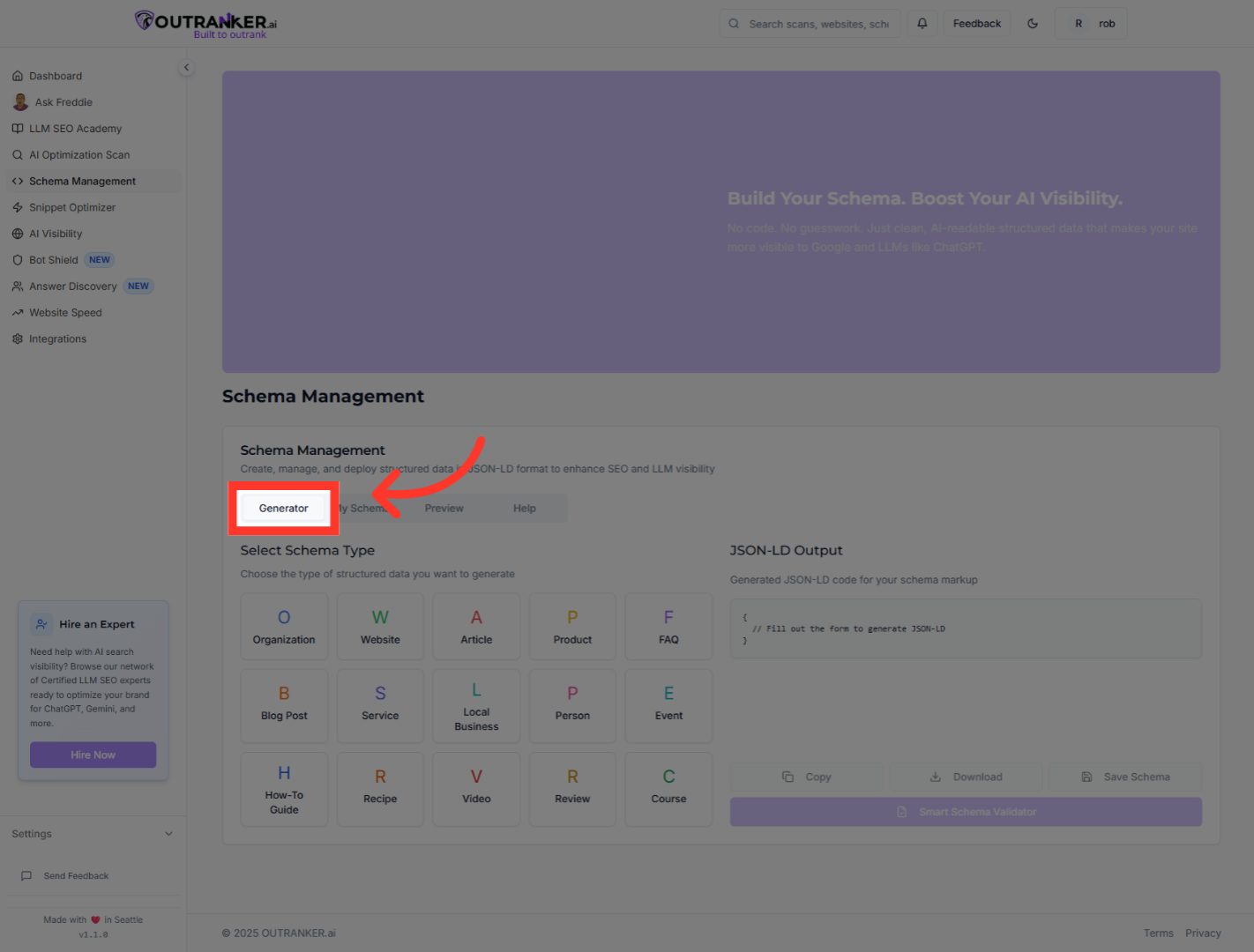
4. Click "F"
Use the search or filter feature by clicking "F" to quickly locate relevant options.
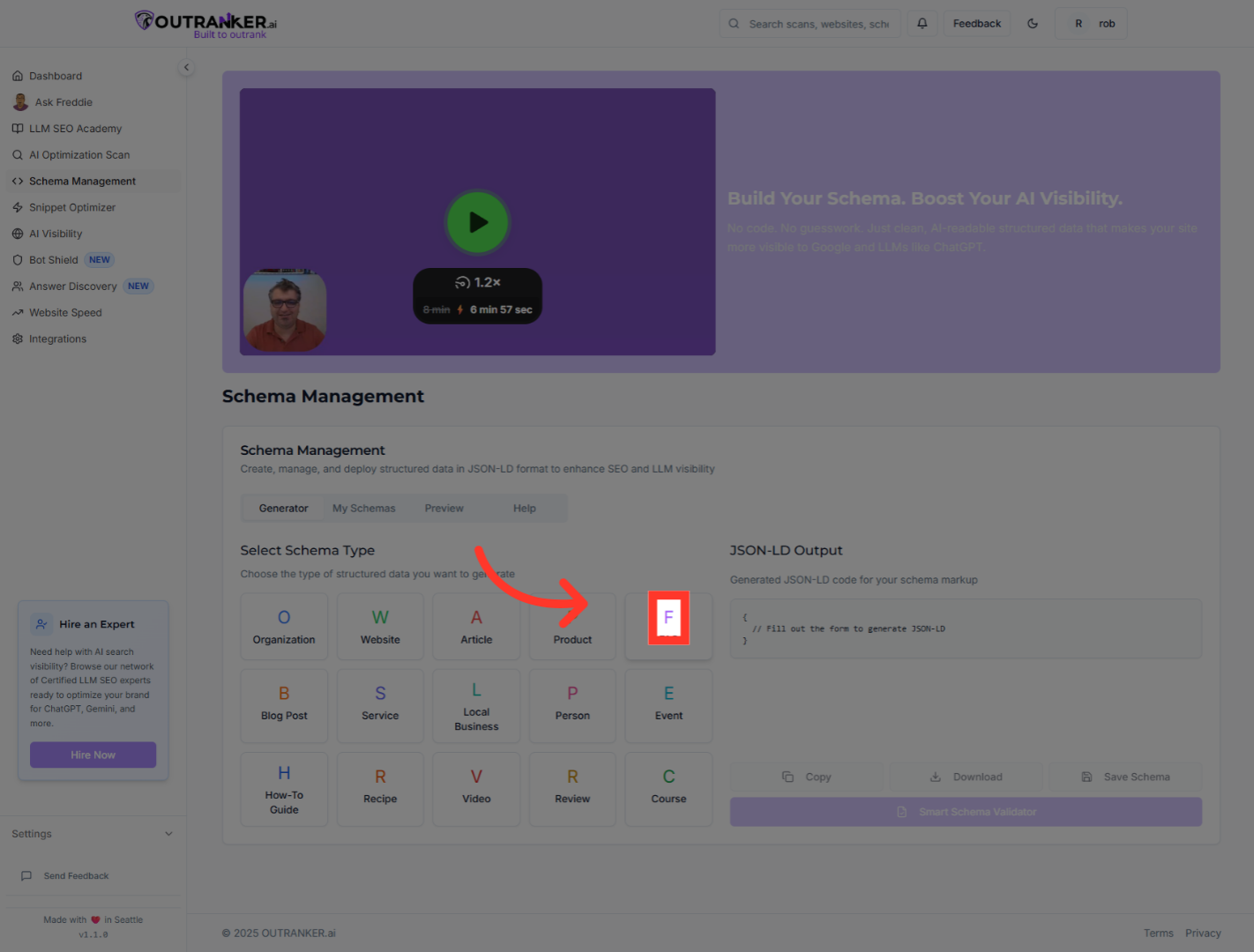
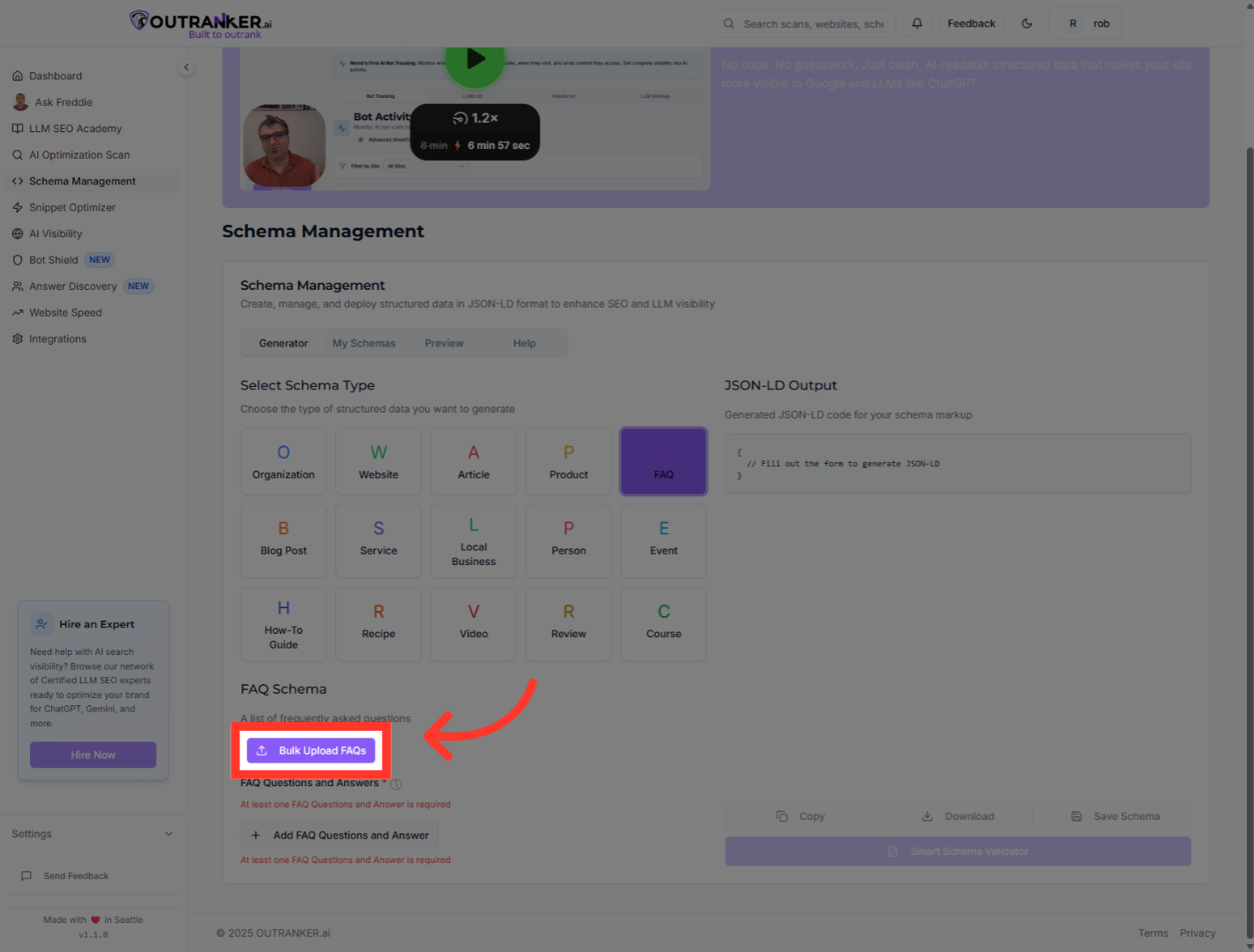
5. Click "Bulk Upload FAQs"
Select the Bulk Upload FAQs option to add multiple FAQ entries at once.
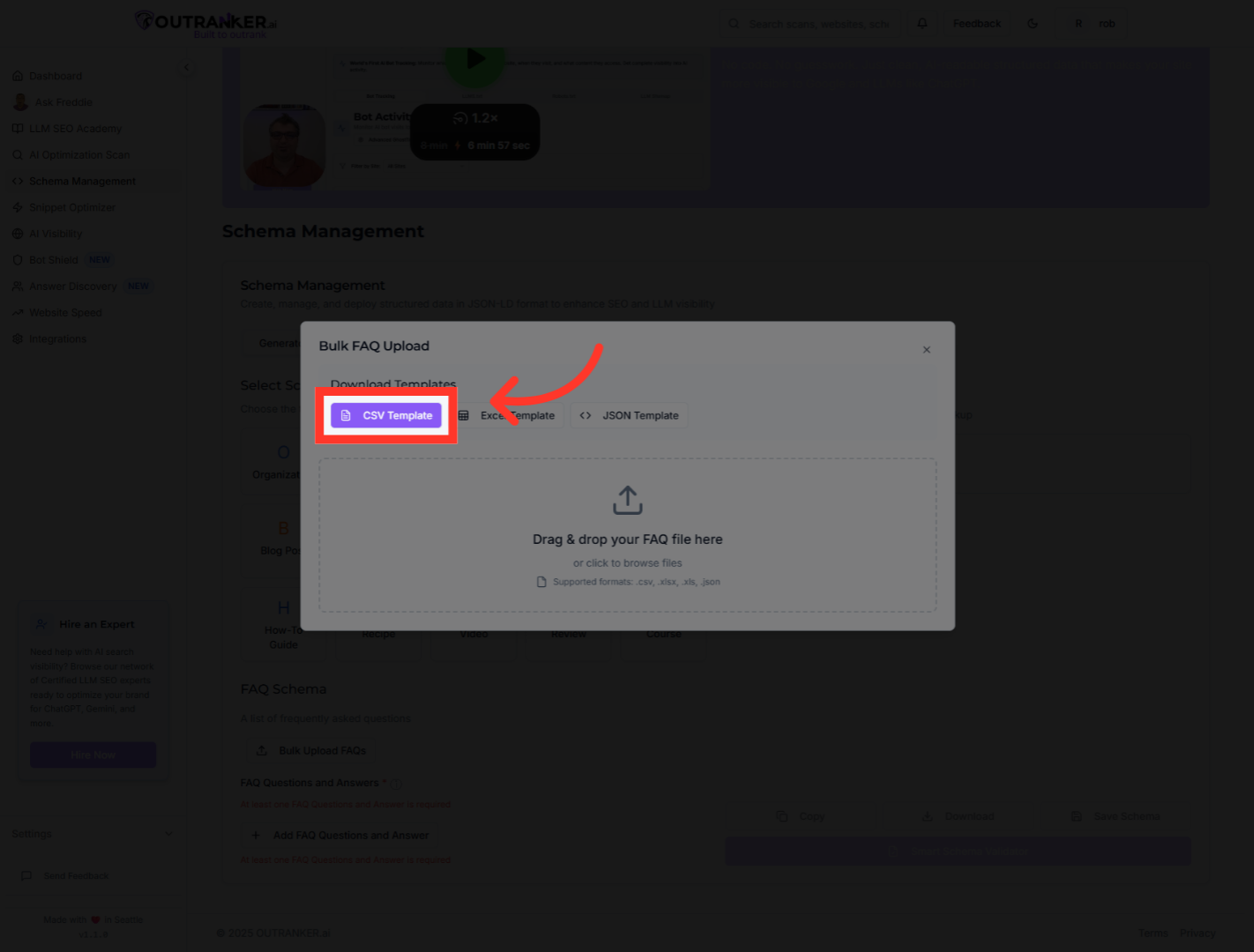
6. Click "CSV Template"
Download the CSV Template to prepare your FAQ data in the correct format.
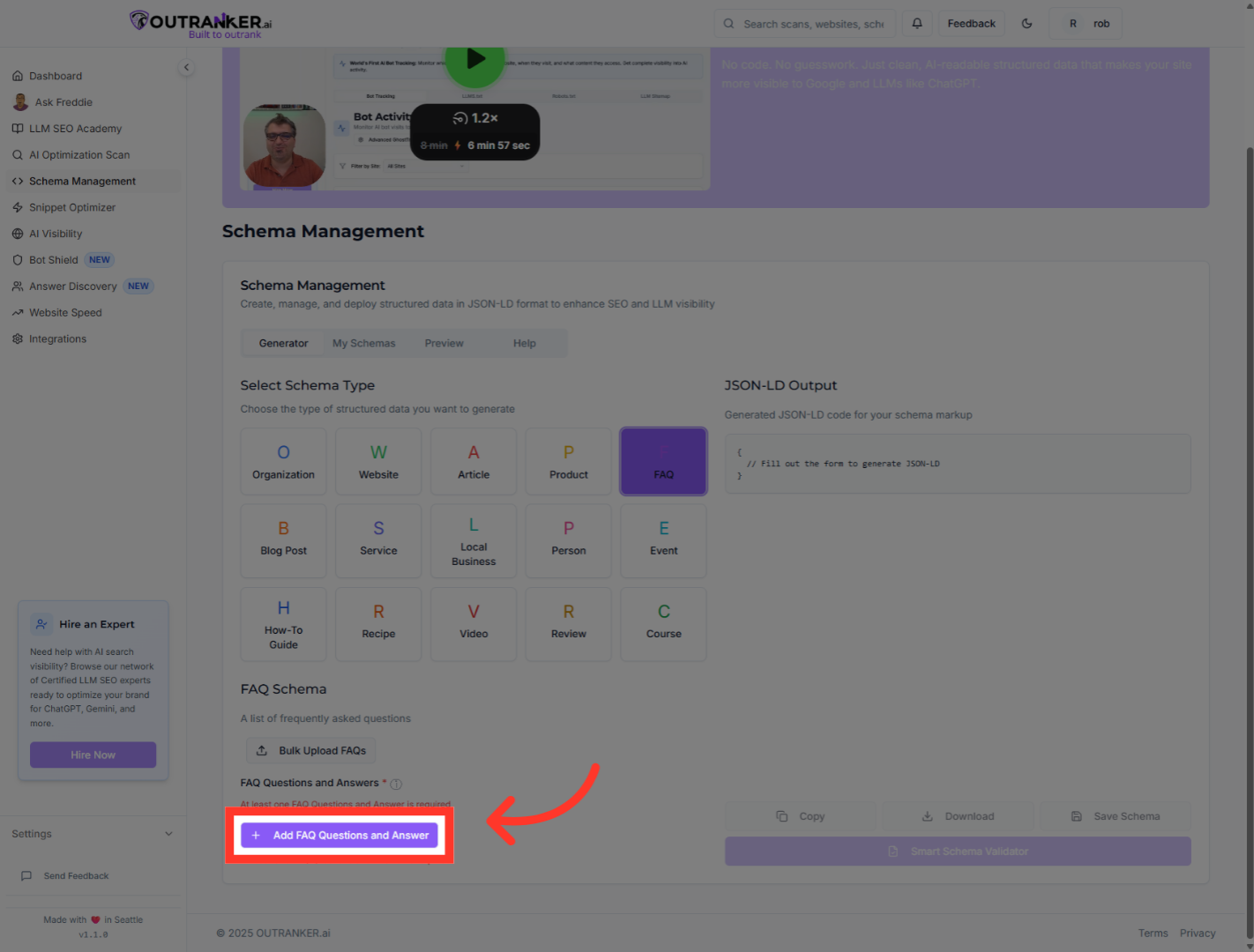
7. Click "Add FAQ Questions and Answer"
Choose Add FAQ Questions and Answer to manually input individual FAQ entries.
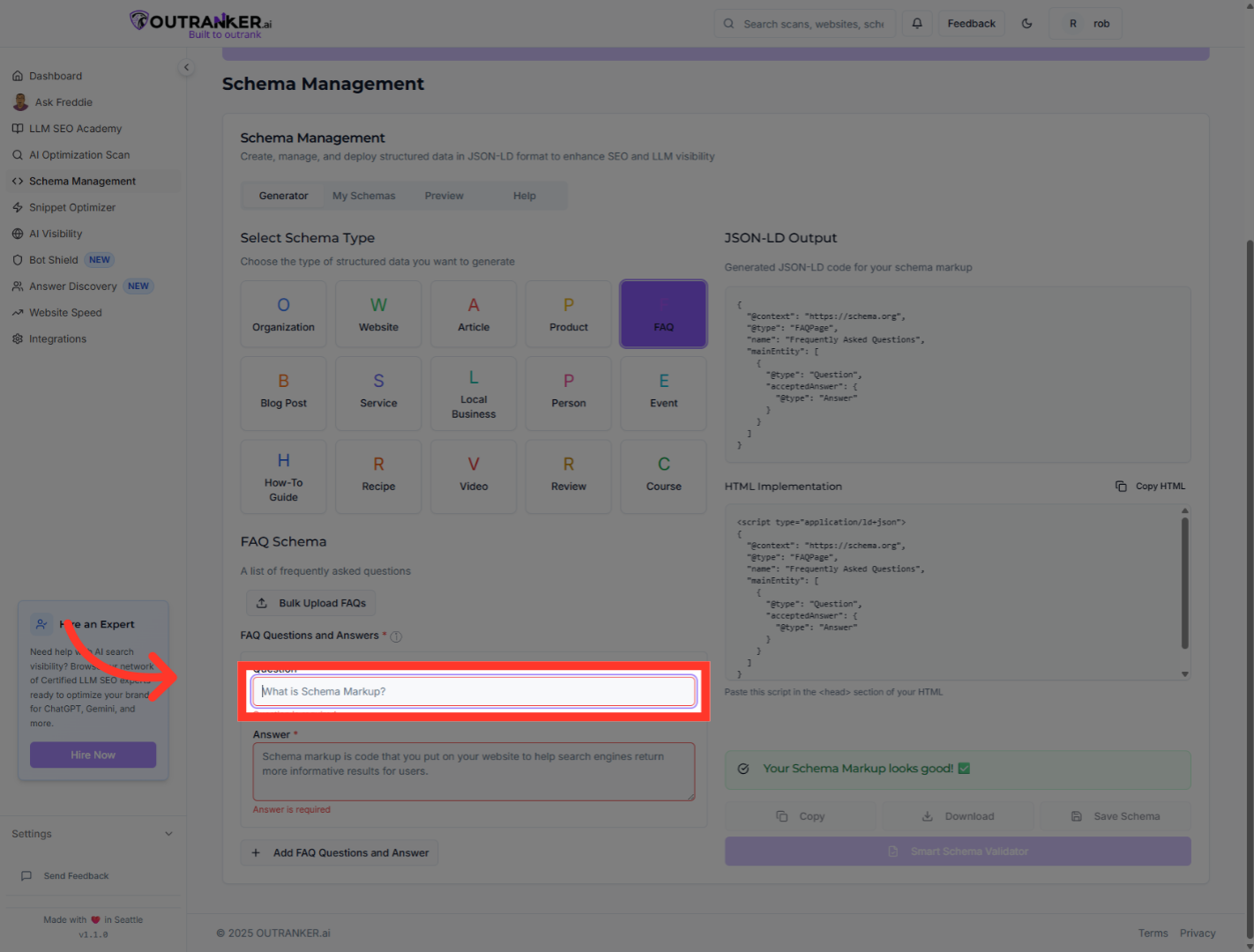
8. Click "Question"
Click the FAQ titled to enter the question of the FAQ.
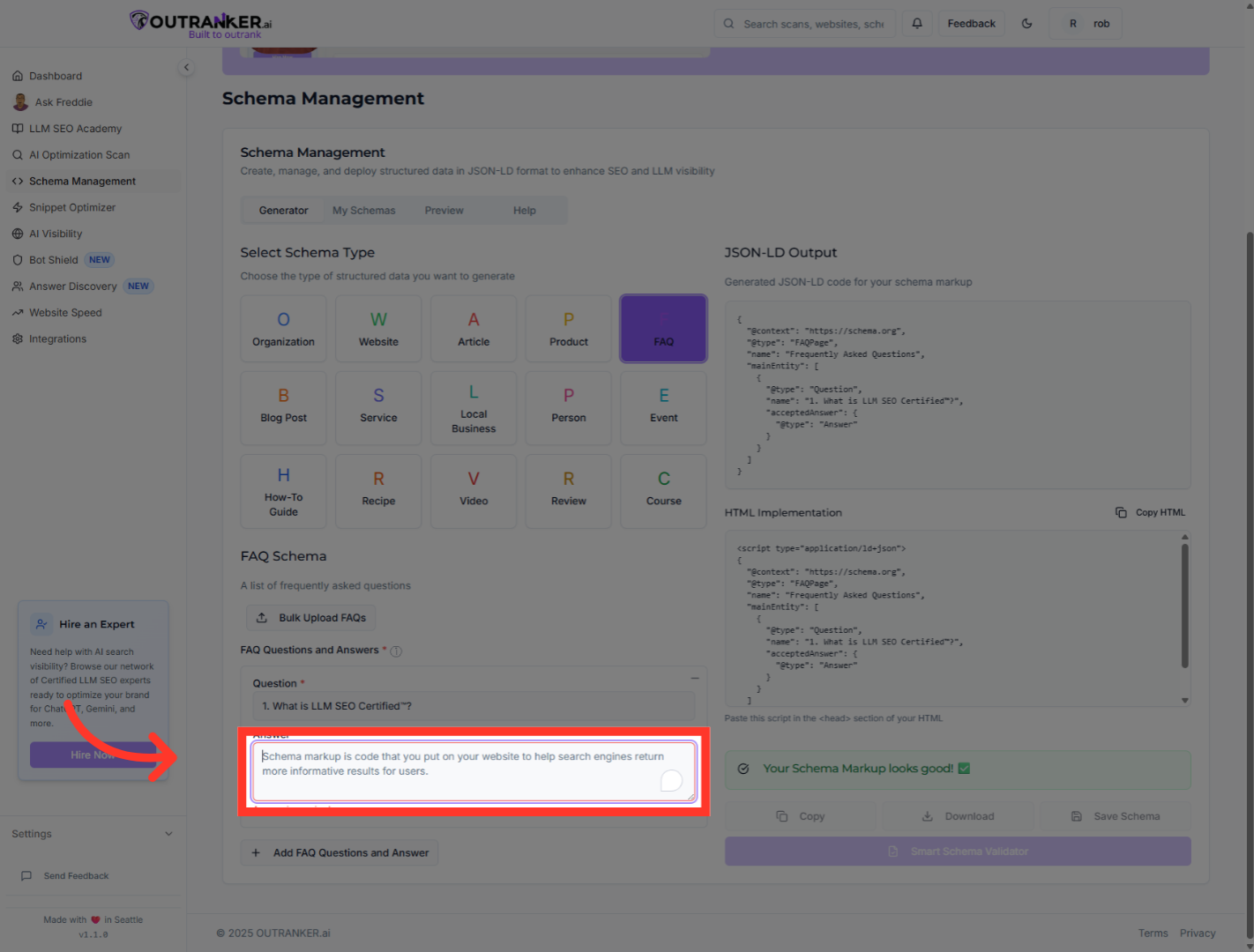
9. Click "Answer"
Click the Answer field to input your Answer of the FAQ.
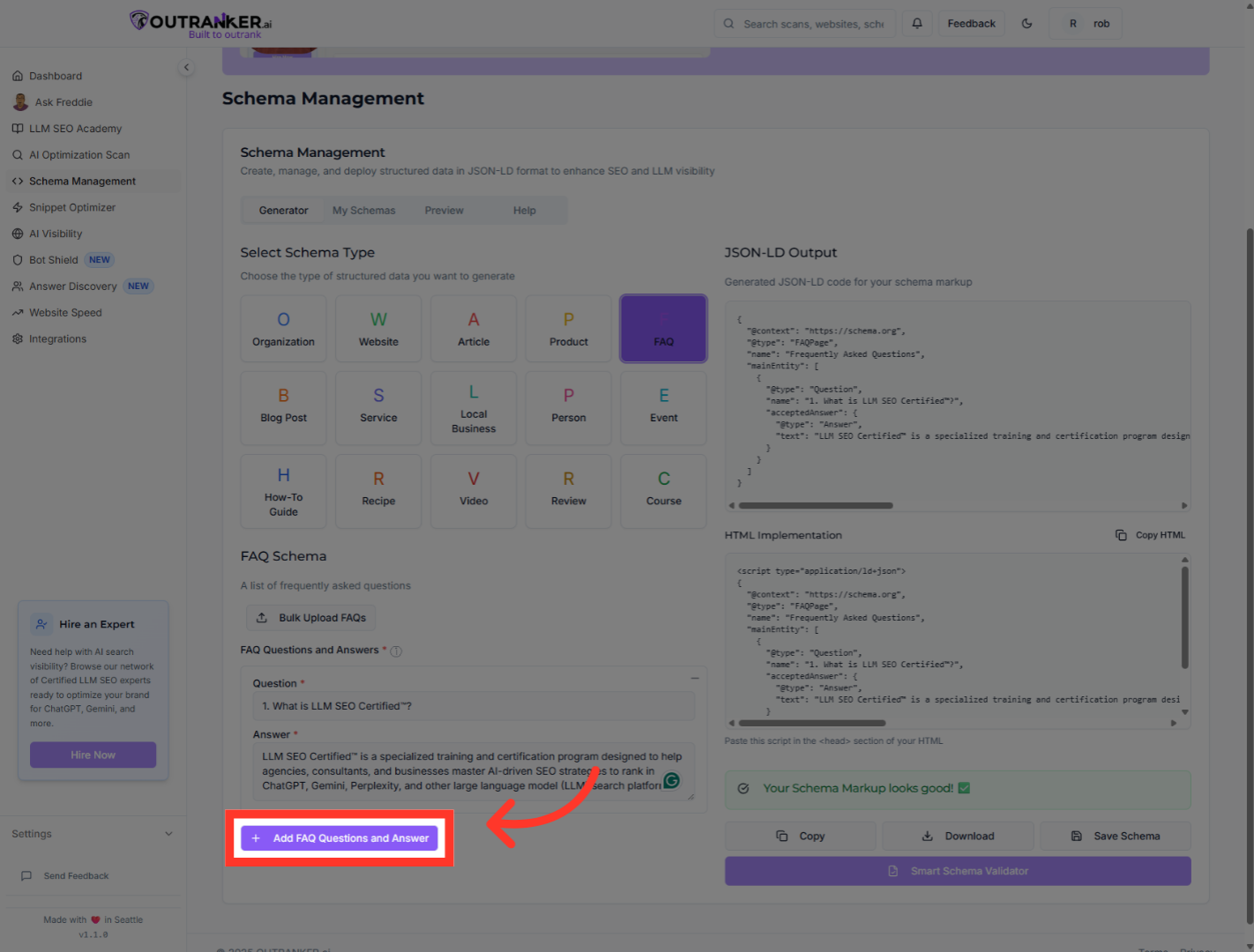
10. Click "Add FAQ Questions and Answer"
Add another FAQ question and answer pair to your schema. You can repeat the same and all of your Q&A
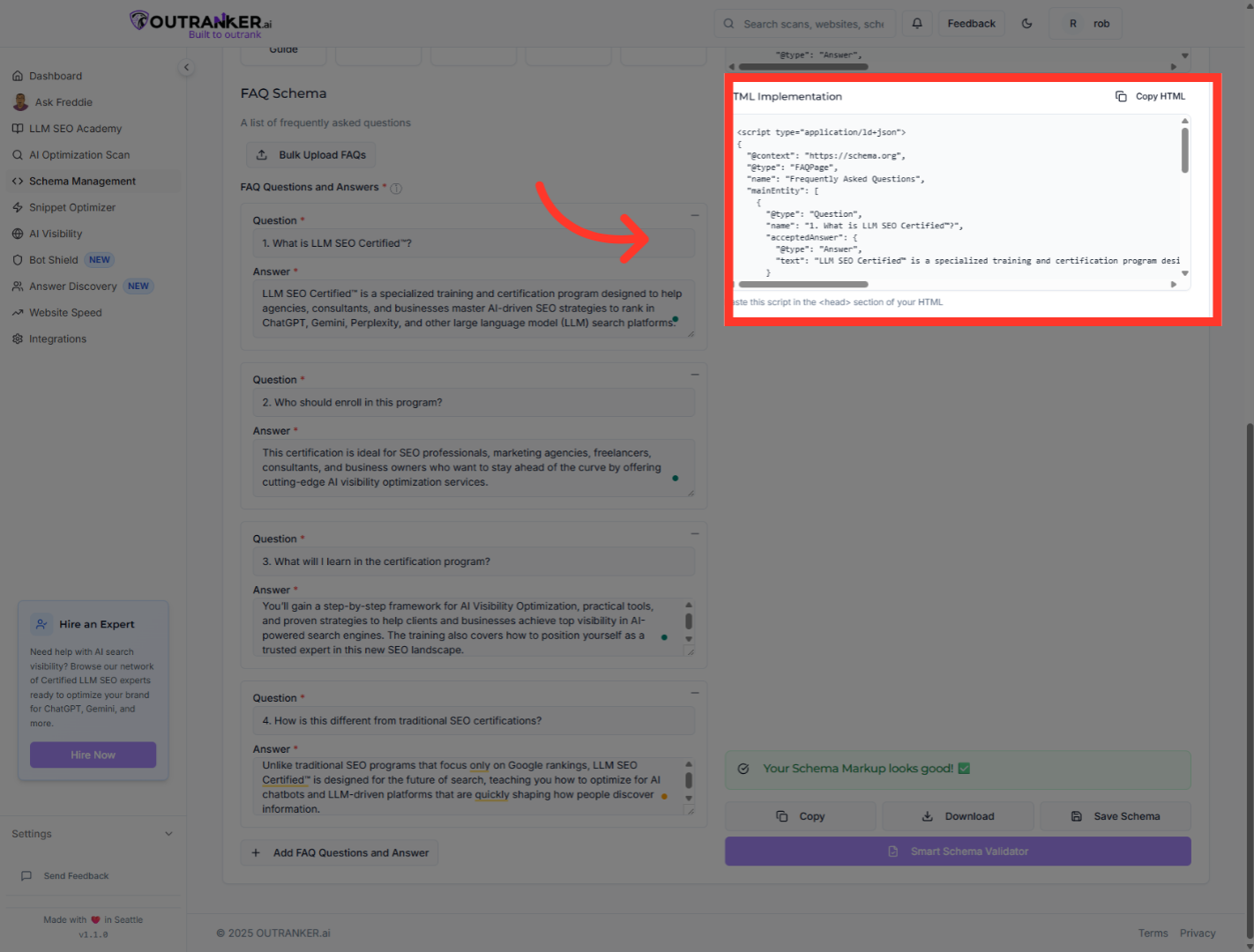
11. Click "JSON-LD OutputGenerated JSON-LD code for your schema markup"
Click the JSON-LD Output tab to see the structured data format.
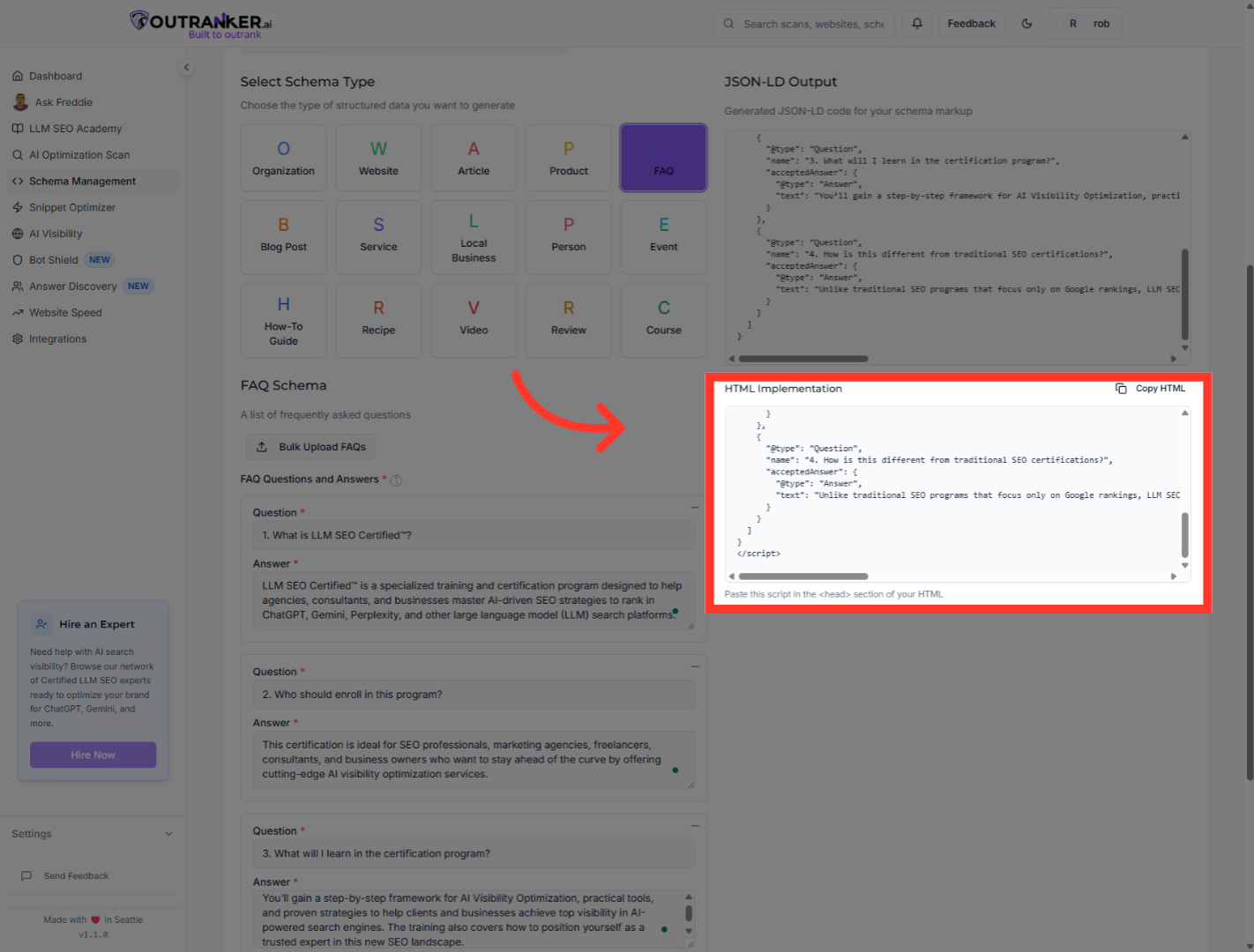
12. Click "HTML Implementation"
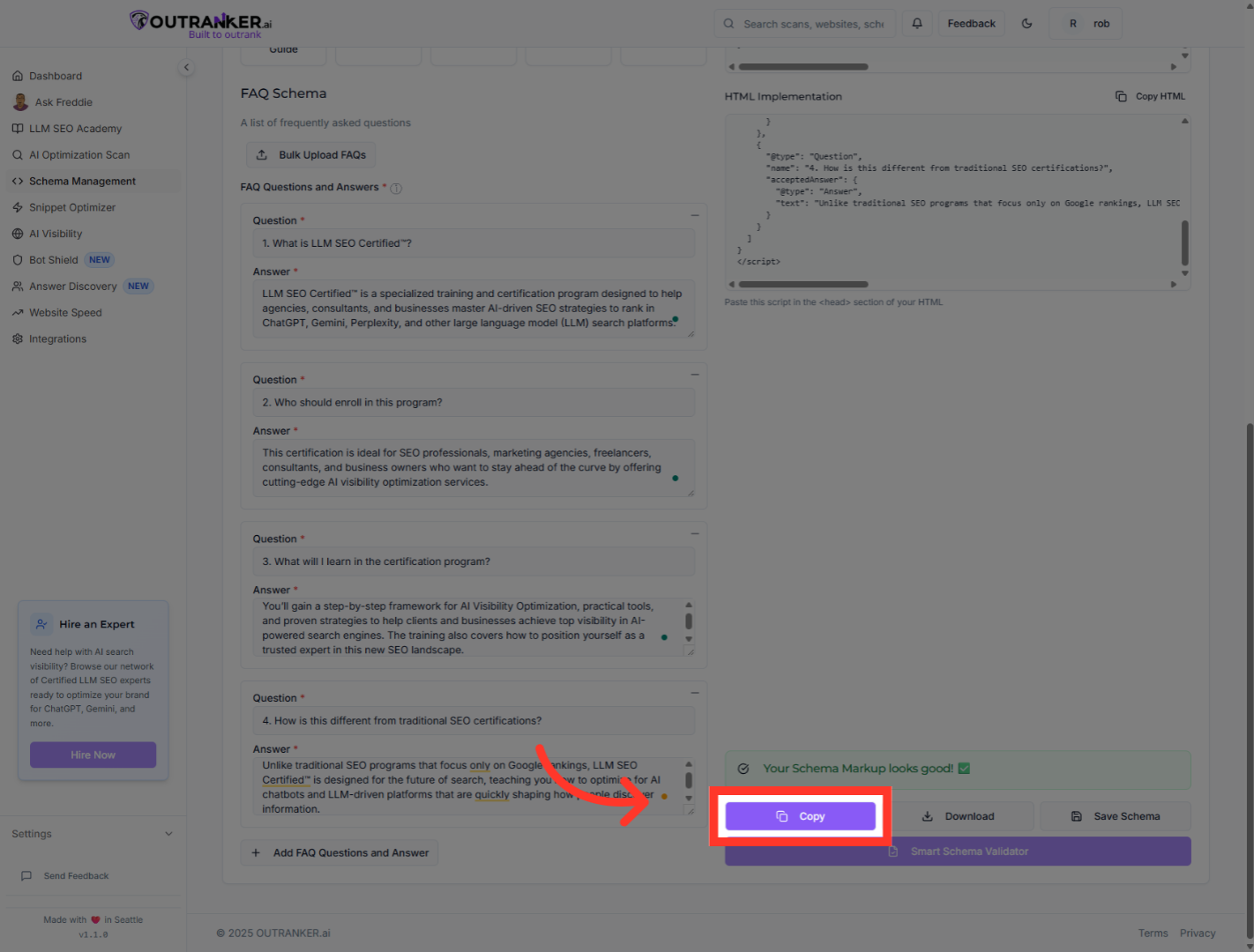
Click Copy to copy the generated HTML code to your clipboard for implementation.
13. Click "CopyCopy"
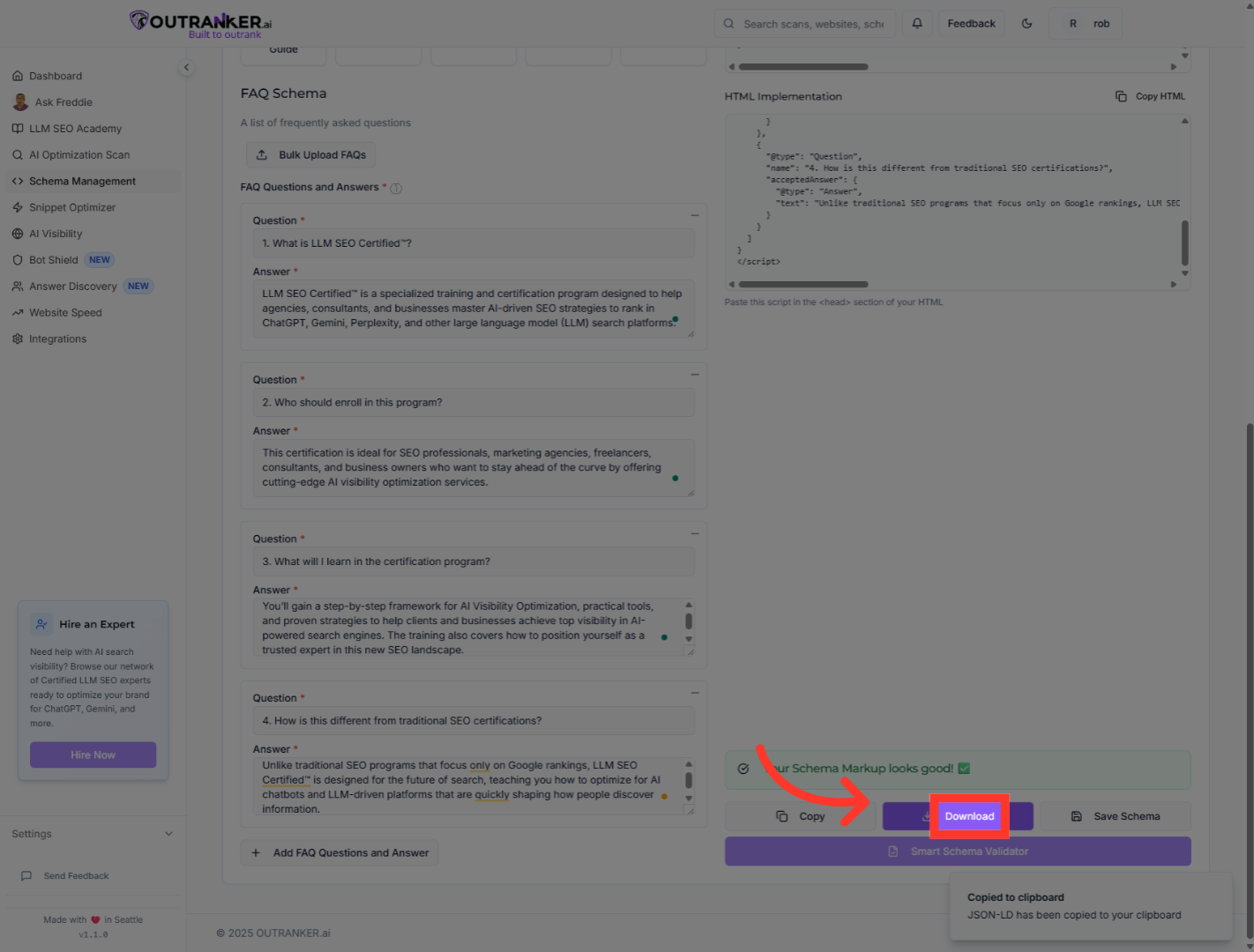
Click Download to save the JSON-LD schema file locally.
14. Click "Download"
Review the saved JSON-LD code to ensure it matches your FAQs.
You have successfully generated a comprehensive FAQ schema using Outranker's Schema Management. By adding multiple FAQ entries and reviewing the generated JSON-LD code, your schema is now ready for implementation to enhance your website's search visibility. For further optimization, consider validating your schema with Google's Rich Results Test and exploring additional schema types.
