
This tutorial guides you through generating a Service Provider Schema using Outranker's Schema Management feature
Go to www.outranker.ai
1. Introduction
By following these steps, you'll create structured data markup that improves your service's search engine presence. Before starting, ensure you have access to Outranker and relevant service information for accurate schema creation.
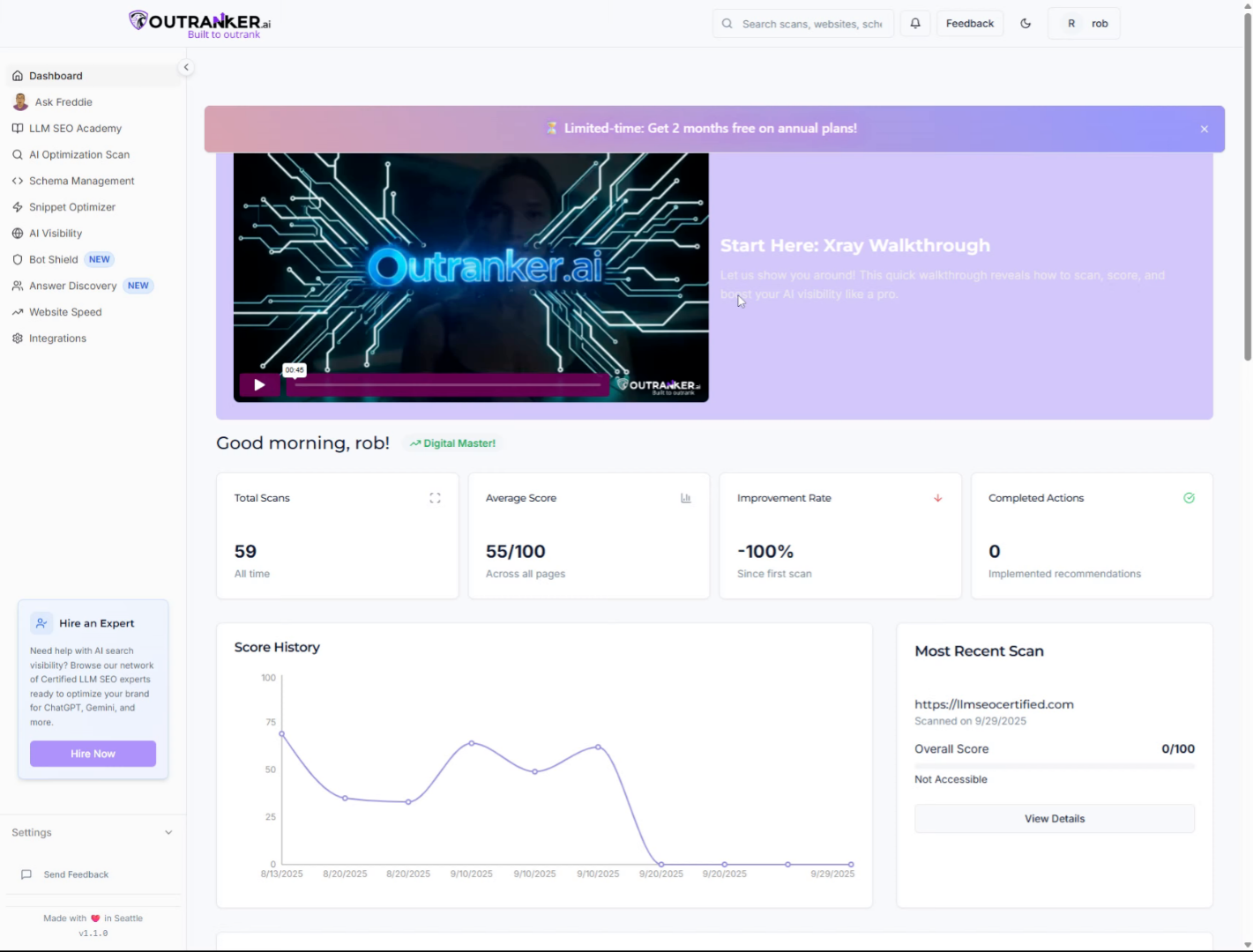
2. Click "Schema Management"
Open the Outranker application and click on the "Schema Management" tab to access schema-related features.
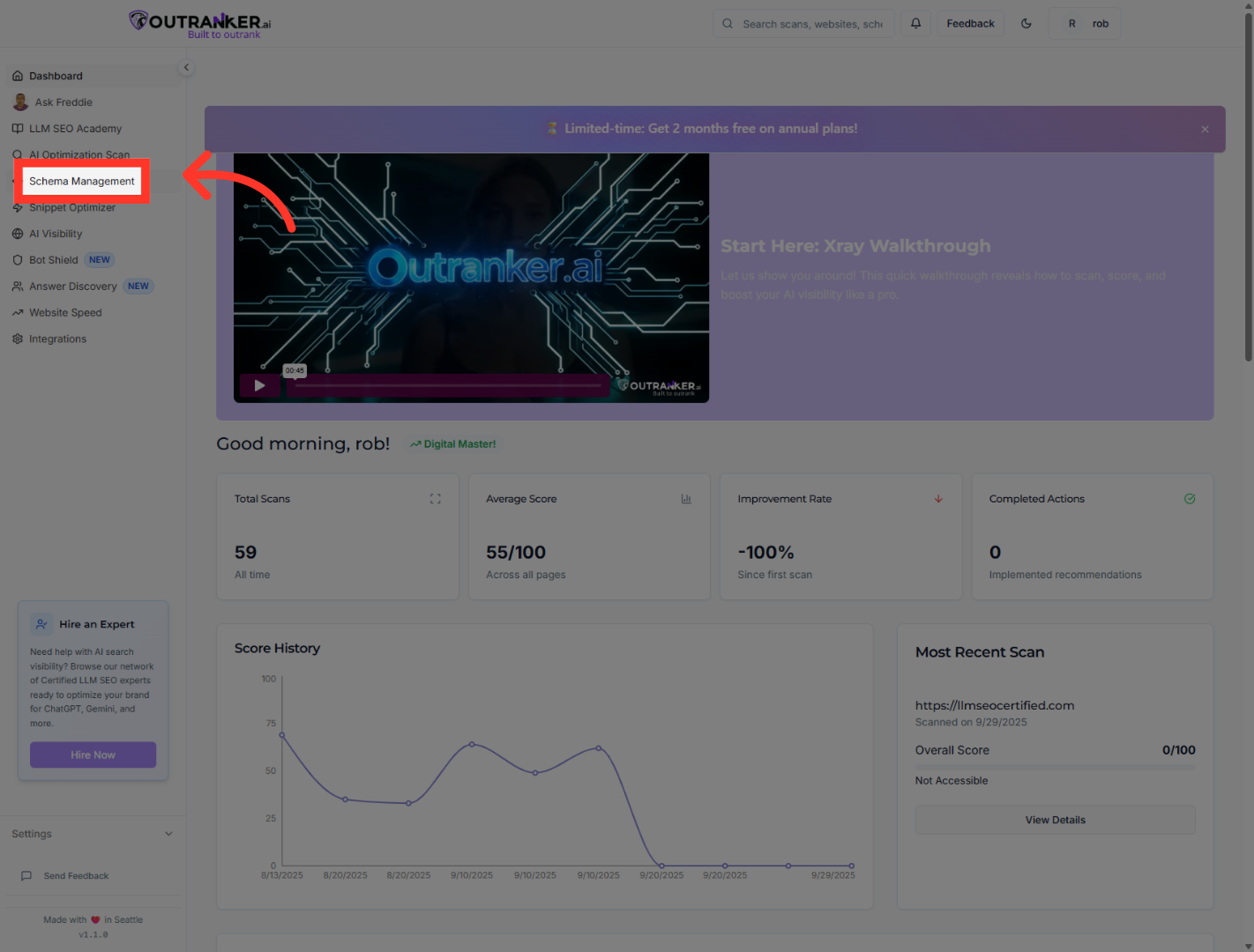
3. Click "Generator"
Within Schema Management, click on the "Generator" option to start creating new schema markups.
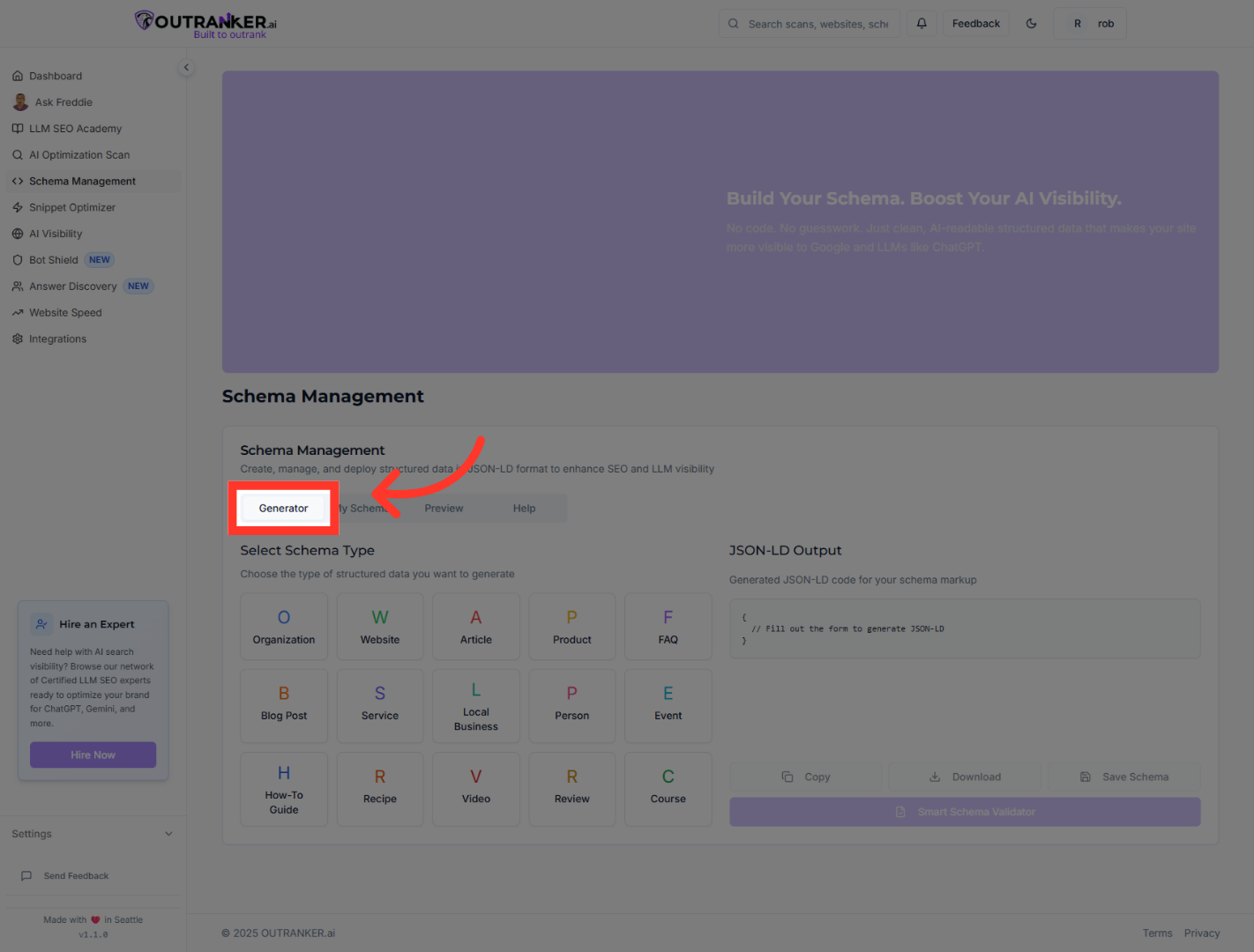
4. Click "Service"
Select the "Service" category to specify that you want to generate a service provider schema.
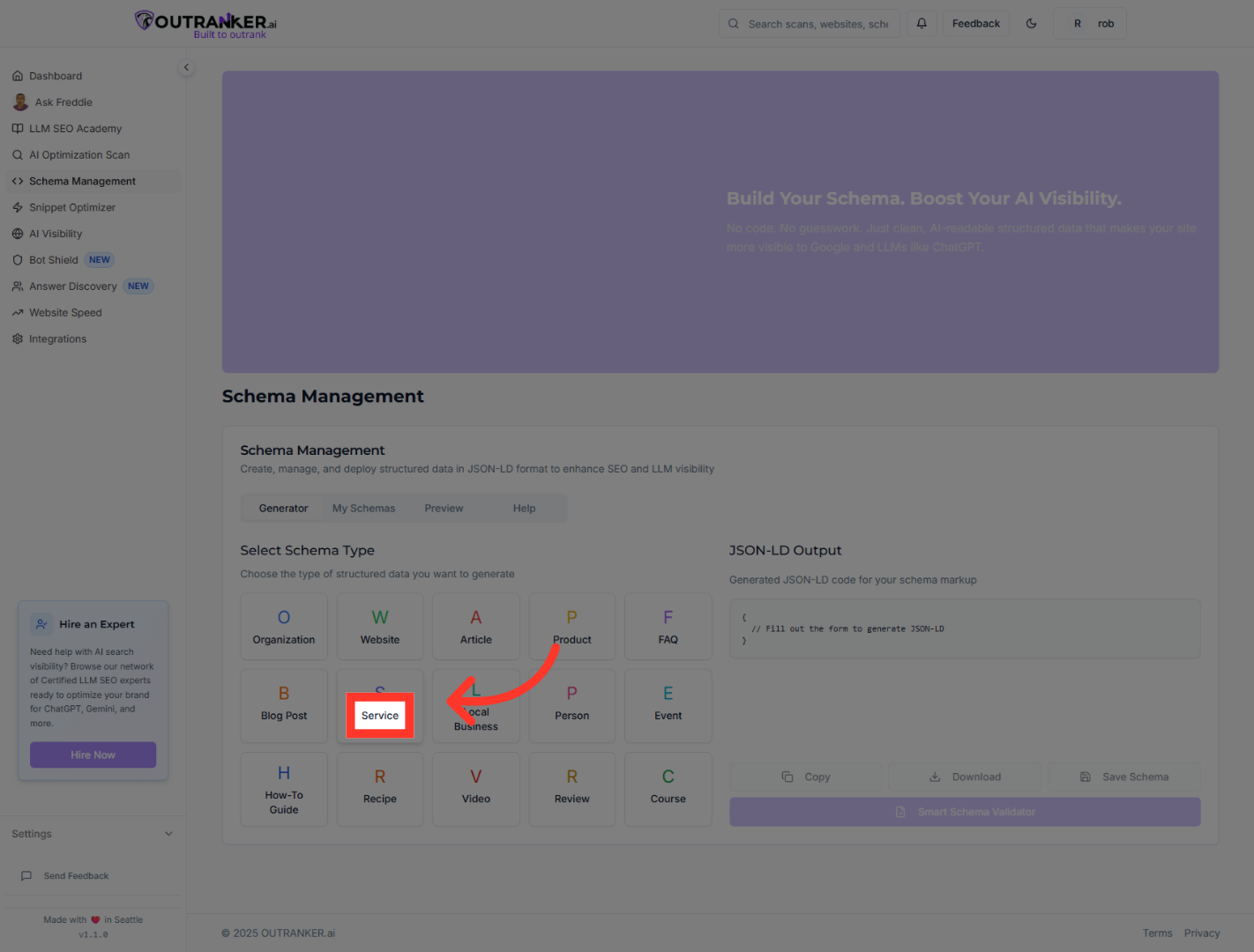
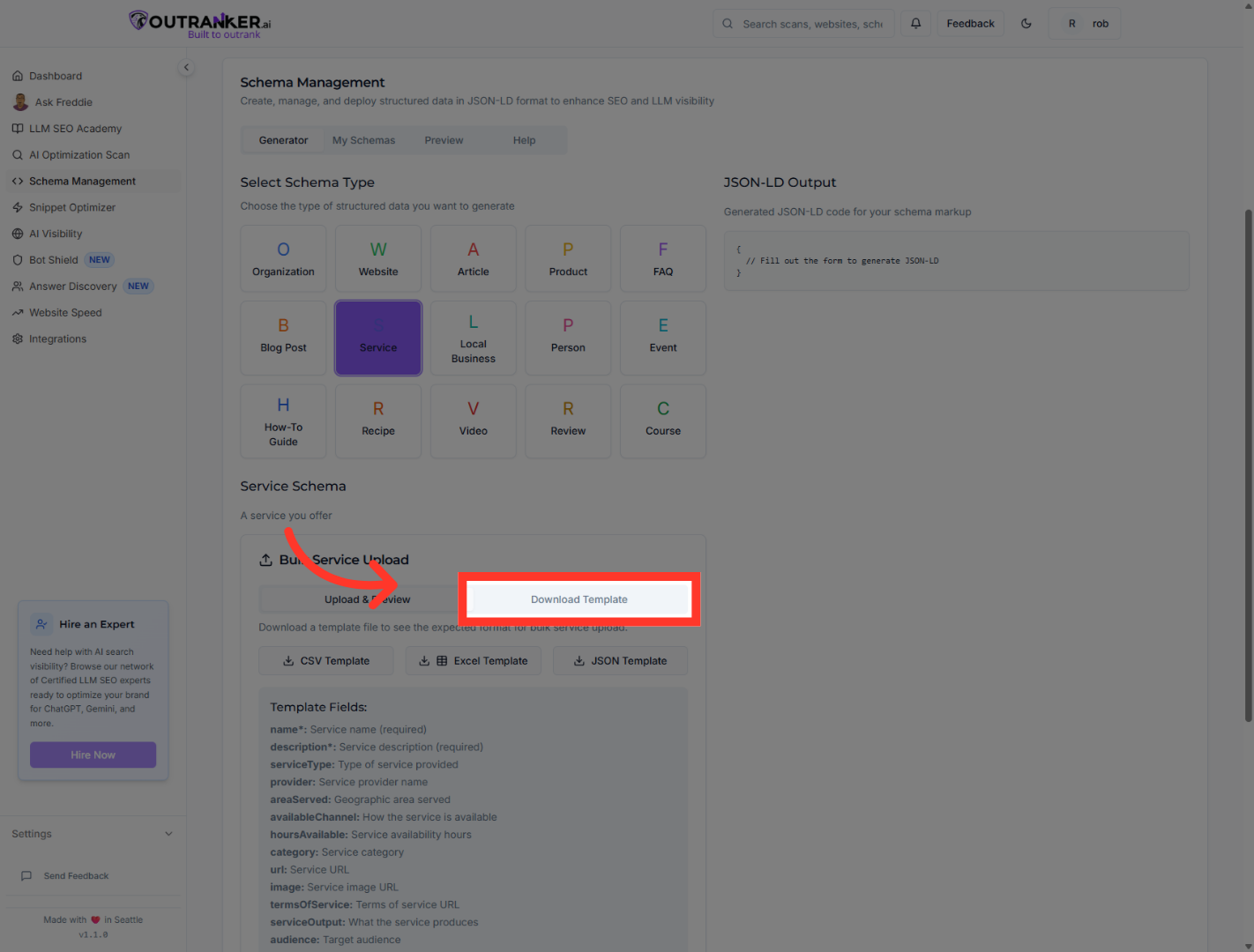
5. Click "Download Template"
Click "Download Template" to obtain the necessary file formats for schema data entry.
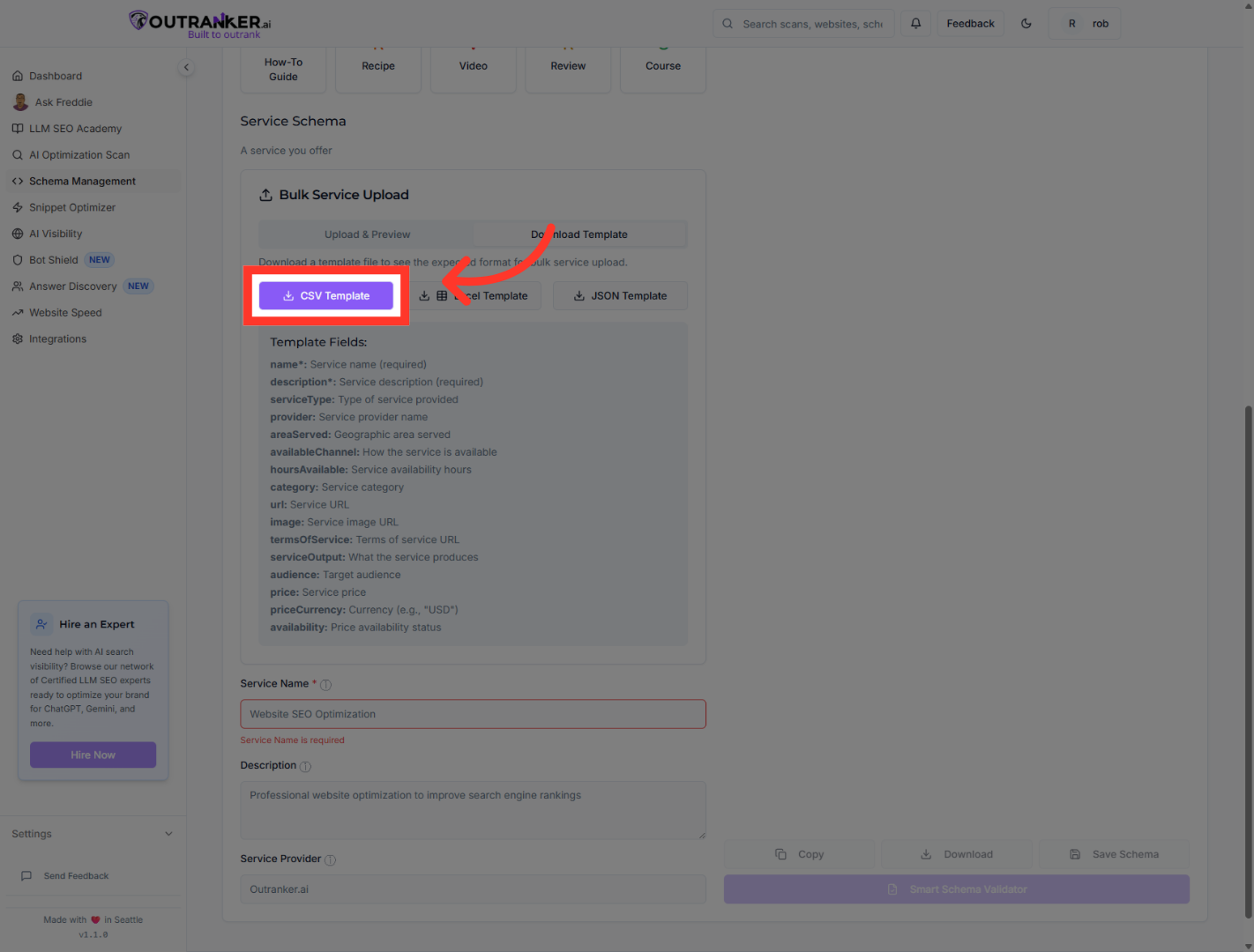
6. Click "CSV Template"
Choose the "CSV Template" to download a spreadsheet format for easy data input.
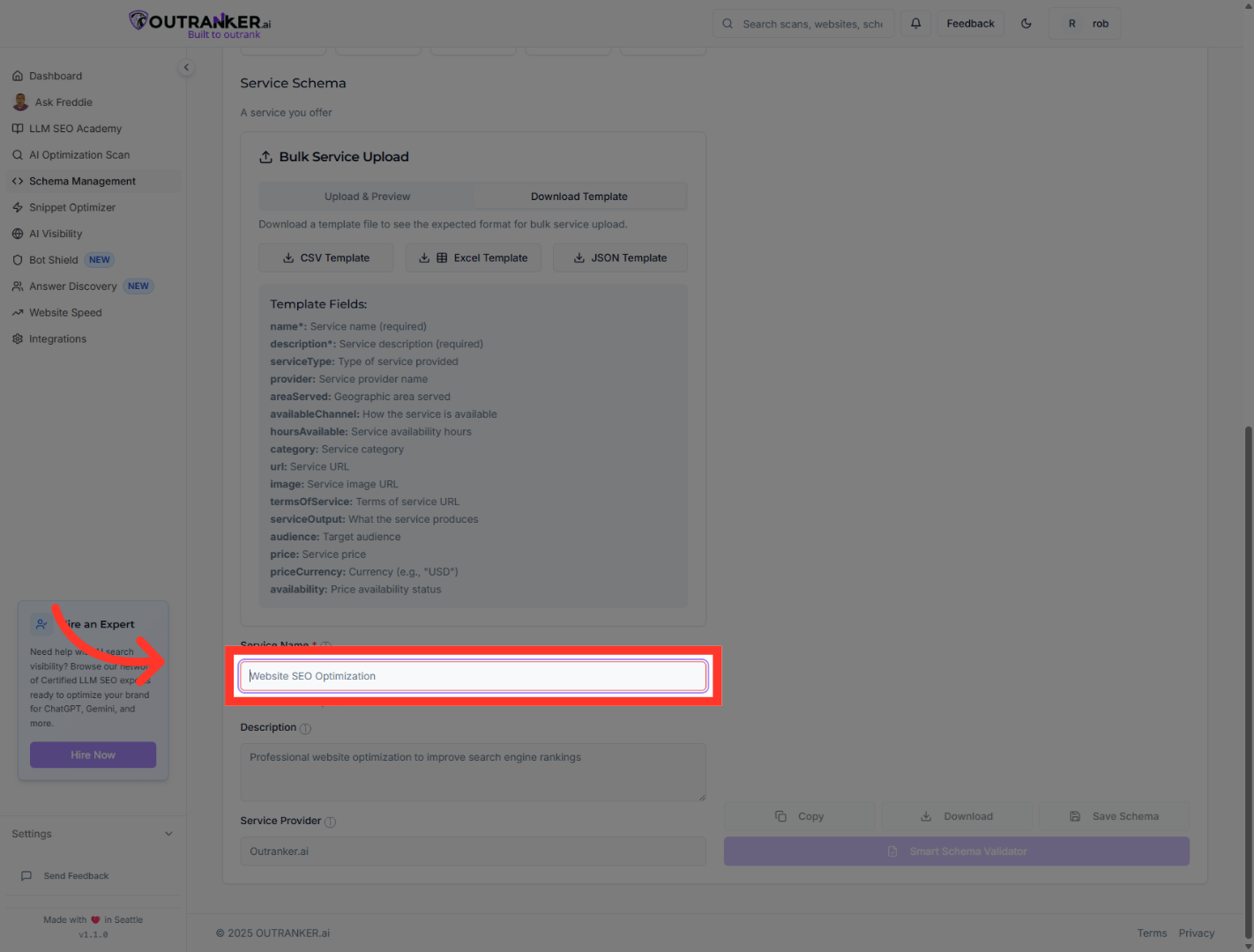
7. Click "Service Name*"
Click on the "Service Name*" field to prepare for entering the name of your service.
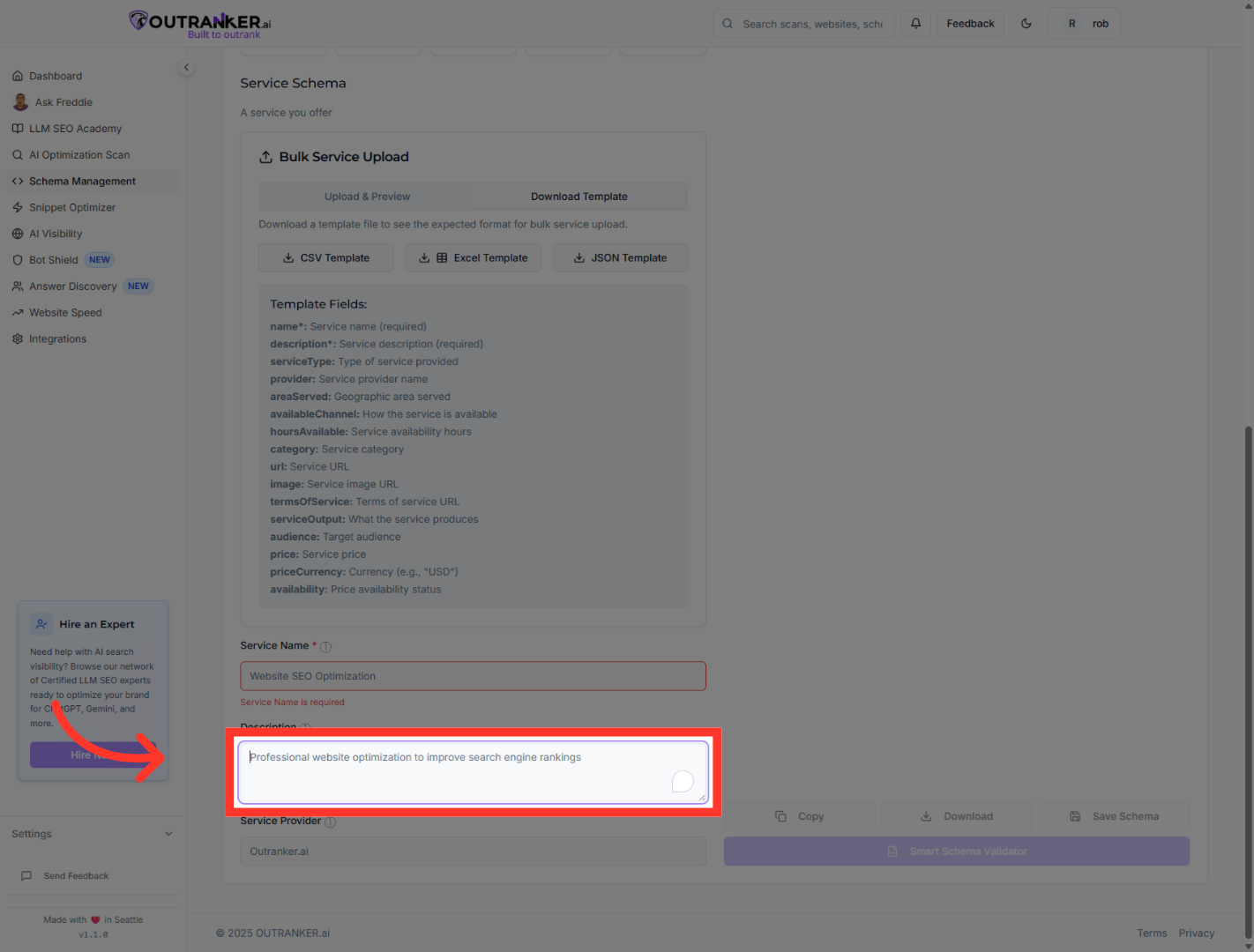
8. Click "Description"
Click the "Description" field to get ready to add a brief overview of your service.
9. Click "Service Provider"
Click the "Service Provider" field to input the provider's information for the service.
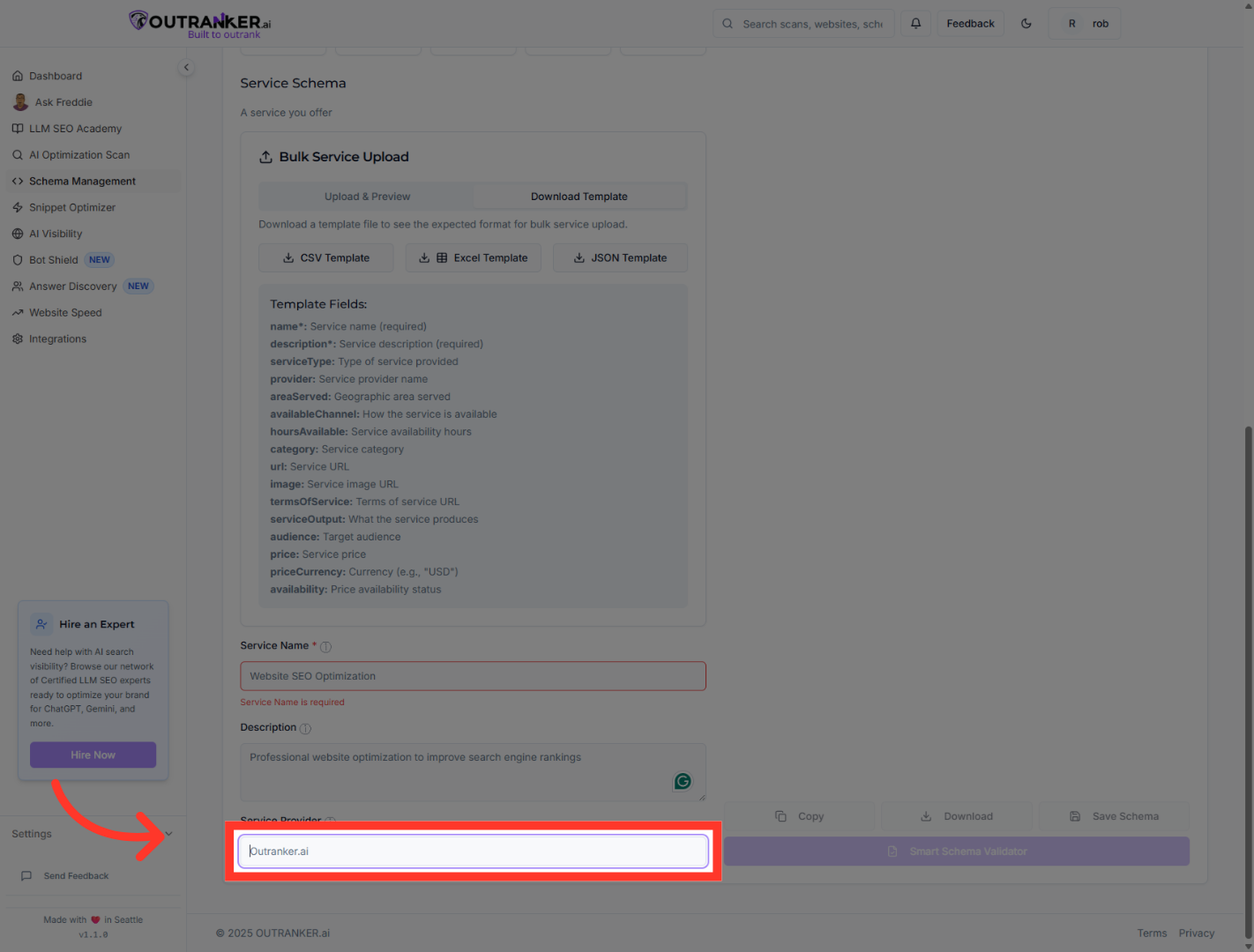
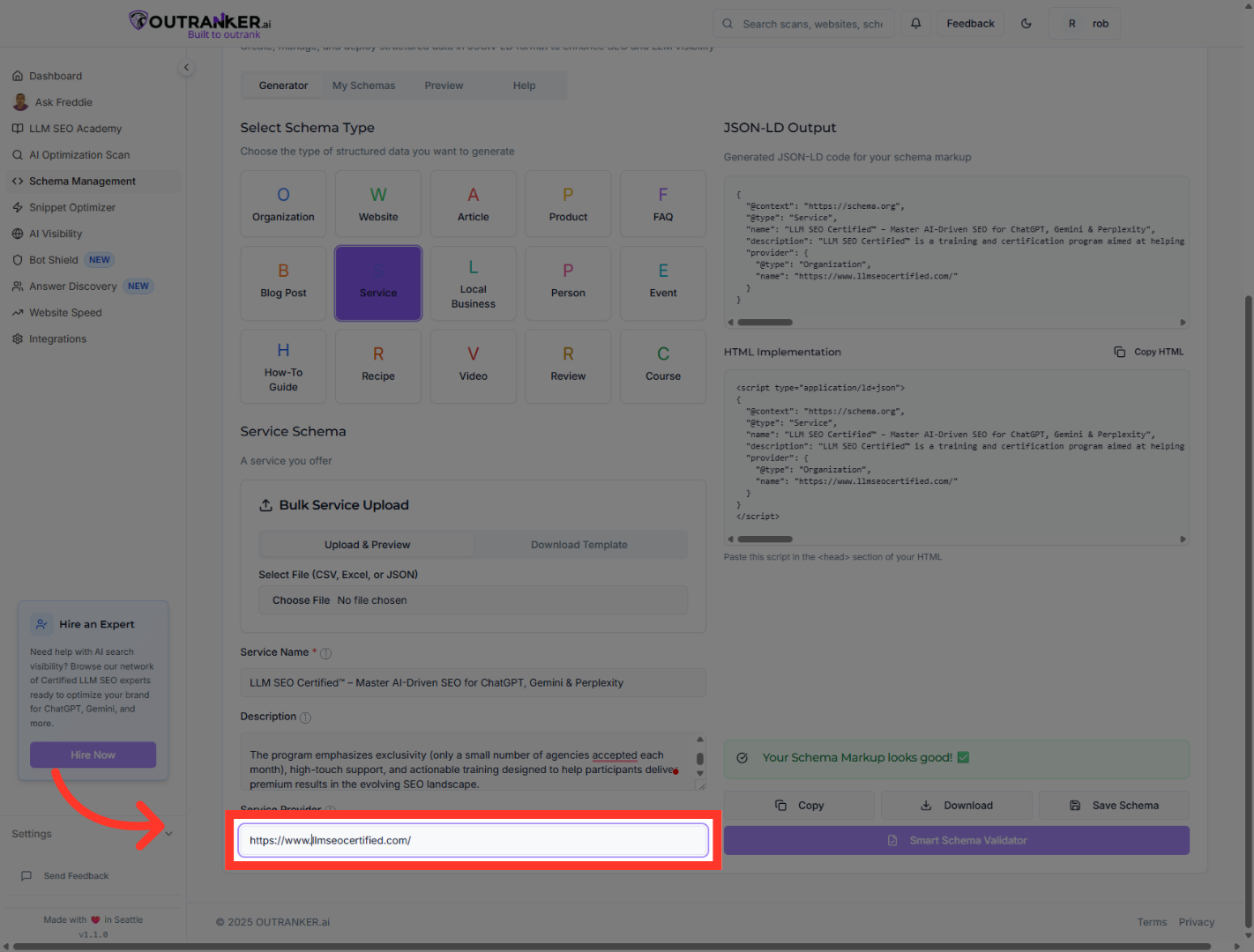
10. Click "Service Provider"
Click the "Service Provider" field again to refine the URL entry.
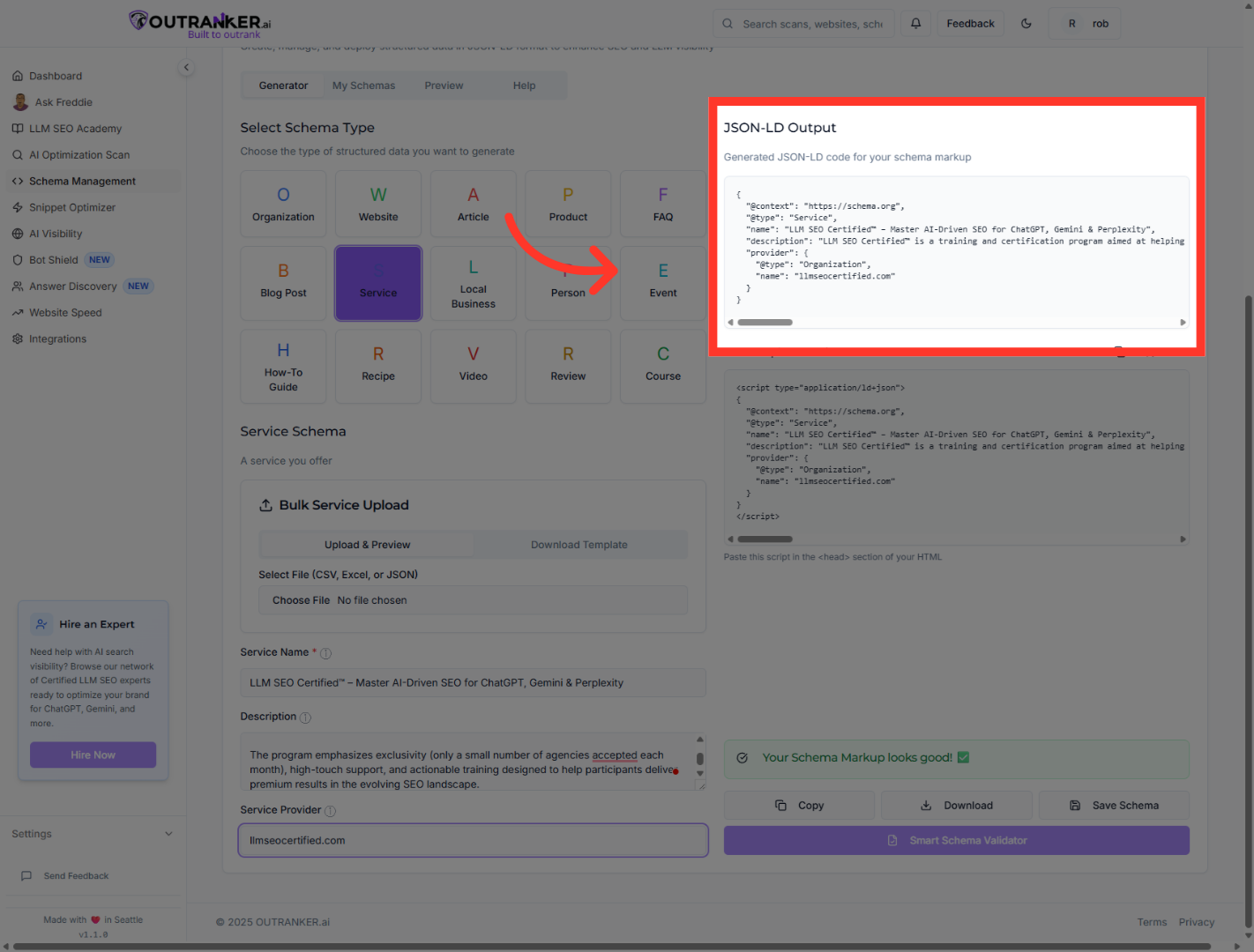
11. Click "JSON-LD OutputGenerated JSON-LD code for your schema markup"
Click the "JSON-LD Output" section to view the generated JSON-LD code for your schema markup.
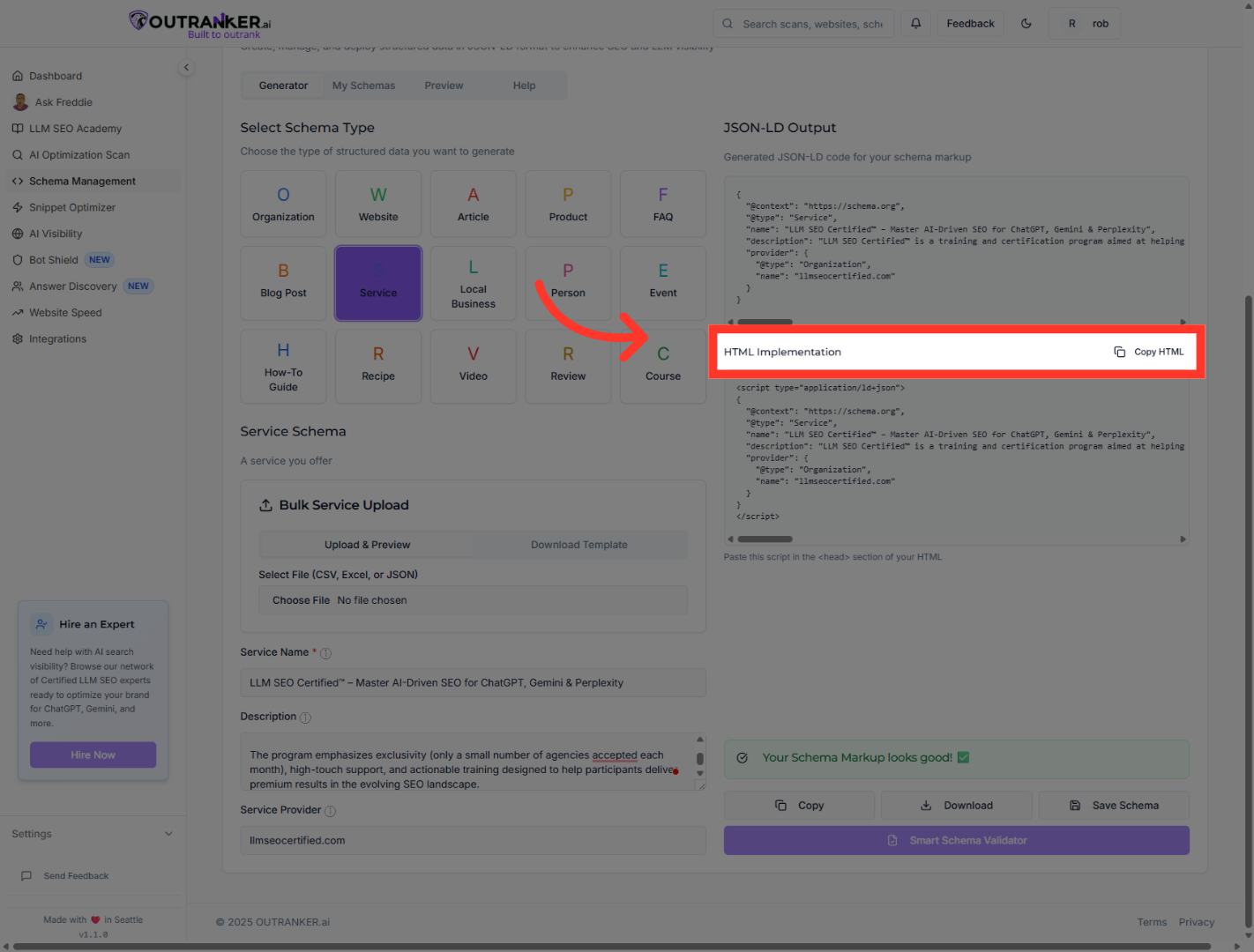
12. Click "HTML ImplementationCopy HTML"
Click "HTML Implementation" and then "Copy HTML" to prepare the schema markup for website integration.
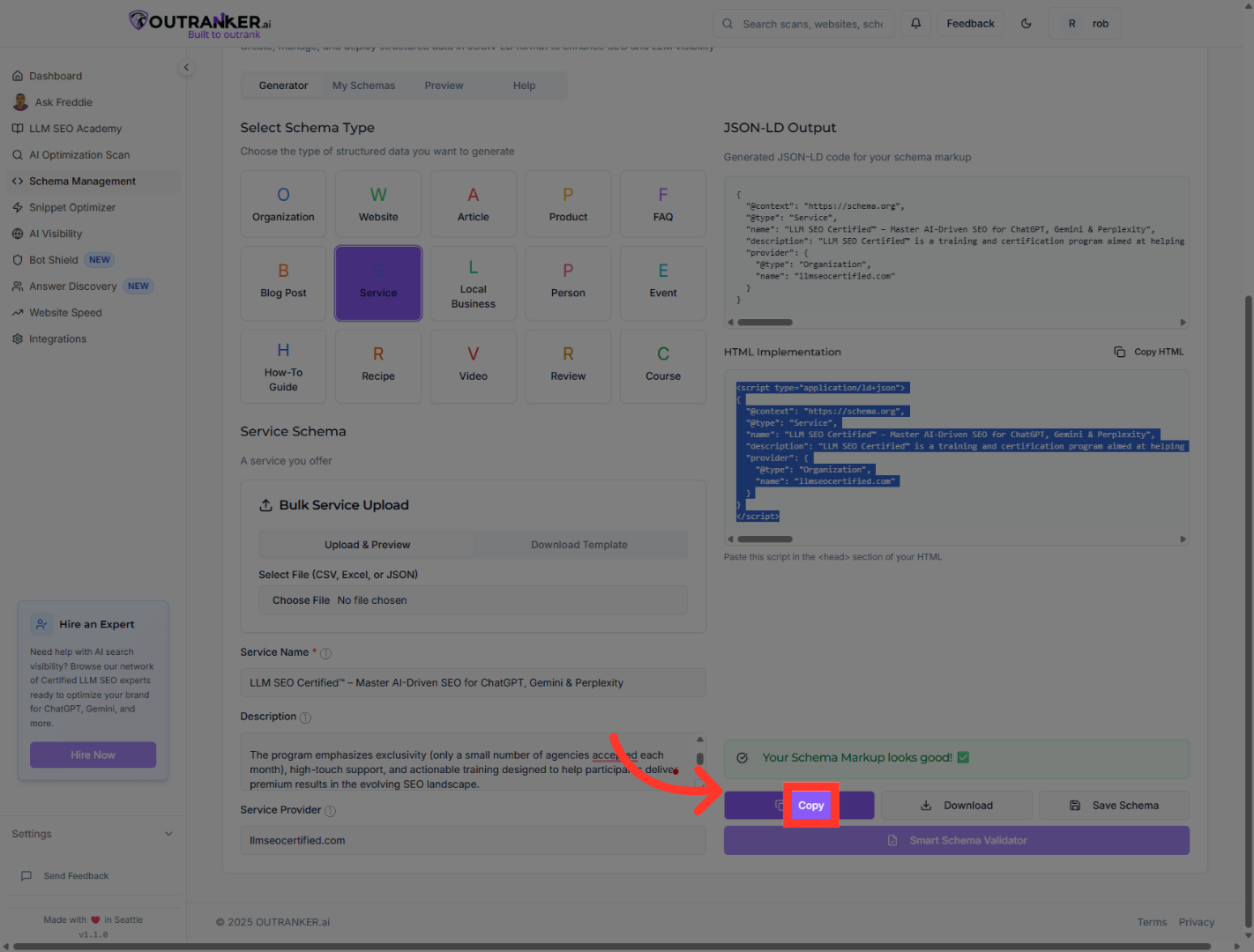
13. Click "Copy"
Click "Copy" to copy the JSON-LD schema markup to your clipboard for use.
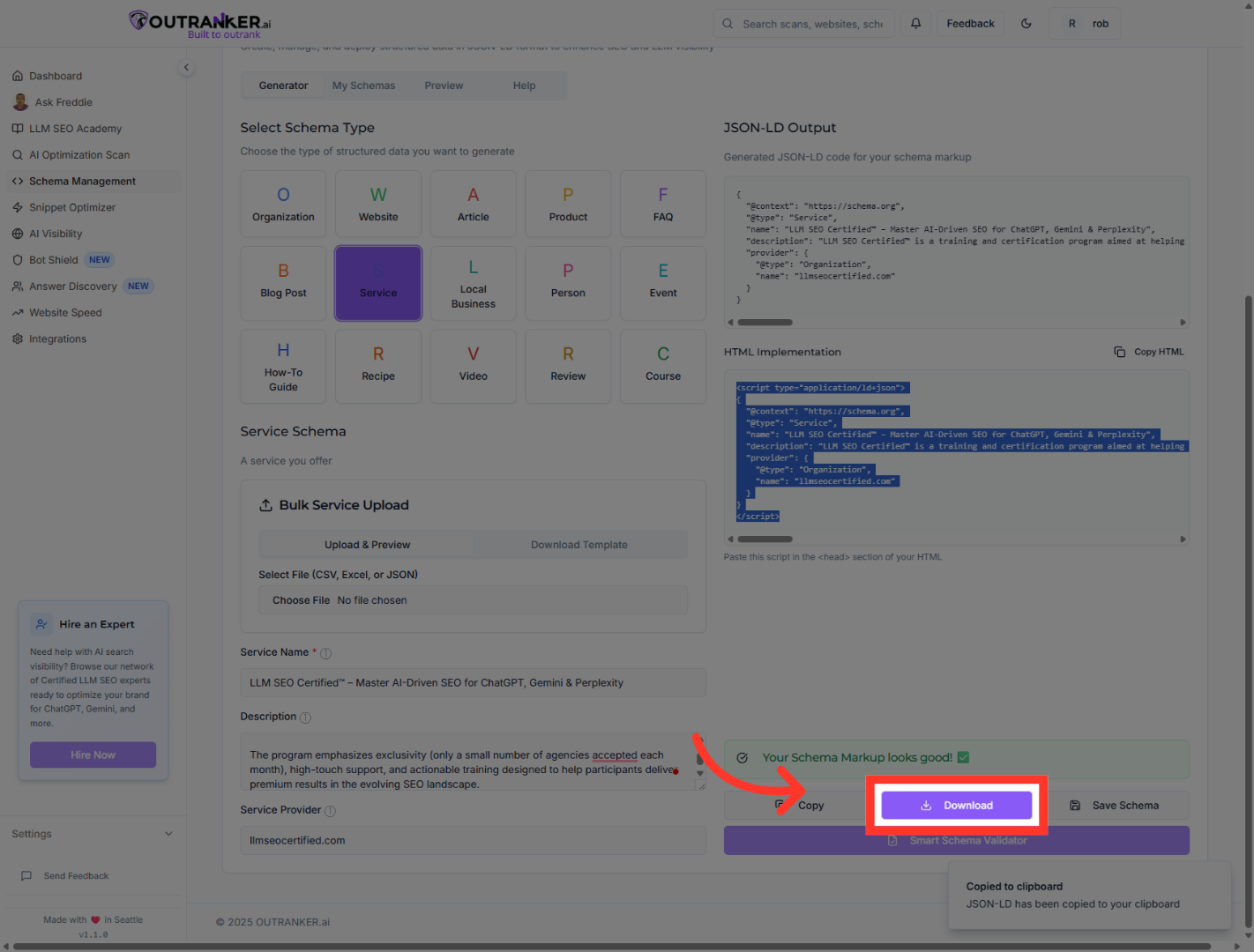
14. Click "DownloadDownload"
Finally, click "Download" to save the generated schema markup files to your device for future use.
You have successfully generated a Service Provider Schema using Outranker's Schema Management tool. The process included downloading templates, entering accurate service details, previewing the JSON-LD output, and copying or downloading the schema markup for implementation. Next, you can integrate this schema into your website to enhance SEO and structured data visibility.
