
This tutorial guides you through generating Local Business schema markup using Outranker's Schema Management feature
Go to www.outranker.ai
1. Introduction
By following these steps, you'll create structured data that enhances your business's online presence and search engine optimization. Before starting, ensure you have your local business information ready, including contact details, address, and operating hours.
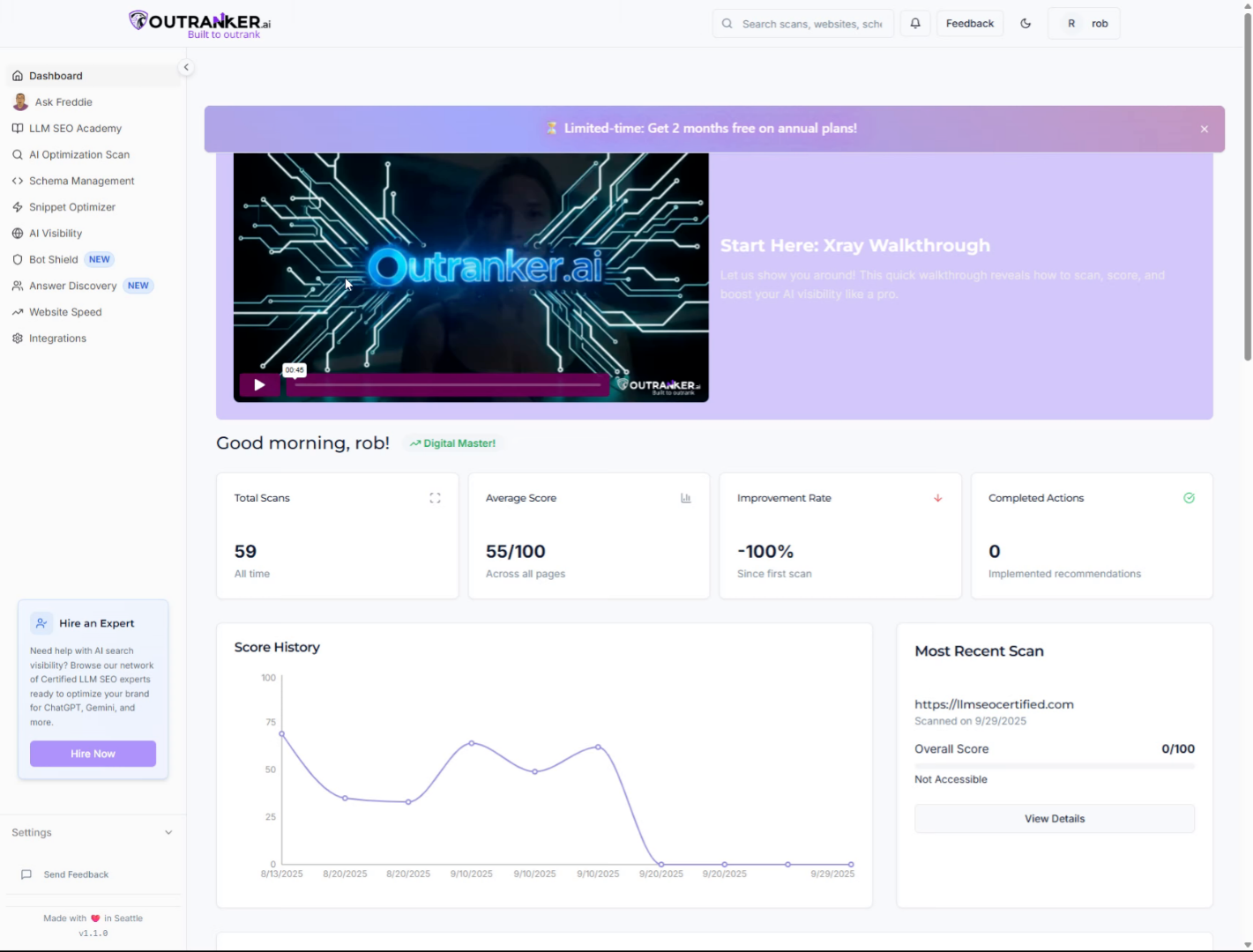
2. Click "AI Optimization Scan"
Start by clicking the "AI Optimization Scan" option in Outranker to begin the schema generation process.
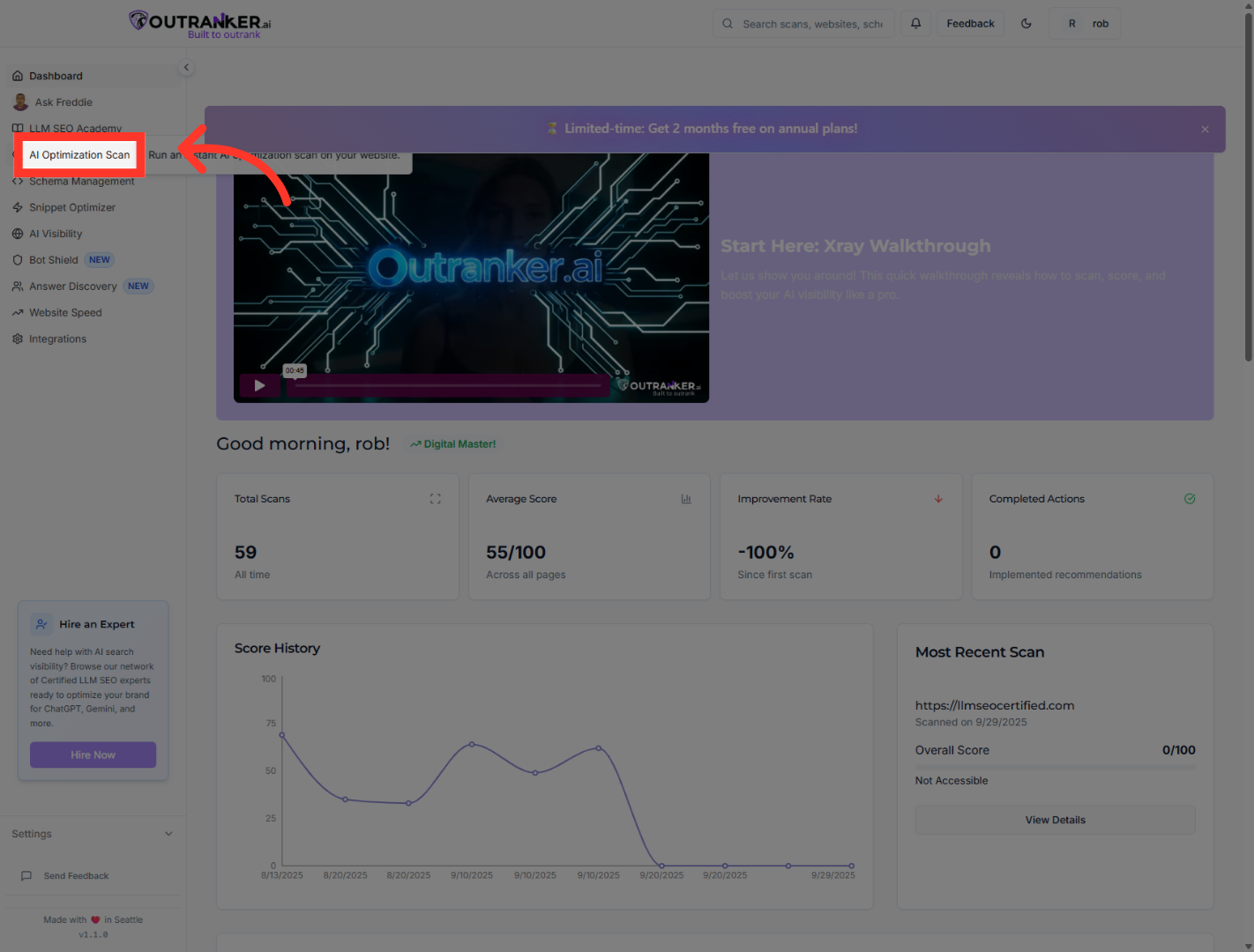
3. Click "Schema Management"
Navigate to the "Schema Management" section to access schema-related tools and settings.
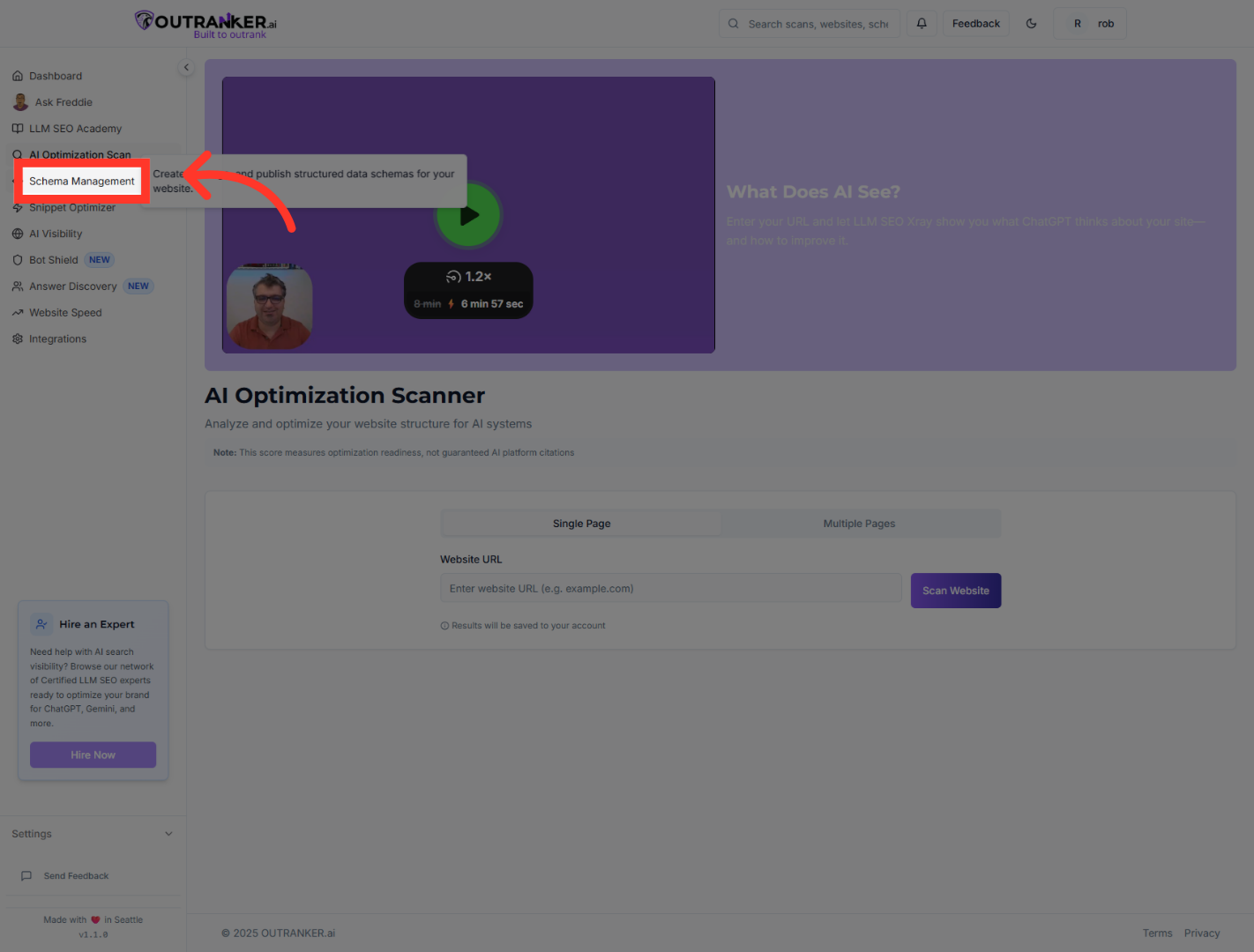
4. Click "Generator"
Select the "Generator" tab to open the schema generation interface.
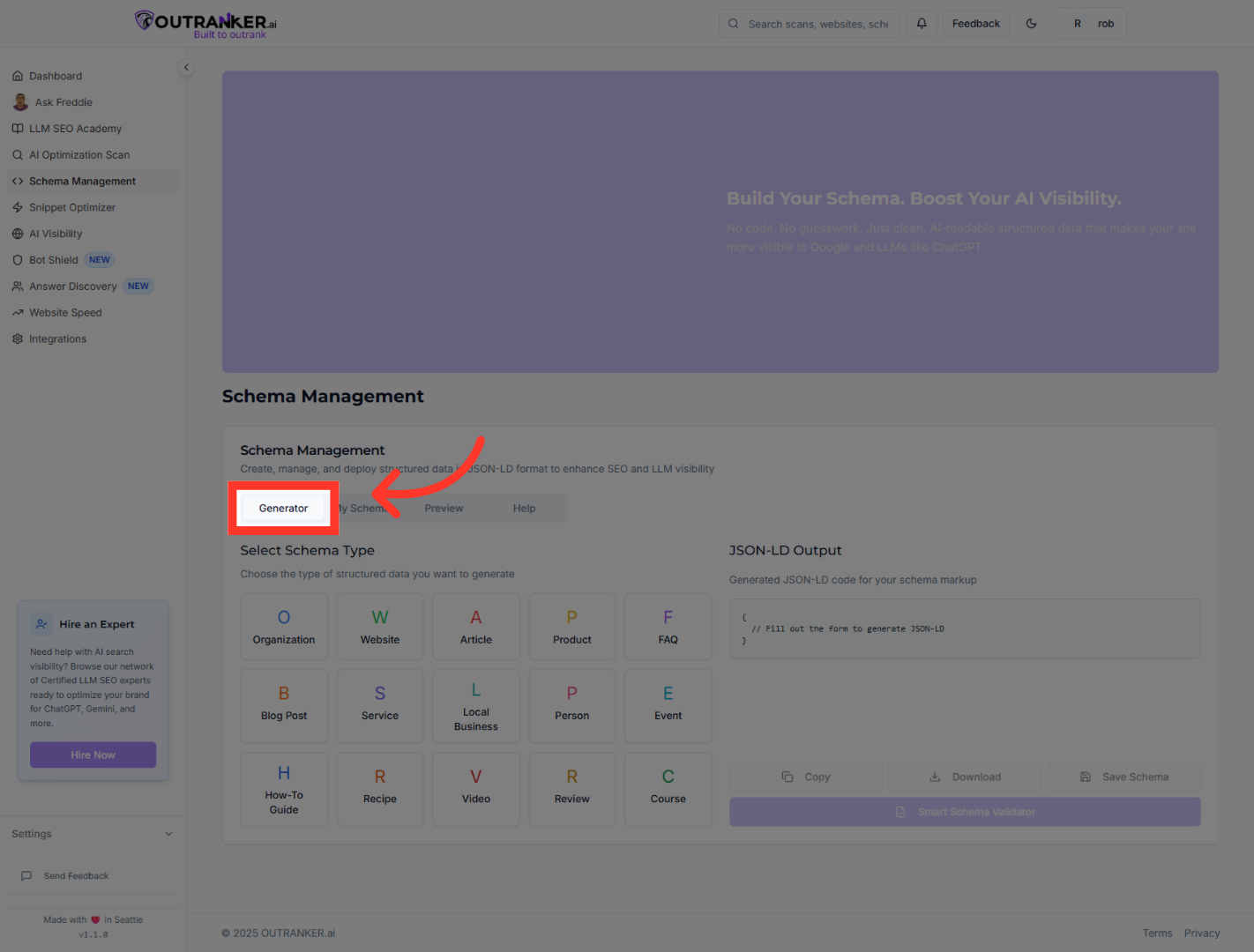
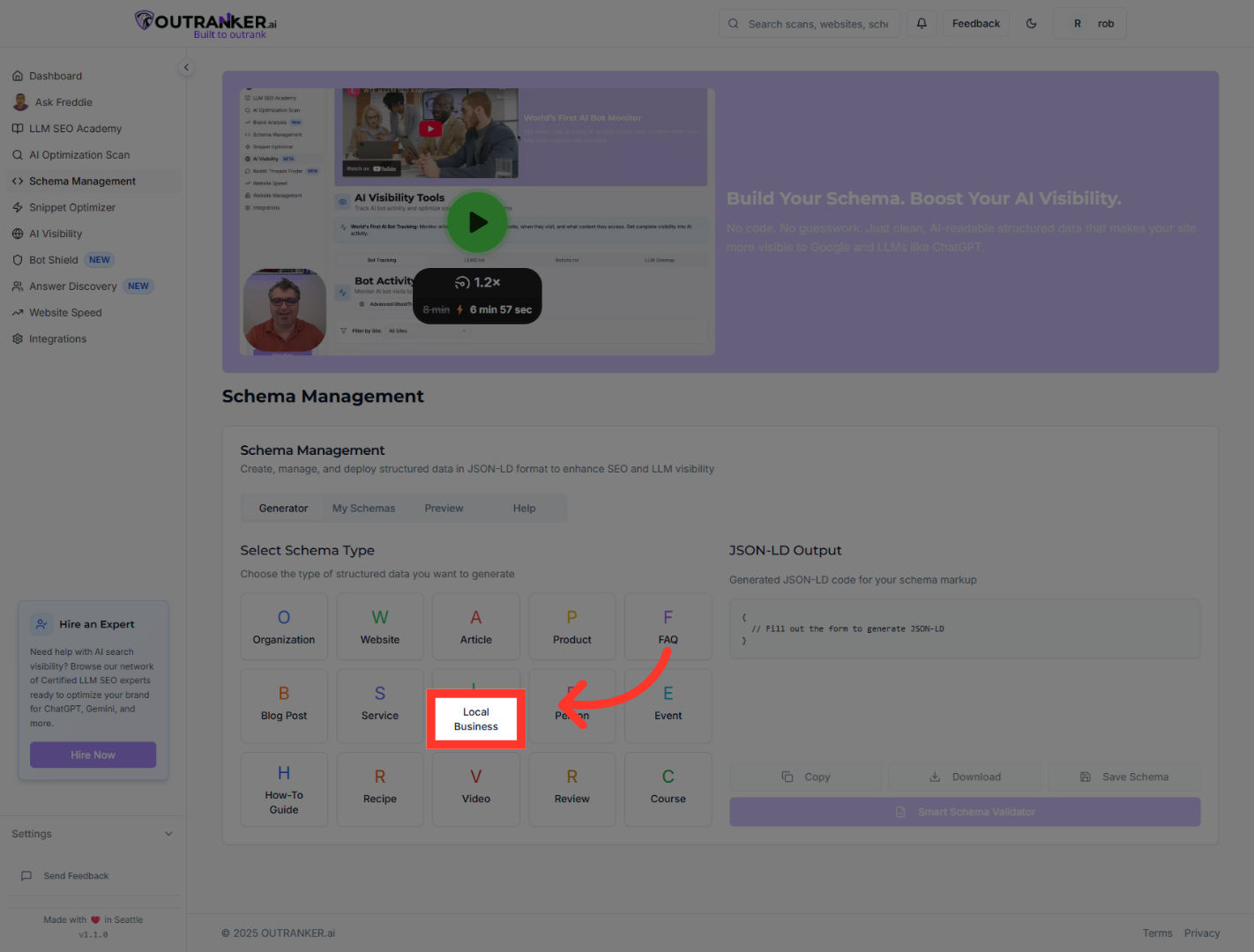
5. Click "Local Business"
Choose "Local Business" as the schema type to create structured data for local businesses.
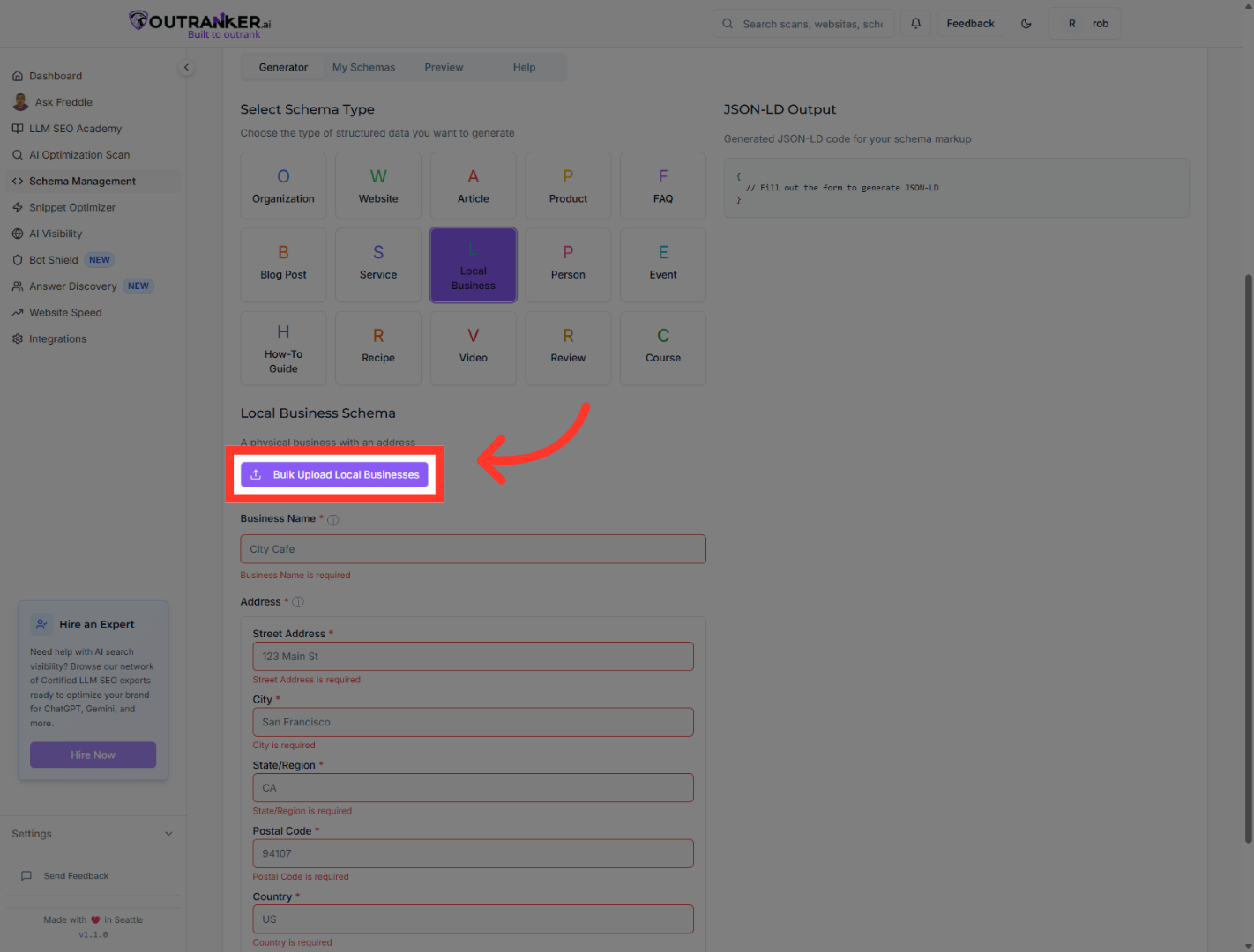
6. Click "Bulk Upload Local Businesses"
Click "Bulk Upload Local Businesses" to add multiple business entries at once.
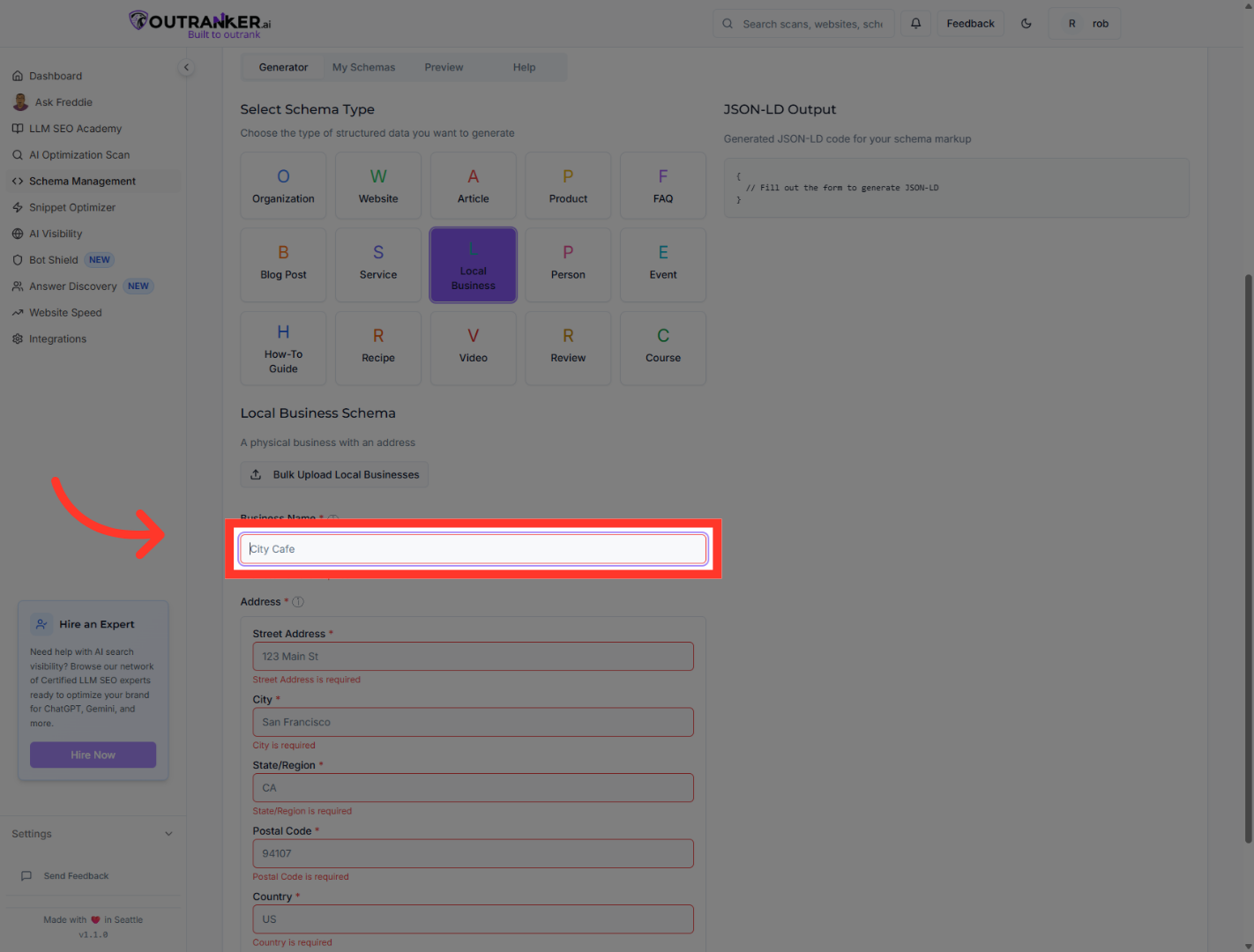
7. Click "Business Name*"
Click the "Business Name*" field to enter the required business name for the schema.
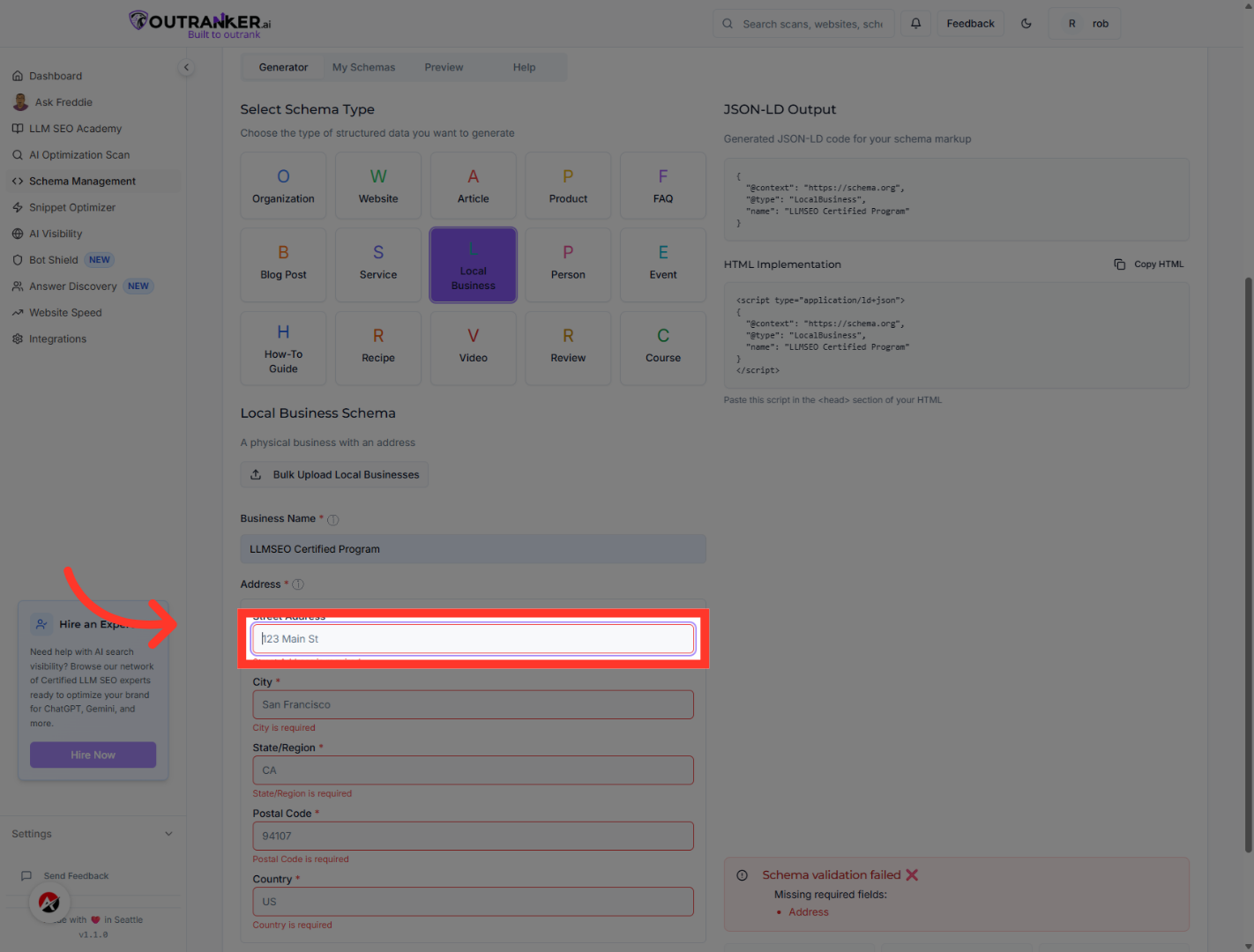
8. Click "On the address field"
Click the address field to enter the business street address.
9. Click "On the City"
Click the city field to specify the business city location.
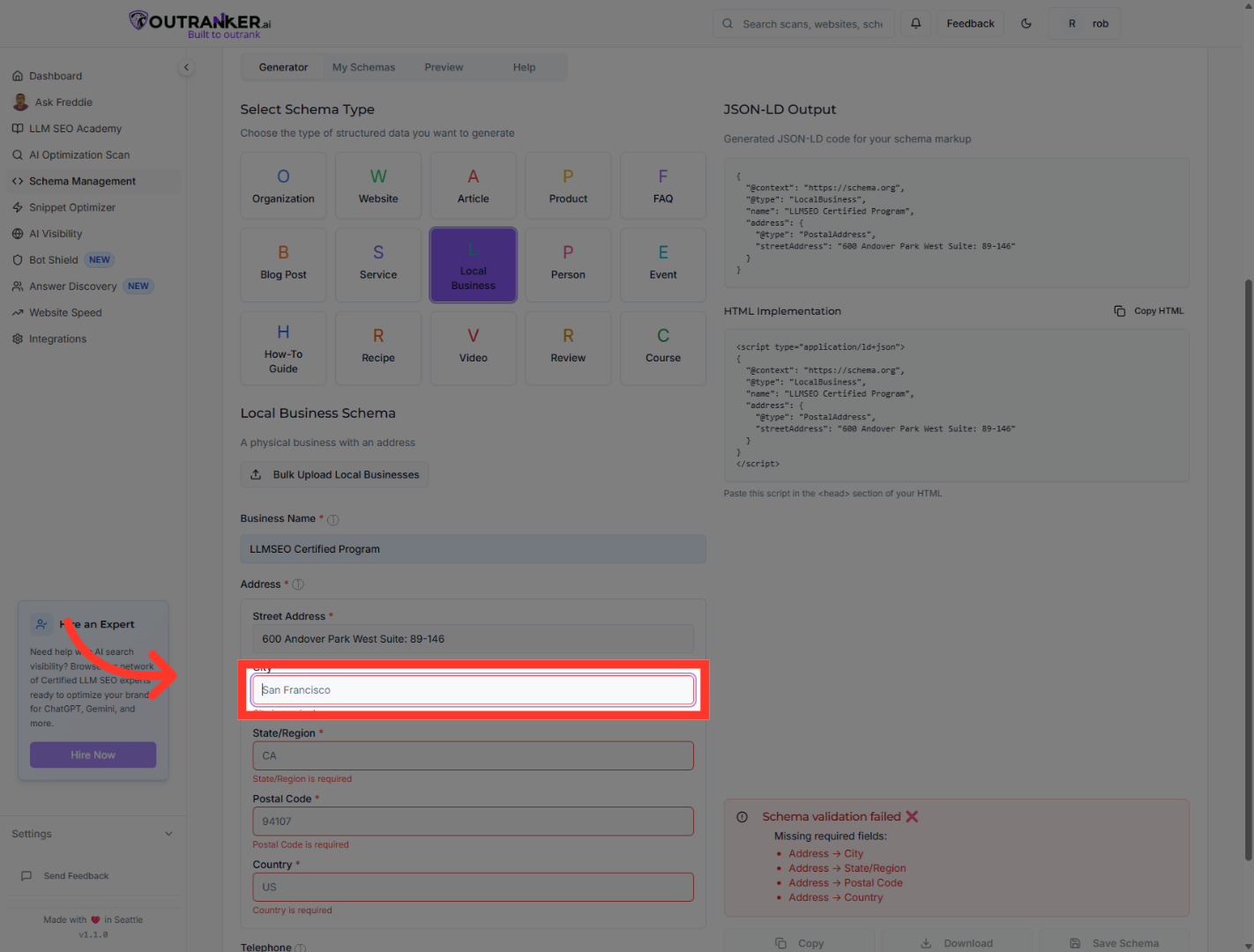
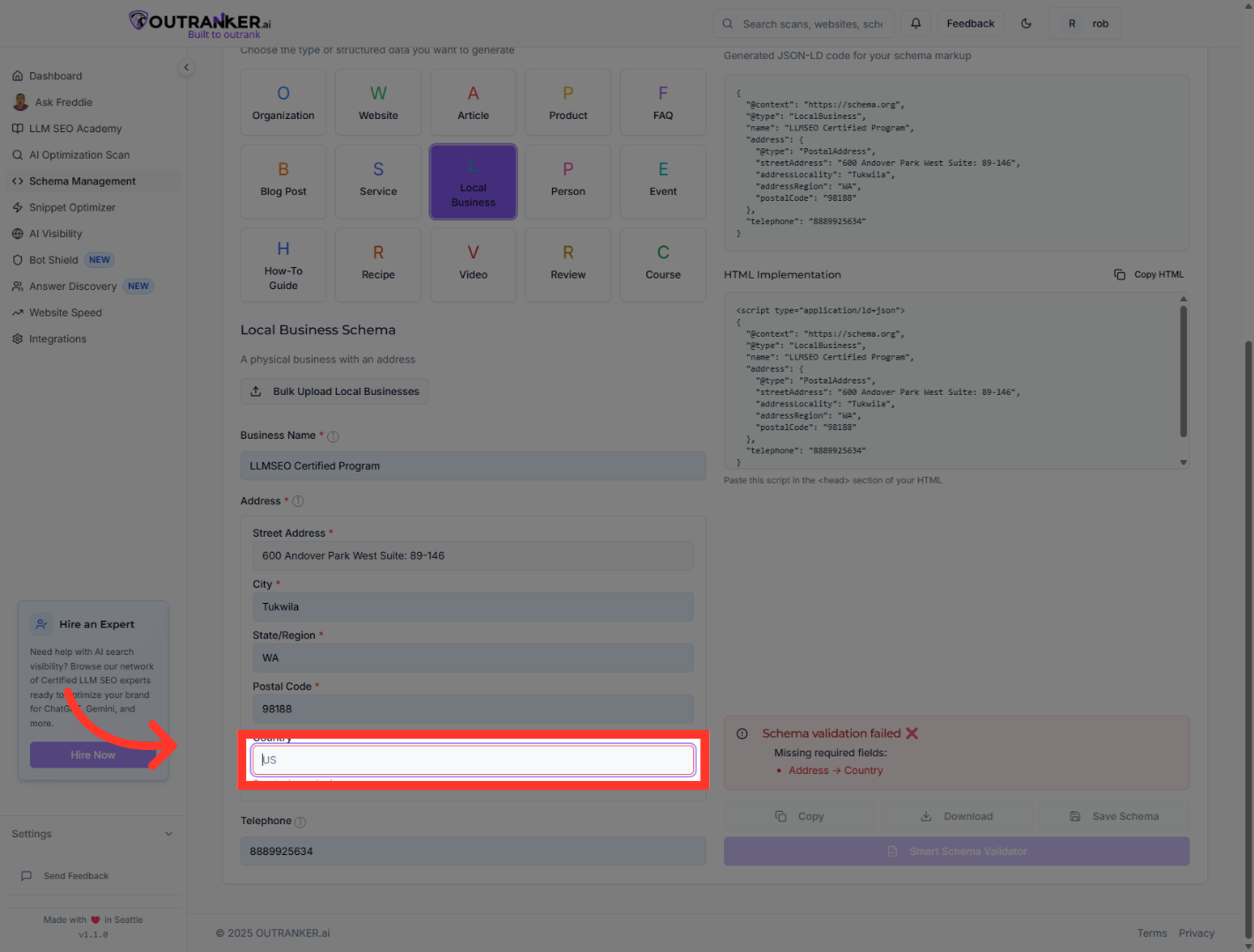
10. Click "On The Country Field"
Click the country dropdown and select "Your Country" to specify the business country.
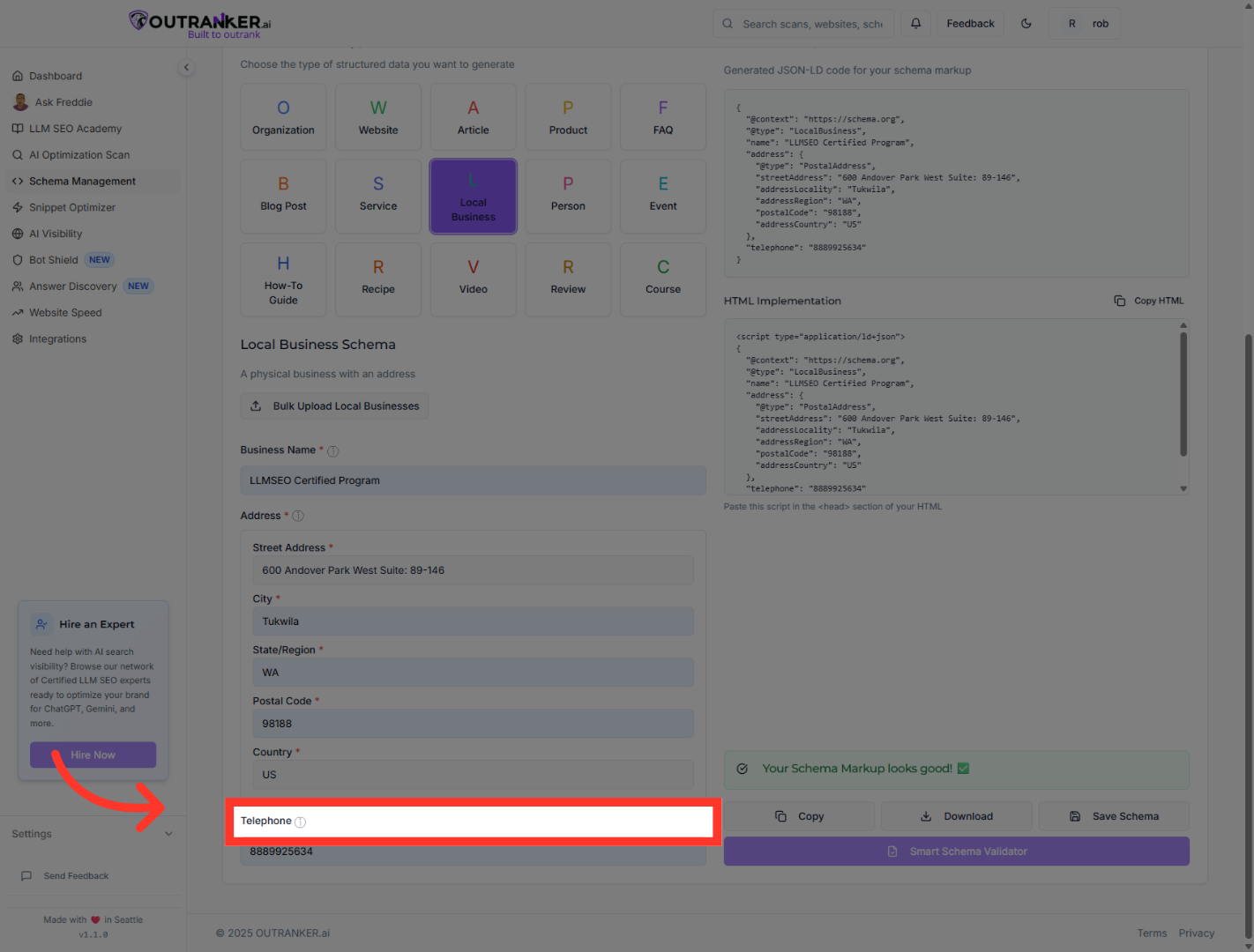
11. Click "Telephone"
Click the "Telephone" info icon to review phone number formatting guidelines.
12. Click "JSON-LD OutputGenerated JSON-LD code for your schema markup"
Click the "JSON-LD Output" section to view the generated JSON-LD code for your local business schema.
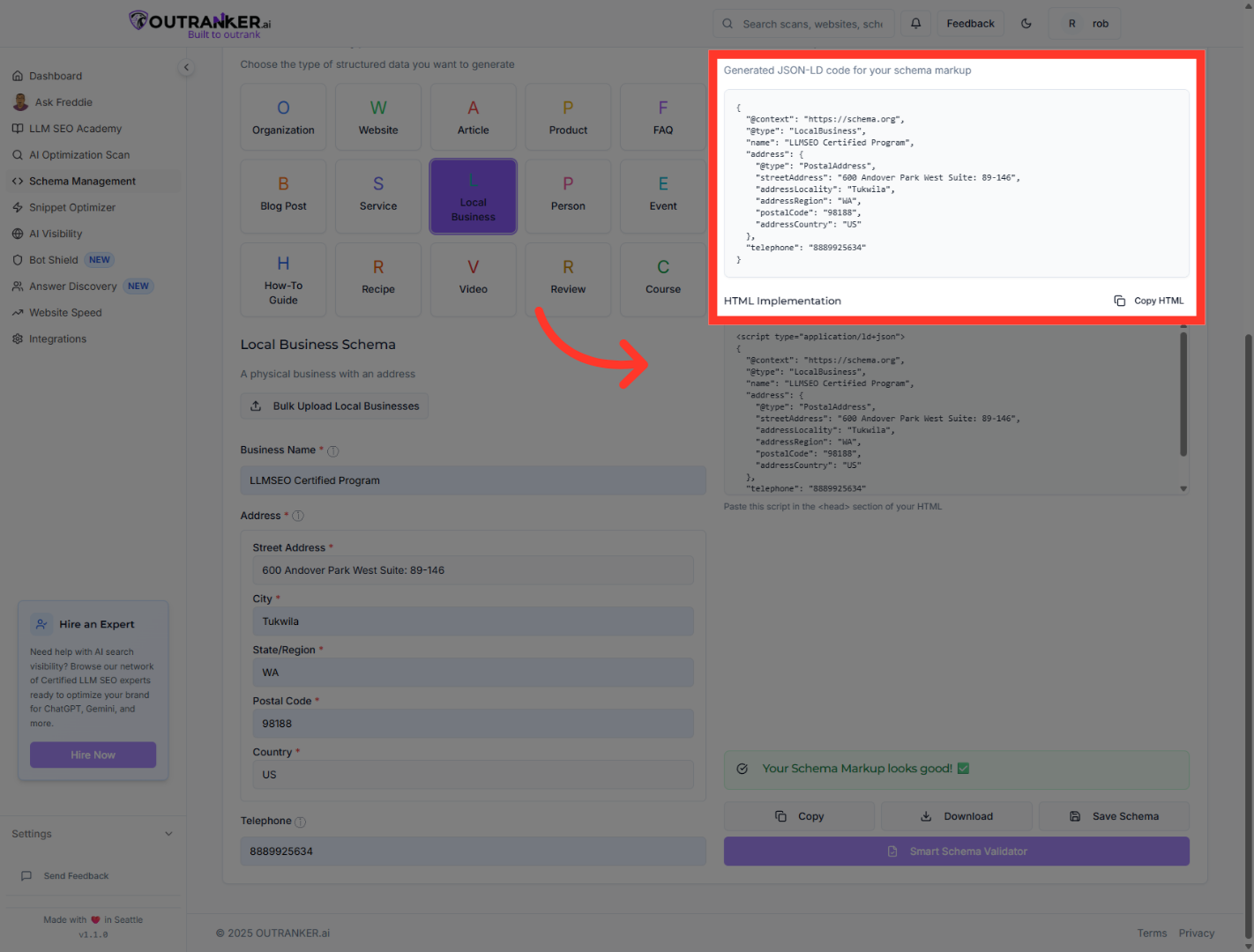
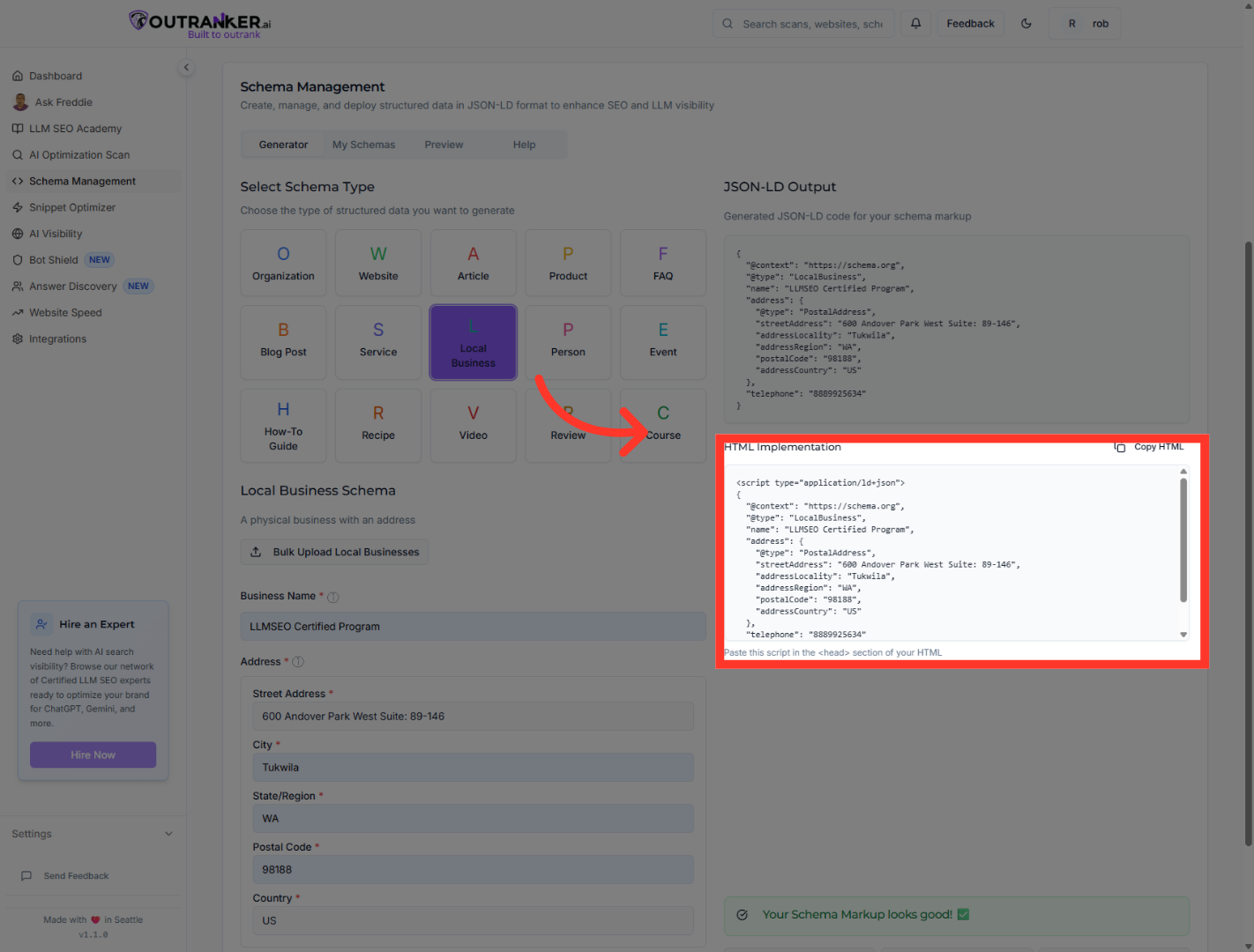
13. Click "HTML Implementation"
Click "HTML Implementation" to view how to embed the schema markup into your website.
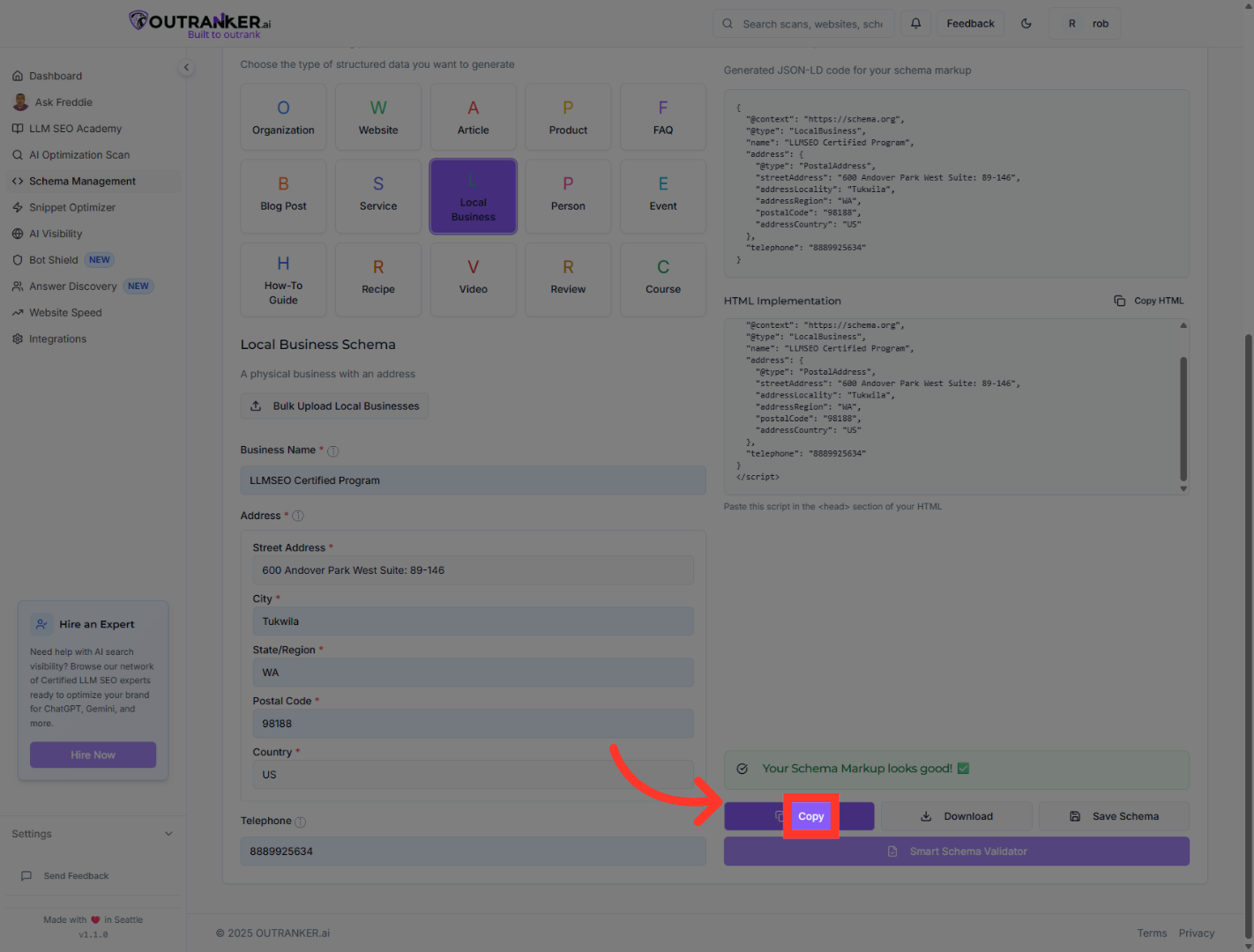
14. Click "Copy"
Click the "Copy" button to copy the JSON-LD schema code to your clipboard.
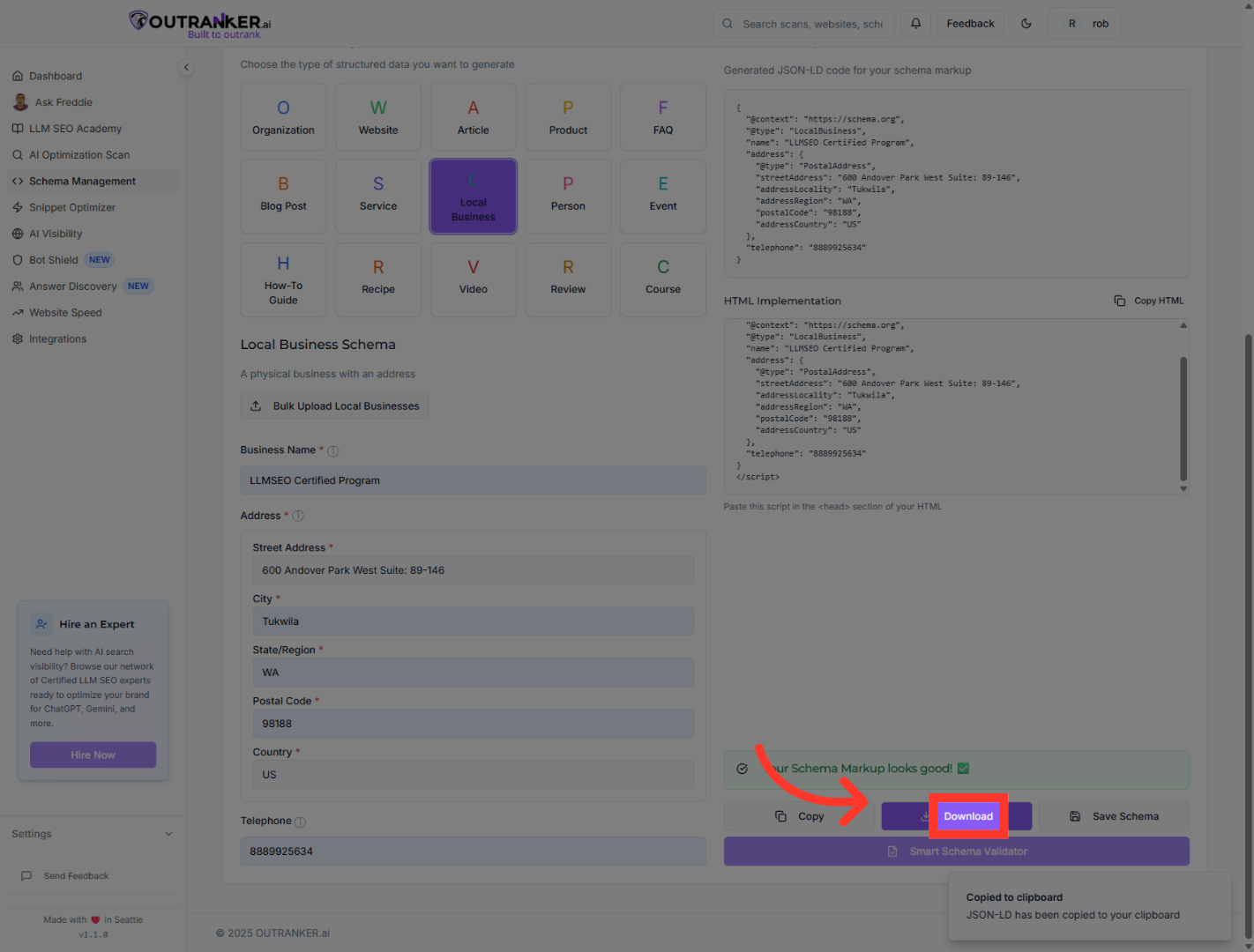
15. Click "Download"
Finally, click "Download" to save the generated schema markup file for your records.
You have successfully generated and reviewed the Local Business schema markup using Outranker's Schema Management tools. The JSON-LD code is now ready to be embedded into your website to improve search engine visibility. For further customization, explore other schema types or consult Outranker's documentation for advanced features.
