
This tutorial guides you through generating Person and Team Members schema markups using Outranker's Schema Management tool
Go to www.outranker.ai
1. Introduction
You'll learn how to upload data files, manually add person details, and generate JSON-LD code for your website's structured data implementation. Before starting, ensure you have your person data ready in CSV, Excel, or JSON format.
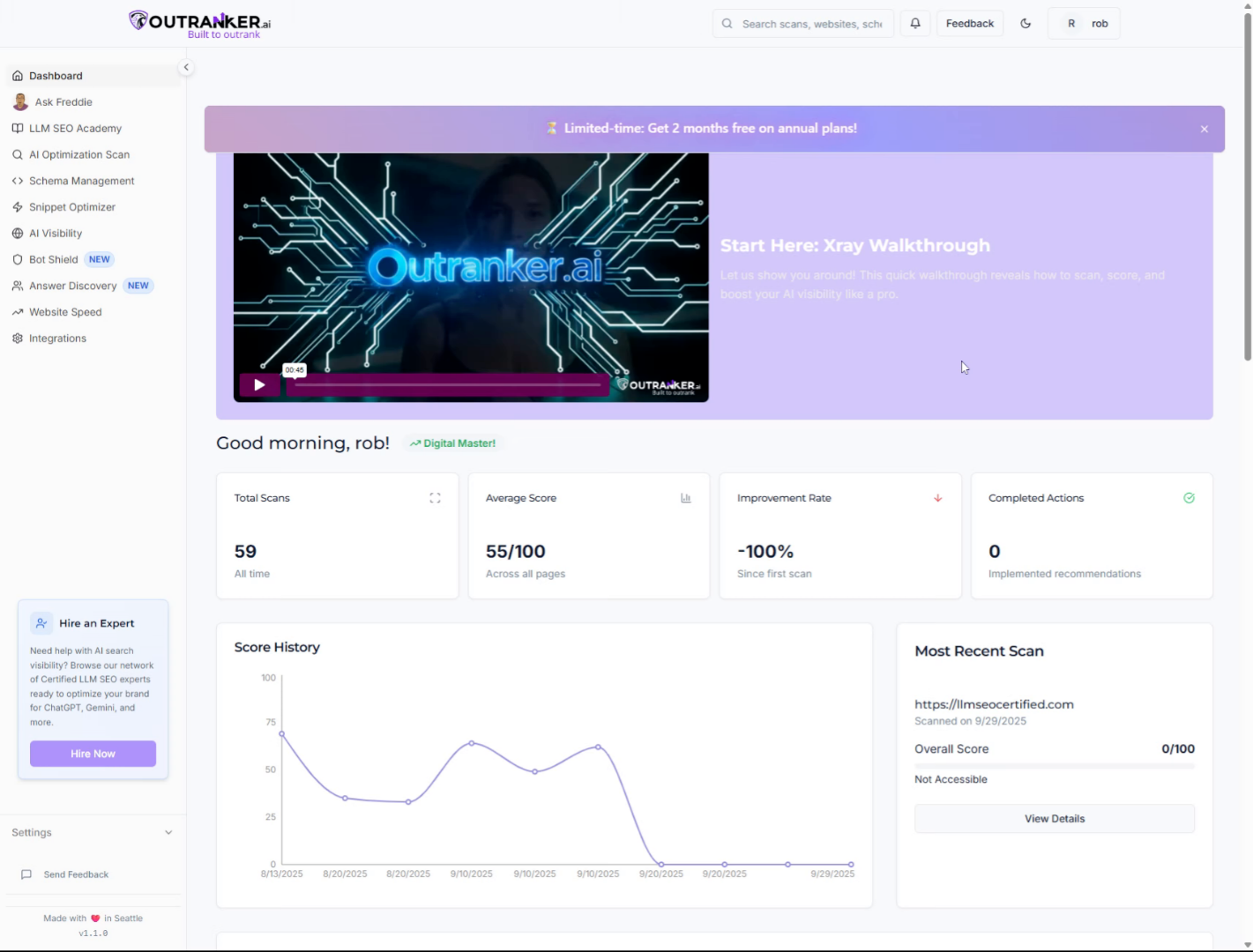
2. Click "Schema Management"
Access the Schema Management section in Outranker to begin managing your schema configurations.
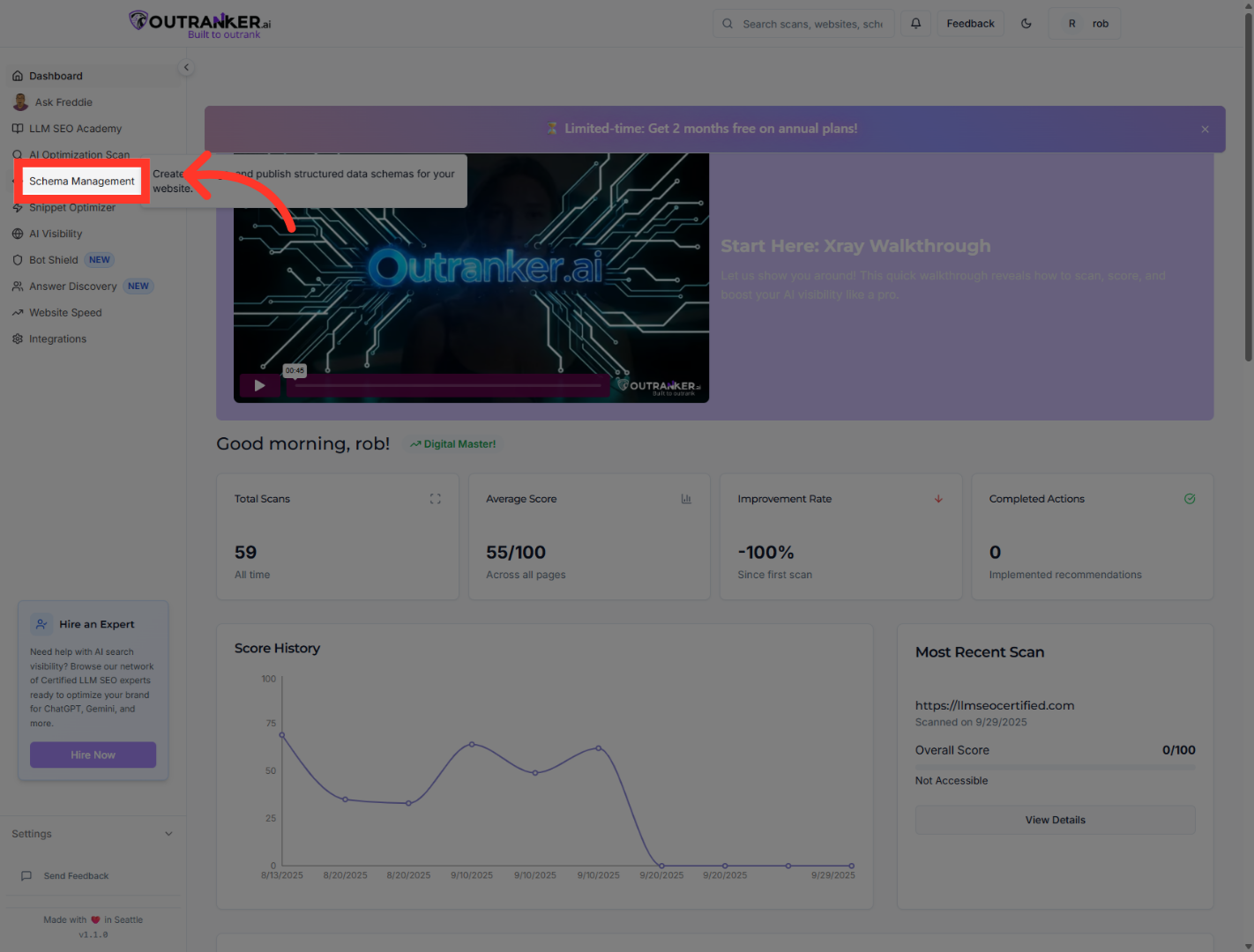
3. Click "Generator"
Navigate to the Generator tab to start creating new schema markups.
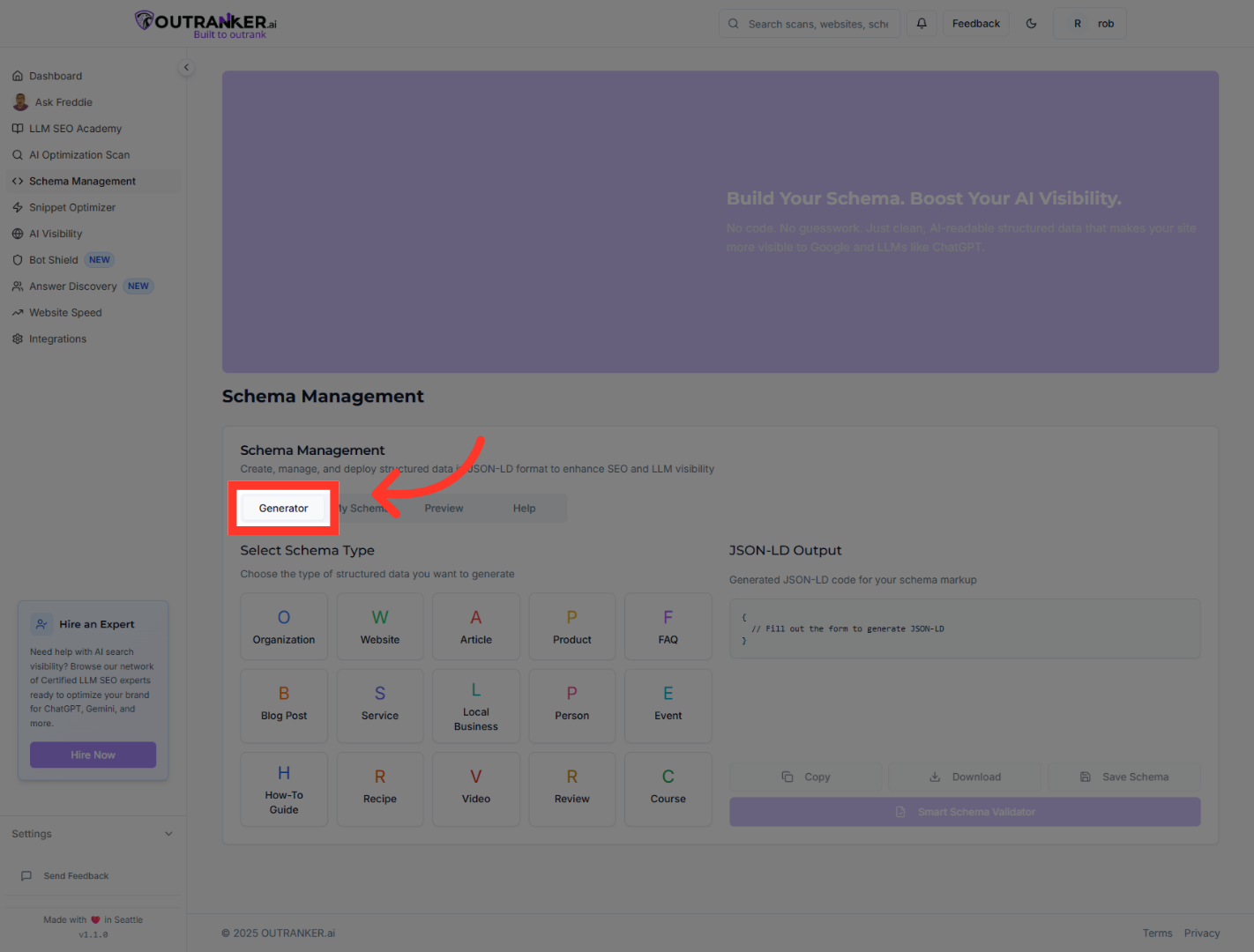
4. Click "Person"
Select the Person schema type to focus on individual profiles.
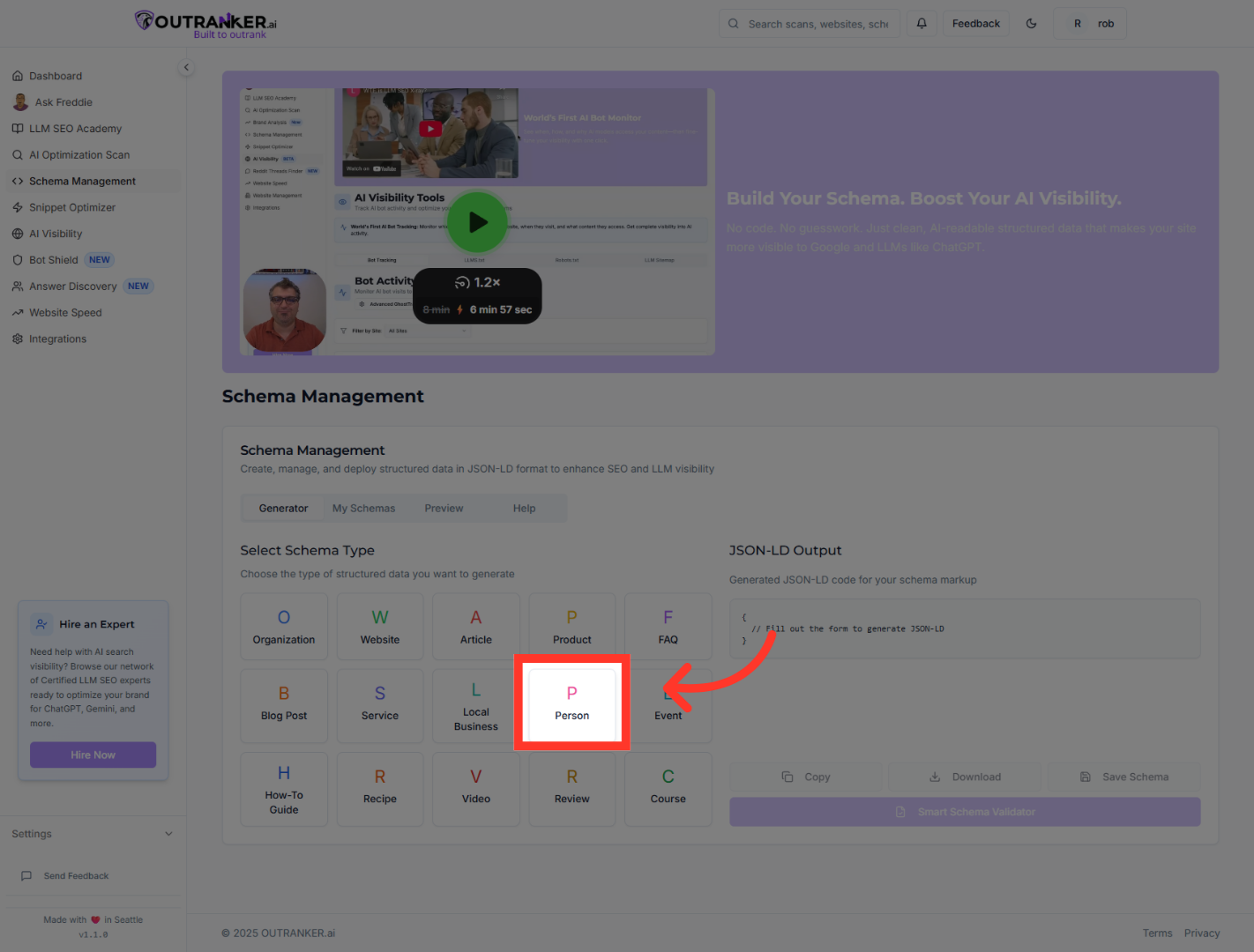
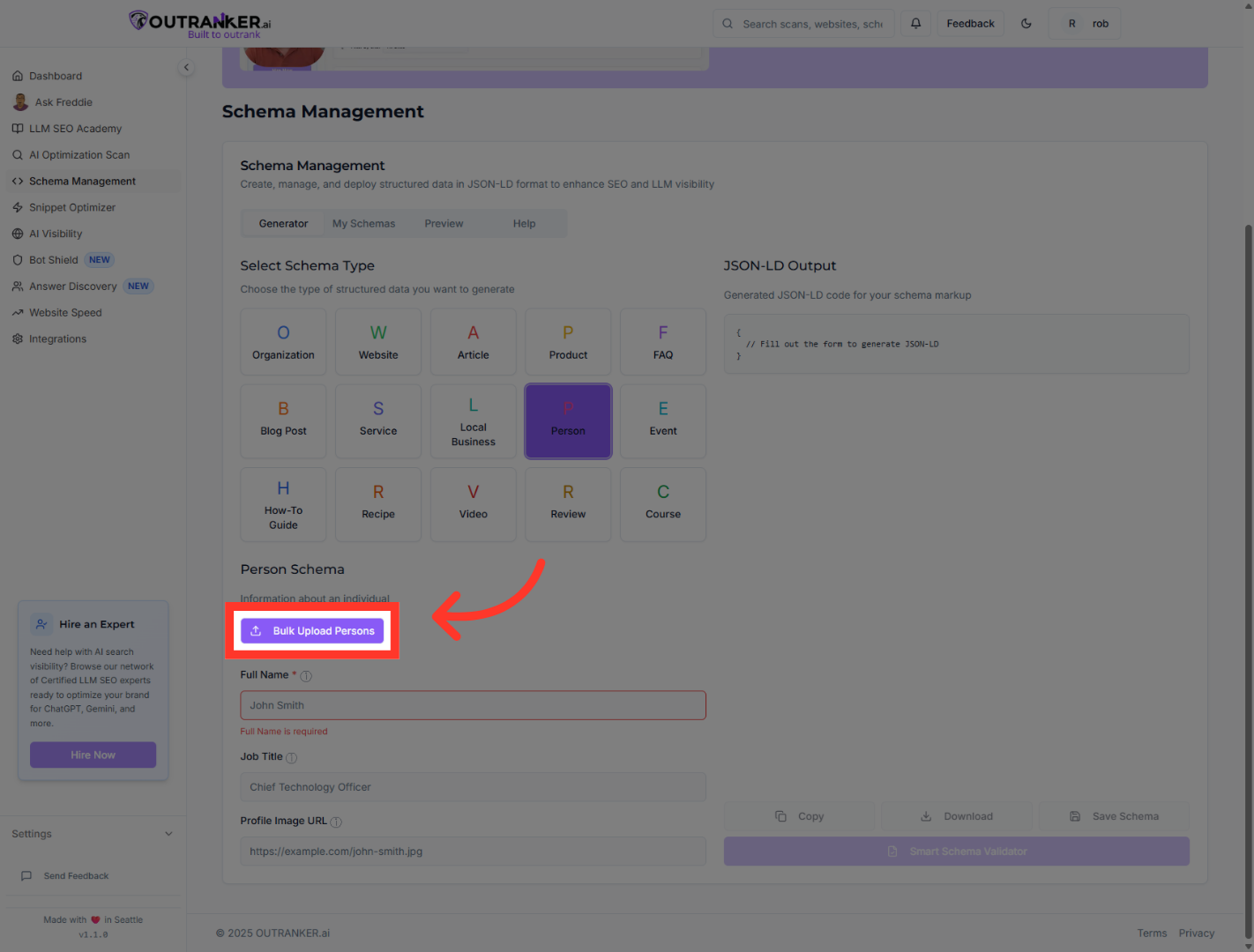
5. Click "Bulk Upload Persons"
Choose Bulk Upload Persons to add multiple person entries efficiently.
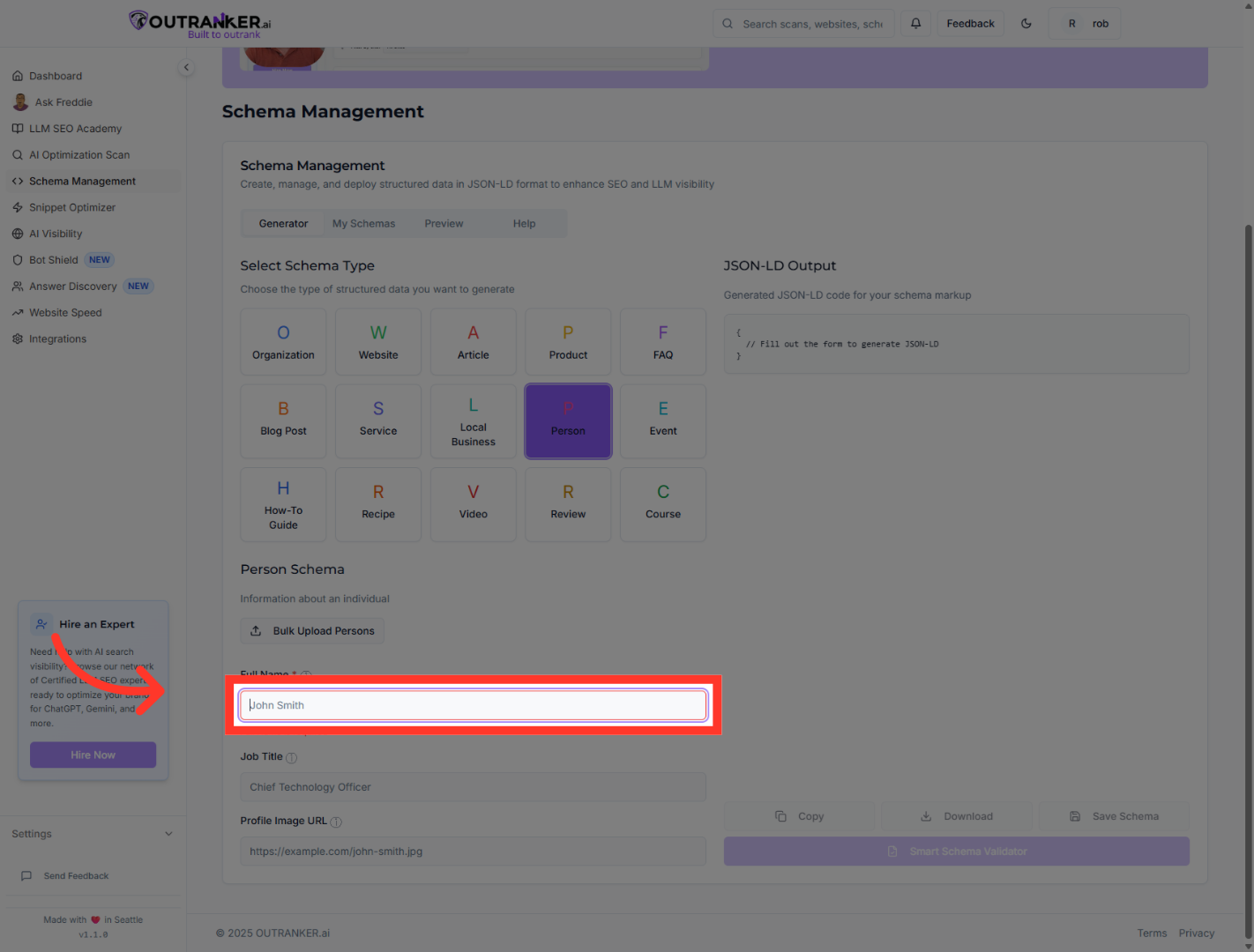
6. Click "Full Name*"
Select the Full Name field to input the person's complete name.
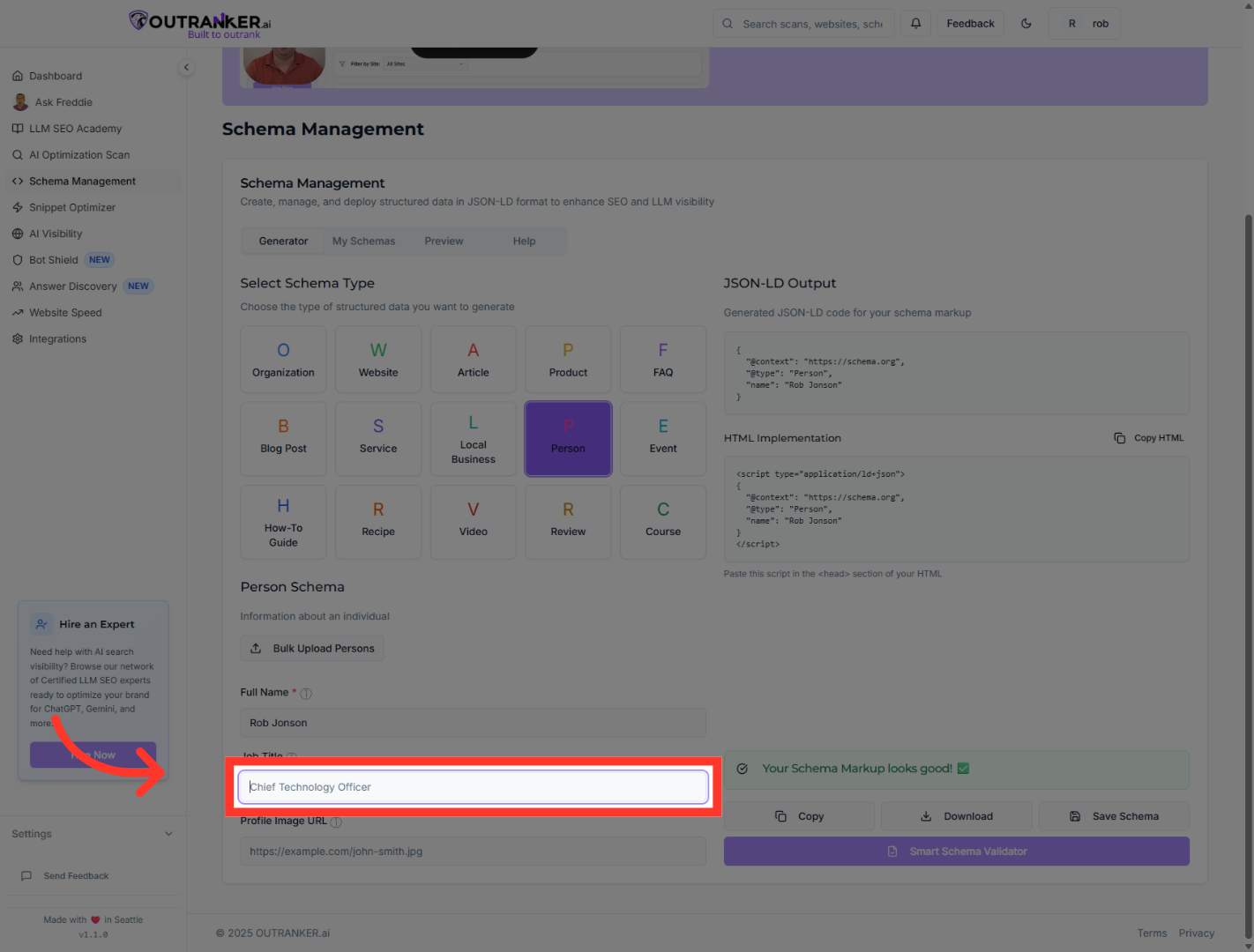
7. Click "Job Title"
Click the Job Title field to specify the person's position.
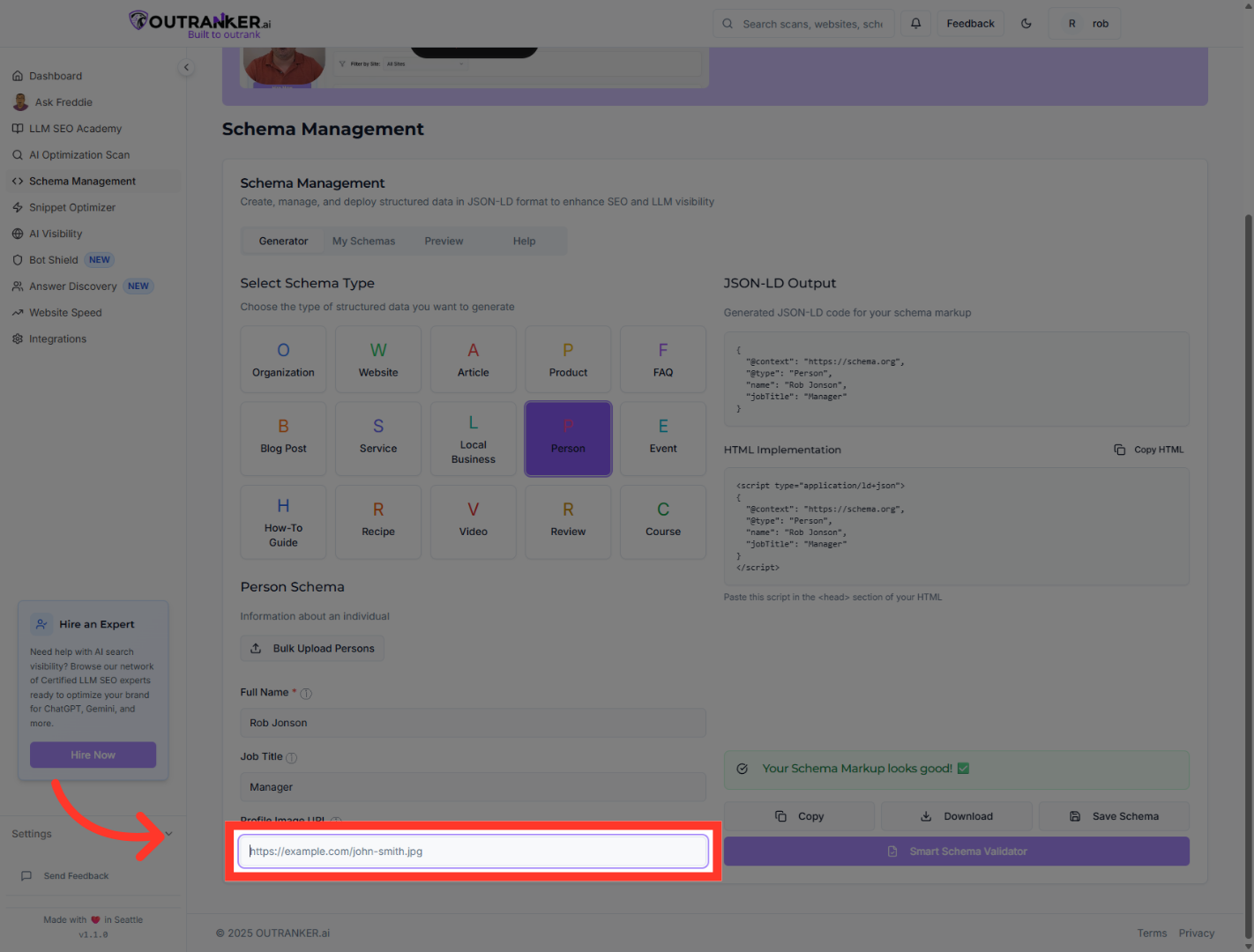
8. Click "Profile Image URL"
Click the Profile Image URL field to add or edit the person's photo link.
9. Click "Generated JSON-LD code for your schema markup"
Click the Generated JSON-LD code section to review the schema markup code.
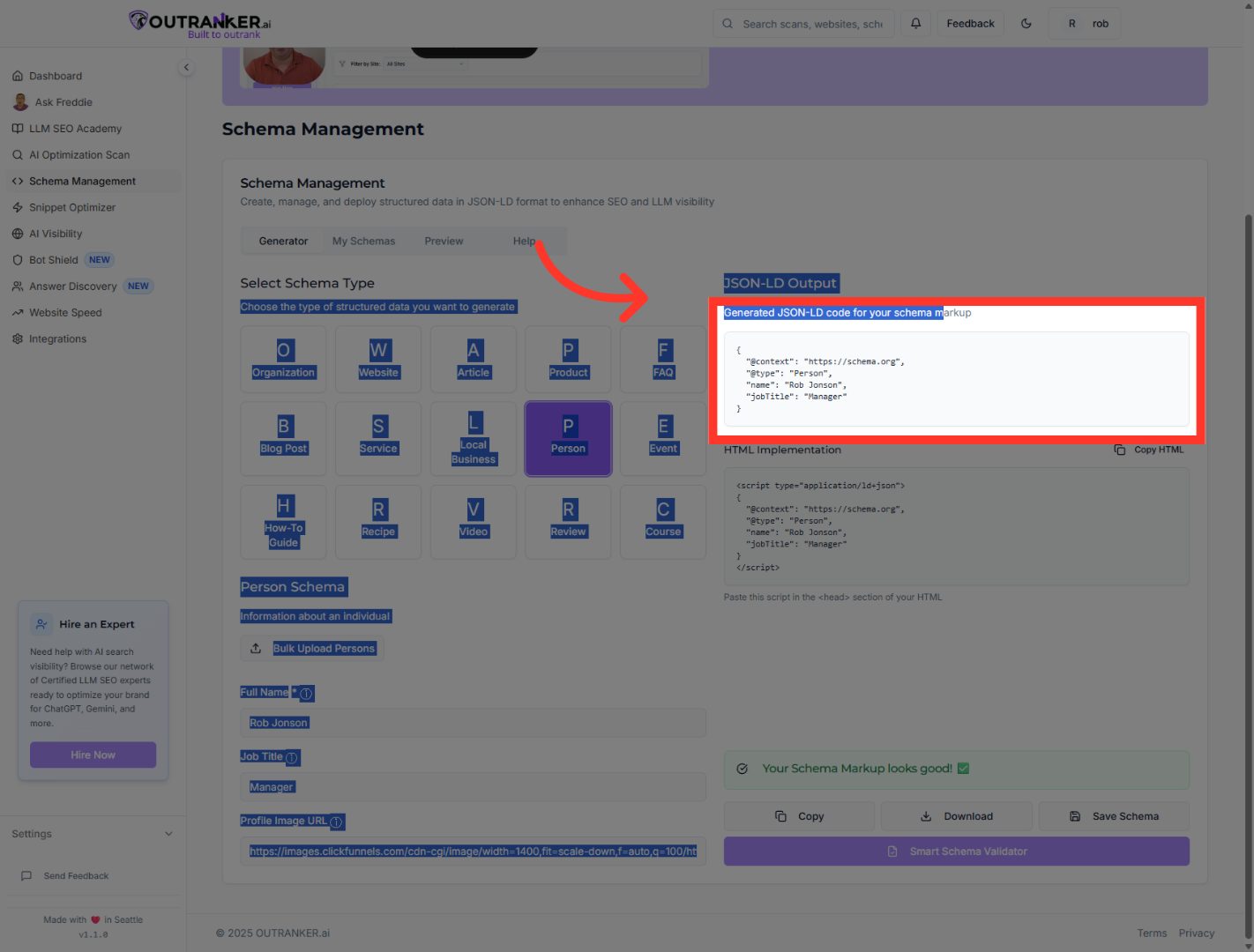
10. Click "HTML ImplementationCopy HTML"
Click HTML Implementation to view the HTML code for embedding the schema.
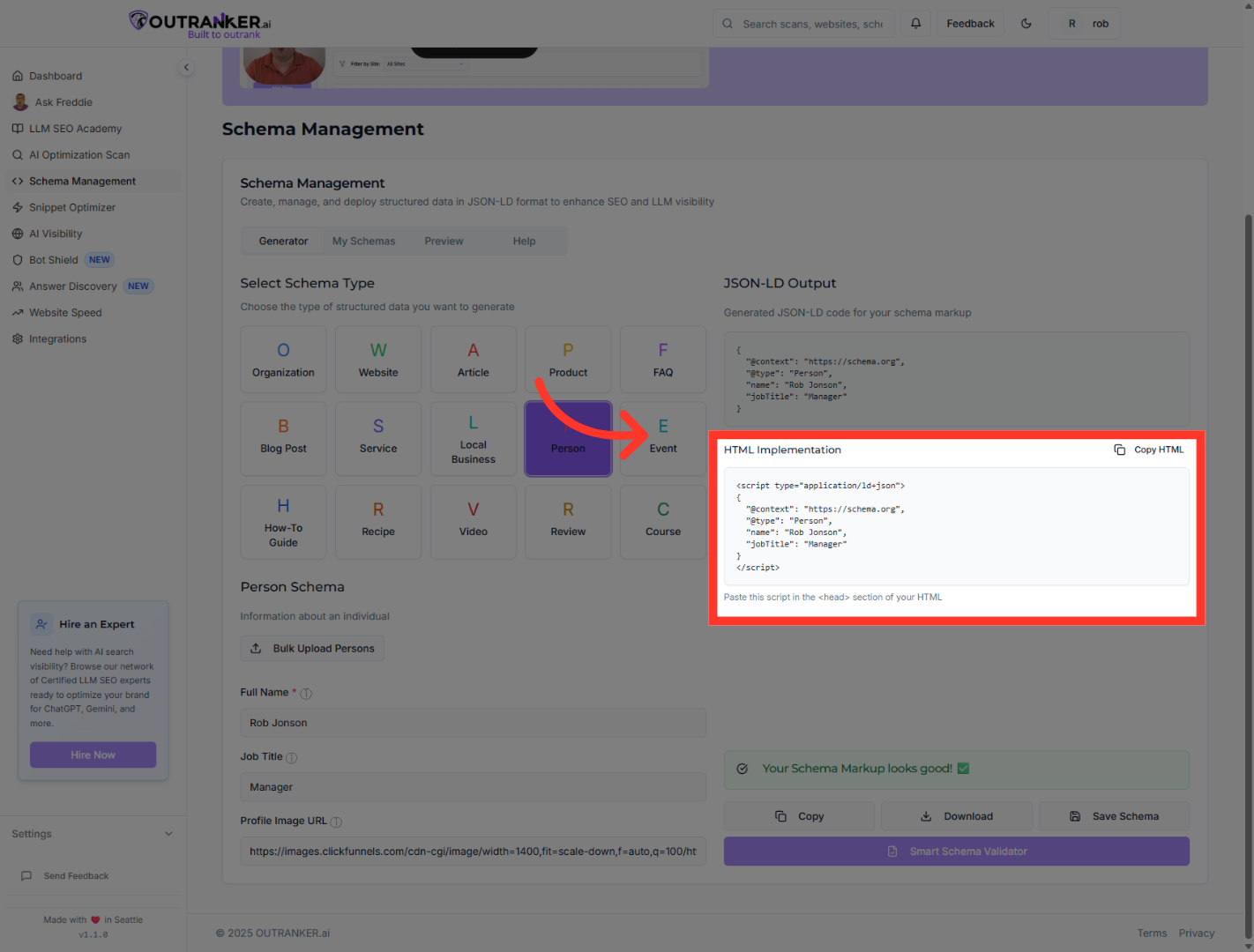
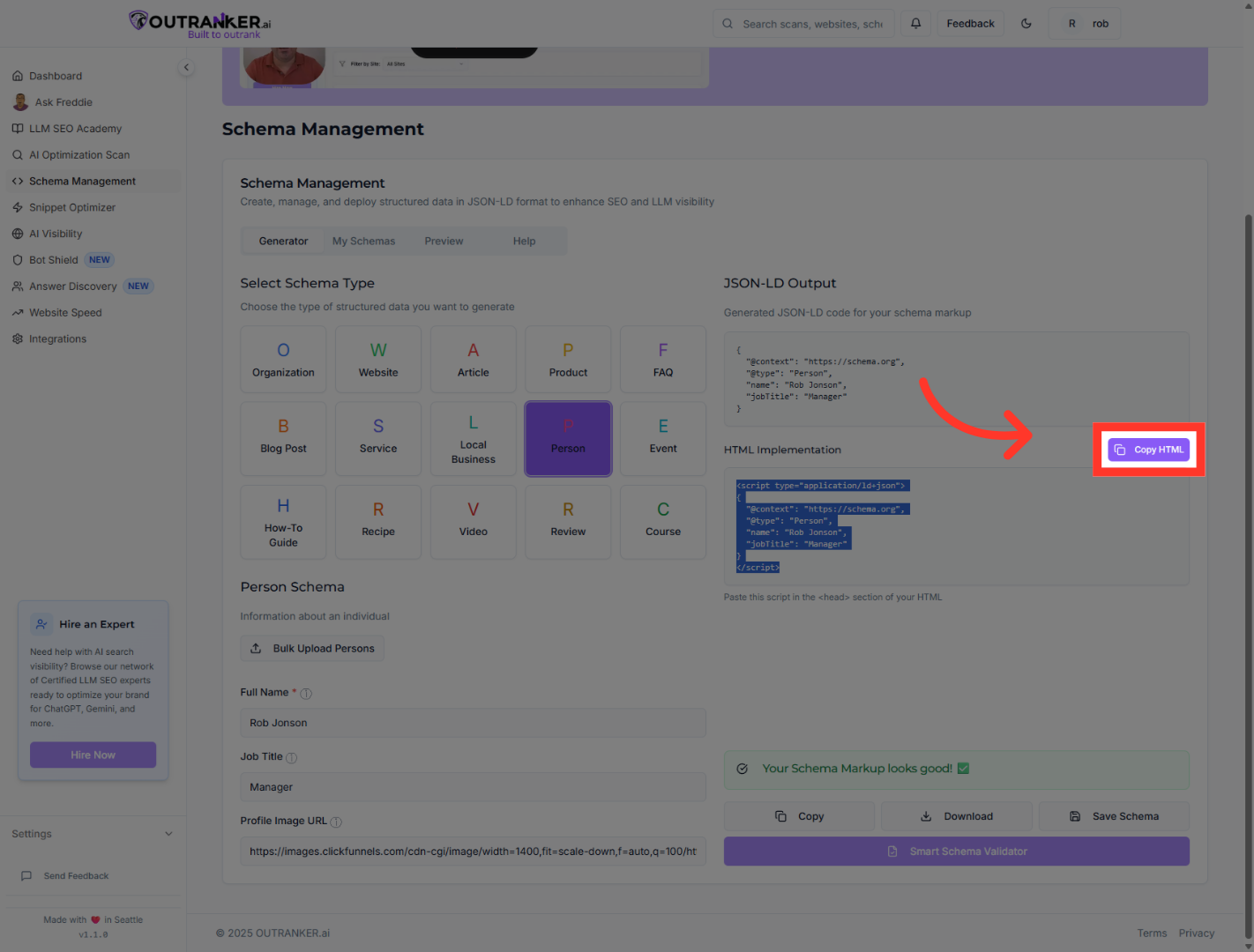
11. Click "Copy HTML"
Click Copy HTML to copy the schema markup code to your clipboard.
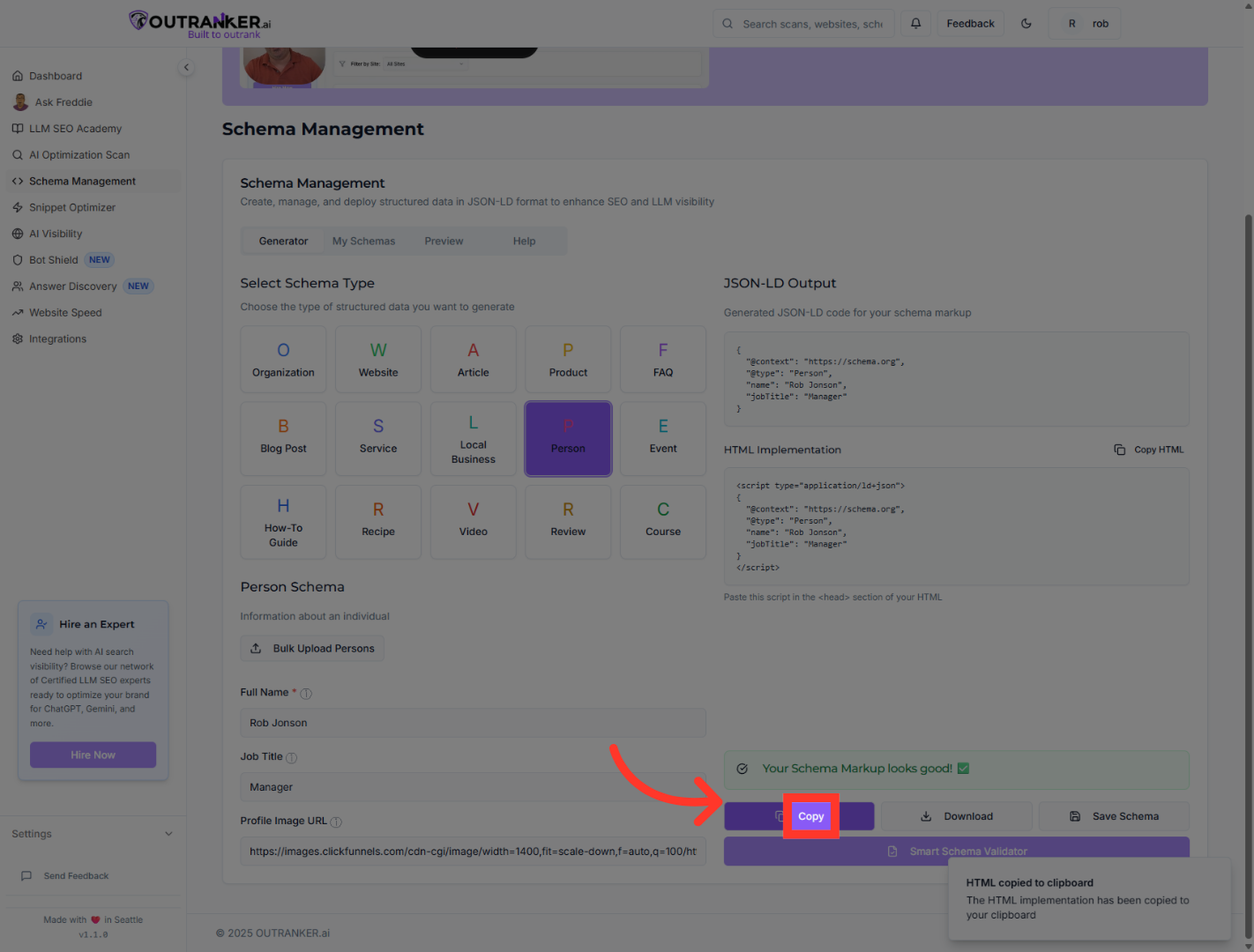
12. Click "Copy"
Click Copy to copy the JSON-LD schema markup for use in your website.
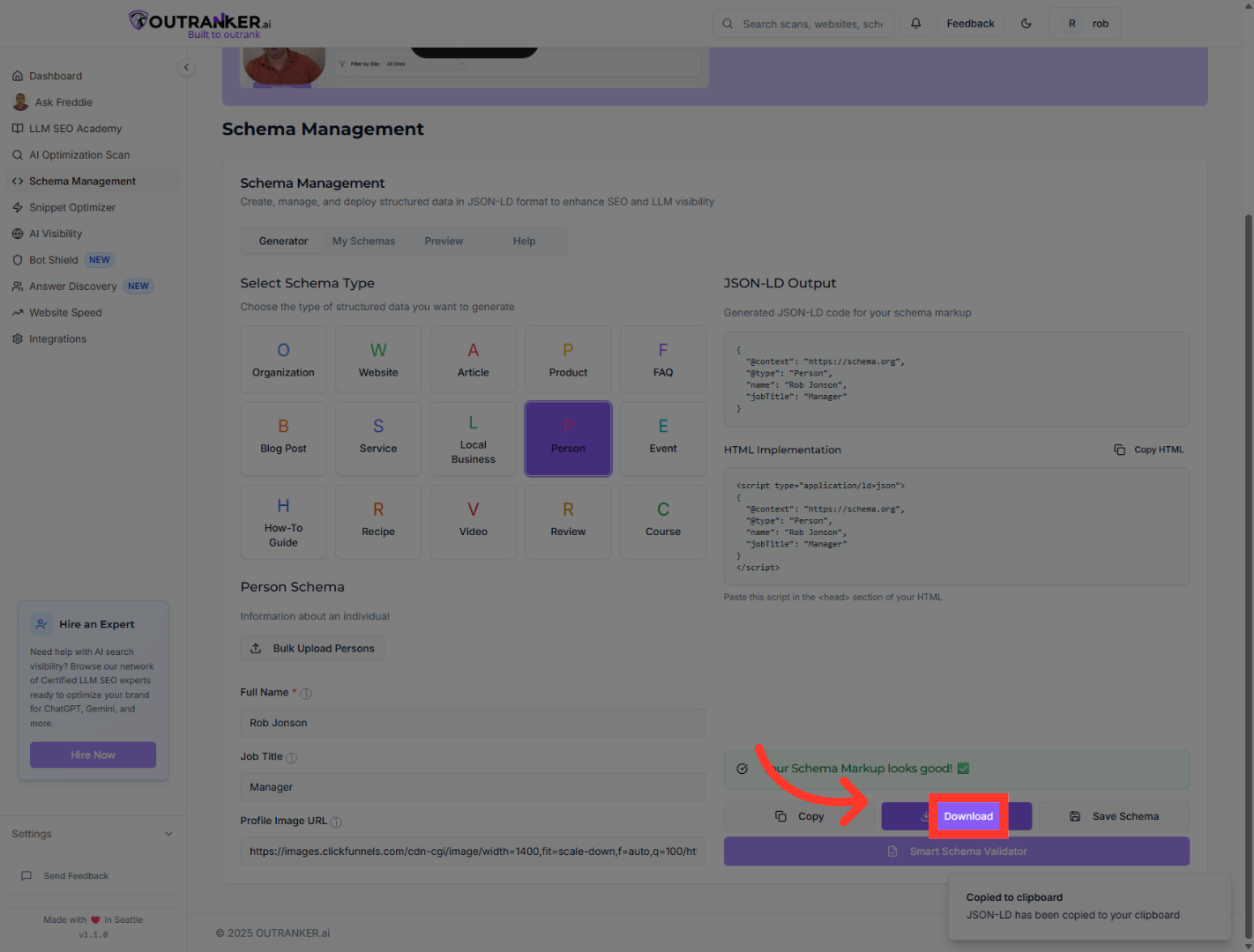
13. Click "Download"
Click Download to save the generated schema markup file to your device.
You have successfully generated and managed Person schema markups using Outranker's Schema Management and Generator features. By uploading data, manually adding entries, and reviewing the generated JSON-LD code, you can now implement structured data to enhance your website's S E O. For further customization, explore additional schema types or consult Outranker's documentation.
